ToolMage
Sign in

Best 43 Digital Art AI tools for Art

Popular Digital Art AI tools in Art include DreamUp, Midjourney, Photosonic, ArtSpace.ai, Fooocus, Diffus, Marble, Draw Things, LoraAI, and FixArt, helping you work more efficiently.

AI Art Generator
Freemium

AI Art Generator

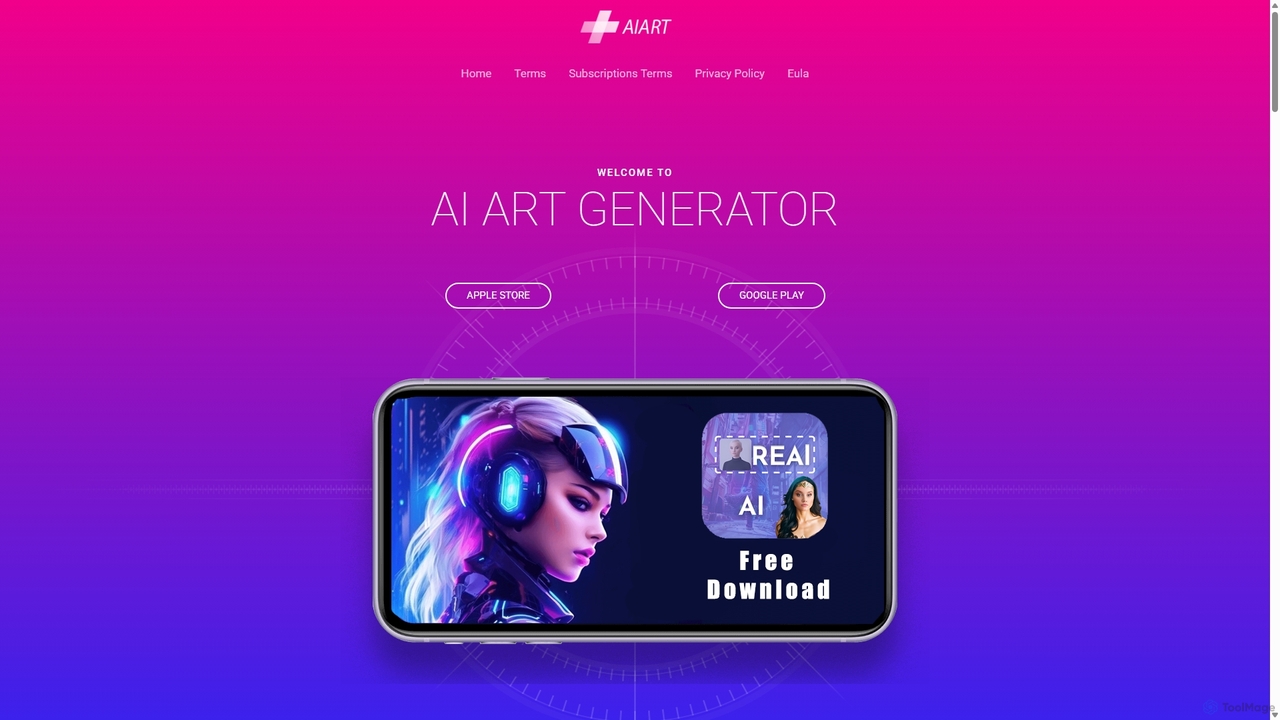
AI Art Generator is a powerful mobile application for iOS and Android that transforms your text prompts into stunning, high-quality images. Leveraging advanced artificial intelligence, it allows users to create unique digital art, photos, and illustrations effortlessly. Ideal for artists, designers, content creators, and hobbyists looking to unleash their creativity on the go.

Digital Art
Visits 6.6KFavorites 127Likes 130
Draw Things
Freemium

Draw Things

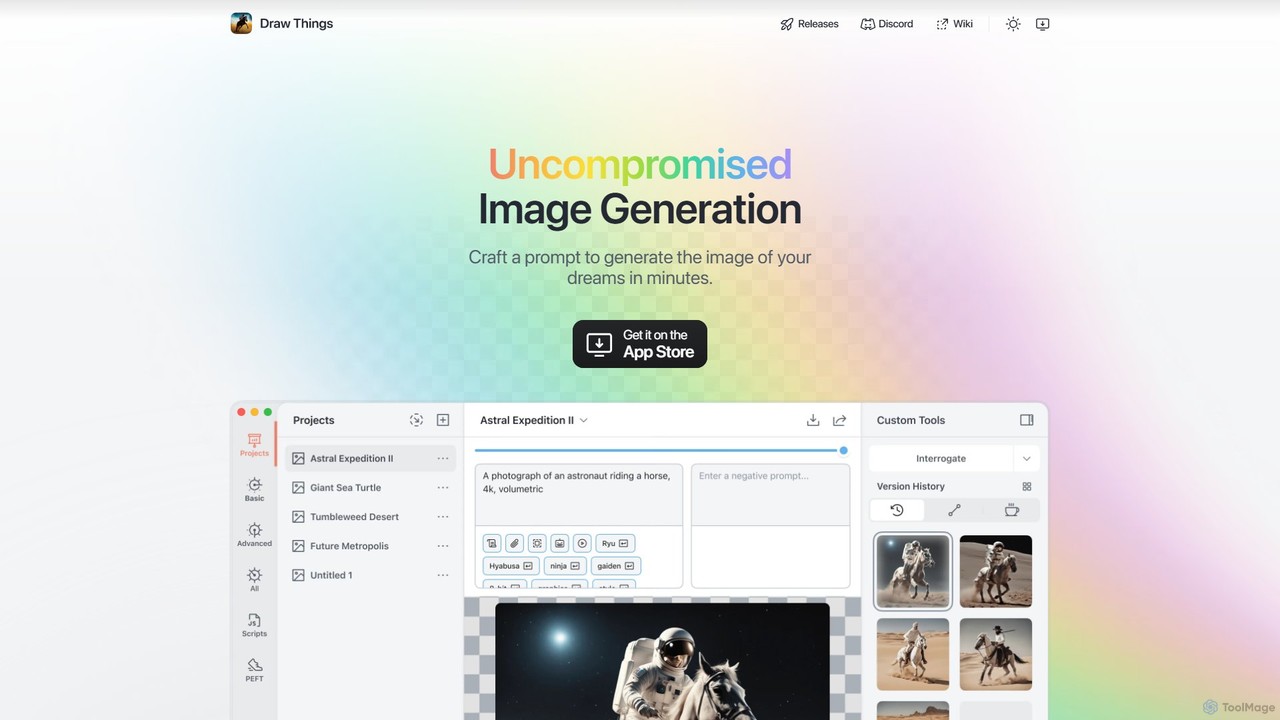
Draw Things is a powerful, free AI image generation app for iPhone, iPad, and Mac. It runs entirely offline on your device, ensuring 100% privacy. Create stunning art from text prompts, edit with advanced tools like in-painting, out-painting, and pose control, and manage your creative process with a non-destructive workflow. It's a full-featured art studio in your pocket, with no subscriptions or server costs.

Digital Art
Visits 142KFavorites 137Likes 139

About Digital Art

Digital Art tools are AI-powered applications that enable artists and creators to produce visual artworks using digital technologies. These tools leverage advanced algorithms, including generative adversarial networks (GANs) and neural style transfer, to transform ideas into diverse artistic expressions. They facilitate the creation of illustrations, paintings, 3D models, and animations, often accelerating the creative process and expanding artistic possibilities. By automating complex tasks and offering intuitive interfaces, they empower both seasoned professionals and aspiring artists to explore new creative frontiers within the broader field of Art.

Core Features

  • Generative Art: Automatically create unique images, patterns, or abstract compositions from text prompts or existing data.
  • Style Transfer: Apply the artistic style of one image to the content of another, producing visually striking fusions.
  • Image Upscaling & Enhancement: Improve resolution, clarity, and detail of digital artworks without loss of quality.
  • 3D Model Generation: Convert 2D concepts or text descriptions into editable 3D models for various artistic applications.
  • Creative Filters & Effects: Offer a wide range of artistic filters, brushes, and effects to modify and enhance digital creations.

Use Cases

Digital Art tools are widely adopted by graphic designers for rapid concept iteration, allowing them to generate multiple design variations for logos, posters, or marketing materials. Illustrators utilize these tools to create unique character designs or elaborate background scenes, significantly reducing manual drawing time. Game developers also employ them to quickly prototype environmental assets and textures, streamlining the asset creation pipeline.

How to Choose

When selecting Digital Art tools, consider the specific artistic style and output format required, such as 2D illustrations, 3D models, or animations. Evaluate the tool's AI model capabilities for generating diverse and high-quality results, along with its customization options for fine-tuning artistic elements. Assess the user interface for ease of use and integration with existing creative workflows, and compare pricing models based on usage or subscription tiers.

Featured tool rankings

Digital Art use cases

1

Generate Game Concept Art

Game artists can input textual descriptions or rough sketches of characters, environments, or props. Digital Art tools then rapidly generate multiple high-fidelity concept art variations, allowing for quick iteration and visualization of design ideas, significantly accelerating the pre-production phase.

2

Illustrate Marketing Content

Content creators and marketers can use these tools to produce bespoke illustrations for blog posts, social media campaigns, or advertisements. By providing simple prompts, they can generate unique, copyright-free visuals that align with brand aesthetics, enhancing engagement and reducing reliance on stock imagery.

3

Personalize Digital Portraits

Individuals and social media users can transform personal photos into stylized digital portraits or create unique avatars. Digital Art tools apply various artistic filters, styles, or even generate entirely new interpretations based on user preferences, offering a creative way to express identity online.

4

Design Product Visualizations

Product designers and e-commerce businesses can leverage Digital Art tools to create realistic or stylized mockups of products. From generating different material textures to visualizing products in various settings, these tools help in presenting product concepts effectively before physical prototyping, saving time and resources.

5

Artistically Enhance Photos

Photographers and enthusiasts can use Digital Art tools to not only enhance the resolution and detail of old or low-quality photographs but also apply artistic styles. This allows for the restoration of historical images with a creative flair, transforming them into unique pieces of digital art.

6

Generate Abstract Decor Art

Interior designers and art enthusiasts can utilize Digital Art tools to create custom abstract artworks tailored to specific color palettes, themes, or room aesthetics. By experimenting with generative algorithms, they can produce unique, large-scale prints or digital displays that perfectly complement a space's design.

Digital Art FAQ

What are Digital Art tools?

Digital Art tools are AI-powered software applications that enable users to create, modify, and enhance visual artworks using digital mediums. They leverage advanced algorithms like generative AI and machine learning to automate artistic processes, generate unique content from prompts, and apply complex styles. These tools are distinct from traditional digital painting software by their emphasis on AI-driven creation and transformation, offering new avenues for artistic expression and efficiency.

How do Digital Art tools differ from traditional graphic design software?

Digital Art tools primarily focus on AI-driven content generation and artistic transformation, often creating art from text prompts or applying styles automatically. Traditional graphic design software, like Photoshop or Illustrator, provides manual control over pixels and vectors for editing, drawing, and layout. While both are digital, Digital Art tools emphasize AI's creative capabilities, whereas traditional software focuses on precise manual manipulation and design composition.

What are the key features to look for in a Digital Art tool?

When choosing a Digital Art tool, prioritize features such as robust generative capabilities (e.g., text-to-image, image-to-image), a wide range of artistic styles and filters, and customization options for fine-tuning outputs. Look for high-resolution output support, intuitive user interfaces, and compatibility with other creative software. Additionally, consider the community support, available tutorials, and the tool's ability to handle complex prompts for diverse artistic needs.

Can Digital Art tools be used by beginners?

Yes, many Digital Art tools are designed with user-friendly interfaces and intuitive controls, making them highly accessible for beginners. They often simplify complex artistic techniques, allowing users to generate impressive artworks with minimal technical skill. While advanced features might require some learning, the core functionality of generating art from prompts or applying styles is typically straightforward, empowering new artists to explore digital creation without extensive training.

What are the common applications of Digital Art tools in professional fields?

Professionally, Digital Art tools are widely used in various fields. Graphic designers employ them for rapid concept generation and marketing material creation. Game developers utilize them for concept art, texture generation, and asset prototyping. Illustrators and animators leverage them for character design, background creation, and style exploration. Additionally, architects use them for visualization, and fashion designers for pattern and textile design, significantly enhancing creative workflows across industries.