
Copilotly
Copilotly is a personal AI copilot designed to enhance productivity and creativity across your digital workflow. It integrates …
Copilotly is a personal AI copilot designed to enhance productivity and creativity across your digital workflow. It integrates seamlessly into your browser and favorite websites like Gmail, Twitter, and LinkedIn, providing contextual assistance, content generation, and strategic guidance. From drafting professional emails to brainstorming social media content and accessing expert advice from specialized AI personas like doctors and lawyers, Copilotly acts as your all-in-one digital assistant to help you achieve more, effortlessly.
Chippy
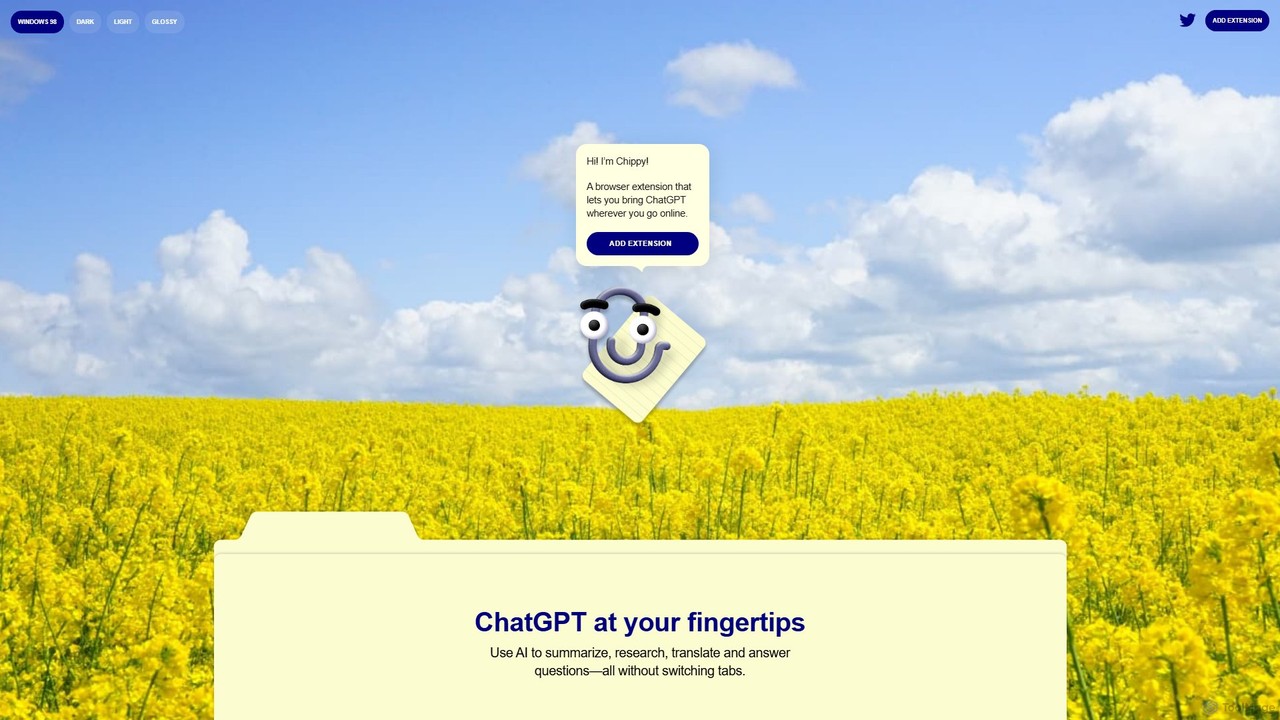
Chippy is a smart ChatGPT-powered Chrome extension that acts as your AI assistant across the web. Seamlessly summarize …
Chippy is a smart ChatGPT-powered Chrome extension that acts as your AI assistant across the web. Seamlessly summarize articles, translate text, research topics, and draft emails without ever leaving your current tab. It offers context-aware answers by focusing on the page you're viewing, overcoming ChatGPT's knowledge limitations. With a generous free tier and a focus on user privacy, Chippy enhances your browsing productivity by putting the power of AI at your fingertips.
ChatGPT for Google
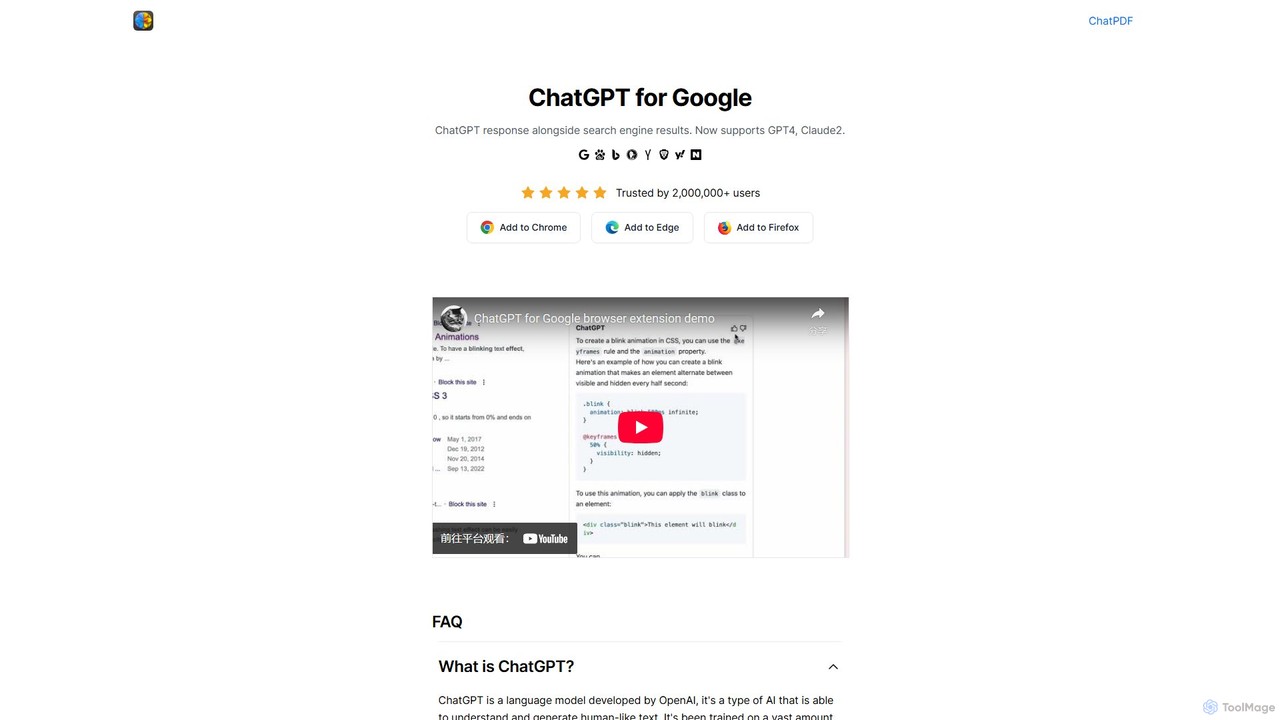
A browser extension that enhances search engines by displaying AI responses from ChatGPT, GPT-4, Claude, and Gemini (Bard) …
A browser extension that enhances search engines by displaying AI responses from ChatGPT, GPT-4, Claude, and Gemini (Bard) directly alongside traditional search results, streamlining information gathering and research.

ChatGPT Phantom
ChatGPT Phantom is a free, all-in-one browser extension that enhances your productivity by integrating ChatGPT, Google Bard, and …
ChatGPT Phantom is a free, all-in-one browser extension that enhances your productivity by integrating ChatGPT, Google Bard, and Bing Chat. It provides real-time web access for up-to-date information, helping you generate high-quality content like articles, YouTube scripts, code, and summaries effortlessly. It's designed for copywriters, creators, and developers who need a powerful and private AI copilot.
About Search Assistant
A Search Assistant is a type of browser extension that uses AI to enhance and streamline the online search experience. It integrates directly into search engine results pages (SERPs), providing concise summaries, related insights, and contextual information alongside standard search results. This helps users quickly grasp complex topics, evaluate sources, and find precise answers without opening multiple tabs. Unlike traditional searching, these assistants transform a static list of links into an interactive, knowledge-rich interface, making research more efficient.
Core Features
- AI-Powered Summaries: Generates concise summaries of web pages and videos directly on the search results page.
- Contextual Side Panel: Displays key facts, definitions, and related information in a sidebar for quick reference.
- Source Analysis: Offers insights into the credibility, bias, or key arguments of a source before you click.
- Follow-up Question Generation: Suggests relevant subsequent questions to help deepen research and explore topics further.
- Direct Answer Extraction: Pulls specific answers to questions from top-ranking pages and presents them clearly.
Use Cases
Search Assistants are ideal for students, researchers, content creators, and professionals who need to synthesize information from multiple online sources efficiently. For instance, a market analyst can use it to quickly gather competitive intelligence, or a student can accelerate their research for a term paper by getting instant summaries of academic articles.
How to Choose
When selecting a Search Assistant, consider the AI model it uses (e.g., GPT-4, Claude), the search engines it supports (Google, Bing, DuckDuckGo), and its data privacy policy. Also, evaluate the quality of its summaries and the relevance of the contextual information it provides. Some tools offer advanced features like citation generation or integration with note-taking apps, which may be important for specific workflows.
Search AssistantUse Cases
Accelerate Academic Research
A university student writing a thesis on climate change uses a Search Assistant to streamline their research process. When searching for academic papers, the tool provides instant summaries of complex studies directly on the results page. This allows the student to quickly assess the relevance of dozens of papers without opening each one. The assistant also suggests related research questions and identifies seminal works in the field, helping to build a comprehensive literature review in significantly less time.
Efficient Market and Competitor Analysis
A business analyst is tasked with researching a new market segment. Using a Search Assistant, they can quickly gather intelligence on key competitors, market trends, and customer sentiment. The tool synthesizes information from news articles, financial reports, and industry blogs into a contextual side panel. This provides a high-level overview at a glance, allowing the analyst to identify patterns and key players without spending days manually sifting through search results. The ability to compare information from multiple sources side-by-side on one screen is particularly valuable.
Learning Complex Technical Topics
A software developer is trying to understand a new programming framework. Traditional search results often link to dense, lengthy documentation. A Search Assistant helps by breaking down complex concepts. It summarizes key sections of the documentation, extracts code snippets for common use cases, and links to relevant tutorials or forum discussions where other developers have solved similar problems. This curated learning path helps the developer grasp the essentials of the framework much faster than navigating the raw search results alone.
Rapid Fact-Checking for Content Creators
A journalist writing an article on a developing news story needs to verify facts quickly and accurately. They use a Search Assistant to cross-reference information across multiple news outlets simultaneously. The assistant highlights key points from each source in a side-by-side view, making it easy to spot inconsistencies or corroborating details. Some assistants can also provide insights into the potential bias of a source, helping the journalist maintain objectivity and accuracy in their reporting under tight deadlines.
Informed Consumer Purchase Decisions
A consumer is researching a significant purchase, like a new laptop. They are faced with countless reviews, technical specification sheets, and comparison articles. A Search Assistant helps by aggregating this data directly on the search results page. It can create a summary of pros and cons from multiple review sites, compare key specs in a table format, and highlight the best available prices. This transforms a chaotic research process into a structured comparison, enabling the consumer to make a more confident and informed decision faster.
Streamlining Legal and Medical Research
A paralegal or medical student needs to find specific information within vast databases of case law or medical journals. A Search Assistant can quickly parse dense legal or scientific texts, summarizing key findings, precedents, or study outcomes. This allows them to rapidly identify the most relevant documents. The ability to ask follow-up questions like 'What were the dissenting opinions?' or 'What were the study's limitations?' directly within the search interface dramatically accelerates the process of finding critical information in specialized fields.