O.Translator
An AI-powered document translator that supports over 30 file formats (PDF, Word, EPUB, etc.) and 80+ languages. It …
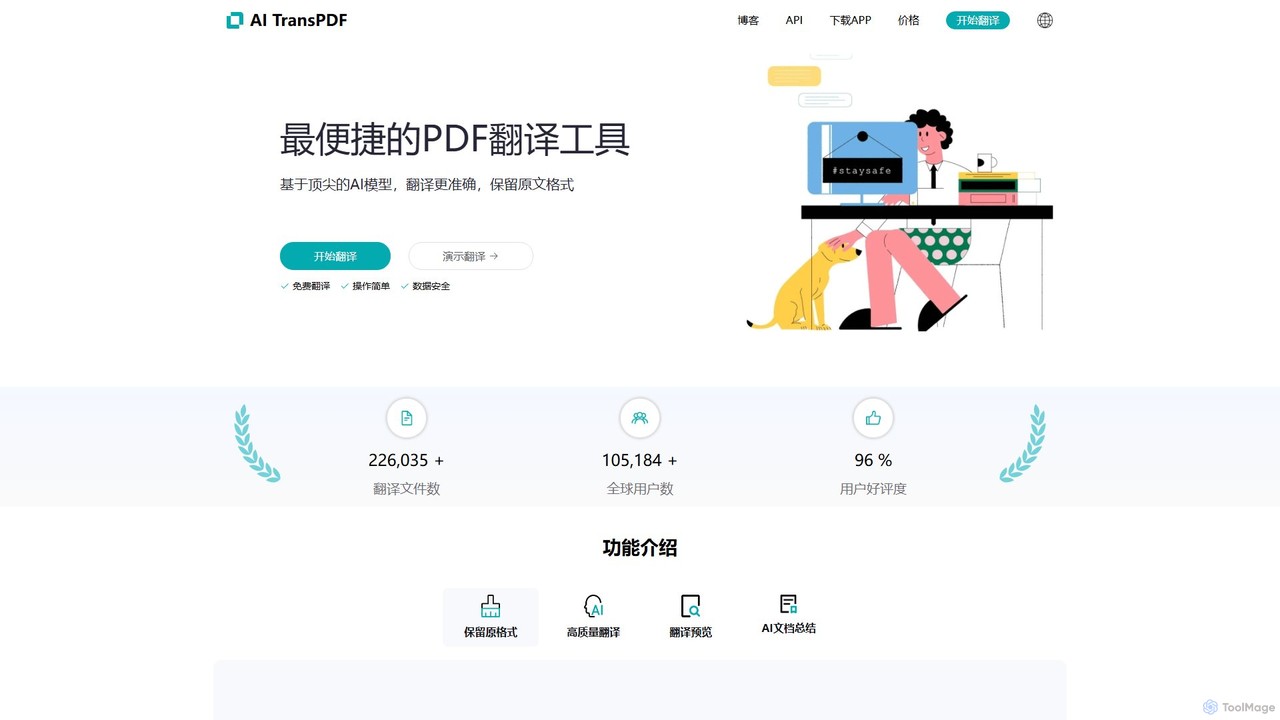
An AI-powered document translator that supports over 30 file formats (PDF, Word, EPUB, etc.) and 80+ languages. It excels at preserving the original layout and formatting, offering high-quality, context-aware translations with a unique free preview feature to ensure satisfaction before payment.
aitranspdf
An AI-powered document translation tool for formats like PDF, PPTX, and XLSX. It delivers high-quality, context-aware translations while …
An AI-powered document translation tool for formats like PDF, PPTX, and XLSX. It delivers high-quality, context-aware translations while perfectly preserving the original document's formatting, making it ideal for academic, business, and personal use.
About Documents
AI Document tools are a class of software that use artificial intelligence to analyze, understand, and process textual information within files. Leveraging technologies like Natural Language Processing (NLP), these tools go beyond simple text editing to enable intelligent search, automated summarization, and data extraction from formats like PDFs and DOCX. Their primary value lies in transforming unstructured document data into structured, actionable insights, significantly accelerating information-intensive workflows within a business environment. This capability helps teams make faster, more informed decisions by unlocking the knowledge trapped in their documents.
Core Features
- Intelligent Q&A: Ask natural language questions about your documents and receive precise answers with source references.
- Automated Summarization: Condense long reports, articles, or contracts into concise summaries, highlighting key points.
- Data Extraction: Automatically identify and extract specific information like names, dates, invoice amounts, or contract clauses.
- Content Analysis: Analyze documents for sentiment, key themes, or inconsistencies across multiple files.
- Document Comparison: Quickly identify differences and changes between two versions of a document.
Use Cases
These tools are widely used across legal, financial, academic, and administrative sectors. For instance, legal teams use them to accelerate contract review by quickly finding specific clauses. Financial analysts leverage them to extract key data from annual reports, while researchers speed up literature reviews by summarizing dozens of papers. In general business operations, they automate tasks like invoice processing and knowledge base management.
How to Choose
When selecting an AI Document tool, consider the accuracy of its AI models for summarization and data extraction. Evaluate the range of supported file types (e.g., PDF, DOCX, scanned images). Assess its integration capabilities with your existing cloud storage (like Google Drive or Dropbox) and other business software. Finally, carefully review the tool's data security and privacy policies, especially when handling sensitive information.

DocumentsUse Cases
Accelerate Legal Contract Review
A corporate lawyer needs to review a 50-page supplier agreement to identify potential risks before signing. Instead of reading it word-for-word, they upload the PDF to an AI Document tool. They ask specific questions like, 'What are the termination clauses?' or 'Summarize the liability limitations.' The AI instantly provides answers with direct quotes from the contract. This process reduces the initial review time from several hours to under 30 minutes, allowing the lawyer to focus on strategic negotiation points rather than manual information finding.
Automate Financial Report Analysis
A financial analyst is tasked with comparing the quarterly performance of three competitor companies. This requires extracting key metrics like revenue, net income, and cash flow from lengthy PDF reports. By using an AI Document tool, the analyst uploads all three reports and instructs the AI to extract and tabulate these specific figures. The tool completes the task in minutes, providing a structured table ready for analysis. This eliminates hours of manual data entry, reduces the risk of human error, and allows the analyst to spend more time on interpretation and strategic forecasting.
Streamline Academic Literature Reviews
A PhD student is starting a literature review and has collected over 50 relevant research papers. To understand the current state of research, they need to identify the methodology, key findings, and limitations of each paper. Using an AI Document tool, they upload the entire collection. They then query the collection with prompts like 'Summarize the methodologies used in these papers regarding topic X' or 'List the main conclusions from papers published after 2020.' The AI synthesizes information across all documents, helping the student quickly identify trends, gaps, and foundational studies, dramatically speeding up the research process.
Create an Internal Knowledge Q&A Bot
An HR department manages hundreds of pages of policy documents, employee handbooks, and benefits guides. Employees frequently ask repetitive questions. To improve efficiency, the HR manager uploads all these documents into an AI platform. This creates a conversational knowledge base. Now, instead of emailing HR, an employee can ask the AI bot, 'How many days of paternity leave do I get?' The bot instantly finds the relevant policy and provides a direct, accurate answer. This frees up the HR team's time and provides employees with 24/7 access to information.
Intelligent Invoice Data Extraction
An accounts payable clerk processes hundreds of invoices from various suppliers each week, all in different PDF formats. Manually entering the supplier name, invoice number, date, and total amount into the accounting software is tedious and prone to errors. By implementing an AI Document tool, the entire process is automated. The clerk now simply uploads a batch of invoices. The AI scans each document, accurately extracts the required fields regardless of the layout, and exports the data in a structured format (like CSV) for direct import into the accounting system. This reduces processing time by over 80%.
Generate Drafts for Business Proposals
A sales team needs to create customized proposals for multiple clients quickly. They have a standard proposal template and detailed notes from client meetings. Using an AI Document tool with generation capabilities, a sales representative can upload the template and paste in the meeting notes. They then prompt the AI: 'Generate a proposal for Client X, focusing on their need for improved logistics, using our standard pricing model.' The AI drafts a complete proposal, integrating the client's specific needs from the notes into the template's structure. This allows the team to produce personalized proposals in a fraction of the time.