ToolMage
Sign in

Best 3 Freelance Tools for Business

Popular Freelance Tools in Business include EliteInvoice, ZeeInvoices, and Easygoing, helping you work more efficiently.

ZeeInvoices
Free

ZeeInvoices

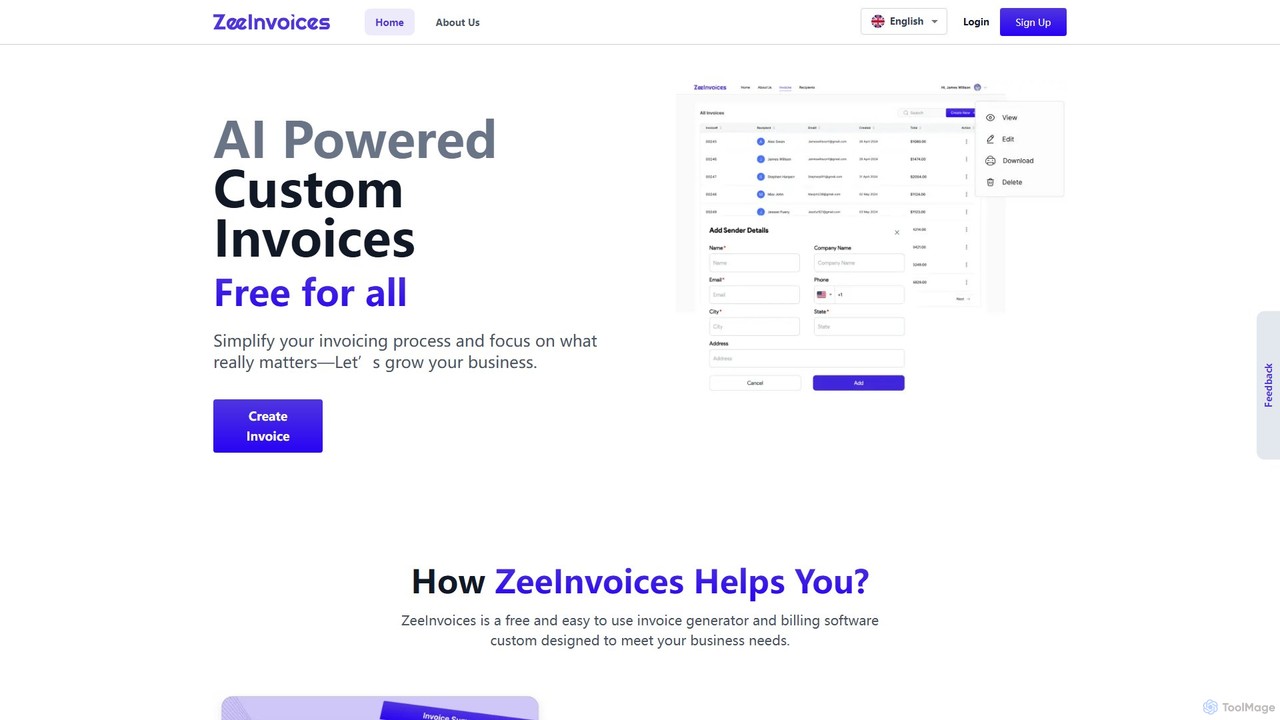
ZeeInvoices is a free, AI-powered invoice generator designed to simplify billing for freelancers, small businesses, and e-commerce. It automates invoice creation, offers customizable templates, and provides robust tracking to help you get paid faster and focus on growing your business.

Freelance Tools
Visits 5.5KFavorites 145Likes 142
EliteInvoice
Freemium

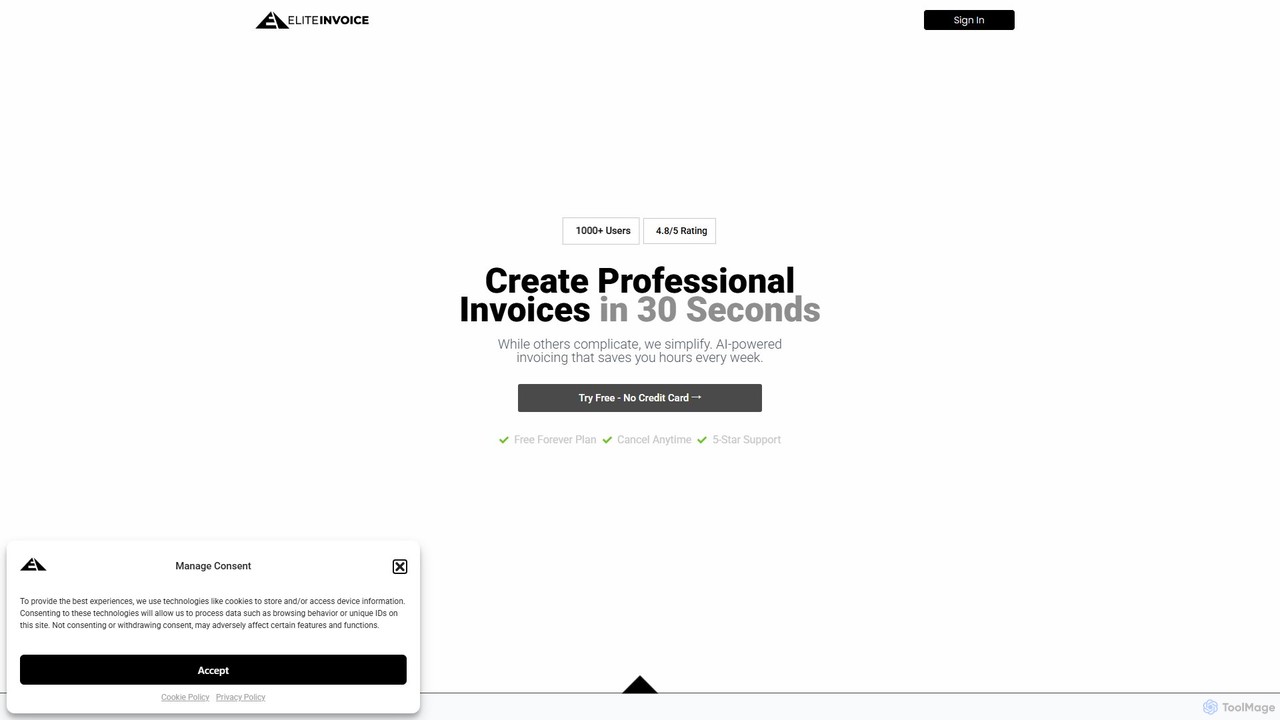
EliteInvoice

EliteInvoice is an AI-powered invoicing platform designed for freelancers and modern businesses. It simplifies the billing process, allowing you to create professional, customized invoices in under 30 seconds using natural language. The tool automates calculations, tracks payments in real-time, and provides insightful analytics to help you manage your finances efficiently and get paid faster.

Freelance Tools
Visits 5.6KFavorites 122Likes 147
Easygoing
Freemium

Easygoing

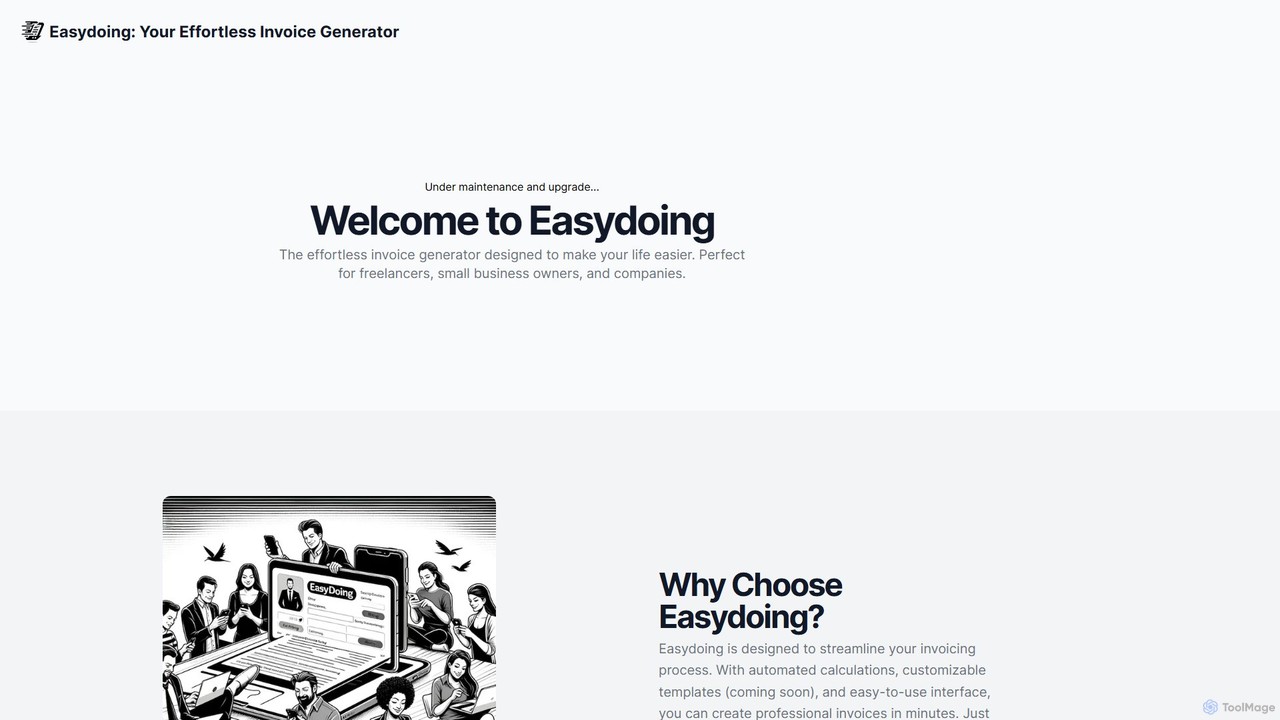
Easygoing is an AI-powered invoice generator that uses Natural Language Processing (NLP) to transform your plain text descriptions into professional invoices. Simply type or paste your billing details in natural language, and Easygoing automatically structures, calculates, and formats a polished invoice. It's designed for freelancers, small businesses, and contractors who want to streamline their billing process and save significant time on administrative tasks.

Freelance Tools
Visits 5.4KFavorites 186Likes 157

About Freelance Tools

AI Freelance Tools are integrated platforms designed to help independent professionals manage their entire business workflow. These tools leverage AI to automate administrative tasks such as proposal generation, time tracking, invoicing, and expense management. This allows freelancers to minimize time spent on non-billable activities and focus on delivering high-quality work for their clients. By centralizing project management, client communication, and financial oversight, these tools provide a comprehensive solution for running a solo business efficiently.

Core Features

  • AI Proposal & Contract Generation: Automatically creates customized proposals and legally sound contracts from templates and client data.
  • Automated Time Tracking: Intelligently tracks time spent on projects and tasks, often linking directly to invoices for accurate billing.
  • Smart Invoicing & Payment Processing: Generates and sends invoices automatically, tracks payment status, and integrates with payment gateways.
  • Integrated Client Management (CRM): Provides a central database to manage client information, communication history, and project status.
  • Expense & Income Reporting: Uses AI to categorize expenses, track income streams, and generate financial reports for tax purposes.

Use Cases

These tools are ideal for a wide range of independent professionals, including freelance designers, developers, writers, consultants, and virtual assistants. They are particularly valuable for those managing multiple clients and projects simultaneously, helping to maintain organization and ensure timely payments. Whether you're starting out or scaling your freelance business, these platforms provide the structure needed for sustainable growth.

How to Choose

When selecting an AI Freelance Tool, consider the specific needs of your business. Evaluate the scope of features—do you need robust project management or is simple invoicing sufficient? Check for integrations with essential tools like payment gateways (Stripe, PayPal) and calendar apps. Assess the pricing model, whether it's a flat monthly fee or a percentage of transactions. Finally, consider the user interface and ease of use to ensure it fits seamlessly into your daily workflow.

Freelance Tools use cases

1

Automating Proposal Creation for a Web Designer

A freelance web designer receives a detailed brief from a potential client. Instead of spending hours creating a proposal from scratch, they use an AI freelance tool. They input key project details like scope, deliverables, and timeline. The AI then generates a professional, well-structured proposal complete with pricing tiers, service descriptions, and a projected timeline. This process reduces proposal creation time from 3 hours to under 30 minutes, allowing the designer to respond to more leads quickly and increase their client acquisition rate.

2

Streamlining Time Tracking and Invoicing for a Consultant

A business consultant bills clients hourly for strategy sessions and project work. They use an AI freelance tool with an integrated time tracker. The tool runs in the background, allowing the consultant to start and stop timers for different tasks and clients with a single click. At the end of the month, the tool automatically compiles all tracked hours into a detailed, professional invoice for each client and sends it out. This eliminates manual calculation errors and saves several hours of administrative work, ensuring faster and more accurate payments.

3

Managing Multiple Writing Projects and Deadlines

A freelance content writer juggles articles for five different clients, each with unique deadlines and requirements. They use an AI freelance tool's project management dashboard. This central hub displays all active projects, upcoming deadlines, and task statuses at a glance. The writer can create task lists for each article, attach research files, and communicate with clients directly within the platform. AI-powered reminders notify them of approaching deadlines, preventing missed submissions and helping them maintain a reputation for reliability and professionalism.

4

Simplifying Expense Tracking for Tax Season

A freelance photographer incurs various business expenses, from new camera gear to travel costs for shoots. To prepare for tax season, they use an AI freelance tool's expense tracking feature. They can connect their business bank account for automatic transaction imports or simply take photos of receipts with their phone. The AI automatically scans the receipts, extracts key information like vendor and amount, and categorizes the expense (e.g., 'Equipment', 'Travel'). This creates an organized, real-time record of all deductions, making tax filing significantly less stressful and more accurate.

5

Creating a Professional Client Portal

A freelance brand strategist wants to provide a premium, transparent experience for their high-value clients. They use an AI freelance tool that offers a secure client portal feature. For each project, the client receives a unique login to a branded portal where they can view project timelines, access and approve deliverables, see all past invoices, and communicate directly with the strategist. This centralized hub enhances professionalism, reduces back-and-forth emails, and gives clients a clear, real-time view of project progress, fostering trust and satisfaction.

6

Generating Legally Sound Contracts from Templates

A virtual assistant (VA) is onboarding a new client and needs a service agreement. Instead of hiring a lawyer or using a generic online template, the VA uses their AI freelance tool. They select a 'Virtual Assistant Service Agreement' template, and the AI prompts them to fill in key details like client name, service scope, hourly rate, and payment terms. The tool then generates a comprehensive, legally-vetted contract ready for digital signature. This ensures the VA is professionally protected without incurring significant legal fees for each new client engagement.

Freelance Tools FAQ

What are AI Freelance Tools?

AI Freelance Tools are all-in-one software platforms designed specifically for the business needs of independent professionals. They use artificial intelligence to automate and streamline core administrative tasks, such as creating proposals, tracking billable hours, generating invoices, and managing expenses. Unlike general business software, these tools centralize everything a freelancer needs—project management, client communication, and financial tracking—into a single, integrated system to enhance efficiency and professionalism.

How do I choose the right AI tool for my freelance business?

To choose the right tool, first assess your primary needs. Consider the following factors:

  • Core Services: Do you bill hourly or by project? Ensure the tool's time tracking and invoicing features match your model.
  • Client Volume: If you manage many clients, look for strong CRM and project management capabilities.
  • Integrations: Check if it connects with your essential tools, like payment gateways (PayPal, Stripe), accounting software, and calendars.
  • Budget: Compare pricing models. Some charge a flat monthly fee, while others take a percentage of your invoiced amount.
  • Ease of Use: Select a tool with an intuitive interface that won't require a steep learning curve, allowing you to focus on your work.
What's the difference between Freelance Tools and general Project Management tools?

The main difference lies in their scope. General project management tools (like Asana or Trello) are focused on task management, team collaboration, and workflow visualization. They excel at organizing the work itself. AI Freelance Tools, on the other hand, are comprehensive business management platforms. They include project management features but also integrate them with essential financial and client-facing functions like invoicing, payment processing, contract generation, and expense tracking. They are designed to run the entire business of a solopreneur, not just manage a project.

What key features should I look for in an AI Freelance Tool?

While features vary, there are several core functions that provide the most value for freelancers. Look for a tool that offers:

  • Proposals & Contracts: AI-assisted creation of professional client agreements.
  • Time Tracking: An easy-to-use timer for accurately logging billable hours.
  • Invoicing & Payments: Automated invoice generation and integration with payment gateways for quick payments.
  • Project Management: A dashboard to track tasks, deadlines, and project progress for multiple clients.
  • Expense Tracking: A simple way to record and categorize business expenses for tax purposes.

A tool that combines these five areas provides a solid foundation for managing your freelance business efficiently.

Who can benefit most from using AI Freelance Tools?

Any independent professional who manages their own clients and projects can benefit significantly. This includes a wide range of roles such as:

  • Creative Professionals: Designers, writers, photographers, and videographers who need to manage project deliverables and client feedback.
  • Technical Professionals: Web developers, software engineers, and IT consultants who track time on complex projects.
  • Consultants & Coaches: Business strategists, marketers, and life coaches who manage client relationships and bill for their time.
  • Virtual Assistants: Administrative professionals who handle diverse tasks for multiple clients and require precise time tracking and invoicing.

Essentially, if you spend time on administrative tasks instead of your core, billable work, an AI freelance tool can help you reclaim that time and run your business more smoothly.