Business Best in category 2 results Prototyping AI Tool

Popular AI tools in the Prototyping field of Business include ShipFast AI、Farspeak, etc., helping you quickly improve efficiency.

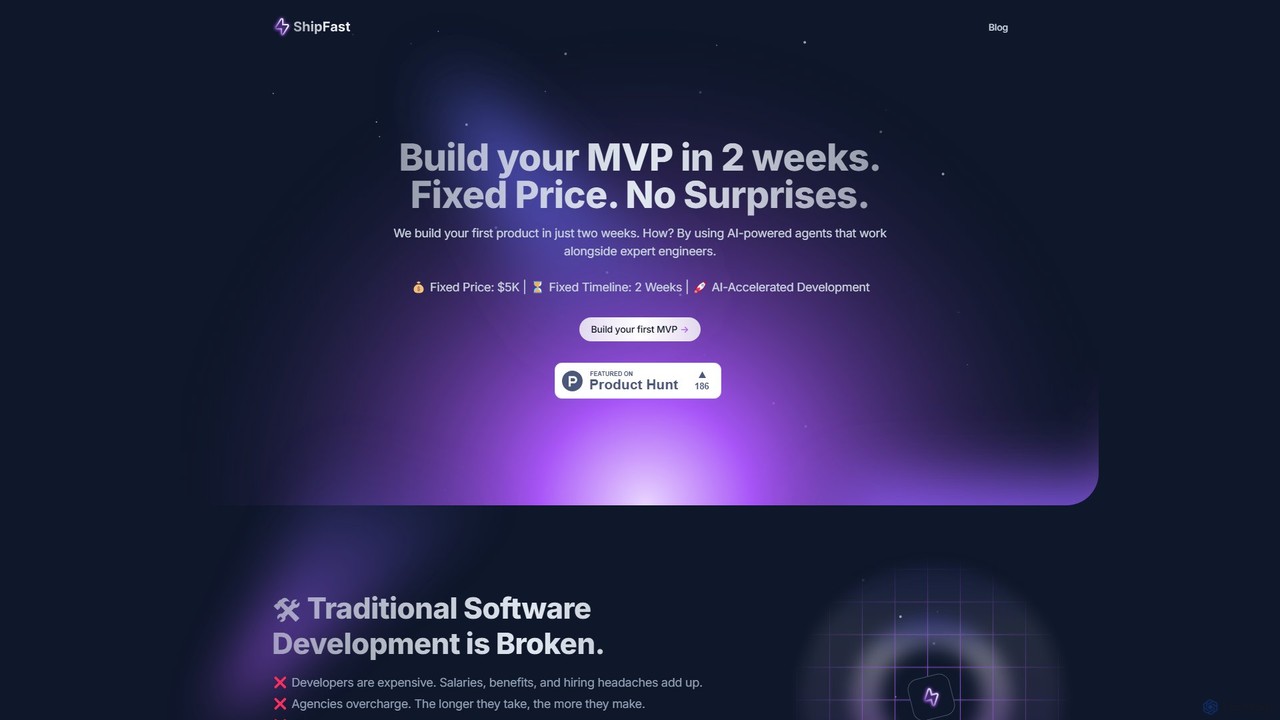
ShipFast AI

ShipFast AI

ShipFast AI is an AI-accelerated development service that builds your Minimum Viable Product (MVP) in just two weeks …

9.4K
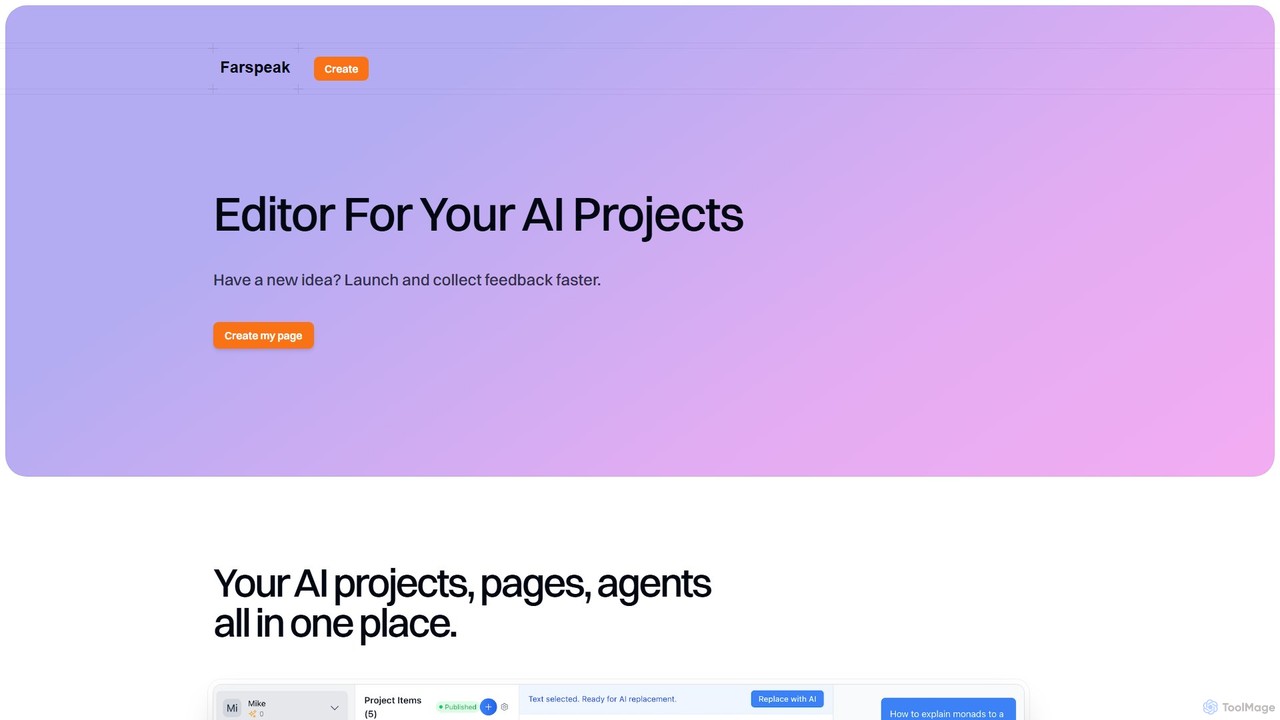
Farspeak

Farspeak

Farspeak is an AI development platform for rapid prototyping and deployment. It enables users to build, launch, and …

2.5K

About Prototyping

AI Prototyping tools are a class of software that leverages artificial intelligence to accelerate the creation of interactive models and mockups for applications, websites, and digital products. These tools often use generative AI models to translate text descriptions, sketches, or data into high-fidelity, functional prototypes. They significantly reduce the time and effort required in the early stages of product development, enabling teams to validate ideas and gather feedback faster. This approach moves beyond traditional manual design, automating repetitive tasks and generating creative design variations.

Core Features

  • Text-to-UI Generation: Creates user interface mockups and components directly from natural language prompts.
  • Wireframe-to-Design Conversion: Automatically transforms low-fidelity sketches or wireframes into polished, high-fidelity designs.
  • Automated User Flow Creation: Generates logical screen sequences and interactive links based on specified user goals.
  • AI-Powered Component Suggestions: Intelligently recommends or generates UI elements like buttons and forms that match the design context.
  • Generative Data Population: Fills prototypes with realistic placeholder text, images, and data to create a more lifelike user experience.

Use Cases

These tools are invaluable for product managers, UX/UI designers, startup founders, and developers within a business setting. They are used for rapidly validating new product concepts, creating multiple design variations for A/B testing, and building interactive demos for stakeholder presentations or investor pitches. They streamline the design-to-development workflow, fostering better collaboration and faster iteration cycles.

How to Choose

When selecting an AI Prototyping tool, consider the fidelity of the output (from wireframes to pixel-perfect designs), the range of input methods (text, sketch, data), and its integration capabilities with existing design and development tools like Figma or GitHub. Also, evaluate the learning curve and the quality of the AI-generated assets to ensure they align with your team's standards and workflow.

PrototypingUse Cases

1

Rapid App Concept Validation for Startups

A startup founder with a limited budget and no dedicated design team needs to create a compelling, interactive prototype to present to potential investors. Instead of spending weeks learning complex design software, they use an AI prototyping tool. By writing a few paragraphs describing the app's core features, target audience, and desired user journey, the tool generates a multi-screen, clickable prototype in minutes. This allows the founder to quickly test the core concept, gather early feedback, and present a tangible vision to stakeholders, significantly accelerating the funding process.

2

Generating UI Variations for A/B Testing

A UX designer is tasked with improving the conversion rate of a checkout page. To find the most effective layout, they need to create several design variations for A/B testing. Manually designing each version would be time-consuming. Using an AI prototyping tool, the designer provides the base wireframe and prompts the AI to generate five different layouts focusing on 'simplicity', 'urgency', or 'social proof'. The tool instantly produces distinct, high-fidelity mockups, complete with different button placements, color schemes, and component styles. This allows the design team to move directly to user testing in a fraction of the time.

3

Accelerating Design Handoff to Developers

A product team has finalized their app's user flow on a whiteboard. Traditionally, a designer would need to recreate this flow digitally in a design tool, which is a redundant step. Instead, they take a photo of the whiteboard sketch and upload it to an AI prototyping tool. The AI recognizes the shapes, text, and arrows, converting the rough sketch into a clean, interactive digital wireframe. It can even generate basic component code (e.g., CSS, React) for each element. This digital prototype serves as a clear, functional specification for developers, reducing ambiguity and speeding up the handoff process from design to implementation.

4

Creating Interactive Website Mockups for Clients

A marketing agency needs to quickly create a website mockup for a new client presentation. The client has provided a basic sitemap and brand guidelines. The agency's designer inputs these details into an AI prototyping tool, along with a prompt like 'Create a modern, clean e-commerce homepage for a luxury brand'. The AI generates a complete, multi-section homepage with placeholder images and text that adhere to the brand's aesthetic. The designer can then make minor tweaks and add interactivity, resulting in a professional, clickable prototype in under an hour, impressing the client and securing the project.

5

Prototyping Internal Business Tools and Dashboards

An operations manager in a large enterprise identifies a need for a new internal dashboard to track logistics. They are not a designer or developer, but they know what data points and charts are needed. Using an AI prototyping tool, they describe the dashboard in plain language: 'I need a dashboard with a map showing truck locations, a bar chart for daily deliveries, and a table of pending orders.' The AI tool generates a functional layout with placeholder data visualizations. This prototype allows the manager to effectively communicate their vision to the IT department, ensuring the final tool is built correctly from the start and saving significant development resources.

6

Enhancing Educational Content with Simulations

An instructional designer is creating an online course to teach a complex software application. To make the learning process more engaging, they want to include interactive simulations. Building these simulations from scratch would require coding expertise. By using an AI prototyping tool, the designer can simply describe the user's actions and the software's expected responses (e.g., 'When the user clicks the Export button, show a dialog box with format options'). The AI generates a clickable, realistic simulation of the software interface, which can be embedded directly into the course material, providing students with a hands-on learning experience.

PrototypingFrequently Asked Questions