ToolMage
Sign in

Best 1 Saas Builder AI tools for Business

Popular Saas Builder AI tools in Business include WeWeb, helping you work more efficiently.

WeWeb
Freemium

WeWeb

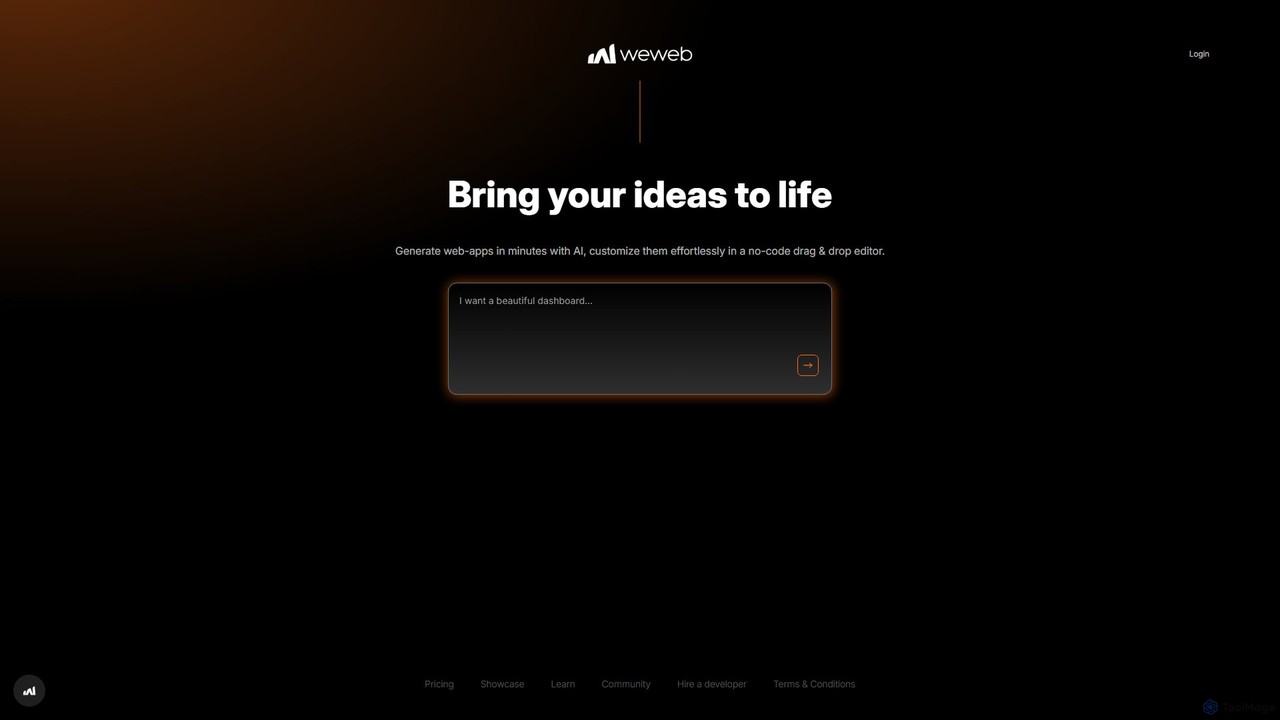
WeWeb is a no-code/low-code platform that leverages AI to build production-grade web applications 10x faster. It combines an AI generator with a powerful visual drag-and-drop editor, allowing users to create scalable SaaS, marketplaces, and internal tools with complete design freedom and backend flexibility.

Saas Builder
Visits 380.9KFavorites 127Likes 138

About Saas Builder

SaaS Builder tools are platforms designed to streamline the creation, deployment, and management of Software as a Service (SaaS) applications. Leveraging no-code or low-code principles, these tools empower businesses and individuals to develop robust, scalable, and subscription-based software products without extensive programming knowledge. They accelerate time-to-market and reduce development costs, making software entrepreneurship more accessible within the broader business technology landscape.

Core Features

  • Visual Development Interface: Drag-and-drop editors for building user interfaces and defining application workflows.
  • Database Management: Integrated tools for designing, structuring, and managing application data models.
  • User Authentication & Roles: Built-in features for secure user login, registration, and granular access control.
  • Subscription & Billing Management: Tools to set up pricing plans, manage recurring subscriptions, and process payments.
  • API Integrations: Capabilities to connect with external services and extend application functionality.

Applicable Scenarios

SaaS Builder tools are ideal for startups validating new product ideas, small businesses digitizing internal processes, or entrepreneurs launching niche subscription services. They enable rapid prototyping of web applications, creation of custom CRM or project management tools, and development of specialized industry solutions with minimal technical overhead.

How to Choose

When selecting a SaaS Builder, consider its scalability for future growth, the flexibility of its customization options, the range of pre-built templates and integrations, and its pricing model. Evaluate the learning curve, the availability of community support, and the vendor's commitment to security and data privacy for your application.

Saas Builder use cases

1

Launch a Niche Subscription Service

An entrepreneur uses a SaaS Builder to quickly develop and deploy a specialized online tool, such as a content calendar for social media managers, complete with user accounts, subscription tiers, and payment processing. This allows for rapid market testing and iteration, bringing a new product to market efficiently without extensive coding.

2

Internal Business Process Automation

A small business creates a custom project management or inventory tracking system using a SaaS Builder. This replaces manual spreadsheets or disparate tools, centralizing data and automating workflows tailored to their specific operational needs, leading to significant time and resource savings.

3

Rapid Prototyping for Startups

A startup team utilizes a SaaS Builder to build a functional Minimum Viable Product (MVP) of their software idea within weeks. This allows them to gather early user feedback, attract investors, and validate their concept before investing heavily in traditional, more time-consuming development methods.

4

Educational Platform Development

An educator or training institution builds an interactive online course platform with user progress tracking, quiz modules, and subscription access using a SaaS Builder. This provides a tailored learning experience without complex coding, allowing them to focus on content delivery and student engagement.

5

Client Portal Creation for Agencies

A marketing or design agency develops a secure client portal where clients can view project updates, share files, approve designs, and communicate directly. This enhances the client experience, streamlines project collaboration, and reduces the need for constant email exchanges, improving overall efficiency.

6

Community or Membership Site Development

An individual or organization builds a private online community or membership site, offering exclusive content, forums, and events behind a paywall. SaaS Builders handle user management, content delivery, and subscription billing seamlessly, enabling creators to monetize their expertise and build engaged audiences.

Saas Builder FAQ

What are SaaS Builder tools?

SaaS Builder tools are platforms that enable users to design, develop, and deploy Software as a Service (SaaS) applications with minimal or no coding. They abstract complex technical aspects, providing visual interfaces and pre-built components to accelerate software creation. These tools are ideal for entrepreneurs, small businesses, and teams looking to launch subscription-based software products efficiently.

How do SaaS Builders differ from traditional software development?

SaaS Builders significantly reduce the need for extensive coding and infrastructure management, unlike traditional software development which requires deep programming knowledge and manual server setup. They offer visual development, pre-built modules, and automated deployment, drastically cutting down development time and costs. Traditional development provides ultimate customization, while SaaS Builders prioritize speed and accessibility for specific use cases.

Who should use a SaaS Builder?

SaaS Builders are best suited for entrepreneurs validating new ideas, small to medium-sized businesses needing custom internal tools, and non-technical founders aiming to launch subscription products. They are also valuable for developers seeking to rapidly prototype or extend existing applications without starting from scratch. Anyone looking to create a functional, scalable SaaS application quickly and cost-effectively can benefit.

What key features should I look for in a SaaS Builder?

When evaluating SaaS Builders, prioritize features like a robust visual editor for UI/UX design, comprehensive database management, secure user authentication and role management, and flexible subscription/billing capabilities. Strong API integration options, scalability, and the availability of templates or pre-built components are also crucial for efficient development and future growth of your application.

Can I integrate my existing tools with a SaaS Builder application?

Yes, most modern SaaS Builders offer extensive integration capabilities, often through built-in connectors or custom API integrations. This allows your newly built SaaS application to seamlessly connect with existing CRM systems, marketing automation platforms, payment gateways, and other third-party services, ensuring a cohesive business ecosystem and extended functionality. Always check the builder's documentation for specific integration options.