Business Best in category 3 results Saas Management AI Tool

Popular AI tools in the Saas Management field of Business include Dodo Payments、SubscriptionPro、tryomi, etc., helping you quickly improve efficiency.

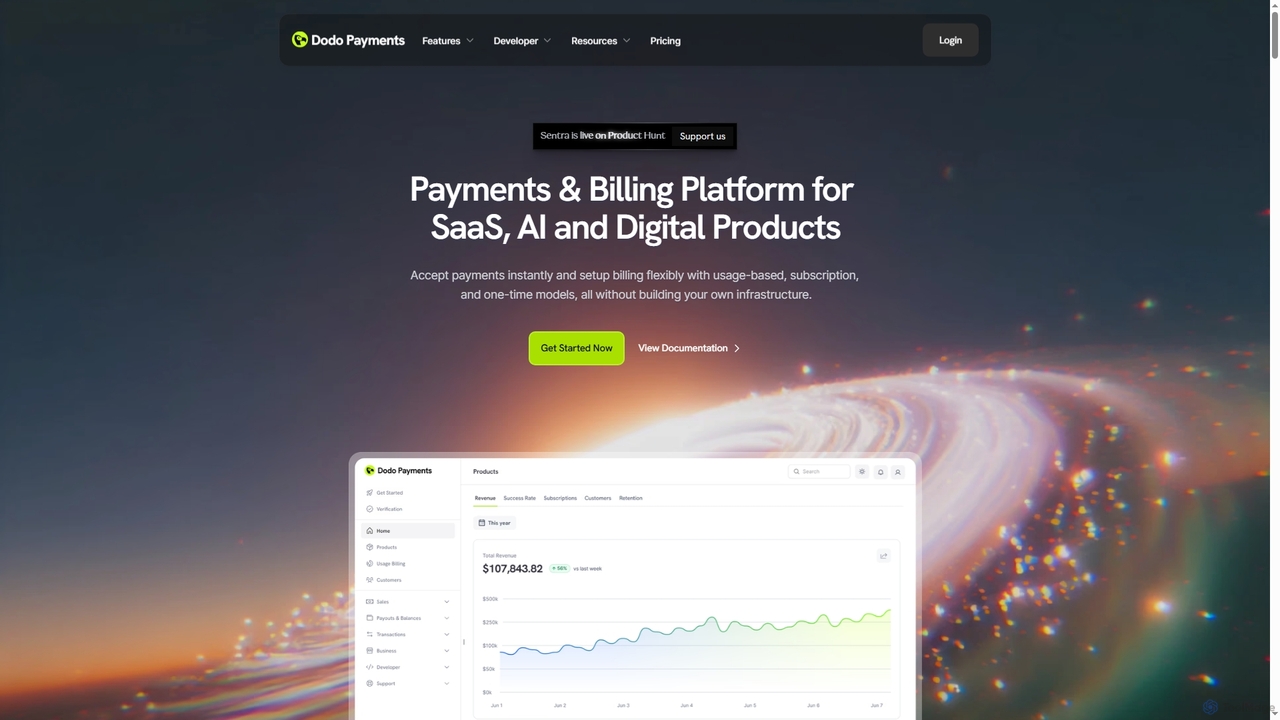
Dodo Payments

Dodo Payments

Dodo Payments is an all-in-one payment and billing platform designed for SaaS, AI, and digital products. It enables …

608.2K
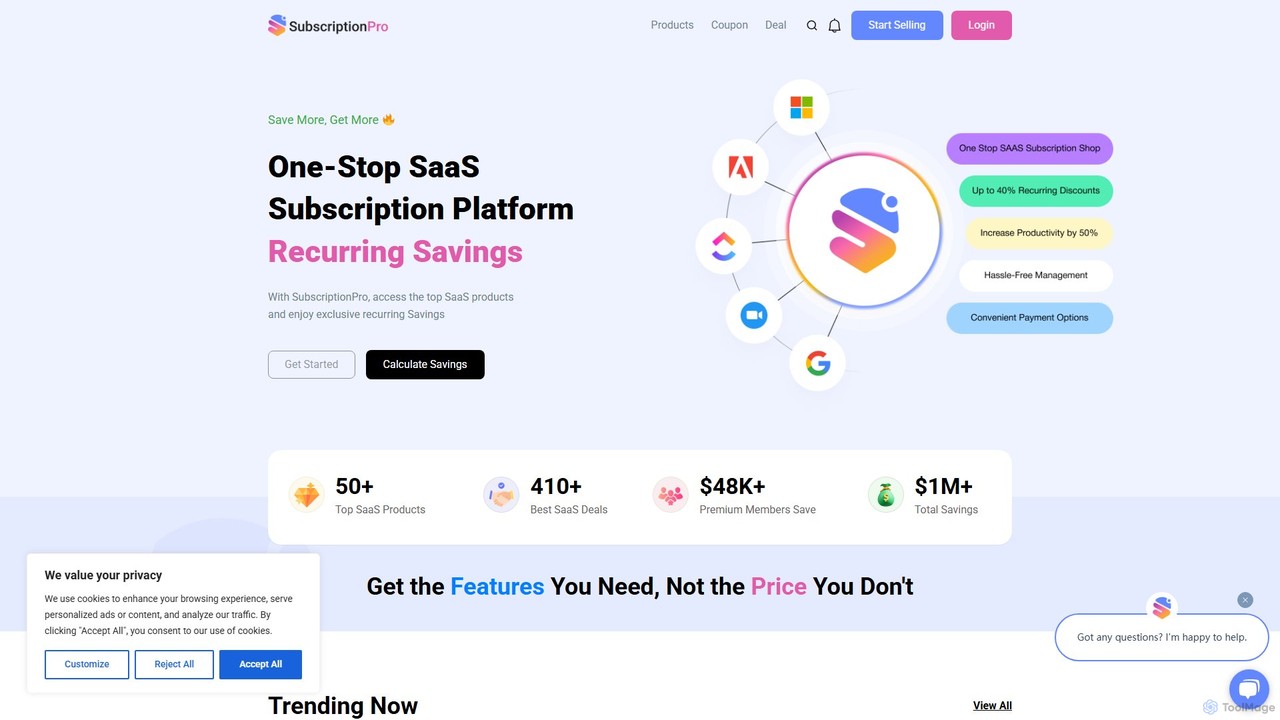
SubscriptionPro

SubscriptionPro

SubscriptionPro is a centralized platform designed for businesses to manage all their software and service subscriptions. It simplifies …

5.4K
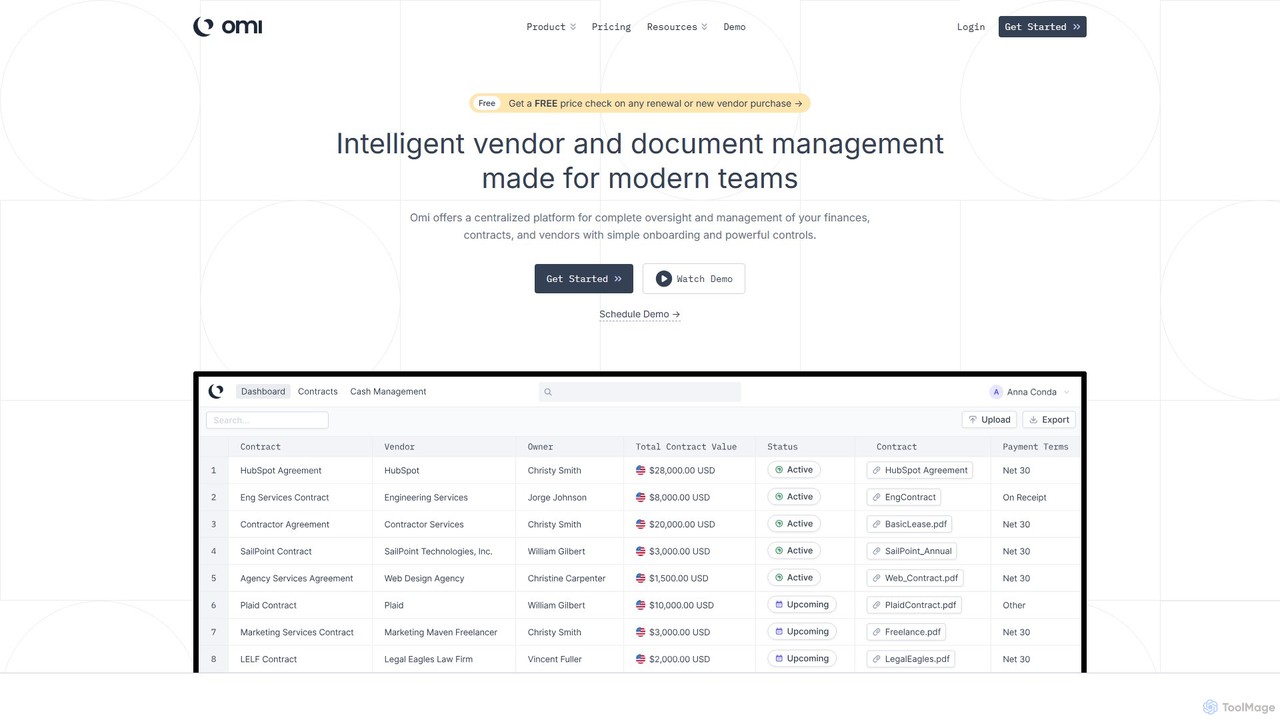
tryomi

tryomi

Omi is an intelligent vendor and document management platform for modern teams. It centralizes finances, contracts, and vendor …

3.0K

About Saas Management

SaaS Management tools are platforms designed to discover, manage, and optimize the growing number of Software-as-a-Service (SaaS) applications within an organization. Leveraging AI, these tools automate the tracking of software subscriptions, user licenses, and spending, providing a centralized view of the entire SaaS stack. This helps businesses control costs, mitigate security risks associated with unmanaged apps (shadow IT), and ensure regulatory compliance. By analyzing usage data, they offer actionable insights to eliminate redundant applications and right-size license agreements.

Core Features

  • Automated SaaS Discovery: Uses AI to scan financial systems, SSO logs, and browser extensions to identify all SaaS applications in use, including shadow IT.
  • License Management & Optimization: Tracks license allocation, monitors user activity, and recommends downgrades or reassignments for underutilized seats.
  • Spend Analysis & Forecasting: Provides detailed dashboards on SaaS spending, identifies cost-saving opportunities, and forecasts future subscription costs.
  • Security & Compliance Monitoring: Audits SaaS applications for security risks and ensures they meet compliance standards like SOC 2, GDPR, and HIPAA.
  • Workflow Automation: Automates employee onboarding and offboarding processes, granting or revoking access to multiple SaaS tools simultaneously.

Use Cases

SaaS Management platforms are essential for IT, Finance, and Security teams in mid-to-large sized companies. IT administrators use them to gain visibility and control over the tech stack, while finance departments leverage them for budget control and contract negotiation. Security officers rely on these tools to manage access permissions and enforce compliance policies across the organization.

How to Choose

When selecting a SaaS Management tool, consider its discovery methods and accuracy in identifying all applications. Evaluate the depth of its integrations for pulling detailed usage data. Assess its automation capabilities for workflows like employee onboarding/offboarding. Finally, analyze its reporting features for clarity on spending, utilization, and security, and ensure the pricing model scales with your organization's needs.

Saas ManagementUse Cases

1

Optimize SaaS Spend for Finance Teams

A finance manager in a growing tech company is tasked with reducing operational expenses. They use a SaaS Management platform to get a comprehensive view of all software subscriptions across the company. The AI-powered dashboard automatically flags redundant applications (e.g., three different project management tools) and identifies hundreds of underutilized licenses for premium software. By consolidating tools and downgrading inactive user plans based on the platform's recommendations, the company reduces its annual SaaS spend by over 20% without impacting productivity.

2

Eliminate Shadow IT for IT Administrators

An IT administrator notices a surge in unapproved software expenses on corporate cards. Using a SaaS Management tool, they run an automated discovery scan that integrates with the company's financial system. The scan uncovers dozens of unsanctioned applications ('shadow IT') being used by various teams, posing potential security and compliance risks. The platform allows the IT admin to review each tool, assess its business necessity, and either onboard it into the official tech stack with proper security vetting or provide employees with approved, secure alternatives, thus centralizing control and reducing risk.

3

Automate Employee Onboarding and Offboarding

An HR department at a 500-person company struggles with manually provisioning and deprovisioning software access for new hires and departing employees, a process that is slow and prone to error. They implement a SaaS Management platform with workflow automation. Now, when a new employee is added to the HR system, a workflow automatically grants them access to a predefined set of SaaS tools based on their role. Conversely, when an employee departs, another workflow instantly revokes all access, securing company data and saving the HR and IT teams hours of manual work per employee lifecycle.

4

Ensure Security and Compliance Across SaaS Apps

A Chief Information Security Officer (CISO) needs to ensure all cloud applications comply with GDPR and SOC 2 standards. Using a SaaS Management platform, they can centrally view the compliance status of every application in their portfolio. The tool automatically flags applications that lack necessary certifications or have risky permission settings, such as public data sharing enabled by default. This allows the security team to proactively address vulnerabilities, enforce data governance policies, and generate compliance reports for audits, significantly strengthening the company's overall security posture.

5

Streamline SaaS Contract and Renewal Management

A procurement manager is responsible for hundreds of SaaS contracts, each with different renewal dates and terms, making it difficult to avoid auto-renewals for unwanted services. By adopting a SaaS Management platform, all contract details are centralized into a single dashboard. The system sends automated alerts 30, 60, and 90 days before a contract expires. It also provides usage data for each tool, empowering the manager to enter renewal negotiations with clear evidence of the tool's value and utilization, leading to better pricing and terms.

6

Gain Visibility into Departmental Software Usage

A department head wants to understand which software tools their team actually uses to justify budget requests. The SaaS Management platform provides a department-specific dashboard showing application usage, login frequency, and feature adoption for each team member. This data reveals that a costly analytics tool is only being used by two people on a 20-person team. Armed with this insight, the department head can decide whether to provide more training to increase adoption or switch to a more cost-effective alternative, ensuring the software budget is allocated efficiently.

Saas ManagementFrequently Asked Questions