ToolMage
Sign in

Best 4 Scheduling AI tools for Business

Popular Scheduling AI tools in Business include BookingHub.AI, Ceramik, and Supacalls, helping you work more efficiently.

Ceramik
Freemium

Ceramik

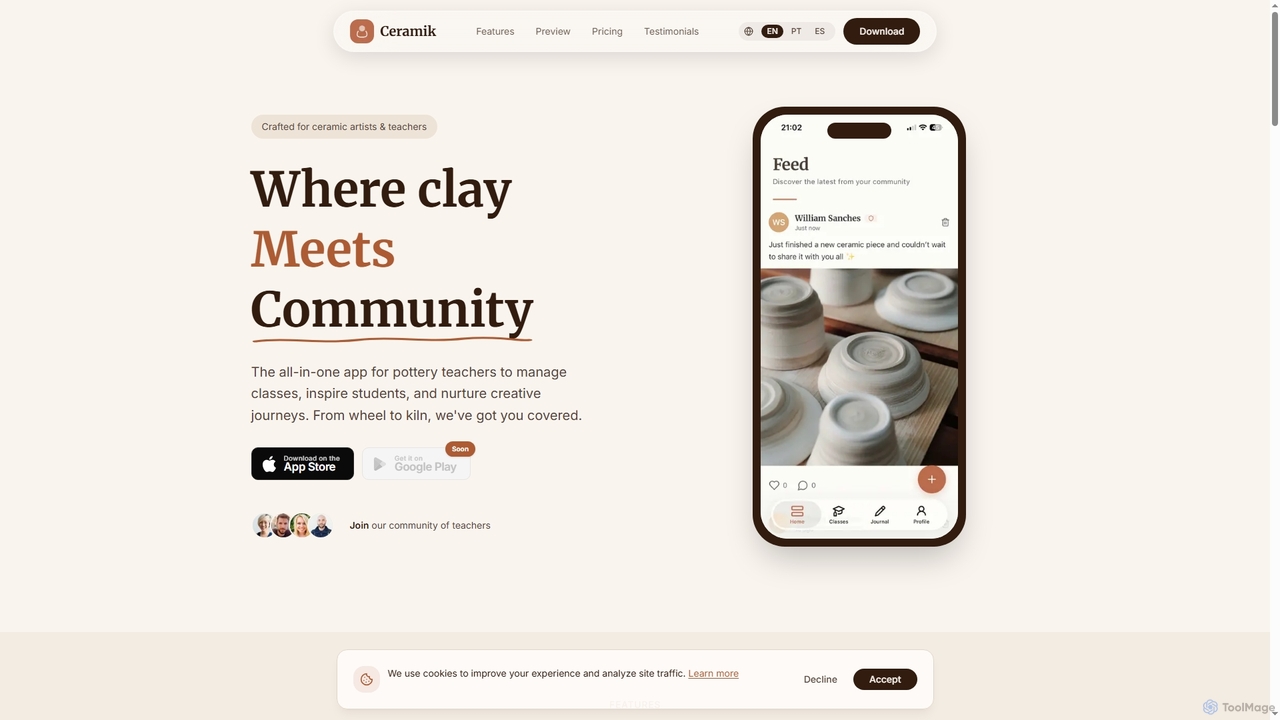
Ceramik is an all-in-one mobile application designed specifically for pottery teachers and studio owners to simplify class management. It helps organize schedules, track student progress, foster community engagement, and gain insights into studio performance, allowing educators to focus more on teaching and inspiring creativity in ceramic arts.

Scheduling
Visits 5.6KFavorites 25Likes 22
Supacalls
Paid

Supacalls

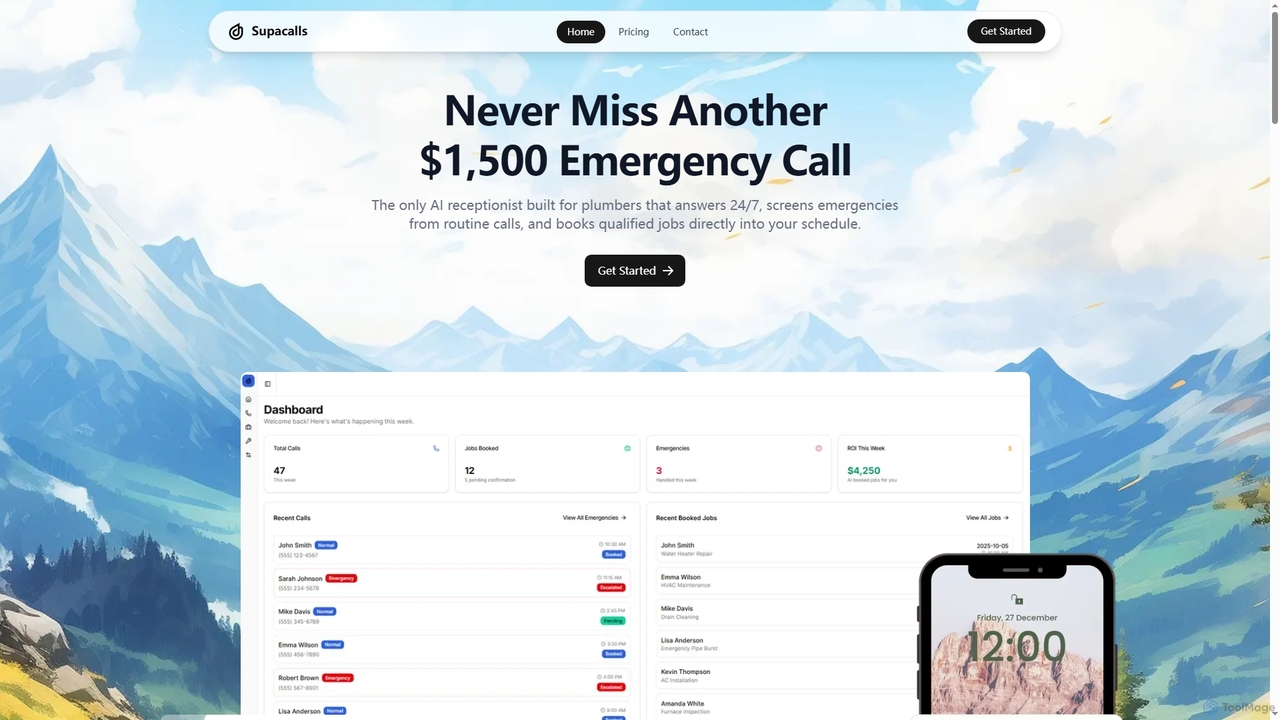
Supacalls is a 24/7 AI-powered answering service specifically designed for plumbing businesses. It screens calls to prioritize emergencies, qualifies potential jobs by gathering key details, and directly books appointments into your calendar, ensuring you never miss a high-value emergency call.

Scheduling
Visits 5KFavorites 131Likes 114
BookingHub.AI

BookingHub.AI

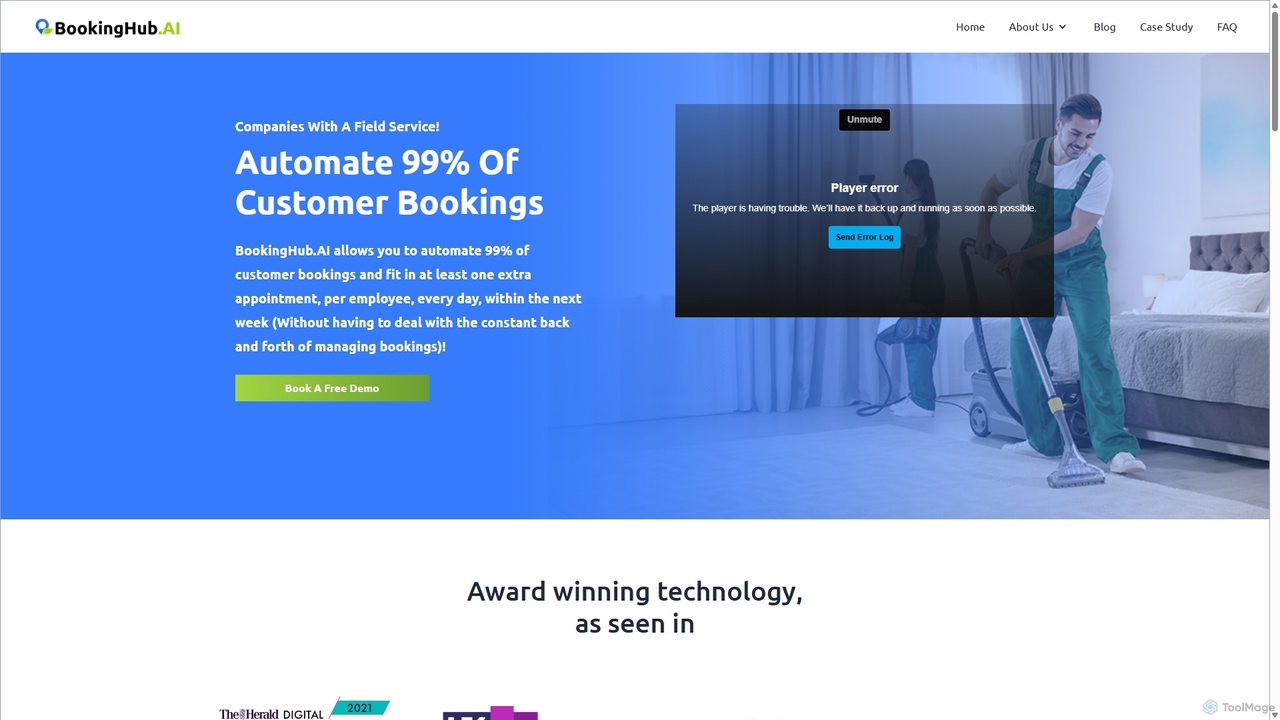
BookingHub.AI is an intelligent booking and scheduling platform designed for businesses with mobile workforces. It uses AI to automate 99% of bookings and optimize travel routes, significantly reducing costs and travel time. The platform empowers teams with a mobile app and provides administrators with a comprehensive management hub, boosting overall productivity and customer satisfaction.

Scheduling
Visits 5.1KFavorites 137Likes 138
BookingHub.AI

BookingHub.AI

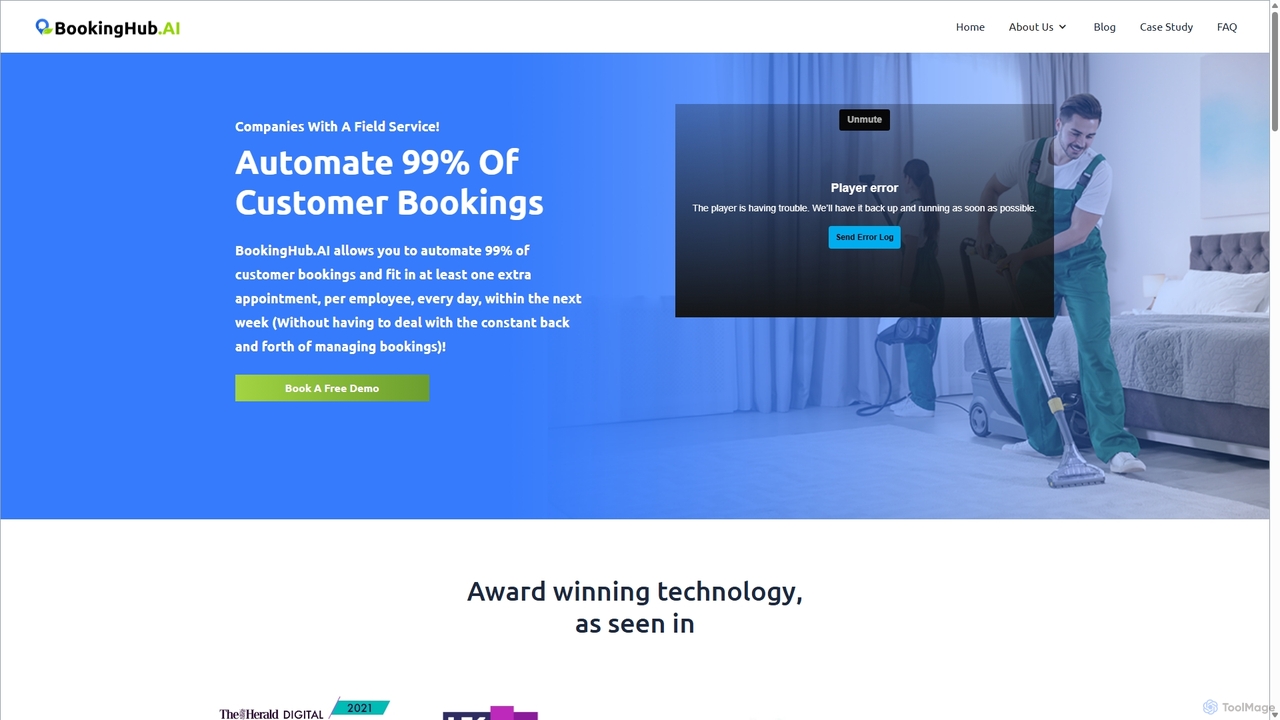
BookingHub.AI is an intelligent booking and scheduling platform designed for businesses with mobile workforces. It uses AI to automate 99% of bookings and optimize travel routes, significantly reducing costs and travel time. The platform empowers teams with a mobile app and provides administrators with a comprehensive management hub, boosting overall productivity and customer satisfaction.

Scheduling
Visits 5.8KFavorites 94Likes 108

About Scheduling

AI Scheduling tools are applications that use artificial intelligence to automate and optimize the process of booking appointments and managing calendars. These tools leverage machine learning and natural language processing (NLP) to understand complex scheduling requests, identify optimal time slots across multiple calendars, and handle confirmations and rescheduling automatically. Their primary value lies in eliminating the time-consuming back-and-forth communication typically required for coordination, thereby increasing productivity and improving the booking experience for clients and colleagues. They act as intelligent assistants dedicated to managing time effectively within a business context.

Core Features

  • Intelligent Time Slot Analysis: Automatically suggests the best meeting times based on participants' availability, preferences, and time zones.
  • Natural Language Processing (NLP): Allows users to schedule appointments via email or chat using conversational language, which the AI interprets and acts upon.
  • Automated Conflict Resolution: Proactively identifies scheduling conflicts and suggests alternative slots without manual intervention.
  • Multi-Calendar Sync: Seamlessly integrates and synchronizes with various calendar platforms (e.g., Google Calendar, Outlook) to provide a unified view of availability.
  • Automated Reminders & Follow-ups: Sends customized reminders and follow-up messages to all participants to reduce no-shows.

Use Cases

These tools are widely used by sales teams to accelerate the booking of discovery calls and demos, by recruiters to coordinate complex multi-stage interviews, and by consultants and service professionals to manage client appointments efficiently. They are also valuable for internal team coordination, especially for managers who need to schedule meetings with multiple stakeholders across different departments.

How to Choose

When selecting an AI Scheduling tool, consider its integration capabilities with your existing CRM, email, and video conferencing software. Evaluate the sophistication of its NLP for understanding nuanced requests. Assess the level of customization available for booking pages and communication templates. Finally, consider the pricing model—whether it's based on the number of users, appointments booked, or feature tiers—to ensure it aligns with your business scale and needs.

Scheduling use cases

1

Automating Sales Discovery Calls

A sales development representative (SDR) needs to book meetings between qualified leads and account executives. Instead of manually emailing back-and-forth, the SDR uses an AI scheduler. They simply CC the AI assistant in an email to the lead. The AI then takes over the conversation, offers available time slots from the account executive's calendar, and confirms the meeting once the lead chooses a time. This process reduces the time to book a meeting from hours or days to just minutes, increasing the number of qualified meetings set per week and accelerating the sales cycle.

2

Streamlining Candidate Interview Coordination

A corporate recruiter needs to schedule a series of interviews for a candidate with three different team members, including a hiring manager. Using an AI scheduling tool, the recruiter inputs the candidate's and interviewers' details. The AI analyzes everyone's calendars, finds common availability for the entire sequence, and sends a single invitation with all sessions booked. If a panel member needs to reschedule, the AI can automatically find a new time that works for everyone involved, saving the recruiter significant administrative overhead and providing a smooth, professional experience for the candidate.

3

Managing Client Appointments for a Service Business

A financial consulting firm manages appointments for multiple advisors. They embed an AI scheduling tool on their website. Potential clients can visit the site, select the type of consultation they need, and see the real-time availability of the relevant advisors. The AI can handle complex requests like "I need a 45-minute retirement planning session next week." It then books the appointment, sends a confirmation email with a video conference link, and adds the event to both the client's and the advisor's calendars, ensuring no double bookings and a seamless client onboarding experience.

4

Coordinating Cross-Functional Project Meetings

A project manager needs to schedule a critical weekly sync meeting for a team spread across different time zones (e.g., San Francisco, London, Bangalore). Manually finding a suitable time is a recurring challenge. By using an AI scheduler, the manager defines the required attendees and meeting length. The AI tool analyzes everyone's calendars, understands their working hours, and intelligently proposes a few optimal slots that minimize disruption for all participants. Once a slot is chosen, it's automatically booked, saving the project manager valuable time each week that can be better spent on strategic tasks.

5

Optimizing Resource Booking for Facilities

An office manager is responsible for managing shared resources like meeting rooms and project equipment. Employees often struggle to find and book available resources. By implementing an AI scheduling system, employees can make requests in natural language via a chat interface, such as "Book a room for 6 people with a whiteboard tomorrow morning." The AI checks the availability of all rooms that meet the criteria, books the most suitable one, and sends a confirmation to the requester. This automates a tedious administrative task and ensures efficient utilization of company resources.

6

Personalized Scheduling for Educational Tutoring

An online tutoring platform connects students with tutors across various subjects and time zones. To personalize the experience, they use an AI scheduler. When a student requests a session, the AI considers not only the availability of qualified tutors but also the student's learning pace and past session ratings. It might suggest a specific tutor who is highly rated for that subject and available during the student's preferred learning times. The entire booking, confirmation, and reminder process is automated, creating a highly efficient and personalized matching system that improves learning outcomes.

Scheduling FAQ

What are AI Scheduling tools?

AI Scheduling tools are software applications that use artificial intelligence, particularly machine learning and natural language processing (NLP), to automate the process of finding optimal times and booking appointments. Unlike simple booking forms, they can interpret conversational requests, analyze multiple calendars for complex availability, and proactively manage conflicts. Their main purpose is to eliminate the manual back-and-forth communication required to schedule meetings, interviews, or appointments, saving time for all participants.

How do I choose the right AI Scheduling tool?

To choose the right tool, consider these factors:

  • Integration: Ensure it connects seamlessly with your essential tools like Google Calendar, Outlook, Salesforce, Zoom, or Slack.
  • NLP Capability: If you need to schedule from emails or chats, evaluate how well the AI understands natural language and complex requests.
  • Customization: Check if you can customize booking pages, branding, and communication templates to match your company's identity.
  • Use Case Fit: Some tools are better for sales teams (e.g., with lead routing), while others excel at recruitment (e.g., panel interviews). Choose one that fits your primary need.
  • Scalability and Pricing: Consider the pricing model (per user, per feature) and whether it can grow with your team's needs.
What's the difference between an AI Scheduler and a simple calendar booking link?

The key difference is intelligence and automation. A simple booking link (like Calendly's basic feature) offers pre-set time slots based on one person's calendar. An AI Scheduler goes further by:

  • Understanding Context: It can read an email thread and understand a request like "Let's find a time next week for 30 minutes."
  • Coordinating Groups: It can analyze multiple people's calendars to find a time that works for everyone, not just one person.
  • Automating Actions: It can automatically send invites, find new times if someone declines, and book resources like meeting rooms.

In essence, a booking link is a passive tool, while an AI scheduler is an active, intelligent assistant.

Who benefits most from AI Scheduling tools?

While many professionals can benefit, certain roles see a particularly high return on investment. These include:

  • Sales Teams: To quickly book demos and meetings with leads, reducing friction in the sales process.
  • Recruiters: To manage complex interview schedules with multiple candidates and interviewers.
  • Executives and Managers: To offload the administrative burden of scheduling internal and external meetings.
  • Consultants and Freelancers: To provide clients with an easy, professional way to book their time without back-and-forth emails.
  • Customer Success Teams: To efficiently schedule training sessions, check-ins, and support calls with clients.
Are AI Scheduling tools secure for business use?

Reputable AI Scheduling tools prioritize security. When evaluating a tool, look for key security features and compliance standards. This includes end-to-end encryption for data in transit and at rest, compliance with regulations like GDPR and CCPA, and robust access controls to ensure only authorized users can view or manage scheduling data. Many enterprise-grade tools also offer features like Single Sign-On (SSO) integration and detailed audit logs. It is always recommended to review the provider's security policy and data privacy statement before committing to a service.