SaaS AI Tools
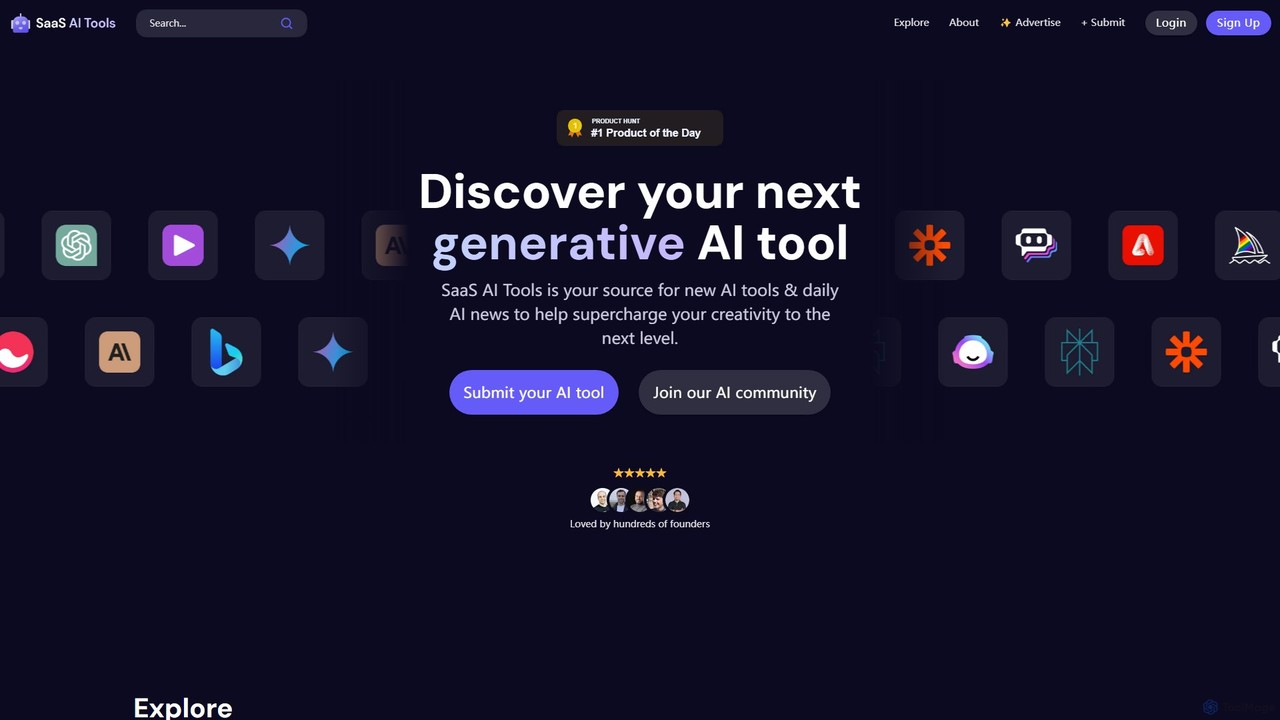
SaaS AI Tools is a comprehensive directory dedicated to generative AI tools, helping founders, creators, and businesses discover …
SaaS AI Tools is a comprehensive directory dedicated to generative AI tools, helping founders, creators, and businesses discover the latest AI solutions. Curated by Bren Kinfa, it features over 7,000 tools across various categories, along with daily AI news and a vibrant community. It's a go-to resource for staying ahead in the rapidly evolving AI and SaaS landscape.
About Tools
AI Business Tools are versatile applications designed to automate workflows, integrate disparate systems, and enhance operational efficiency. Leveraging technologies like process automation and API connectivity, these tools act as the digital backbone for various business functions. They enable teams to build custom solutions for data processing, task management, and system communication without extensive coding. This category provides the foundational utilities that power more specialized business activities.
Core Features
- Workflow Automation: Create multi-step, trigger-based automations to handle repetitive business processes.
- API Integration: Connect different cloud applications and services to ensure seamless data flow and synchronization.
- Data Extraction: Automatically pull structured information from documents, emails, and websites.
- No-Code/Low-Code Interface: Build and customize complex processes through visual drag-and-drop editors.
Use Cases
These tools are widely used by operations managers, IT professionals, and business analysts across industries. For example, an operations team can automate invoice processing by extracting data from PDFs and syncing it with accounting software. Similarly, a marketing team can connect their lead generation forms directly to their CRM, enriching data in real-time.
How to Choose
When selecting an AI Business Tool, consider the scope of its integration library—does it support the apps you use? Evaluate the complexity of the workflow builder and whether it matches your team's technical skills. Also, review the pricing model, which is often based on the number of tasks or 'operations' executed per month, and assess the tool's scalability.

ToolsUse Cases
Automate Invoice and Receipt Data Entry
An accounts payable clerk in a small business uses an AI tool to streamline financial record-keeping. Instead of manually typing data from hundreds of monthly PDF invoices and receipts, they set up a workflow. The tool automatically scans incoming email attachments, uses optical character recognition (OCR) to extract key fields like vendor name, invoice number, date, and total amount, and then populates a Google Sheet or directly enters the data into their accounting software like QuickBooks. This reduces manual entry errors and saves over 15 hours of work each month.
Build a Custom Internal Knowledge Search Engine
An IT manager for a mid-sized tech company needs to make internal documentation more accessible. They use an AI tool to connect to various data sources like Confluence, Google Drive, and Slack. The tool indexes all the content and provides a unified, natural language search interface. Now, employees can ask questions like 'What is our policy on remote work?' or 'Find the Q3 marketing report' and get direct answers with links to the source documents, significantly reducing the time spent searching for information.
Sync Leads Between Marketing and Sales Systems
A marketing operations specialist aims to improve lead handoff speed and data quality. They use a no-code AI tool to create a bridge between their website's contact form (e.g., HubSpot) and the company's CRM (e.g., Salesforce). When a new lead submits a form, the tool instantly triggers a workflow. It enriches the lead's data by finding their company size and industry, then creates a new contact in Salesforce, assigns it to the correct sales representative based on territory rules, and sends a notification in Slack. This automates the entire process, ensuring no leads are lost.
Monitor Brand Mentions and Social Media Sentiment
A digital marketing team needs to track online conversations about their brand without manually checking every platform. They configure an AI automation tool to monitor Twitter, Reddit, and news sites for specific keywords. When a new mention is found, the tool's AI analyzes its sentiment (positive, negative, or neutral). Negative mentions are automatically flagged and a ticket is created in their customer support system (e.g., Zendesk), allowing the support team to respond promptly to potential issues.
Streamline New Employee Onboarding Workflows
An HR coordinator is responsible for onboarding multiple new hires each week. They use an AI business tool to automate the repetitive tasks. A master workflow is triggered when a candidate is marked as 'hired' in their applicant tracking system. The tool automatically sends a welcome email with first-day information, creates user accounts in necessary software (Google Workspace, Slack), enrolls the new hire in introductory training courses, and schedules a series of check-in meetings with their manager on their calendar.
Scrape Competitor Pricing Data for Analysis
A product manager at an e-commerce company needs to stay informed about market pricing. They use a low-code AI tool to build a web scraper that visits a list of competitor product pages daily. The tool is configured to extract the product name, price, and stock availability. This data is automatically compiled into a centralized dashboard or spreadsheet. The manager receives a daily summary report, enabling them to make data-driven pricing adjustments without spending hours on manual research.