
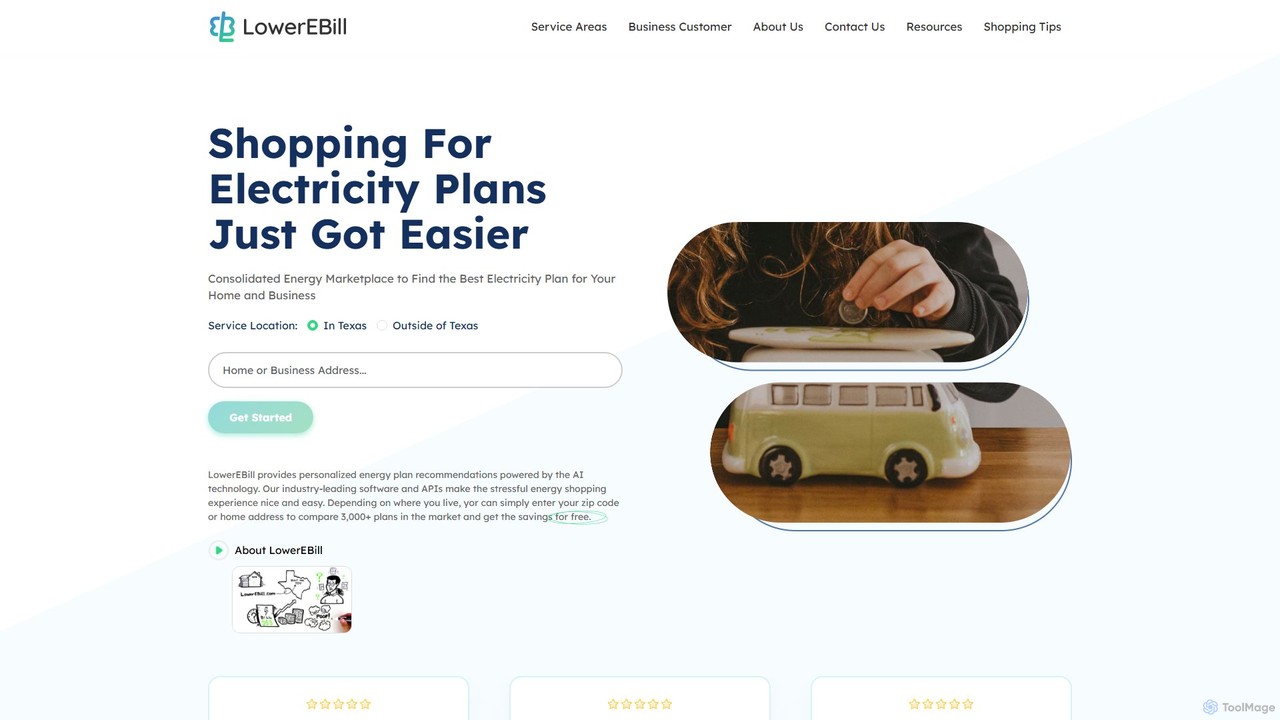
lowerebill
lowerebill is an AI-powered energy marketplace that helps homeowners and businesses in deregulated US markets find the most …
lowerebill is an AI-powered energy marketplace that helps homeowners and businesses in deregulated US markets find the most affordable electricity plan. By analyzing your actual energy usage data or forecasting it with AI, the platform compares over 3,000 plans to provide personalized, transparent recommendations, saving you time and money on your utility bills. The service is completely free for consumers.
About Utilities
AI Utilities are AI-powered tools designed to streamline, automate, and enhance various foundational or supporting tasks across business operations. These tools leverage artificial intelligence to improve efficiency, data management, and overall productivity. They act as enablers, simplifying complex processes and providing a robust infrastructure for more specialized business AI applications.
Core Features
- Automated Data Processing: Cleans, transforms, and validates large datasets for accuracy and consistency.
- Intelligent Document Management: Classifies, tags, and organizes digital documents for easy retrieval and compliance.
- Workflow Automation: Orchestrates multi-step tasks and integrates different applications to reduce manual effort.
- Content Summarization: Generates concise summaries of long texts, reports, or communications for quick comprehension.
- Language Translation & Transcription: Provides accurate real-time or batch translation and converts audio to text for global communication and record-keeping.
Applicable Scenarios
AI Utilities are invaluable for organizations seeking to optimize their operational backbone. They are widely used in preparing raw data for business intelligence analysis, efficiently organizing vast archives of internal documents, and automating routine administrative tasks such as scheduling or report generation across departments like HR, finance, and IT.
How to Choose
When selecting AI Utility tools, consider their integration capabilities with your existing software ecosystem to ensure seamless data flow. Evaluate their scalability and performance to handle your current and future data volumes. Prioritize ease of use and customization options to adapt the tools to your specific operational needs. Finally, assess their security features and data privacy compliance to protect sensitive business information.
UtilitiesUse Cases
Automated Data Cleaning for Business Intelligence
Data analysts and business intelligence teams often spend significant time cleaning and preparing raw data from various sources. AI utility tools can automate this process by identifying and correcting inconsistencies, removing duplicates, and standardizing formats. This ensures high-quality data for accurate reporting and analysis, reducing manual effort by up to 70% and accelerating decision-making cycles.
Intelligent Document Classification and Retrieval
Legal, HR, and administrative departments handle vast amounts of documents daily. AI utility tools can automatically classify incoming documents (e.g., contracts, invoices, resumes) based on their content and metadata, then tag and store them in appropriate locations. This significantly reduces the time spent on manual filing and searching, improving compliance and enabling instant retrieval of specific information.
Cross-Language Communication Automation
For global businesses, communication across different languages can be a bottleneck. AI utility tools offer real-time or batch translation of emails, chat messages, and documents, breaking down language barriers. This enables international teams to collaborate more effectively and customer support to serve a broader, multilingual customer base without needing extensive human translation resources, ensuring consistent messaging.
Meeting Transcription and Summarization
Project managers and team leads often struggle to keep track of detailed meeting minutes and action items. AI utility tools can automatically transcribe spoken words from meetings (both live and recorded) into text. Furthermore, they can summarize key discussion points, identify action items, and even assign tasks, saving hours of manual note-taking and ensuring that no critical information is missed or misremembered.
Automated Workflow Orchestration for Operations
Operations managers and IT teams can leverage AI utilities to automate complex, multi-step workflows that span across different software systems. For example, an AI utility can trigger a series of actions from customer onboarding (data entry, document generation, system access provisioning) to incident response (alerting, ticket creation, diagnostic steps). This reduces human error, speeds up operational processes, and ensures consistent execution of procedures.
Smart Calendar and Scheduling Optimization
Executives and administrative assistants often spend considerable time coordinating meetings across multiple busy schedules. AI utility tools can analyze calendars, identify optimal meeting times based on availability and preferences, and even send out invitations and reminders automatically. This minimizes scheduling conflicts, saves administrative time, and ensures that critical meetings are arranged efficiently, improving overall organizational flow.