ToolMage
Sign in

Best 3 Gpu AI tools for Cloud Computing

Popular Gpu AI tools in Cloud Computing include novita.ai, Avian, and Dcompute, helping you work more efficiently.

Dcompute
Paid

Dcompute

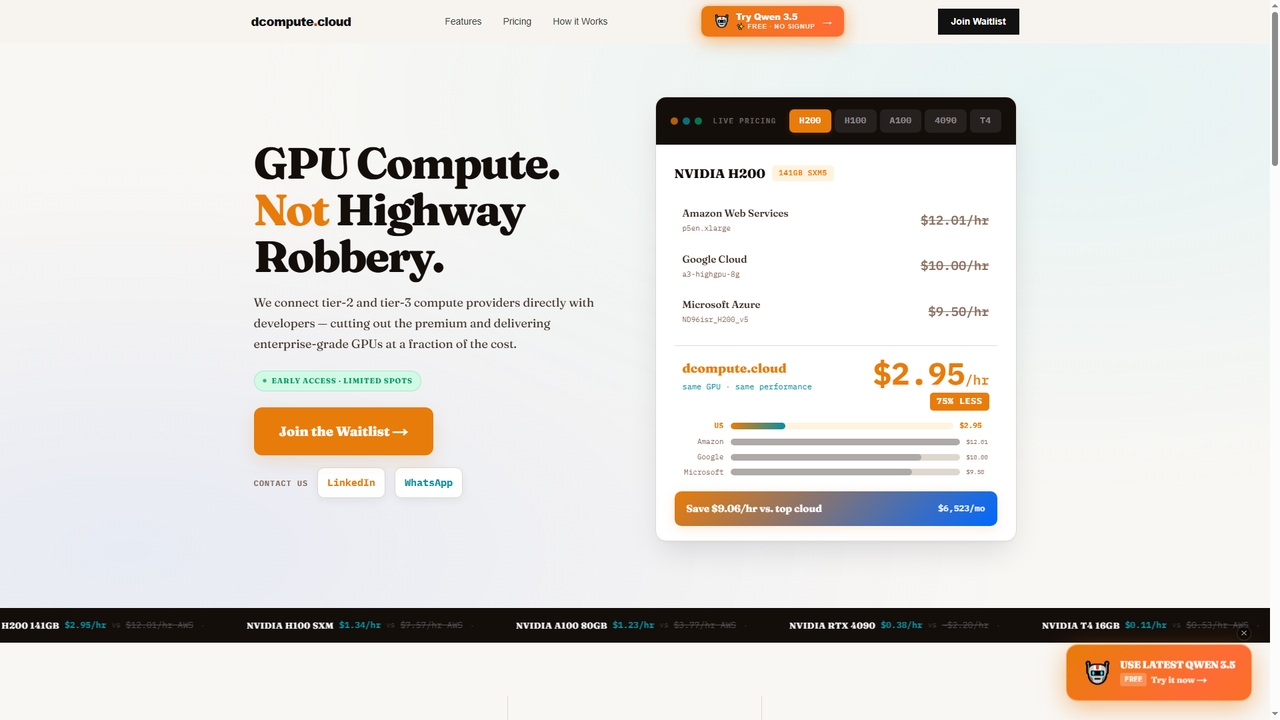
Dcompute is a decentralized GPU compute marketplace that connects developers directly with tier-2 and tier-3 data center providers. It offers enterprise-grade NVIDIA GPUs (H200, H100, A100, RTX 4090, T4) at a fraction of the cost of major cloud providers, promising up to 90% savings. The platform features instant deployment, a unified API/dashboard, full orchestration, and pure pay-as-you-go billing per second with no minimums.

Gpu
Visits 3.4KFavorites 3Likes 5
Avian
Paid

Avian

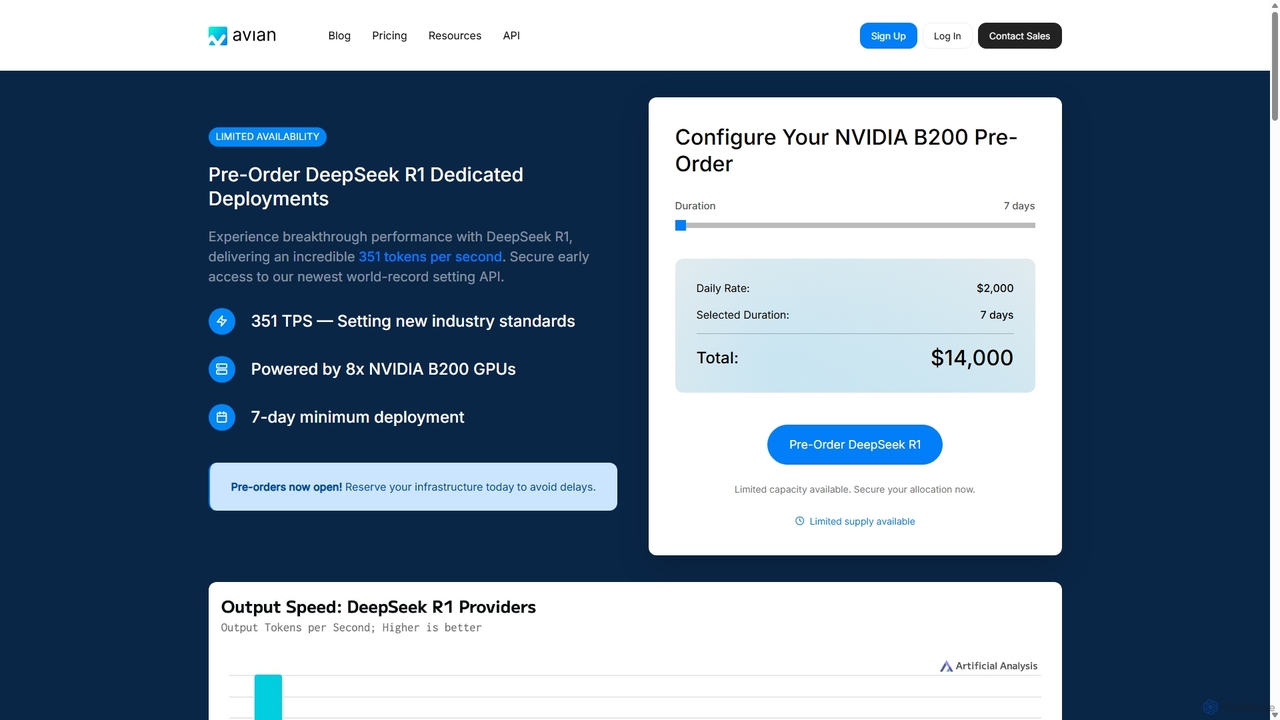
Avian is a high-performance AI inference platform offering world-record speeds for large language models (LLMs). It provides both a serverless API for popular models and dedicated GPU deployments for custom models from HuggingFace. Designed for scalability and production workloads, Avian delivers 3-10x faster inference speeds than the industry average, with enterprise-grade security and competitive pricing.

Model Deployment
Visits 11.7KFavorites 89Likes 83
novita.ai
Freemium

novita.ai

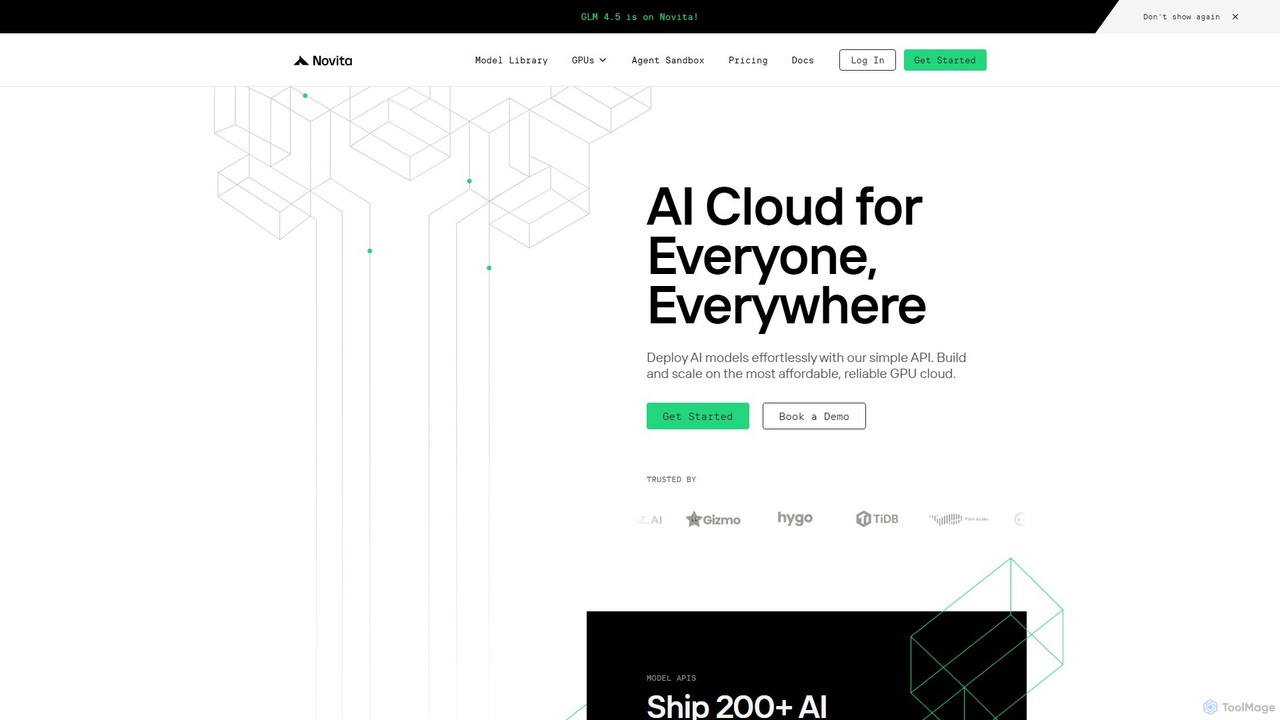
Novita AI is a developer-centric cloud platform offering affordable, scalable access to over 200 AI models via simple APIs. It provides serverless GPUs, dedicated GPU instances, and custom model deployment, enabling developers to build and scale AI applications without managing infrastructure.

Gpu
Visits 322KFavorites 130Likes 137

About Gpu

GPU (Graphics Processing Unit) is a specialized processor crucial for accelerating computationally intensive tasks, particularly in artificial intelligence and machine learning. Unlike general-purpose CPUs, GPUs feature a massively parallel architecture, enabling them to process multiple data points simultaneously. This makes them indispensable for training complex AI models, rendering high-fidelity graphics, and performing large-scale data analytics within cloud computing environments. Their ability to handle parallel workloads significantly reduces processing times and enhances the performance of advanced AI applications.

Core Features

  • Massively Parallel Architecture: Enables simultaneous processing of thousands of threads for data-intensive tasks.
  • High Memory Bandwidth: Provides rapid data access crucial for large datasets and complex models.
  • Specialized Cores (Tensor/CUDA): Optimized for specific AI operations like matrix multiplication and deep learning.
  • Floating-Point Performance: Delivers superior speed for scientific computations and AI model training.

Applicable Scenarios

GPUs are widely utilized in deep learning model training, scientific simulations, and real-time data processing. They power AI-driven applications like natural language processing, computer vision, and recommendation systems. In cloud computing, GPUs are offered as services to provide scalable, on-demand computational power for various high-performance workloads.

Selection Criteria

Selecting a GPU involves considering its CUDA/Tensor core count for AI tasks, memory capacity (VRAM) for large models, and memory bandwidth for data throughput. Compatibility with existing software frameworks (e.g., TensorFlow, PyTorch) and the power efficiency for cloud deployments are also critical factors. Evaluate the cost-performance ratio based on your specific workload requirements.

Featured tool rankings

Gpu use cases

1

Accelerating Deep Learning Model Training

Data scientists leverage cloud-based GPUs to significantly speed up the training of complex neural networks for tasks like image recognition or natural language processing. By distributing workloads across multiple GPU instances, they can iterate on models faster, reducing training times from days to hours and enabling more rapid development of AI solutions.

2

Powering Scientific Simulations and HPC

Researchers and engineers utilize GPU clusters in the cloud for high-performance computing tasks such as molecular dynamics simulations, weather forecasting, and computational fluid dynamics. The parallel processing capabilities of GPUs allow them to run intricate simulations with greater precision and speed, leading to breakthroughs in various scientific fields.

3

Enabling Real-time AI Inference and Analytics

Businesses deploy GPU-accelerated instances for real-time AI inference in applications like fraud detection, personalized recommendations, or autonomous driving. GPUs provide the low-latency processing required to execute trained AI models instantly, delivering immediate insights and responses critical for time-sensitive operations.

4

Enhancing Video Rendering and 3D Content Creation

Content creators and animation studios use cloud GPUs for demanding tasks such as 3D rendering, video editing, and visual effects. The immense processing power of GPUs drastically reduces rendering times, allowing artists to produce high-quality visual content more efficiently and meet tight production deadlines.

5

Accelerating Large-Scale Data Analytics

Data analysts and enterprises employ GPUs to accelerate the processing and analysis of massive datasets, particularly in areas like financial modeling, genomics, and market trend prediction. GPUs can handle parallel data transformations and complex queries much faster than CPUs, enabling quicker insights from big data.

6

Deploying AI Models at the Edge

Developers utilize specialized, smaller GPUs for deploying AI models on edge devices, such as smart cameras, IoT sensors, or industrial robots. These GPUs enable local, real-time inference without constant cloud connectivity, improving privacy, reducing latency, and optimizing bandwidth usage for edge AI applications.

Gpu FAQ

What is a GPU and how does it differ from a CPU in cloud computing?

A GPU (Graphics Processing Unit) is a specialized processor designed for parallel computation, excelling at tasks that can be broken down into many smaller, simultaneous operations. In cloud computing, GPUs are offered as services to accelerate specific workloads. Unlike a CPU, which is optimized for sequential processing and general-purpose tasks, a GPU's architecture allows it to handle thousands of threads concurrently, making it ideal for deep learning, scientific simulations, and graphics rendering. This parallel processing capability is its core differentiator, providing significant speedups for AI and HPC applications in the cloud.

How do I choose the right GPU instance for my AI project in the cloud?

Choosing the right GPU instance for your AI project involves several key considerations. First, assess your workload type: training large models requires more VRAM and Tensor Cores, while inference might prioritize lower latency and cost. Consider the GPU architecture (e.g., NVIDIA's Ampere, Hopper) and its specific features like Tensor Cores for deep learning. Evaluate the amount of VRAM (GPU memory) needed, as larger models demand more. Finally, compare the cost-performance ratio across different cloud providers and GPU types, ensuring compatibility with your chosen AI frameworks (TensorFlow, PyTorch).

What are the primary functions of GPUs in AI and machine learning?

In AI and machine learning, GPUs primarily serve to accelerate computationally intensive operations. Their core functions include matrix multiplication and linear algebra, which are fundamental to neural network training. They also excel at parallel data processing, allowing for rapid ingestion and transformation of large datasets. Furthermore, GPUs are crucial for optimizing model inference, enabling quick predictions from trained models, especially in real-time applications. Their ability to handle these tasks concurrently drastically reduces the time and resources required for developing and deploying advanced AI solutions.

What are the benefits of using cloud-based GPUs compared to on-premise GPUs?

Using cloud-based GPUs offers significant advantages over on-premise solutions, particularly in terms of scalability and flexibility. Cloud providers allow users to provision GPU resources on demand, scaling up or down based on project needs without large upfront investments. This eliminates the need for hardware maintenance, cooling, and power management. Cloud GPUs also provide access to the latest GPU architectures and diverse configurations, often at a lower operational cost for intermittent or variable workloads. This pay-as-you-go model makes high-performance computing accessible to a wider range of users and businesses.

Are GPUs always better than CPUs for all types of computational tasks?

No, GPUs are not always better than CPUs for all computational tasks. While GPUs excel at highly parallelizable workloads like deep learning, graphics rendering, and scientific simulations, CPUs remain superior for sequential processing, general-purpose computing, and tasks requiring strong single-thread performance. Operating systems, databases, and many traditional business applications are optimized for CPUs. The overhead of transferring data to and from a GPU can also negate its benefits for smaller, non-parallelizable tasks. Therefore, the optimal approach often involves a hybrid architecture, leveraging both CPUs and GPUs for their respective strengths.