ToolMage
Sign in

Best 3 Cloud Storage AI tools

Popular Cloud Storage AI tools include Google Workspace, Quark, and Media Vault AI, helping you work more efficiently.

Freemium

Quark

Quark is an all-in-one AI-powered suite from Alibaba, integrating a smart search engine, a fast browser, a massive cloud drive, and a suite of creative tools. It's designed to boost productivity for students and professionals with features like AI summarization, content generation, and seamless multi-device synchronization.

File Management
Visits 70.5MFavorites 109Likes 97
Paid

Media Vault AI

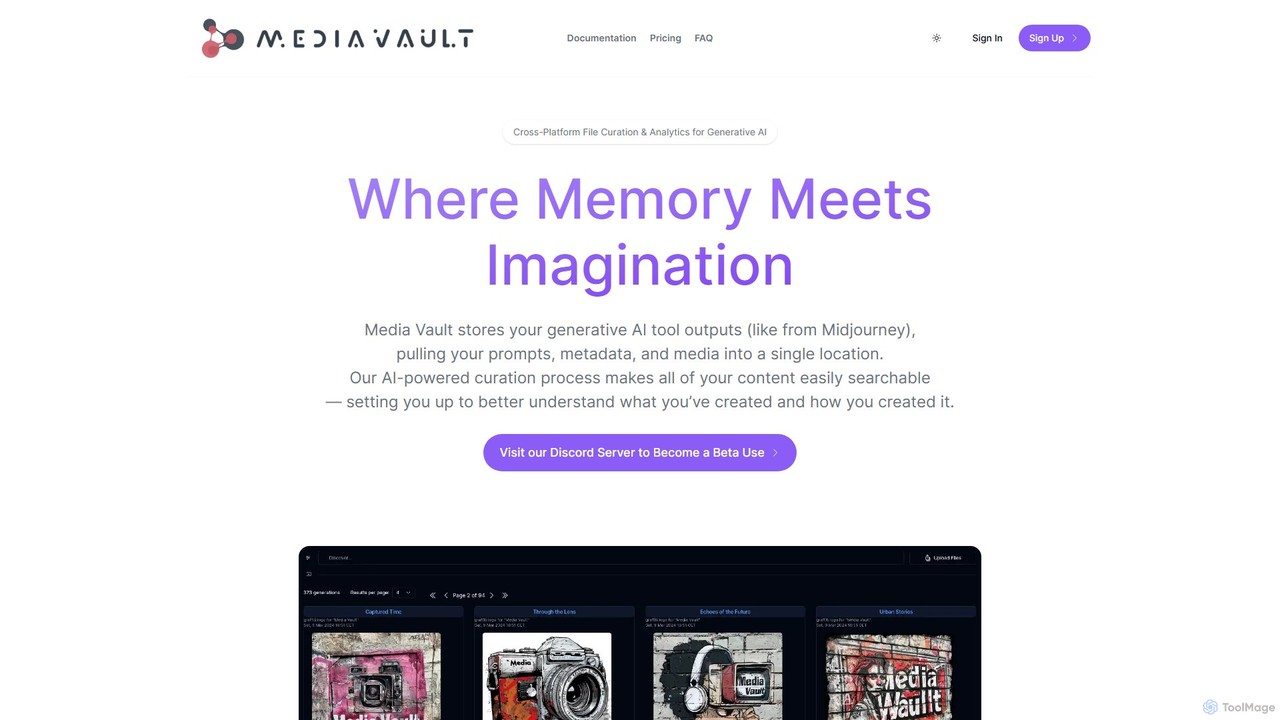
Media Vault AI is an intelligent cloud storage and curation platform designed for generative AI content. It automatically organizes your AI-generated media, prompts, and metadata from tools like Midjourney into a single, searchable library, providing powerful analytics to refine your creative process.

File Management
Visits 3.5KFavorites 96Likes 105
Freemium

Google Workspace

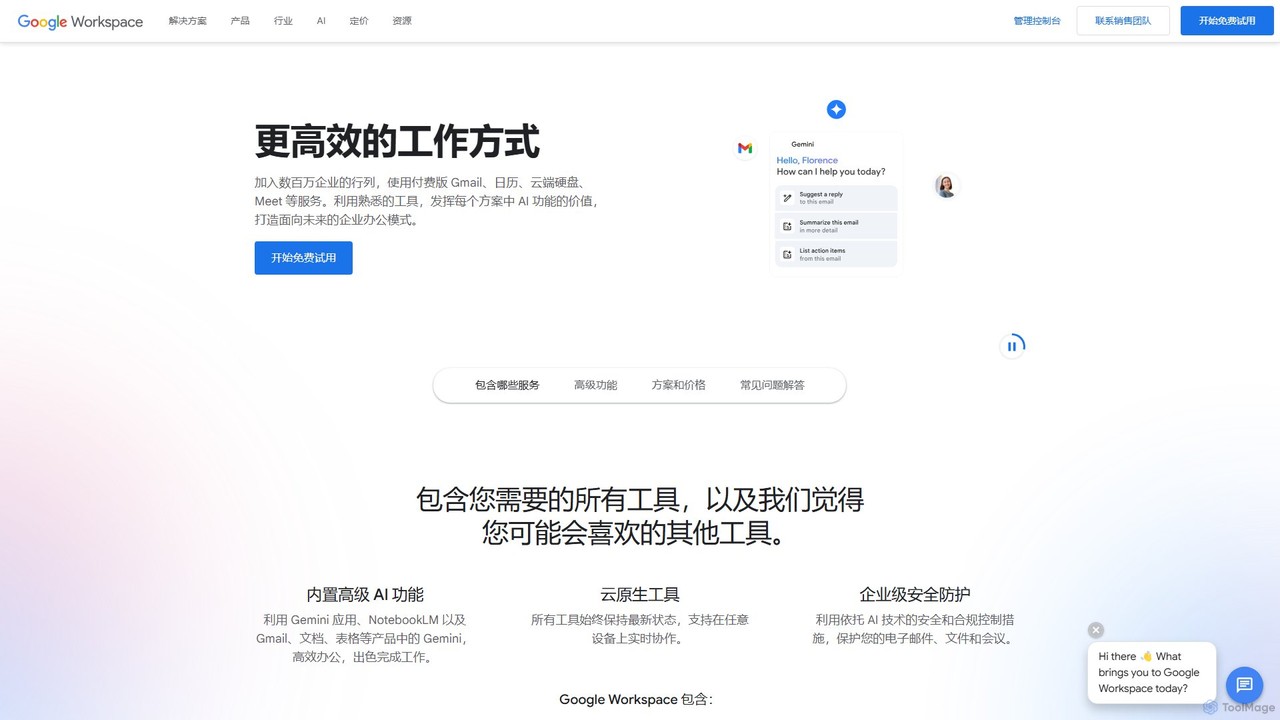
Google Workspace is an integrated suite of secure, cloud-native collaboration and productivity apps powered by Google AI. It includes Gmail, Docs, Drive, Calendar, Meet, and more, designed to help teams of all sizes connect, create, and collaborate efficiently and securely from any device.

Office Suite
Visits 210.4MFavorites 96Likes 100

About Cloud Storage

Cloud Storage services are online platforms for storing, managing, and accessing data on remote servers via the internet. Enhanced with AI, these tools offer intelligent features that go beyond simple file hosting, enabling automated organization, powerful content-based search, and predictive data insights. They provide a scalable, secure, and accessible way for individuals and teams to collaborate on files from any device, anywhere. Modern cloud storage leverages AI to analyze file content and usage patterns, significantly improving data discoverability and management efficiency.

Core Features

  • AI-Powered Search: Search for content within files, such as text in images (OCR), objects in photos, or spoken words in audio/video files.
  • Automated Organization: Automatically categorizes files, tags images based on content, and suggests logical folder structures to maintain order.
  • Intelligent Security: Employs AI to detect unusual access patterns, identify potential security threats, and flag sensitive data to prevent leaks.
  • Version Control & History: Tracks changes to files over time, allowing users to restore previous versions and review revision history.
  • Seamless Synchronization: Ensures files are consistently updated and accessible across all connected devices, including desktops, laptops, and mobile phones.

Use Cases

Cloud storage is fundamental for a wide range of users, from individuals backing up personal photos to large enterprises managing mission-critical data. Creative teams use it for collaborating on large media files, while remote workforces rely on it for a centralized document hub. In sectors like finance and healthcare, it provides a compliant and secure environment for sensitive records.

How to Choose

When selecting a cloud storage service, consider your specific needs. Evaluate the storage capacity and scalability options. Scrutinize security features, including encryption standards (at-rest and in-transit) and compliance certifications (e.g., GDPR, HIPAA). Assess its integration capabilities with your existing software stack. Finally, compare the sophistication of its AI features and the overall pricing structure to find the best value.


Featured tool rankings

Cloud Storage use cases

1

Team Collaboration on Design Projects

A marketing agency's design team uses a cloud storage platform to manage assets for a new campaign. Designers upload large Photoshop and video files, which are instantly synced for the entire team. The project manager leaves comments and annotations directly on file previews, and AI-powered version history allows them to revert to previous iterations if needed. This centralized hub eliminates confusion from multiple file versions sent via email and streamlines the creative review process, ensuring everyone works with the most up-to-date assets.

2

Secure Document Archiving for Compliance

A financial services firm is required to retain client records for seven years. They use a secure cloud storage service with robust compliance features. The platform automatically applies data retention policies to new documents, preventing accidental deletion. When an audit occurs, the compliance officer uses the AI-powered search to quickly find all relevant documents related to a specific client or transaction, even searching text within scanned PDFs. This ensures the firm meets regulatory requirements efficiently and can produce necessary documentation on demand without sifting through physical archives.

3

Personal Photo and Video Management

An individual uses a cloud storage service to automatically back up photos and videos from their smartphone. The service's AI automatically organizes the photos by creating albums for events, locations, and people. When searching for a specific memory, they can simply type queries like "beach sunset 2022" or "photos with my dog," and the AI finds the relevant images instantly. This transforms a chaotic camera roll of thousands of files into a searchable and well-organized digital photo album, making it easy to find, relive, and share important moments.

4

Centralized Asset Hub for a Remote Workforce

A tech company with a fully remote team uses cloud storage as its central server. All official documents, from HR policies to project roadmaps, are stored and managed there. New employees are granted access to specific folders based on their role. The platform's AI security features monitor for suspicious activity, such as a large number of downloads from an unusual location, and alert administrators. This setup ensures all team members have secure access to the latest information, regardless of their location, while maintaining strong data governance and security.

5

Managing Large Datasets for Academic Research

A university research lab generates terabytes of genomic data. Storing this on local servers is costly and difficult to scale. They use a high-capacity cloud storage solution to house the raw and processed data. Researchers from different institutions can be granted secure access to specific datasets for collaboration. The platform's API allows them to integrate it directly into their data analysis pipelines, programmatically pulling data for processing. This approach provides a scalable, collaborative, and cost-effective environment for data-intensive scientific research.

6

Streamlining Video Production Workflows

A freelance video editor works with clients globally. They use a cloud storage service to receive raw footage from clients, which can be hundreds of gigabytes. Instead of downloading everything, they use a feature that mounts the cloud storage as a local drive, allowing them to edit files directly in their video editing software. Once a draft is ready, they share a password-protected review link. Clients can leave time-stamped comments on the video, which the editor can see immediately. This process avoids slow file transfers and consolidates feedback, speeding up the entire production cycle.

Cloud Storage FAQ

What is AI-powered Cloud Storage?

AI-powered Cloud Storage is a type of online data storage that uses artificial intelligence to enhance its functionality. Beyond simply storing files, it actively helps you manage them. Key AI features include semantic search (finding files based on content, not just filenames), automatic categorization of photos and documents, and intelligent security that detects unusual behavior to protect your data. Essentially, it makes your stored data more accessible, organized, and secure.

How do I choose the right Cloud Storage service?

To choose the right service, evaluate these key factors:

  • Storage Needs: How much space do you need now and in the future? Check the costs for additional storage.
  • Security: Look for services with end-to-end encryption, two-factor authentication (2FA), and compliance with standards relevant to your industry (like HIPAA or GDPR).
  • Collaboration Features: If you work in a team, consider features like real-time editing, commenting, and granular sharing permissions.
  • Integration: Ensure it works well with the other apps you use daily, such as Microsoft 365, Google Workspace, or Slack.
  • Cost: Compare pricing models (per user vs. storage tiers) and find one that fits your budget.
What's the difference between cloud storage and local storage?

The main difference is location and accessibility. Local storage refers to physical devices you own, like an external hard drive or your computer's internal drive. Access is limited to that physical device. Cloud storage saves your data on remote servers owned by a service provider, accessible from any internet-connected device. Cloud storage excels in accessibility, collaboration, and automatic backup, while local storage offers faster access speeds (since it doesn't depend on internet) and a one-time purchase cost.

Is my data safe in the cloud?

Reputable cloud storage providers invest heavily in security measures that often exceed what an individual or small business can implement. Key security features include:

  • Data Encryption: Your files are encrypted both while being transferred (in-transit) and while stored on their servers (at-rest).
  • Physical Security: Data centers are highly secure facilities with restricted access, surveillance, and environmental controls.
  • Redundancy: Your data is typically copied across multiple servers and locations to protect against hardware failure or disasters.
  • Access Controls: Features like two-factor authentication (2FA) and user permissions help prevent unauthorized access to your account.

However, it's crucial to choose a trusted provider and use strong, unique passwords for your account.

Who can benefit from using Cloud Storage?

Virtually everyone can benefit from cloud storage. Individuals use it for backing up photos, videos, and personal documents, ensuring their memories are safe and accessible. Students and educators use it to share assignments and collaborate on projects. Small businesses and freelancers rely on it for file sharing with clients and team collaboration. Large enterprises use it for scalable data management, secure document archiving, and enabling a global, remote workforce. It provides a flexible and scalable solution for data storage and access needs of all sizes.