Nexonauts
Nexonauts is an all-in-one platform for developers, offering a powerful tool discovery engine, a marketplace for digital assets, …
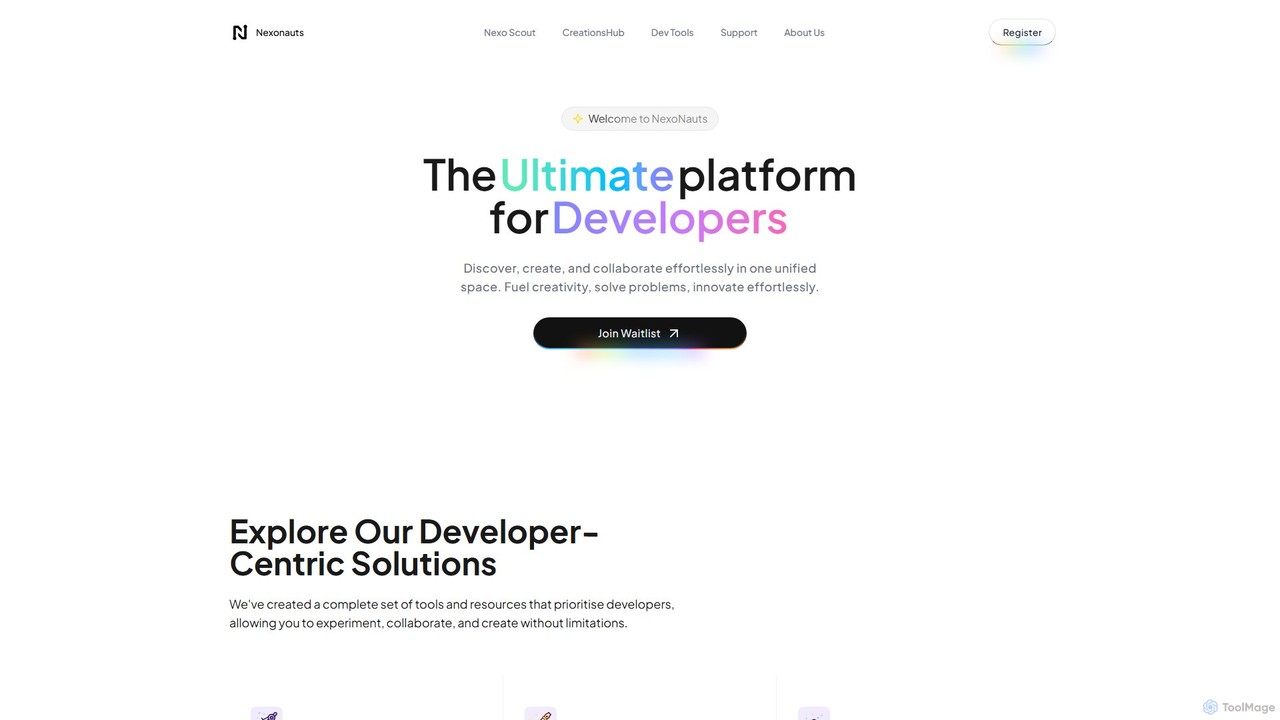
Nexonauts is an all-in-one platform for developers, offering a powerful tool discovery engine, a marketplace for digital assets, a portfolio builder, and a collaborative community. It streamlines the development workflow by providing curated resources, open-source tools, and opportunities for professional growth.
About Developer Platforms
Developer Platforms are integrated environments that provide developers with the tools, APIs, SDKs, and documentation needed to build, test, and deploy software applications. These platforms serve as a central hub, streamlining the development lifecycle by offering pre-built components and services. They often foster a strong community aspect, providing forums, support channels, and collaborative spaces where developers can share knowledge and solve problems together. The primary value of a Developer Platform is to accelerate innovation and reduce the complexity of building sophisticated applications.
Core Features
- API & SDK Access: Provides well-documented Application Programming Interfaces (APIs) and Software Development Kits (SDKs) for easy integration.
- Comprehensive Documentation: Offers detailed tutorials, API references, and best-practice guides to lower the learning curve.
- Sandbox Environments: Includes safe, isolated testing environments for experimenting with code and APIs without affecting live systems.
- Community Support Forums: Features dedicated spaces for developers to ask questions, share solutions, and collaborate with peers and platform experts.
- Code Samples & Libraries: Offers ready-to-use code snippets, sample projects, and libraries to speed up development.
Use Cases
Developer Platforms are essential for technology companies building ecosystems around their products, SaaS businesses offering integrations, and individual developers creating new applications. They are widely used by mobile app developers integrating third-party services, enterprise teams building internal tools, and AI researchers accessing powerful models through APIs.
How to Choose
When selecting a Developer Platform, evaluate the quality and stability of its APIs and the clarity of its documentation. Assess the activity and helpfulness of the community forums. Consider the pricing model, especially API usage limits and support tiers. Finally, ensure the platform supports the programming languages and frameworks relevant to your project.

Developer PlatformsUse Cases
Building a New AI-Powered Application
A startup's development team uses an AI developer platform to build a new customer service chatbot. They utilize the platform's Natural Language Processing (NLP) API to understand user queries and the provided SDKs for Python to quickly integrate the AI capabilities into their backend. The comprehensive documentation allows them to get started in hours instead of weeks. The sandbox environment is used to test and refine the chatbot's responses before deploying it to their website, significantly accelerating their time-to-market.
Integrating a Third-Party Payment Service
An e-commerce company's developer needs to add a new payment option to their online store. They use the payment provider's developer platform to access the API documentation and download the relevant SDK for their tech stack. Using the code samples provided, they implement the payment gateway. During development, they encounter an issue with transaction callbacks. They post a question on the platform's community forum and receive a solution from another developer within an hour, avoiding a lengthy support ticket process.
Automating Internal Business Workflows
An IT administrator at a large corporation wants to automate the employee onboarding process. They use a low-code developer platform that connects various SaaS tools. By using the platform's API connectors for their HR system, IT service desk, and communication tools, they build a workflow that automatically creates user accounts, assigns hardware, and sends welcome emails when a new employee is added to the HR system. The platform's visual interface and pre-built connectors allow them to complete the project without writing extensive custom code.
Contributing to an Open-Source Project
A software developer wants to contribute a new feature to an open-source library they use. They visit the project's page on a developer platform like GitHub. There, they can fork the code repository, create a new branch for their feature, and access the contribution guidelines. After implementing the feature, they submit a pull request. The platform facilitates a code review process where project maintainers can comment on the code and suggest changes. The integrated community features allow for a transparent and collaborative development process.
Learning a New API in a Sandbox Environment
A junior developer is tasked with learning how to use a new mapping and geolocation API for an upcoming project. Instead of setting up a complex local environment, she uses the developer platform's interactive sandbox. Within the browser, she can make live API calls, see the immediate JSON responses, and experiment with different parameters. The platform also provides tutorials and code snippets that she can run directly in the sandbox, dramatically shortening her learning time and increasing her confidence before writing production code.
Troubleshooting an API Bug with Community Help
A developer is integrating a social media API and encounters an unexpected error with the authentication flow that isn't covered in the documentation. Before contacting official support, they search the developer platform's community forum. They find a thread where another developer described the exact same issue. The accepted solution, provided by a platform engineer in the community, includes a code snippet and an explanation of a subtle configuration mistake. This allows the developer to fix the bug in minutes, leveraging the collective knowledge of the community.