Content Creation Best in category 2 results Audio Editing AI Tool

Popular AI tools in the Audio Editing field of Content Creation include AudioStack、Musajjel, etc., helping you quickly improve efficiency.

Musajjel

Musajjel

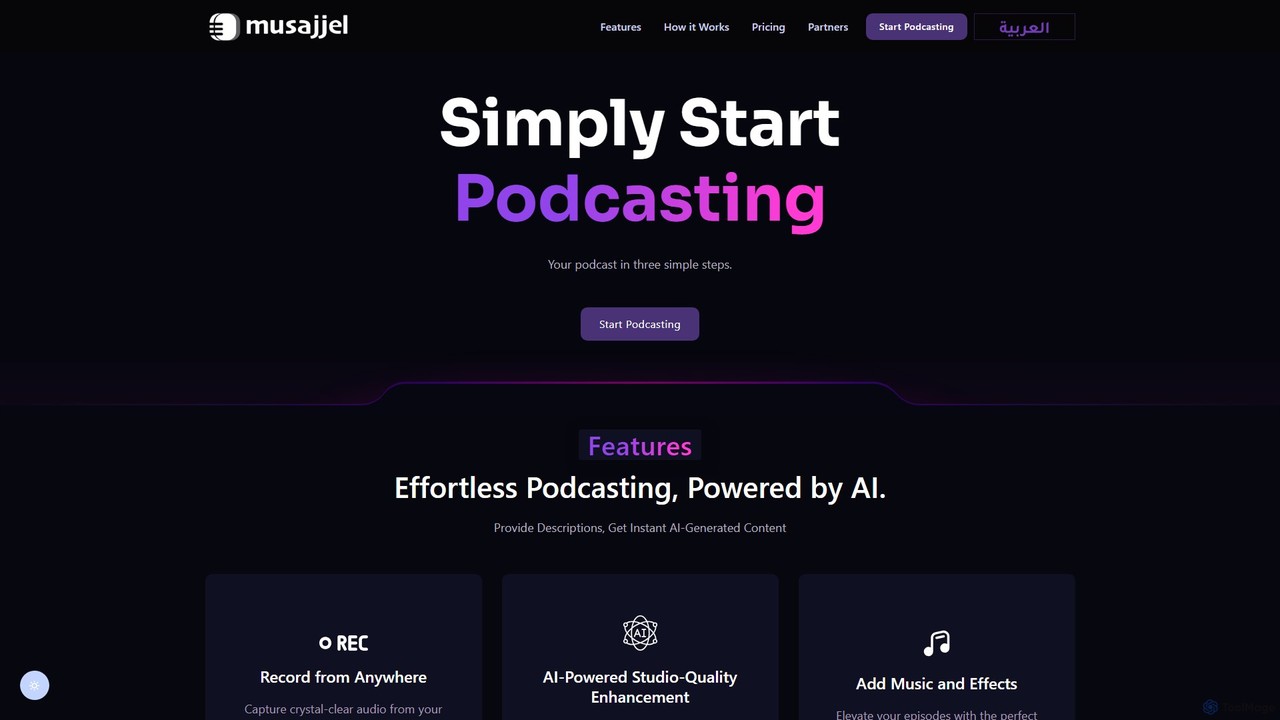
Musajjel is an AI-powered podcasting platform that simplifies the entire creation process. From recording high-quality audio on any …

2.6K
AudioStack

AudioStack

AudioStack is an enterprise-grade AI audio production suite designed for agencies, publishers, and brands. It enables the creation …

13.6K

About Audio Editing

AI Audio Editing tools are applications that use artificial intelligence to automate and enhance audio processing tasks. They leverage machine learning models to identify and separate sound elements like speech, music, and noise, enabling precise manipulation that was once highly time-consuming. These tools are essential for podcasters, video creators, and musicians seeking professional-grade audio quality by simplifying complex processes like noise reduction, vocal isolation, and audio mastering. The primary advantage of AI-powered editing is its ability to perform sophisticated repairs and enhancements with minimal user input.

Core Features

  • AI Noise & Reverb Reduction: Intelligently removes unwanted background noise and echo from recordings.
  • Vocal & Instrument Isolation: Separates vocals or specific instruments from a mixed audio track.
  • Speech Enhancement: Automatically balances volume levels and improves the clarity of spoken dialogue.
  • Automatic Mastering: Analyzes audio and applies professional mastering settings for optimal loudness and balance.
  • Audio Restoration: Repairs damaged audio by removing clicks, hums, and other artifacts.

Use Cases

These tools are widely used in podcast production, video post-production, music creation, and audio archiving. Podcasters use them to clean up interviews recorded in noisy environments, while video editors rely on them to enhance dialogue clarity in films and online content. Musicians can isolate elements for remixes or practice, and archivists can restore the quality of historical recordings.

How to Choose

When selecting an AI Audio Editing tool, consider the specific tasks you need, such as noise reduction or vocal separation. Evaluate the audio processing quality and the level of control offered. Check for compatibility with your existing software (DAW plugins vs. standalone apps). Also, compare pricing models—subscription-based services often provide continuous updates, while one-time purchases might be more cost-effective for specific projects.

Audio EditingUse Cases

1

Podcast Dialogue Cleanup and Enhancement

A podcast producer working with remote guest interviews often faces inconsistent audio quality, including background noise, room echo, and varying microphone levels. Using an AI audio editing tool, the producer can upload the raw audio files. The tool's AI Noise Reduction feature automatically identifies and removes hums from air conditioners and traffic sounds. The Speech Enhancement function then analyzes the dialogue, balancing the volume levels between the host and guest and improving vocal clarity, resulting in a professional, studio-quality sound without hours of manual editing.

2

Isolate Vocals for Music Remixes

A DJ or music producer wants to create a remix of a popular song but only has the final mixed track, not the individual stems. By processing the song through an AI audio editing tool with vocal isolation capabilities, they can separate the lead vocal track from the instrumental backing. This provides a clean acapella that can be layered over a new beat. The same process can be used to isolate drums, bass, or other instruments, offering creative freedom for sampling and remixing that was previously only possible with access to the original studio recordings.

3

Enhance Dialogue in Video Post-Production

A documentary filmmaker has captured a crucial interview outdoors, but the audio is compromised by wind noise and background chatter. In the video editing suite, this makes the dialogue difficult to understand. Instead of attempting a costly re-shoot, the editor uses an AI audio tool as a plugin. The tool specifically targets and suppresses the wind frequencies and isolates the speaker's voice from the ambient noise. This restores the dialogue's clarity and intelligibility, saving the scene and ensuring the final film meets professional broadcast standards.

4

Restore Vintage Audio Recordings

An archivist is tasked with digitizing and preserving a collection of old vinyl records and tapes. These recordings suffer from age-related degradation, such as clicks, pops, hiss, and electrical hum. Manually restoring each track would be an extremely tedious process. The archivist uses an AI audio restoration tool to batch-process the digitized files. The AI algorithms are trained to detect and gently remove these specific artifacts while preserving the original audio's character, making historical recordings listenable for a modern audience.

5

Automatic Mastering for Independent Artists

An independent musician has finished mixing their new song but lacks the budget and expertise for professional mastering. They need the track to sound loud, clear, and competitive on streaming platforms like Spotify and Apple Music. They upload their final mix to an AI mastering tool. The AI analyzes the track's genre and dynamics, then applies a custom chain of equalization, compression, and limiting to optimize it for streaming. The artist receives a professionally mastered file in minutes, ready for distribution.

6

Fill Gaps and Correct Mistakes in Voiceovers

A voiceover artist records a long narration for an audiobook but later discovers a few misread words and awkward pauses. Re-recording sections can be difficult due to changes in voice tone and room acoustics. Using an AI tool with voice cloning and generative fill capabilities, the artist can type the correct words, and the AI generates the audio in their own voice, seamlessly patching the mistake. This 'overdubbing' feature can also be used to fill gaps or add new lines without returning to the recording booth, ensuring perfect consistency.

Audio EditingFrequently Asked Questions