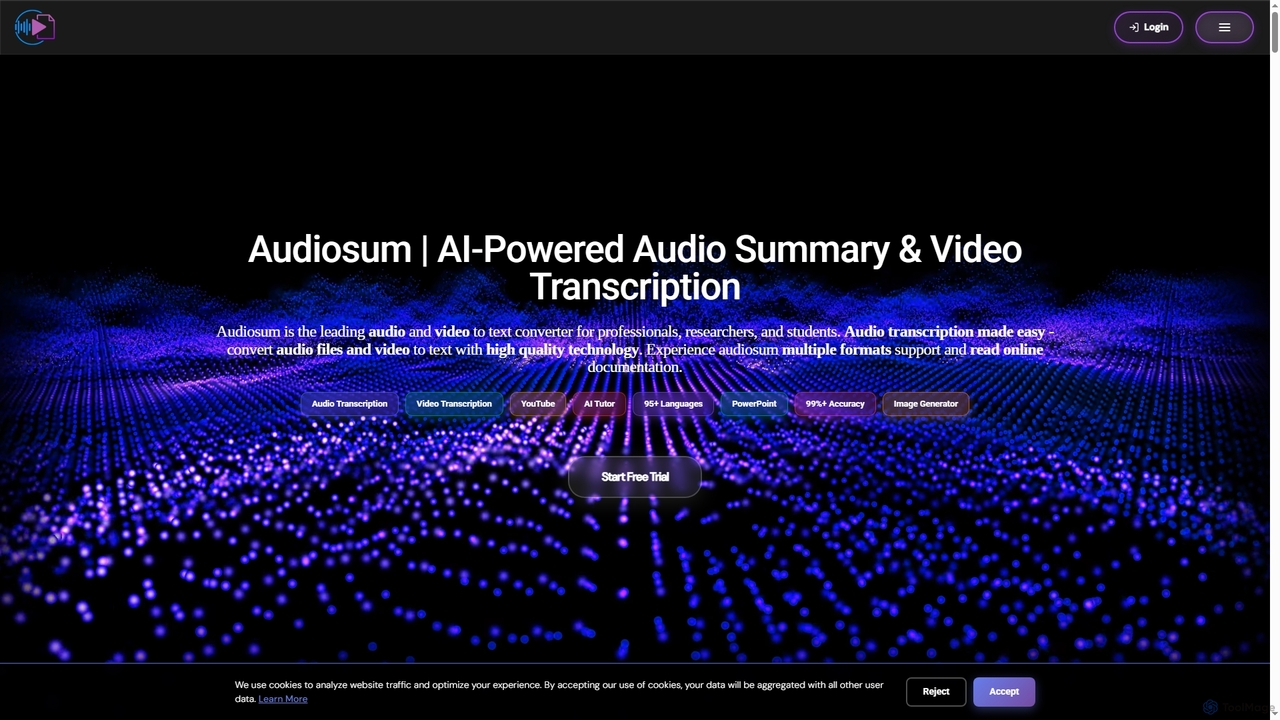
AI Presentation tools are a specialized category within content creation that leverage artificial intelligence to automate and enhance the process of designing, generating, and delivering compelling visual presentations. These tools utilize advanced algorithms for content generation, layout optimization, and visual design, enabling users to create professional-grade slides with unprecedented speed and ease. They transform raw ideas and data into structured, visually appealing narratives, significantly reducing the manual effort involved in traditional presentation software. This innovation empowers users to focus more on their message and less on the mechanics of design.
Core Features
- Automated Slide Generation: Automatically creates entire presentations or individual slides from text, outlines, or data inputs.
- Content Summarization & Structuring: Analyzes input text to extract key points and organize them into a logical presentation flow.
- Visual Design & Layout Optimization: Suggests or applies professional themes, fonts, color schemes, and image placements for aesthetic appeal.
- Data Visualization: Transforms raw data into clear, engaging charts, graphs, and infographics.
- Speaker Notes & Scripting: Assists in generating speaker notes or full presentation scripts based on slide content.
Applicable Scenarios
AI presentation tools are invaluable for professionals across various sectors. Marketing teams can rapidly develop pitch decks for new campaigns, while sales professionals can quickly tailor client-specific proposals. Educators can generate engaging lecture slides from course materials, and business analysts can visualize complex reports into digestible summaries. They are also highly beneficial for students creating academic projects and entrepreneurs crafting investor pitches.
How to Choose
When selecting an AI presentation tool, consider its core AI capabilities, such as the accuracy of content generation and design automation. Evaluate the level of customization offered, ensuring it aligns with your brand guidelines or personal style. Check for integration with existing data sources (e.g., spreadsheets, databases) and other productivity tools. Finally, assess the available export formats (e.g., PowerPoint, PDF, web-based) and the overall user-friendliness of the interface.