ToolMage
Sign in

Best 2 Help Desk Automation AI tools for Customer Support

Popular Help Desk Automation AI tools in Customer Support include Tekst and Cirroe, helping you work more efficiently.

Tekst
Paid

Tekst

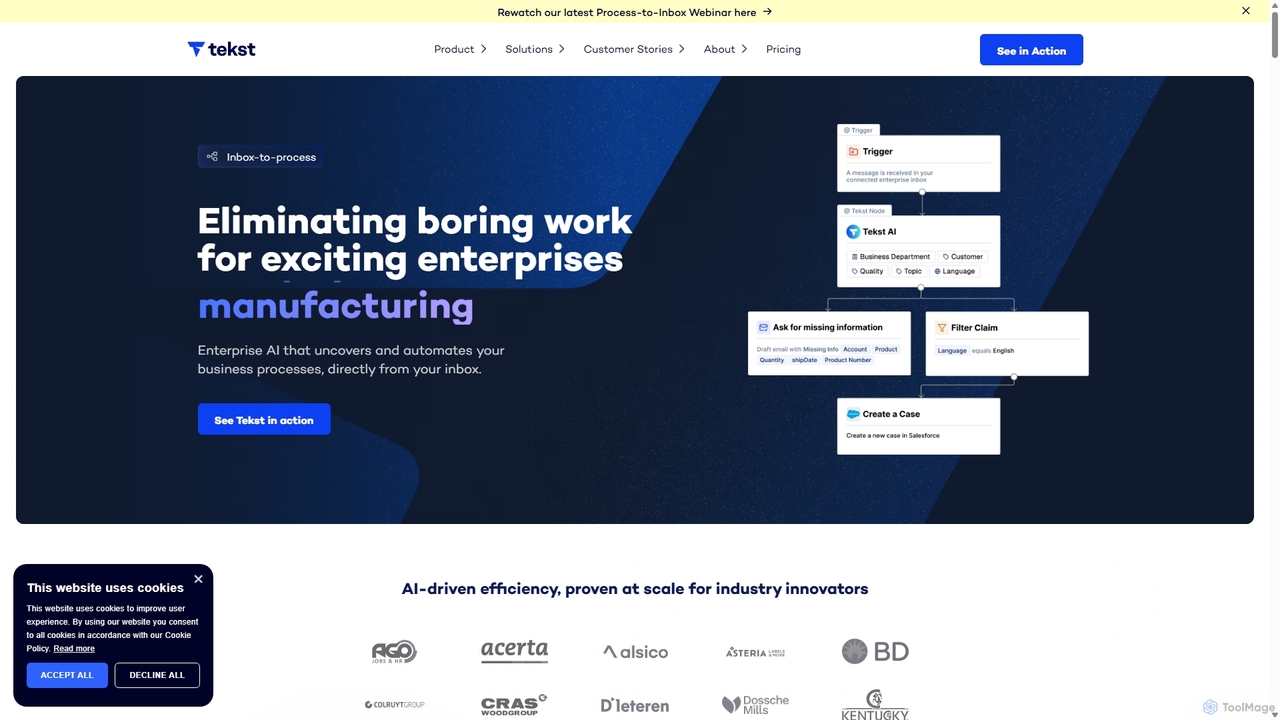
Tekst is an enterprise AI platform that automates complex business workflows by transforming unstructured communications like emails and tickets into actionable data. It uses custom-trained AI models to intelligently categorize, prioritize, and route requests, seamlessly integrating with existing systems like Salesforce and SAP to boost efficiency, reduce resolution times, and deliver a rapid ROI.

Process Management
Visits 6.8KFavorites 82Likes 101
Cirroe
Paid

Cirroe

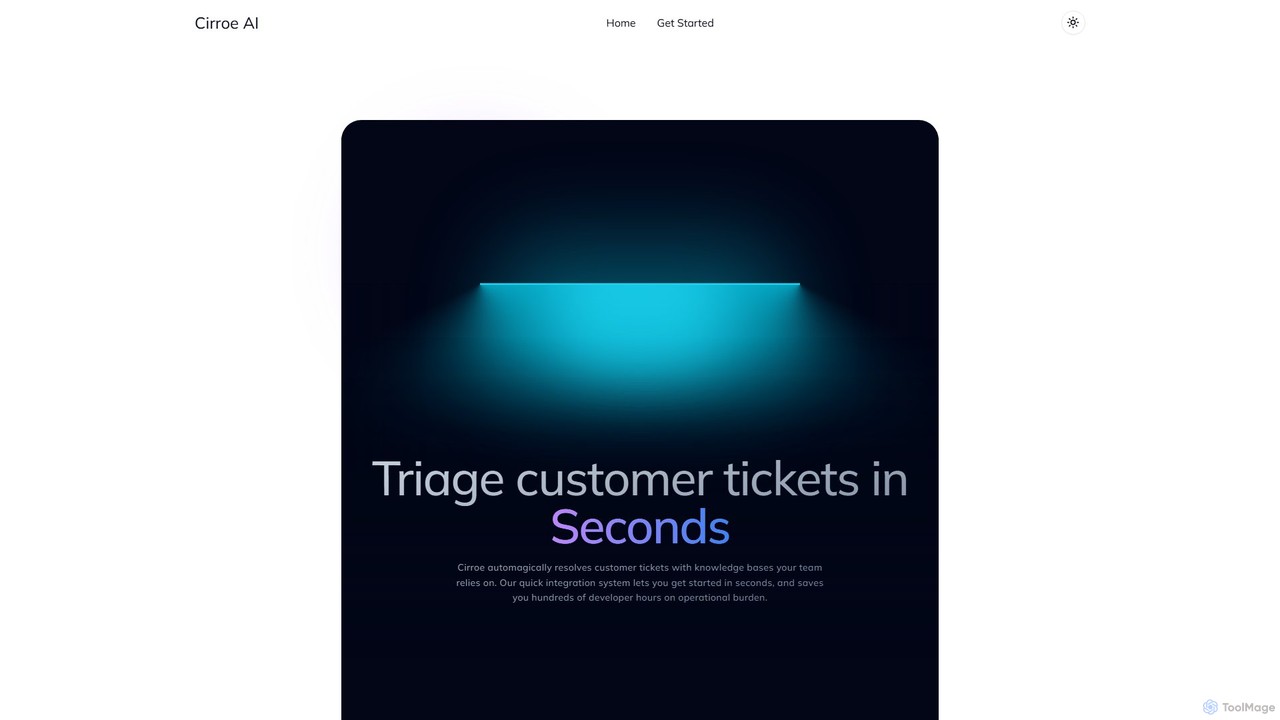
Cirroe is an AI-powered platform that automates customer support by triaging and resolving tickets in seconds. It integrates with your existing knowledge bases and helpdesks to reduce manual workload, save developer hours, and provide structured insights from operational issues.

Knowledge Management
Visits 5.5KFavorites 163Likes 174

About Help Desk Automation

Help Desk Automation tools are AI-powered solutions designed to streamline and enhance customer support operations. These tools leverage natural language processing (NLP) and machine learning to automate routine inquiries, ticket management, and information retrieval. By reducing manual effort and providing instant responses, they significantly improve efficiency, reduce operational costs, and elevate the overall customer experience within a broader customer support framework.

Core Features

  • AI Chatbots & Virtual Agents: Instantly answer common questions and guide users through self-service options.
  • Intelligent Ticket Routing: Automatically categorize, prioritize, and assign support tickets to the correct department or agent.
  • Knowledge Base Integration: Provide instant access to relevant articles and FAQs, empowering users with self-service solutions.
  • Automated Response Generation: Draft personalized replies for common issues, saving agents valuable time.
  • Sentiment Analysis: Identify customer emotions in interactions to prioritize urgent or sensitive cases for human intervention.

Applicable Scenarios

Organizations with high volumes of customer inquiries, such as e-commerce businesses, SaaS providers, and large enterprises, benefit immensely from these tools. IT departments use them to automate password resets and common technical troubleshooting. Customer service managers deploy them to reduce agent workload and ensure 24/7 support availability, enhancing overall service delivery.

How to Choose

When selecting a Help Desk Automation tool, consider its AI capabilities (NLP accuracy, learning ability), seamless integration with existing CRM and help desk systems, and scalability to handle growing inquiry volumes. Evaluate customization options for branding and specific workflows, ease of setup and maintenance, and the vendor's support and pricing model to ensure it aligns with your operational needs.

Help Desk Automation use cases

1

Automating First-Level Customer Inquiries

A large e-commerce company uses an AI chatbot to handle 70% of common customer questions, such as order status, return policies, and shipping information, instantly. This frees up human agents to focus on more complex issues requiring empathy and critical thinking, significantly reducing response times and improving customer satisfaction without increasing staff.

2

Intelligent IT Support Ticket Triage

An IT department deploys an automated system that analyzes incoming support requests, identifies keywords related to specific issues (e.g., 'password reset', 'network access'), and automatically routes tickets to the appropriate specialist (e.g., network, software, hardware). Concurrently, it suggests relevant knowledge base articles, significantly speeding up resolution times and ensuring tickets reach the right expert.

3

24/7 Self-Service Knowledge Base Access

A SaaS company integrates AI into its help center, allowing users to ask questions in natural language and receive immediate, precise answers drawn from the knowledge base, even outside business hours. This significantly reduces the need for direct agent interaction for common queries, improving customer satisfaction through instant gratification and reducing operational costs.

4

Proactive Customer Issue Resolution

A telecommunications provider uses sentiment analysis within its automation platform to detect customer frustration or dissatisfaction in chat interactions. The system automatically flags these cases and escalates them to a human agent for proactive intervention, often before a formal complaint is lodged, thereby preventing churn and improving customer loyalty by addressing issues swiftly.

5

Onboarding and Training New Employees

HR departments utilize automated help desks to answer frequently asked questions from new hires about company policies, benefits, IT setup, and common procedures. This ensures a smooth onboarding process without constant manual intervention from HR staff, providing instant access to information and reducing the time spent on repetitive queries, allowing HR to focus on strategic initiatives.

6

Multilingual Customer Support

A global travel agency implements an AI-powered virtual agent that can understand and respond to customer inquiries in multiple languages, such as English, Spanish, French, and German. This provides consistent, 24/7 support worldwide without requiring a large, multilingual human support team, significantly expanding reach and improving service quality for international customers while optimizing staffing costs.

Help Desk Automation FAQ

What is Help Desk Automation?

Help Desk Automation refers to the use of AI and software to automate routine tasks and interactions within a customer support or IT help desk. It leverages technologies like natural language processing (NLP) and machine learning to handle inquiries, route tickets, and provide information, significantly improving efficiency and response times. This allows human agents to focus on more complex and high-value customer issues.

How does Help Desk Automation differ from traditional customer support?

Help Desk Automation differs by proactively using AI to resolve issues and manage tickets without constant human intervention, whereas traditional support relies heavily on human agents for every interaction. Automation provides instant, 24/7 responses, handles high volumes efficiently, and reduces operational costs. Traditional support, while offering a personalized human touch, can be slower and less scalable for routine inquiries compared to automated systems.

What are the key benefits of implementing Help Desk Automation?

Implementing Help Desk Automation offers several key benefits: it significantly reduces response times, provides 24/7 customer support, and lowers operational costs by decreasing reliance on human agents for routine tasks. It also improves agent productivity by offloading repetitive work, enhances customer satisfaction through faster, consistent service, and enables better data analysis for identifying common issues and improving overall service quality.

What features should I look for in a Help Desk Automation tool?

When evaluating Help Desk Automation tools, look for robust AI capabilities such as advanced NLP for understanding complex queries, seamless integration with your existing CRM and help desk software, and comprehensive knowledge base management. Other important features include intelligent ticket routing, multilingual support, customizable workflows, detailed analytics for performance tracking, and strong security protocols to protect sensitive customer data.

Can Help Desk Automation replace human support agents entirely?

No, Help Desk Automation is designed to augment, not entirely replace, human support agents. It excels at handling repetitive, high-volume, and rule-based inquiries, freeing up human agents to focus on complex, sensitive, or unique customer issues that require empathy, critical thinking, and nuanced problem-solving. It creates a more efficient hybrid support model where AI handles the routine, and humans manage the exceptions and high-value interactions.