Nventr
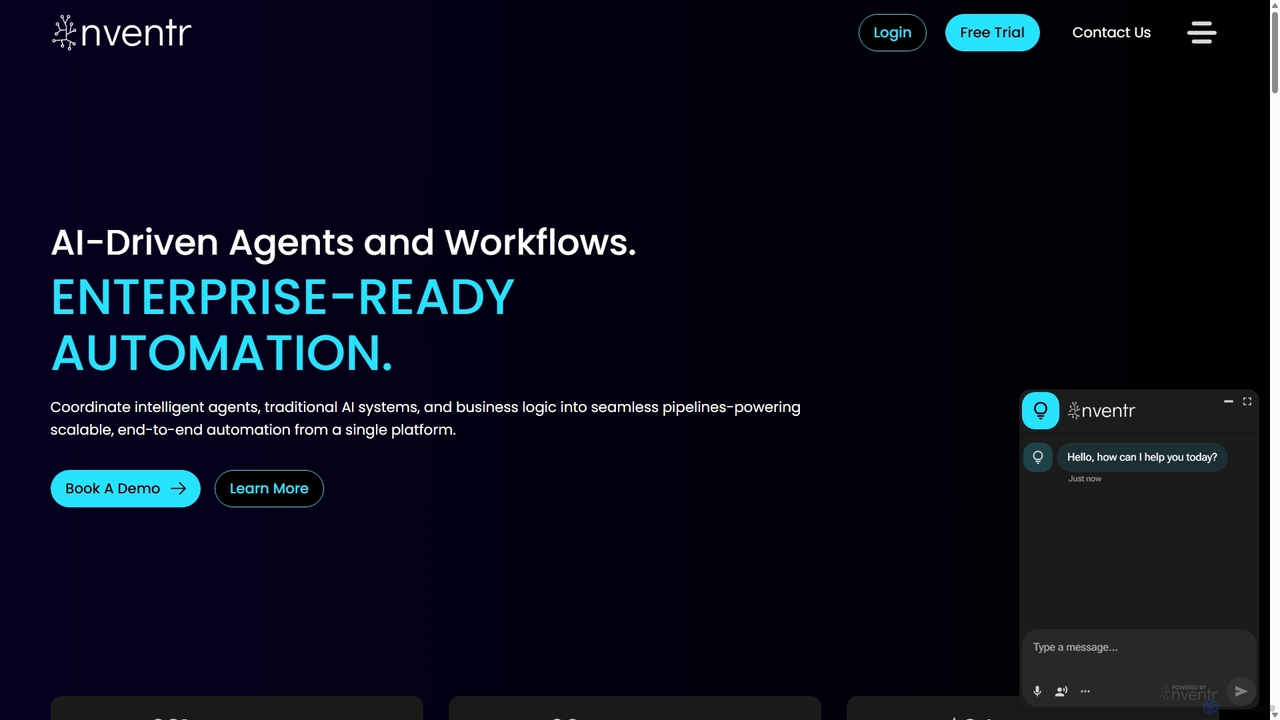
Nventr is an enterprise-ready AI platform for intelligent automation. It unifies AI agents, machine learning models, and business …
Nventr is an enterprise-ready AI platform for intelligent automation. It unifies AI agents, machine learning models, and business logic into scalable, end-to-end workflows. Specializing in Intelligent Document Processing (IDP), predictive analytics, and fraud detection, it empowers businesses to transform complex operations and drive efficiency.
Neural Wave
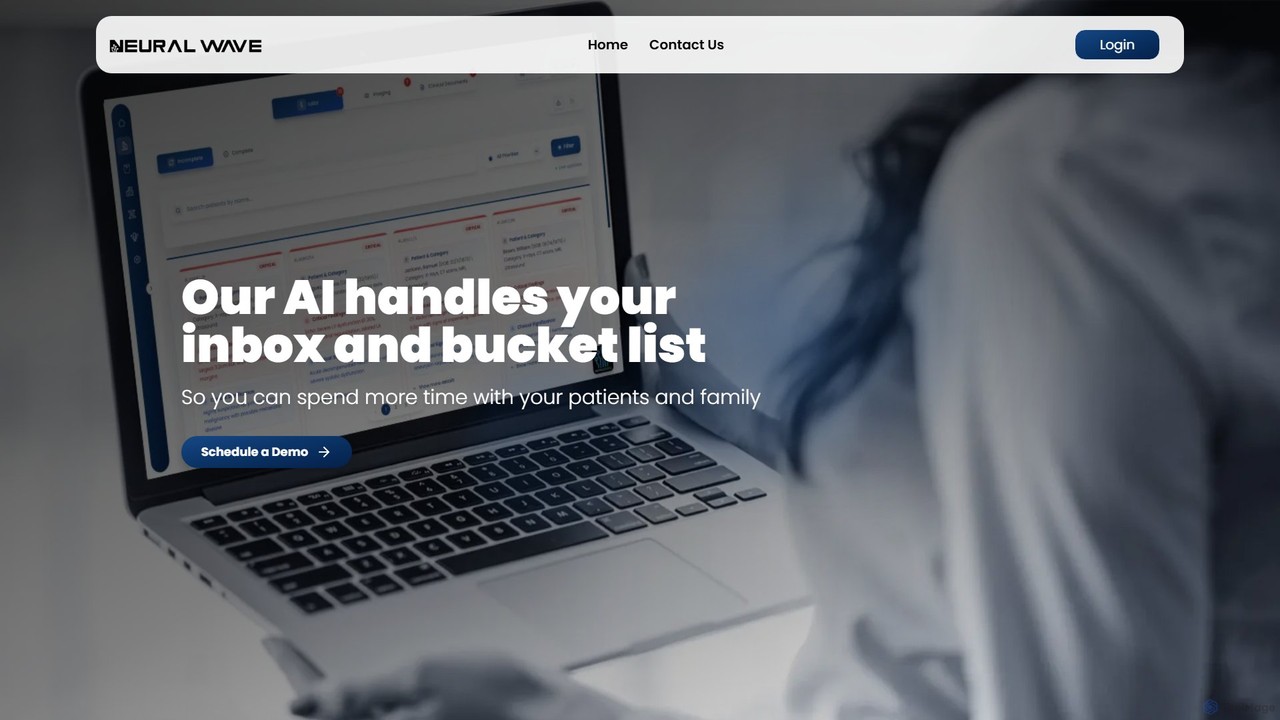
Neural Wave is an AI-powered platform for healthcare providers that automates non-billable administrative tasks. It intelligently analyzes lab …
Neural Wave is an AI-powered platform for healthcare providers that automates non-billable administrative tasks. It intelligently analyzes lab results, imaging reports, and clinical documents, extracting key insights, detecting abnormalities, and generating summaries to save clinicians time, reduce errors, and enhance patient care.
Casca
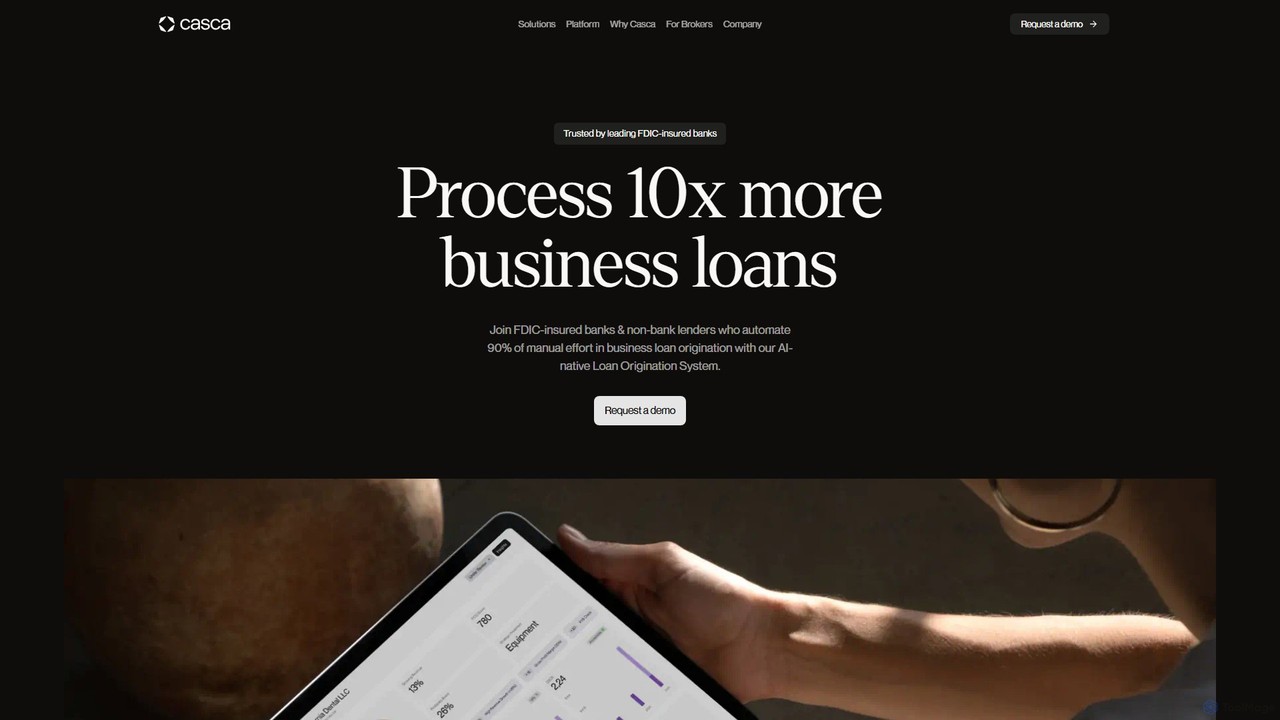
Casca is an AI-powered lending platform designed for banks and financial institutions to modernize their business loan origination …
Casca is an AI-powered lending platform designed for banks and financial institutions to modernize their business loan origination process. It automates underwriting, document analysis, and applicant communication, significantly reducing manual effort and loan cycle times while increasing conversion rates.
Indico Data
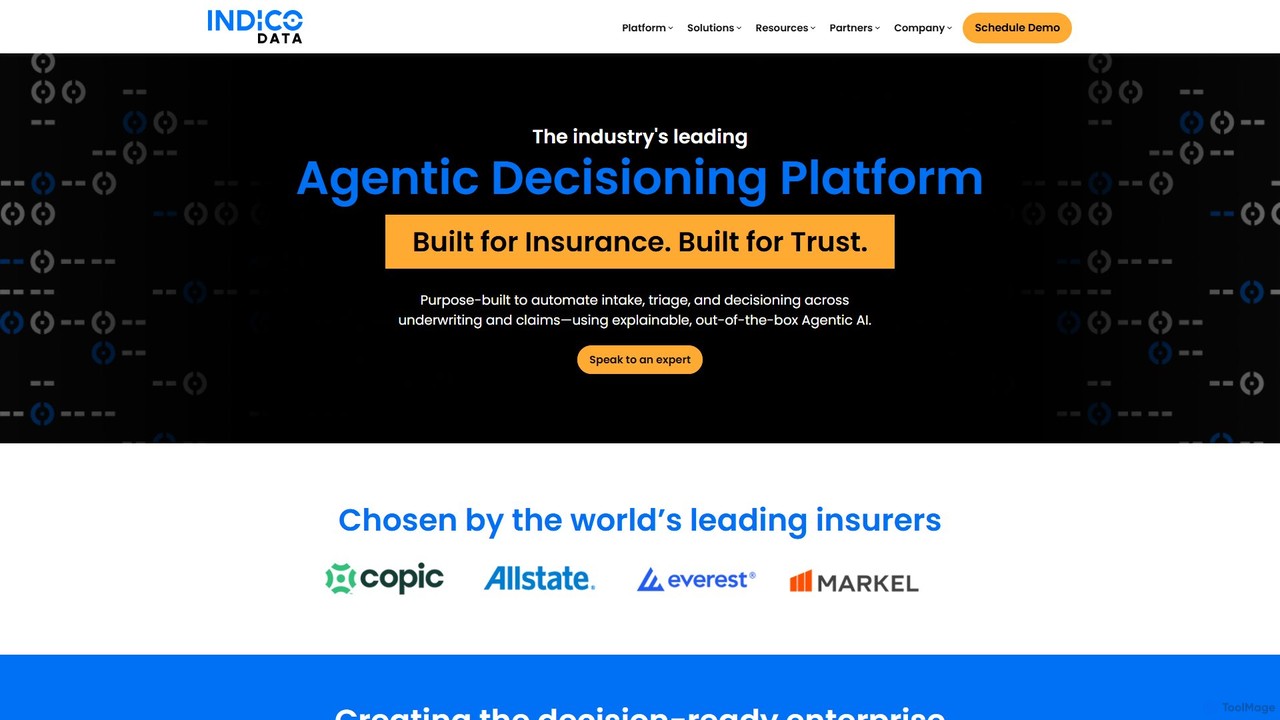
Indico Data is an enterprise AI platform specializing in Agentic Decisioning. It automates and enhances complex decision-making processes …
Indico Data is an enterprise AI platform specializing in Agentic Decisioning. It automates and enhances complex decision-making processes by transforming unstructured data from documents, emails, and images into actionable, structured outcomes. Ideal for industries like insurance and finance, it streamlines workflows, reduces manual effort, and improves operational efficiency.
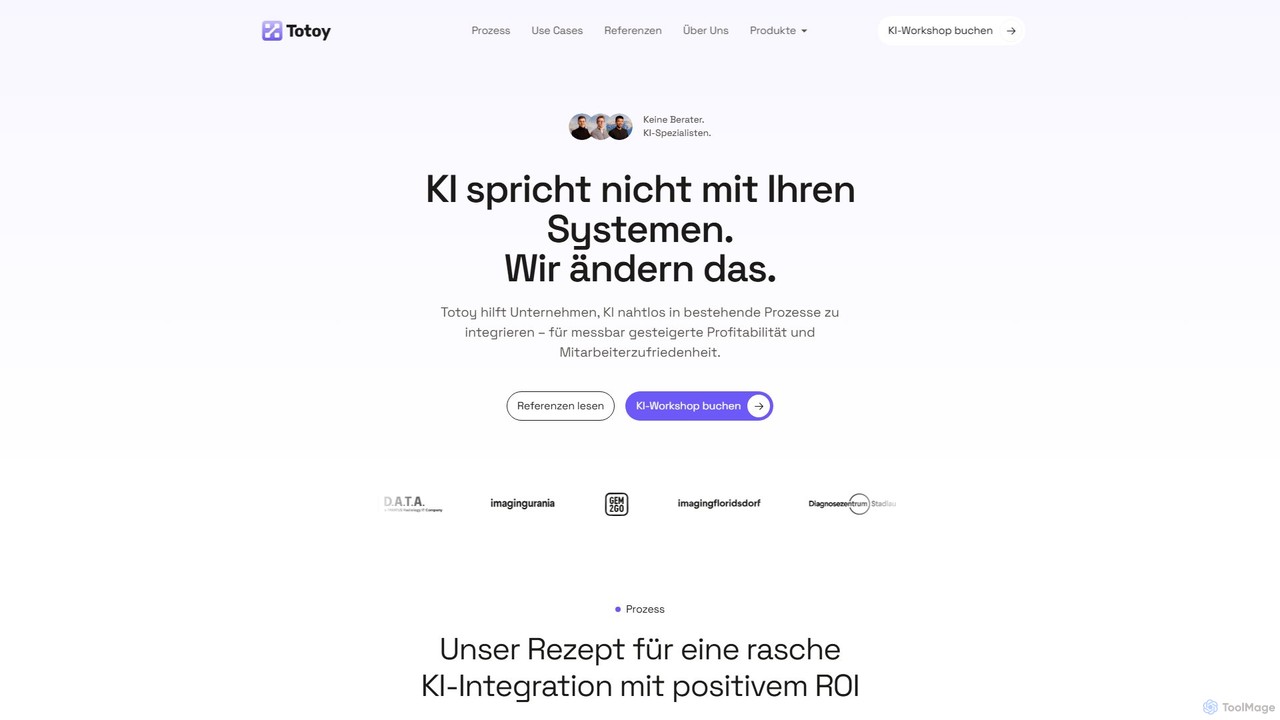
Totoy
Totoy provides custom AI solutions for businesses to automate processes and improve efficiency. Specializing in high-compliance environments, they …
Totoy provides custom AI solutions for businesses to automate processes and improve efficiency. Specializing in high-compliance environments, they offer services from potential analysis workshops to full implementation of AI systems for document management, customer support, quality control, and more. Their solutions are GDPR and AI-Act compliant, developed and hosted in the EU.
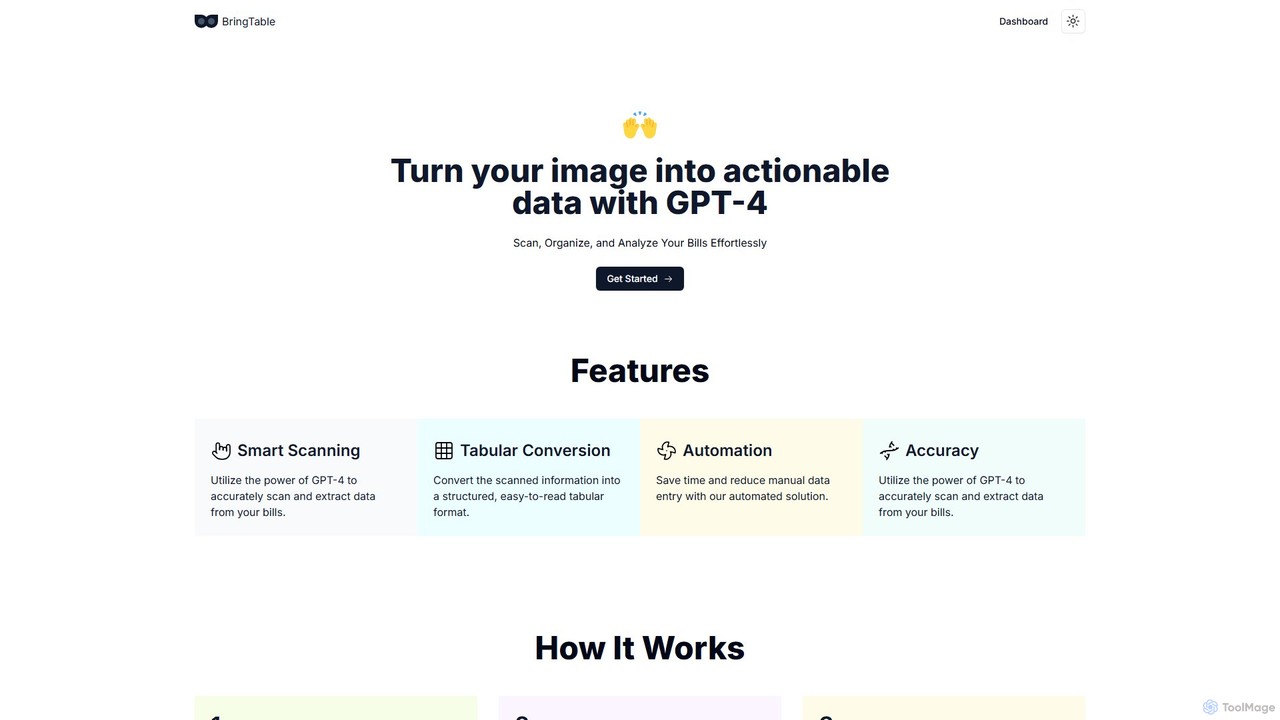
BringTable
BringTable is an AI-powered tool that leverages GPT-4 to scan bills, invoices, and receipts, automatically extracting data and …
BringTable is an AI-powered tool that leverages GPT-4 to scan bills, invoices, and receipts, automatically extracting data and converting it into structured, actionable tables. Effortlessly organize and analyze your financial documents, saving time and eliminating manual data entry.

AI4BD
AI4BD provides a modular Cognitive Business Robotics (CBR) software platform for enterprises. It automates monotonous tasks through AI-powered …
AI4BD provides a modular Cognitive Business Robotics (CBR) software platform for enterprises. It automates monotonous tasks through AI-powered solutions for document processing, smart maintenance, and master data management. Designed for seamless integration, it helps businesses of all sizes optimize workflows, increase efficiency, and make data-driven decisions without requiring specialized AI expertise.
About Document Processing
Document Processing AI tools are designed to automate the extraction, analysis, and management of information from various document formats. Leveraging advanced AI, including natural language processing (NLP) and computer vision, these tools transform unstructured data into actionable insights. They streamline workflows by intelligently categorizing, summarizing, and validating content, significantly enhancing efficiency in data handling and decision-making within the broader 'Data' category. This automation reduces manual effort and improves accuracy across diverse industries.
Core Features
- Data Extraction: Automatically identify and pull specific information (e.g., names, dates, amounts) from documents.
- Document Classification: Categorize documents based on content, type, or predefined rules.
- Optical Character Recognition (OCR): Convert scanned images or PDFs into editable and searchable text.
- Semantic Search: Enable intelligent search within document repositories, understanding context and intent.
- Automated Summarization: Generate concise summaries of lengthy documents, highlighting key information.
Use Cases
These tools are essential for legal firms handling large case files, financial institutions processing loan applications, and healthcare providers managing patient records. They also benefit businesses in automating invoice processing, contract analysis, and compliance checks, turning vast amounts of textual data into structured, usable information.
How to Choose
When selecting a Document Processing AI tool, consider its accuracy in data extraction, support for various document formats (PDF, images, handwritten), integration capabilities with existing systems, and scalability for your data volume. Evaluate its natural language processing capabilities for nuanced understanding and ensure robust security features for sensitive information.
Document ProcessingUse Cases
Automating Invoice and Receipt Processing
Finance departments can utilize AI document processing tools to automatically extract key data like vendor names, amounts, dates, and line items from invoices and receipts. This eliminates manual data entry, accelerates reconciliation, and reduces errors, allowing staff to focus on strategic financial analysis rather than repetitive tasks.
Streamlining Legal Contract Review
Legal professionals can employ these tools to rapidly analyze large volumes of contracts, identifying specific clauses, terms, and potential risks. AI can highlight discrepancies, ensure compliance with regulations, and extract critical information for due diligence, significantly speeding up review cycles and reducing human oversight errors.
Enhancing Customer Onboarding with ID Verification
Financial services and online platforms can use AI document processing for automated identity verification. By scanning and extracting data from passports, driver's licenses, and other ID documents, these tools can authenticate identities, detect fraud, and streamline the customer onboarding process, ensuring compliance and security.
Efficient Management of Patient Medical Records
Healthcare providers can leverage AI to process and organize vast amounts of unstructured patient data from medical reports, lab results, and doctor's notes. These tools extract relevant symptoms, diagnoses, and treatment plans, enabling faster access to critical information, improving diagnostic accuracy, and supporting personalized patient care.
Automating Research Paper Analysis and Summarization
Researchers and academics can use document processing AI to quickly sift through extensive scientific literature, extracting key findings, methodologies, and conclusions. The tools can summarize complex papers, identify relevant citations, and help synthesize information from multiple sources, accelerating literature reviews and knowledge discovery.
Digitalizing and Indexing Archival Documents
Organizations with large physical archives can utilize AI document processing to convert scanned historical documents, manuscripts, or blueprints into searchable digital formats. OCR technology combined with intelligent indexing allows for easy retrieval of information, preserving valuable data and making it accessible for future reference and analysis.