ToolMage
Sign in

Best 5 Design Tools

Popular Design Tools include YouArt, Image to Image, PictTools, Clean Pixel Art, and Nano Banana Photoshop Script, helping you work more efficiently.

PictTools
Free

PictTools

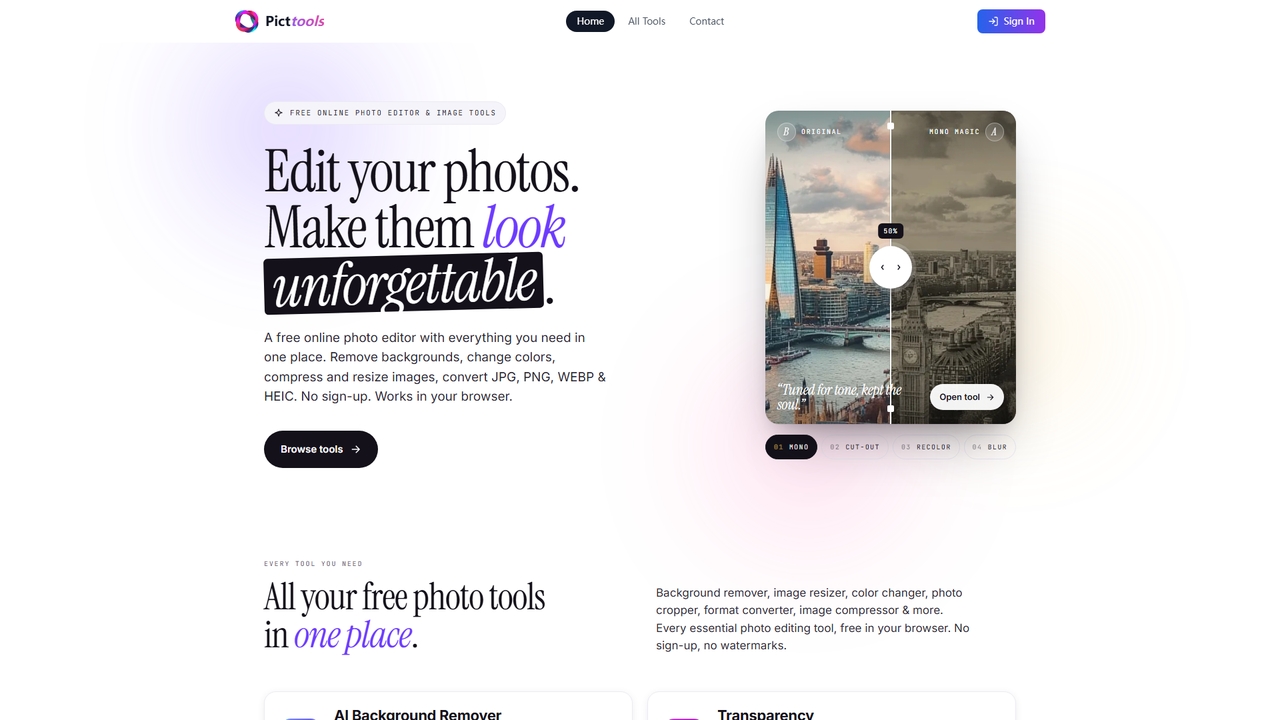
Free online photo editor with a suite of essential image tools including background remover, color changer, and format converter. All tools run in your browser with no sign-up or watermarks.

Image Editing
Visits 4.3KFavorites 0Likes 0
Clean Pixel Art

Clean Pixel Art

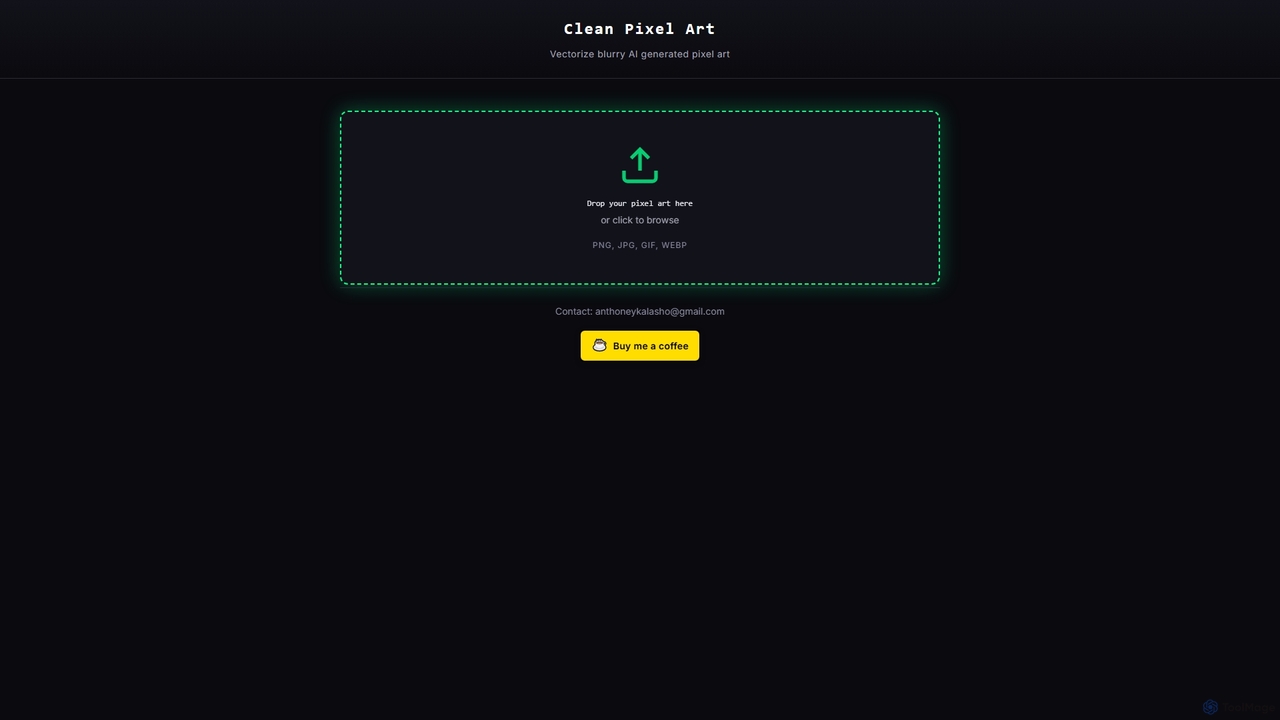
Clean Pixel Art is an online AI-powered tool designed to transform blurry, AI-generated pixel art into crisp, scalable vector graphics. It simplifies the process of enhancing pixel art quality, supporting popular formats like PNG, JPG, GIF, and WEBP for easy conversion.

Enhancement
Visits 4.1KFavorites 10Likes 9
Nano Banana Photoshop Script
Paid

Nano Banana Photoshop Script

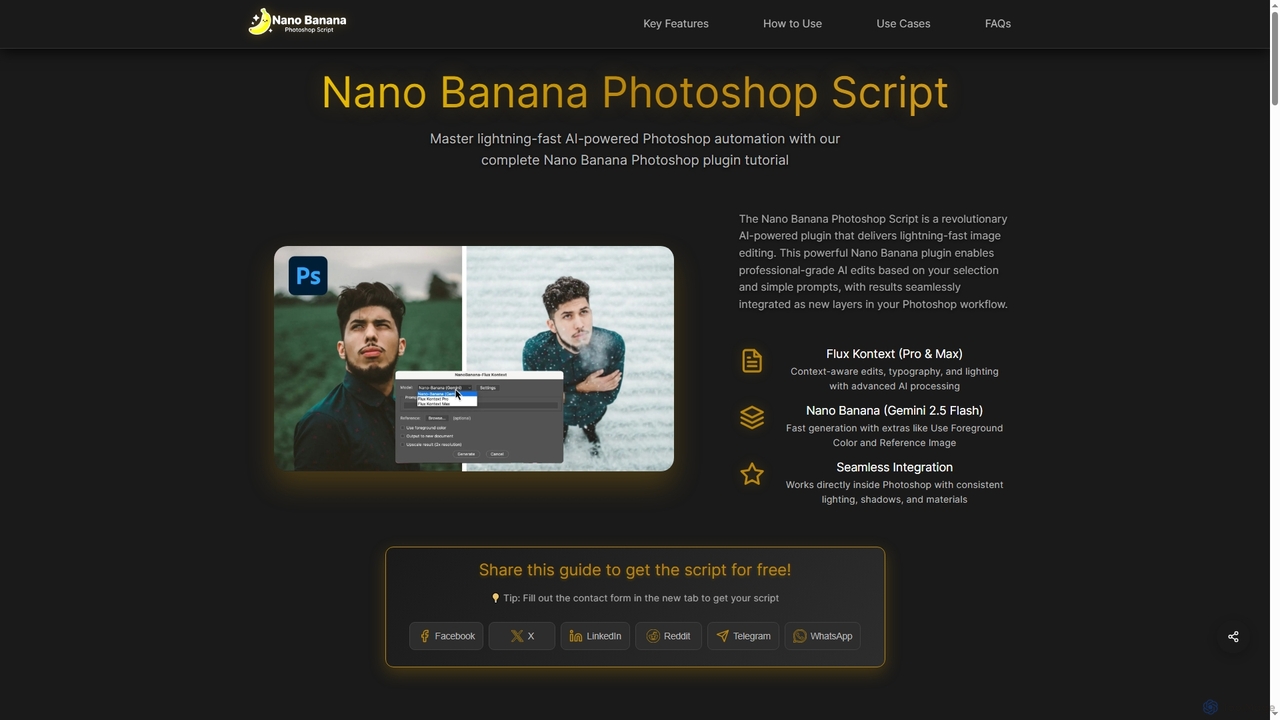
Nano Banana Photoshop Script is a revolutionary AI-powered plugin that integrates seamlessly with Adobe Photoshop, offering lightning-fast image editing and automation. It enables professional-grade AI edits based on selections and simple prompts, delivering results as new layers within your workflow.

Generative Ai
Visits 3.5KFavorites 112Likes 128
YouArt

YouArt

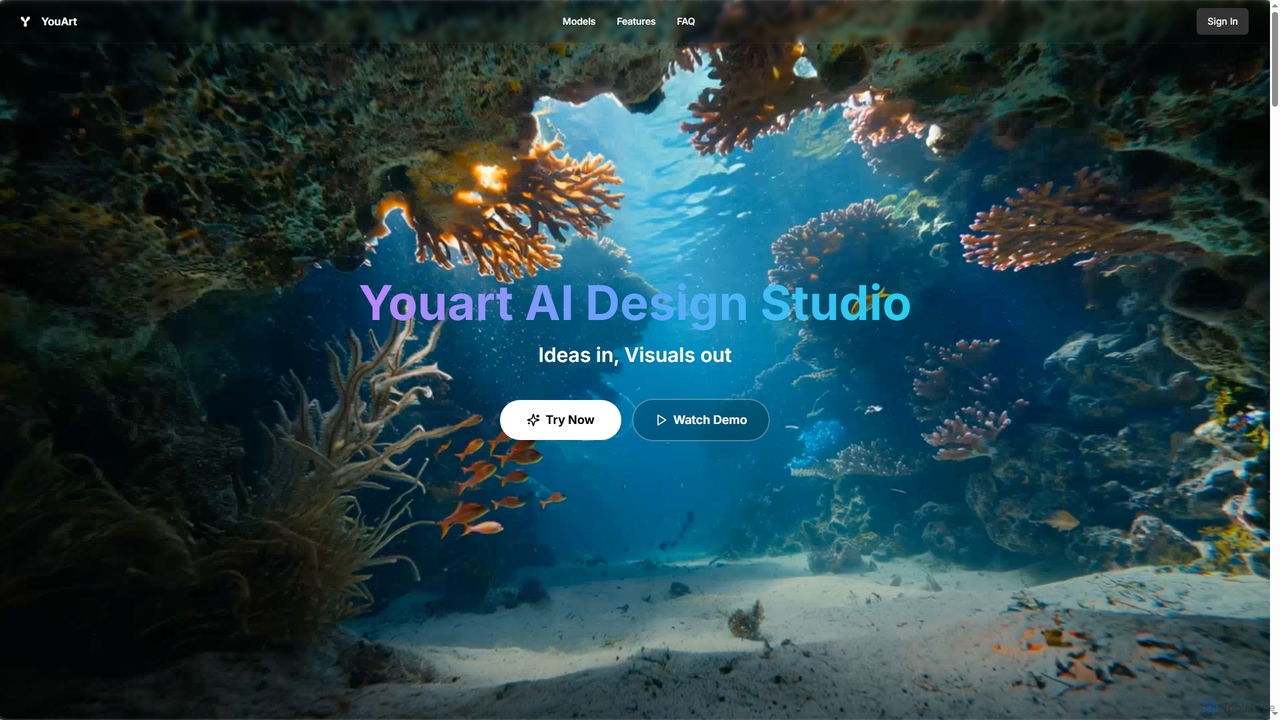
YouArt is an AI design studio that transforms ideas into stunning visuals using advanced AI image and video generation technologies. It features a visual workflow builder, a text-to-image generator, image editing tools like background removal, and an image-to-video converter. With a variety of specialized templates for e-commerce, fashion, and art, YouArt empowers users to create professional-grade visual content efficiently, leveraging multiple premium AI models on a single platform.

Product Visualization
Visits 106.6KFavorites 104Likes 104
Image to Image
Freemium

Image to Image

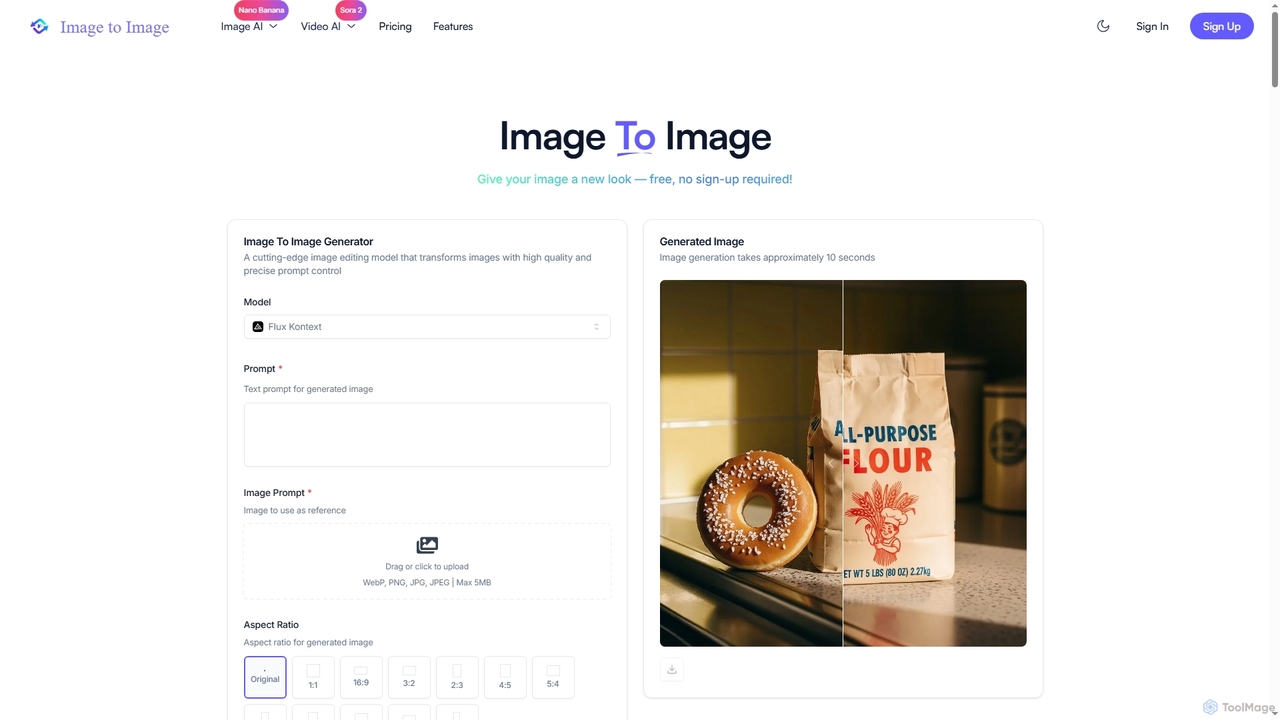
Image to Image is an all-in-one AI creative suite that transforms existing images, generates new visuals from text, and creates dynamic videos from both images and text. It offers high-fidelity outputs, multiple AI models, and a user-friendly interface for artists, designers, marketers, and content creators.

Creative Suite
Visits 21.8KFavorites 102Likes 98

About Design Tools

AI Design Tools are a class of software that utilizes artificial intelligence to automate, assist, and accelerate creative design processes. These tools employ generative models and machine learning algorithms to interpret text prompts, analyze visual data, and produce a wide range of design assets, from images and logos to complete user interface layouts. They empower both professional designers and non-designers to create high-quality visuals, iterate on ideas rapidly, and scale content production efficiently. The core value lies in bridging the gap between imagination and execution, significantly reducing the time and technical skill required to produce compelling designs.

Core Features

  • Generative Asset Creation: Automatically produces unique images, illustrations, icons, and logos from simple text descriptions or style inputs.
  • Automated Editing & Enhancement: Intelligently removes backgrounds, upscales image resolution, adjusts colors, and retouches photos with minimal user intervention.
  • Smart Layout & Templating: Generates optimized layouts for social media, presentations, and websites based on content and brand guidelines.
  • UI/UX Prototyping Assistance: Creates wireframes, user flow diagrams, and design system components to speed up the product design workflow.
  • Predictive Design Analysis: Analyzes the potential effectiveness of a design by predicting user attention hotspots and aesthetic appeal before testing.

Use Cases

AI Design Tools are widely used across marketing, e-commerce, software development, and content creation. Marketers use them to generate ad creatives and social media content at scale. UX/UI designers leverage them for rapid prototyping and ideation. Small business owners and content creators can produce professional-grade branding and visuals without extensive design experience.

How to Choose

When selecting an AI Design Tool, consider its primary function—whether it's for image generation, UI design, or general-purpose editing. Evaluate its ease of use and learning curve, especially for non-designers. Check for integration capabilities with your existing workflow, such as plugins for Figma or Adobe Creative Suite. Finally, assess the output quality, level of creative control, and the pricing model (e.g., subscription vs. pay-per-use credits).

Featured tool rankings

Design Tools use cases

1

Generate Marketing Campaign Visuals

A marketing manager for an e-commerce brand needs to launch a new social media campaign across multiple platforms. Instead of a lengthy process involving graphic designers, they use an AI design tool. By inputting a text prompt like 'A vibrant product shot of our new sneaker on a minimalist background with a futuristic feel,' the tool generates dozens of high-quality, on-brand image variations in minutes. This allows the team to A/B test different visuals to find the most effective creative, significantly reducing production time and costs while increasing campaign performance.

2

Rapid UI/UX Wireframing and Ideation

A UX designer is tasked with creating a new user onboarding flow for a mobile app. To quickly explore different layout possibilities, they use an AI-powered design tool. They can describe the required screens and components, such as 'a welcome screen with a logo and a login button, followed by a three-step tutorial carousel.' The AI generates multiple wireframe options instantly. This accelerates the ideation phase, allowing the designer to focus on refining user experience and logic rather than manually drawing boxes and elements, presenting several viable concepts to stakeholders in a fraction of the time.

3

Automate E-commerce Product Image Editing

An online store owner manages hundreds of new products each month, each requiring professional photos with clean, white backgrounds. Manually editing each photo is time-consuming and costly. By using an AI design tool with batch processing capabilities, they can upload all product images at once. The AI automatically detects the subject, removes the background with high precision, and can even apply consistent shadows or place the product in lifestyle mockups. This automates a tedious workflow, ensuring a professional and uniform look across the entire product catalog and saving dozens of hours of manual labor per month.

4

Create Logos and Brand Identity Assets

A startup founder or small business owner needs a professional logo and basic brand assets but has a limited budget. They use an AI logo maker, a specialized type of design tool. By providing the company name, industry, preferred colors, and style keywords (e.g., 'modern', 'minimalist', 'bold'), the AI generates hundreds of unique logo concepts. The founder can then select a favorite, customize the fonts and layout, and download a complete brand kit including logo files for web and print, color palettes, and font information. This provides a cost-effective and rapid alternative to hiring a design agency for foundational branding.

5

Generate Unique Illustrations and Icons

A content creator for a blog or a presentation needs custom illustrations to make their content more engaging, but lacks drawing skills. Using an AI design tool, they can generate unique, royalty-free illustrations and icons in a consistent style. By describing the desired image, such as 'a flat design icon of a lightbulb for an idea concept,' and specifying a color palette, the tool produces multiple options. This allows them to populate articles, slides, and websites with bespoke visuals that match their branding, avoiding generic stock imagery and enhancing the overall quality of their content.

6

Architectural and Interior Design Visualization

An interior designer or architect needs to quickly show clients realistic visualizations of a proposed design. Instead of spending days creating detailed 3D models and renderings, they use an AI design tool. They can upload a simple sketch, a floor plan, or a photo of an existing space and provide a text prompt like 'render this living room in a Scandinavian style with oak wood floors and natural light.' The AI transforms the input into multiple photorealistic images, allowing clients to visualize the final result instantly and provide feedback, dramatically speeding up the design approval process.

Design Tools FAQ

What are AI Design Tools?

AI Design Tools are software applications that use artificial intelligence, particularly machine learning and generative models, to assist in or automate the creation of visual content. They can generate images from text, create logos, design layouts, edit photos automatically, and even help with UI/UX prototyping. Their primary goal is to make the design process faster, more accessible to non-designers, and capable of producing a wide variety of creative options quickly.

How to choose the right AI Design Tool?

To choose the right tool, consider these factors:

  • Primary Use Case: Identify your main need. Is it for generating images, creating logos, editing photos, or designing user interfaces? Different tools specialize in different areas.
  • Ease of Use: Assess the user interface and learning curve. Some tools are built for beginners with simple prompts, while others offer advanced controls for professionals.
  • Integration: Check if the tool integrates with your existing software, like Figma, Sketch, or Adobe Creative Cloud, to ensure a smooth workflow.
  • Output Quality and Control: Evaluate the quality, resolution, and style of the generated assets. Consider how much control you have to refine and customize the results.
  • Pricing Model: Compare pricing structures. Some are subscription-based, while others use a credit system where you pay per generation. Choose one that aligns with your usage frequency and budget.
Can non-designers use AI Design Tools?

Absolutely. Many AI design tools are specifically created to empower individuals without a formal design background. They simplify complex design tasks into simple text prompts or template-based workflows. This allows marketers, small business owners, content creators, and educators to produce professional-looking graphics, presentations, and social media posts without needing to learn complex software like Adobe Photoshop or Illustrator. These tools effectively lower the barrier to entry for high-quality visual creation.

What is the difference between AI Image Generators and AI Design Tools?

AI Image Generators are a specific subset of AI Design Tools. Their primary function is to create new images from scratch based on text prompts (text-to-image). While powerful, their focus is narrow.

AI Design Tools is a broader category that can include image generation but also encompasses other functionalities like:

  • Editing and Enhancement: Tools for upscaling, background removal, and object replacement.
  • Layout and Composition: Tools that help arrange elements on a canvas for social media, ads, or presentations.
  • UI/UX Design: Tools that assist in creating wireframes and app mockups.
  • Brand Management: Tools for creating consistent brand assets like logos and templates.

In short, all image generators are design tools, but not all design tools are just image generators.

What are the limitations of AI Design Tools?

While powerful, AI design tools have limitations. They may sometimes struggle with complex or highly specific prompts, producing generic or nonsensical results. Achieving a very precise outcome can require significant prompt engineering and iteration. There can also be issues with consistency, such as generating human hands or text accurately. Finally, while they are excellent for ideation and production, they may lack the nuanced understanding, strategic thinking, and emotional intelligence of a professional human designer for complex branding or user experience projects.