framify
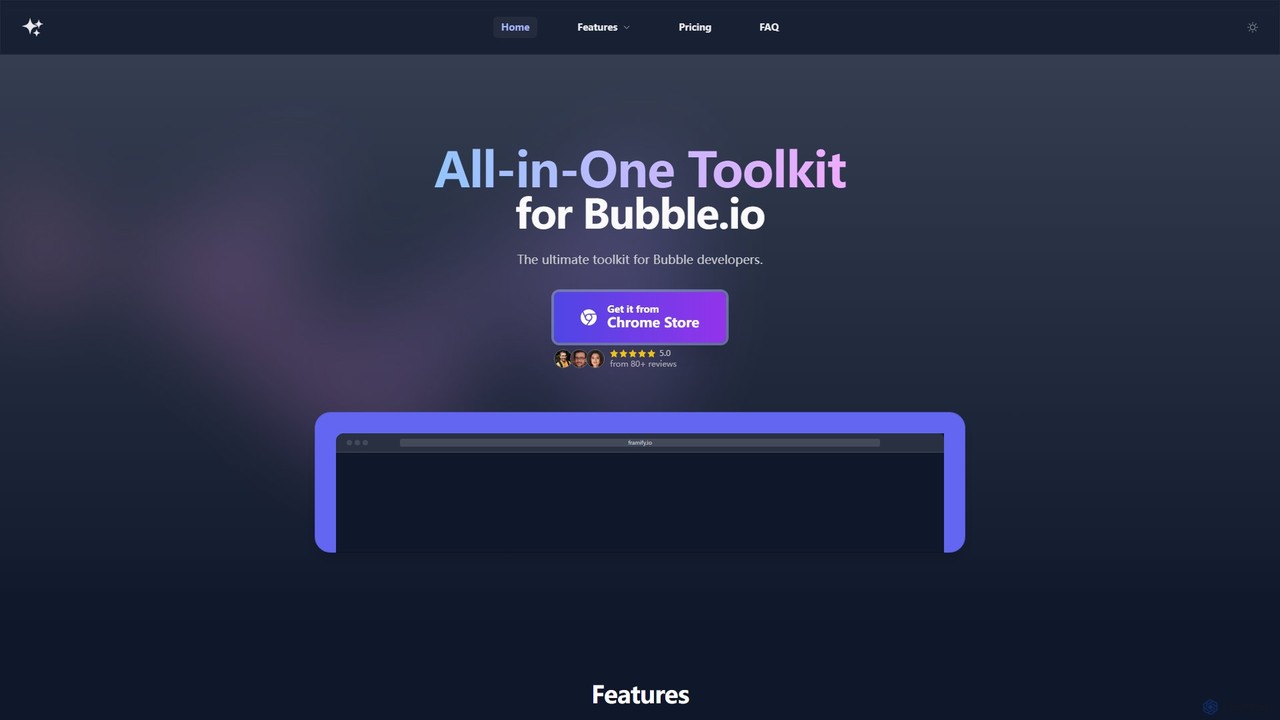
Framify is an all-in-one AI-powered toolkit and component library for Bubble.io and Webflow developers. It accelerates web development …
Framify is an all-in-one AI-powered toolkit and component library for Bubble.io and Webflow developers. It accelerates web development with a vast library of UI components, a Figma to Bubble converter, an AI site builder, and various productivity tools. It's designed to streamline workflows, enhance design, and reduce development time significantly.
Figr
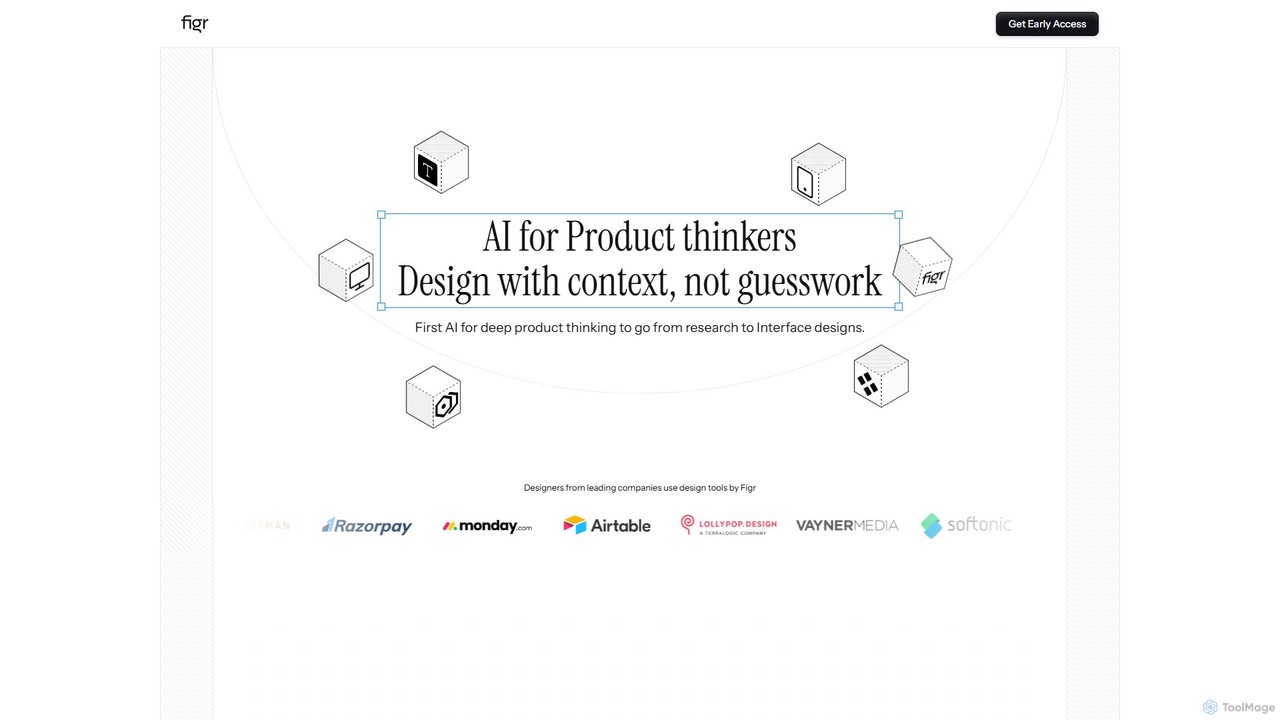
Figr is an AI-powered design suite that accelerates the product design workflow. It specializes in creating production-grade design …
Figr is an AI-powered design suite that accelerates the product design workflow. It specializes in creating production-grade design systems directly within Figma, automating the generation of design tokens, components, and documentation. It's built for product thinkers, designers, and teams to transform research and context into clear, consistent, and scalable user interfaces with remarkable speed.
LoremGenie
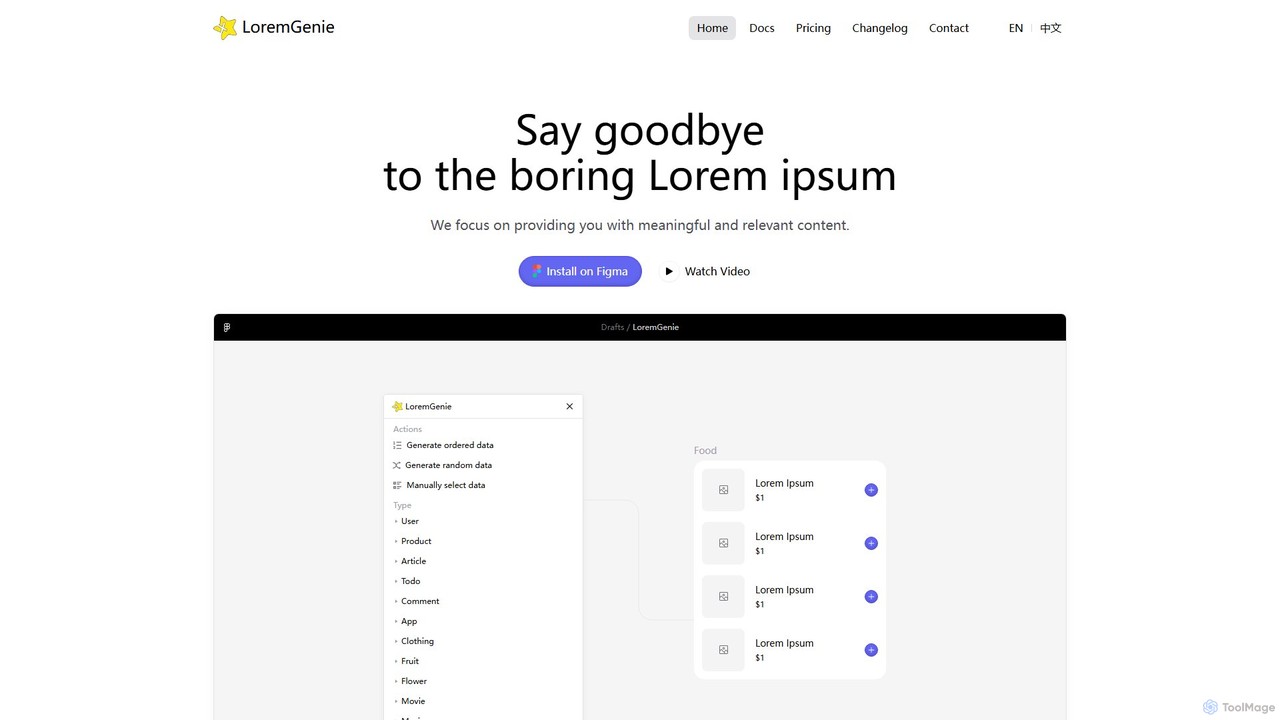
LoremGenie is an advanced Figma plugin that replaces generic 'Lorem ipsum' with meaningful, realistic, and AI-generated data. It …
LoremGenie is an advanced Figma plugin that replaces generic 'Lorem ipsum' with meaningful, realistic, and AI-generated data. It offers over 22 content categories, including user profiles, products, and articles, to help designers create highly realistic and context-aware mockups, significantly speeding up the design workflow.
About Ui Ux
UI/UX AI tools are a specialized category within AI design, leveraging artificial intelligence to streamline and enhance the user interface (UI) and user experience (UX) design process. These tools utilize machine learning algorithms to automate repetitive tasks, generate design variations, analyze user behavior, and provide data-driven insights. Their primary value lies in accelerating design workflows, improving design consistency, and creating more intuitive and personalized user experiences.
Core Features
- AI-Powered Wireframing & Prototyping: Automatically generates initial layouts, wireframes, and interactive prototypes from text descriptions or sketches.
- Design System Management: Helps maintain consistency by identifying, organizing, and applying design tokens and components across projects.
- User Feedback Analysis: Analyzes qualitative and quantitative user data to identify pain points, suggest improvements, and predict user behavior.
- Accessibility & Usability Audits: Automatically checks designs against accessibility standards and usability heuristics, providing actionable recommendations.
- Personalized UI Generation: Creates dynamic UI elements and layouts tailored to individual user preferences and behaviors.
Applicable Scenarios
Product designers use these tools to rapidly iterate on design concepts and validate ideas with data. Marketing teams leverage AI for A/B testing different UI elements to optimize conversion rates. Developers integrate AI-generated design specifications to ensure design fidelity and accelerate front-end development.
How to Choose
When selecting UI/UX AI tools, consider their integration capabilities with your existing design software (e.g., Figma, Sketch). Evaluate the breadth and depth of their AI features, distinguishing between generative AI for creation and analytical AI for insights. Assess the collaboration features for team workflows and the learning curve for your design team. Finally, compare pricing models and ensure the tool aligns with your specific project needs and budget.
Ui UxUse Cases
Automating Wireframe Generation from Text Descriptions
Product designers can input simple text descriptions or user stories into an AI UI/UX tool, which then automatically generates initial wireframes or low-fidelity prototypes. This allows designers to quickly visualize concepts, test different layouts, and iterate on ideas without spending hours on manual drawing. The AI interprets the intent, suggesting common UI patterns and components, significantly accelerating the early stages of the design process and enabling faster stakeholder feedback.
Generating Personalized UI Variations for A/B Testing
Marketing and product teams can use AI UI/UX tools to generate multiple, subtly different UI variations for specific user segments. Instead of manually creating each version, the AI can adjust elements like button colors, call-to-action text, or layout based on predefined parameters or predicted user preferences. These AI-generated variations can then be used for A/B testing, allowing teams to quickly identify which design performs best for different user groups, leading to optimized conversion rates and improved user engagement.
Analyzing User Feedback for UX Improvements
UX researchers and product managers can leverage AI UI/UX tools to process vast amounts of qualitative user feedback, such as survey responses, support tickets, and user reviews. The AI can identify common themes, sentiment, and emerging pain points that might be missed by manual analysis. This data-driven approach helps prioritize UX improvements, pinpoint specific design flaws, and inform strategic decisions, leading to a more user-centric product development roadmap and higher user satisfaction.
Creating Accessible Design Systems with AI
Design teams can utilize AI UI/UX tools to build and maintain highly accessible design systems. The AI can automatically check color contrast ratios, font sizes, touch target areas, and semantic HTML structures against WCAG (Web Content Accessibility Guidelines) standards. It can also suggest alternative text for images or provide recommendations for keyboard navigation. This ensures that designs are inclusive from the outset, reducing the need for costly retrofitting and ensuring compliance with accessibility regulations, benefiting a wider user base.
Converting Hand-Drawn Sketches to Digital UI
Individual designers or small teams can accelerate their ideation process by using AI UI/UX tools to convert hand-drawn sketches into digital UI elements. By simply taking a photo of a sketch, the AI can recognize common UI components like buttons, input fields, and navigation bars, and transform them into editable digital assets. This bridges the gap between rapid analog ideation and digital design, allowing for quicker prototyping and integration into design software, saving significant time in the initial design phase.
Optimizing User Flows Based on Behavioral Data
UX designers and data analysts can utilize AI UI/UX tools to analyze vast datasets of user behavioral data, such as click paths, session recordings, and conversion funnels. The AI can identify bottlenecks, common drop-off points, and inefficient user flows. Based on these insights, the tool can suggest optimized user journeys, reordering steps, or redesigning specific screens to improve efficiency and user satisfaction. This data-driven optimization helps create more seamless and effective user experiences, directly impacting business goals like retention and conversion.