Developer Tools Best in category 2 results Integration Platform AI Tool

Popular AI tools in the Integration Platform field of Developer Tools include Phrase、solaracloud, etc., helping you quickly improve efficiency.

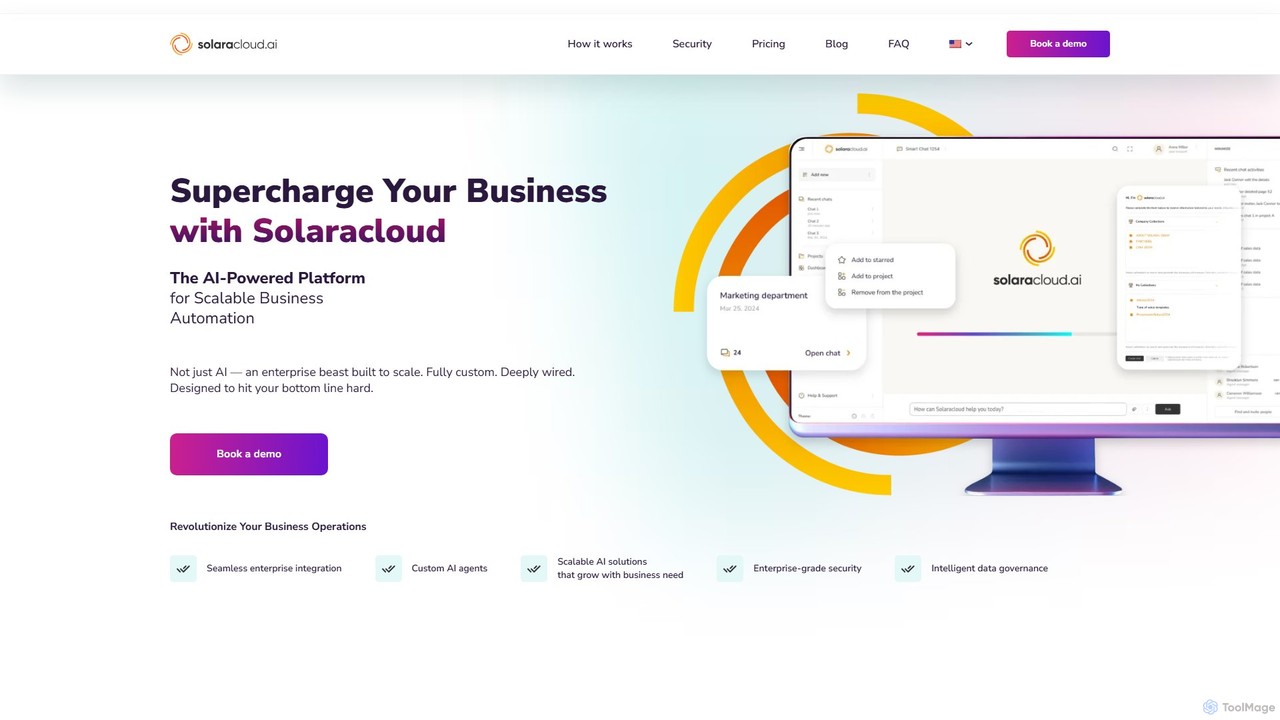
solaracloud

solaracloud

SolaraCloud is an AI-based data empowerment platform that enables businesses to build and deploy custom AI agents. It …

2.1K
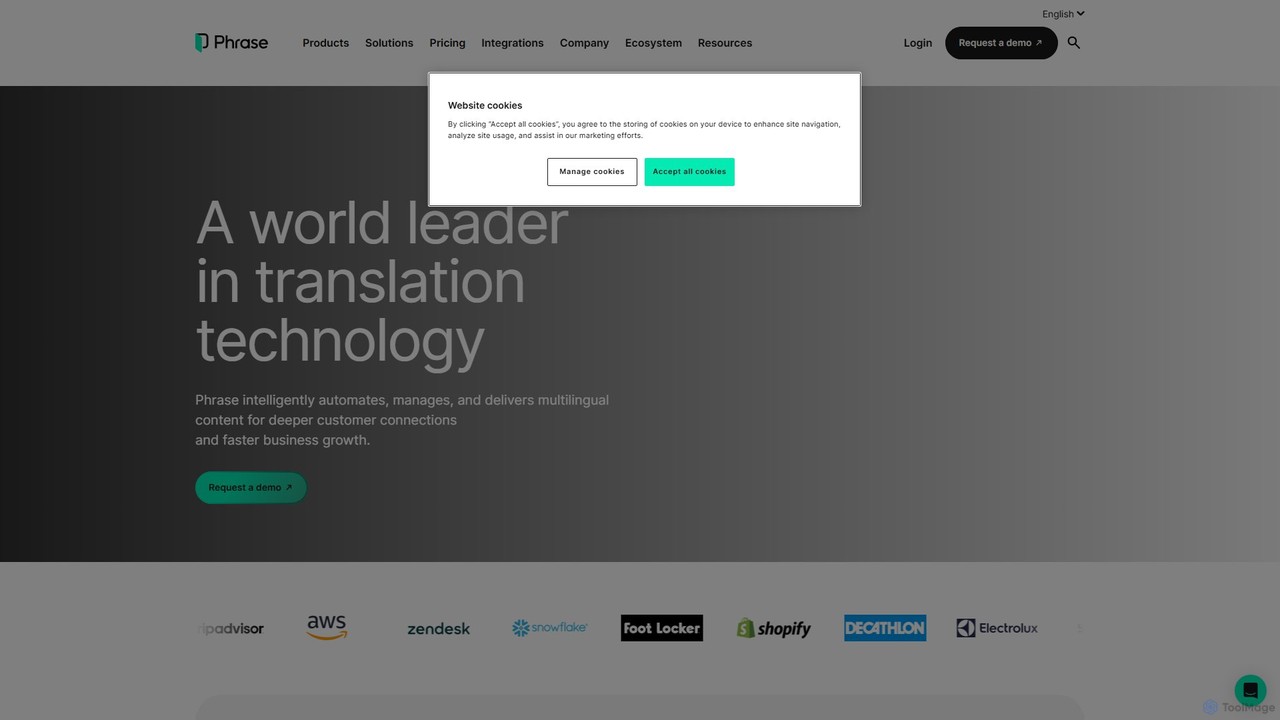
Phrase

Phrase

Phrase is an AI-powered Localization Platform designed for enterprises. It automates, manages, and delivers multilingual content, from text …

835.9K

About Integration Platform

Integration Platforms are tools designed to connect different software applications, services, and data sources to automate workflows. They operate by providing a visual interface and pre-built connectors that allow users to create sequences of actions, enabling data to flow seamlessly between systems without writing extensive code. This capability is crucial for eliminating manual data entry, synchronizing information across departments, and building complex business process automations. Many modern platforms also incorporate AI to suggest optimal workflows or handle complex data transformations intelligently.

Core Features

  • Visual Workflow Builder: A drag-and-drop interface for designing, testing, and deploying multi-step automation workflows.
  • Pre-built Connectors: An extensive library of ready-to-use integrations for popular SaaS applications, databases, and APIs.
  • Data Mapping and Transformation: Tools to format, filter, and modify data as it moves from a source application to a destination.
  • Triggers and Scheduling: The ability to initiate workflows based on real-time events (e.g., a new form submission) or on a predefined schedule.
  • Error Handling and Logging: Mechanisms to monitor workflow execution, identify failures, and alert users for troubleshooting.

Use Cases

These platforms are widely used across various industries. For instance, marketing teams automate lead nurturing by connecting web forms to CRMs and email marketing tools. Operations departments streamline processes like employee onboarding by linking HR systems to IT service management tools. In e-commerce, they synchronize orders from platforms like Shopify to inventory management and shipping software, ensuring a smooth fulfillment process.

How to Choose

When selecting an Integration Platform, consider the breadth and depth of its connector library to ensure it supports your essential applications. Evaluate the complexity of workflows it can handle, including conditional logic and branching. Assess the pricing model—whether it's based on the number of tasks, active workflows, or users. Finally, consider the platform's security features, data governance capabilities, and the level of technical expertise required (no-code vs. low-code).

Integration PlatformUse Cases

1

Automate Sales Lead Nurturing

A sales operations manager needs to ensure that every new lead from the company website is processed instantly. Using an integration platform, they create a workflow that triggers whenever a new lead is submitted through a web form. The workflow automatically performs several actions: 1) The lead's information is added as a new contact in the CRM (e.g., Salesforce). 2) A personalized welcome email is sent to the lead via an email marketing tool (e.g., Mailchimp). 3) A new task is assigned to a sales representative in their project management tool (e.g., Asana) to follow up. This automation eliminates manual data entry, reduces response time, and ensures no lead is overlooked.

2

Synchronize Customer Support and Development Tickets

A customer support manager faces challenges in communication between their support team (using Zendesk) and the development team (using Jira). To bridge this gap, they use an integration platform. They set up a two-way sync: when a support agent tags a Zendesk ticket as a 'bug', a new issue is automatically created in the Jira 'Bugs' project, containing all relevant details. Conversely, when a developer updates the status of the Jira issue to 'Done', the corresponding Zendesk ticket is automatically updated with a comment and its status is changed to 'Solved'. This ensures both teams have real-time visibility into issue resolution without leaving their primary tools.

3

Streamline Social Media Content Publishing

A content marketer manages multiple social media channels and wants to streamline their publishing workflow. They use an integration platform to connect their content management system (CMS) like WordPress with their social media accounts. An automation is built to trigger whenever a new blog post is published. The platform then automatically extracts the post's title, a summary, and the featured image. It formats this content into posts tailored for Twitter, LinkedIn, and Facebook, and then schedules them for publishing at optimal times using a tool like Buffer. This saves hours of manual work each week and ensures consistent promotion of new content across all channels.

4

Automate E-commerce Order Fulfillment

An e-commerce store owner using Shopify needs to automate the post-purchase process. They use an integration platform to create a workflow that starts when a new order is paid. The workflow connects Shopify, Slack, and Google Sheets. First, it sends a real-time notification to a private Slack channel for the fulfillment team, including the order number and items. Second, it adds a new row to a Google Sheet to log all order details for accounting and analysis. Finally, it adds the customer's email to a specific list in their email marketing platform for future communication. This automation ensures rapid order processing and accurate record-keeping without any manual intervention.

5

Simplify Employee Onboarding Processes

An HR manager wants to create a consistent and efficient onboarding experience for new hires. Using an integration platform, they design a workflow that triggers when a new employee is marked as 'Hired' in their HR system (e.g., BambooHR). The automation then sequentially creates user accounts for the new hire in Google Workspace, Slack, and the company's project management software. It also sends a welcome email to the new employee with their login credentials and schedules a series of introductory meetings in their new calendar. This ensures that on their first day, new employees have all the necessary access and information, reducing administrative overhead for HR and IT teams.

6

Aggregate Business Intelligence Data for Reporting

A data analyst is tasked with creating a daily performance dashboard but the data is scattered across multiple platforms: Google Analytics for website traffic, Facebook Ads for campaign performance, and a CRM for sales data. Instead of manually exporting CSV files daily, they use an integration platform. They set up a scheduled workflow that runs every morning. The workflow automatically fetches key metrics from each platform's API, standardizes the data format, and appends it to a central Google Sheet or a data warehouse like BigQuery. This automated data pipeline ensures the dashboard is always up-to-date with fresh, consolidated data, allowing the analyst to focus on analysis rather than data collection.

Integration PlatformFrequently Asked Questions