Lune
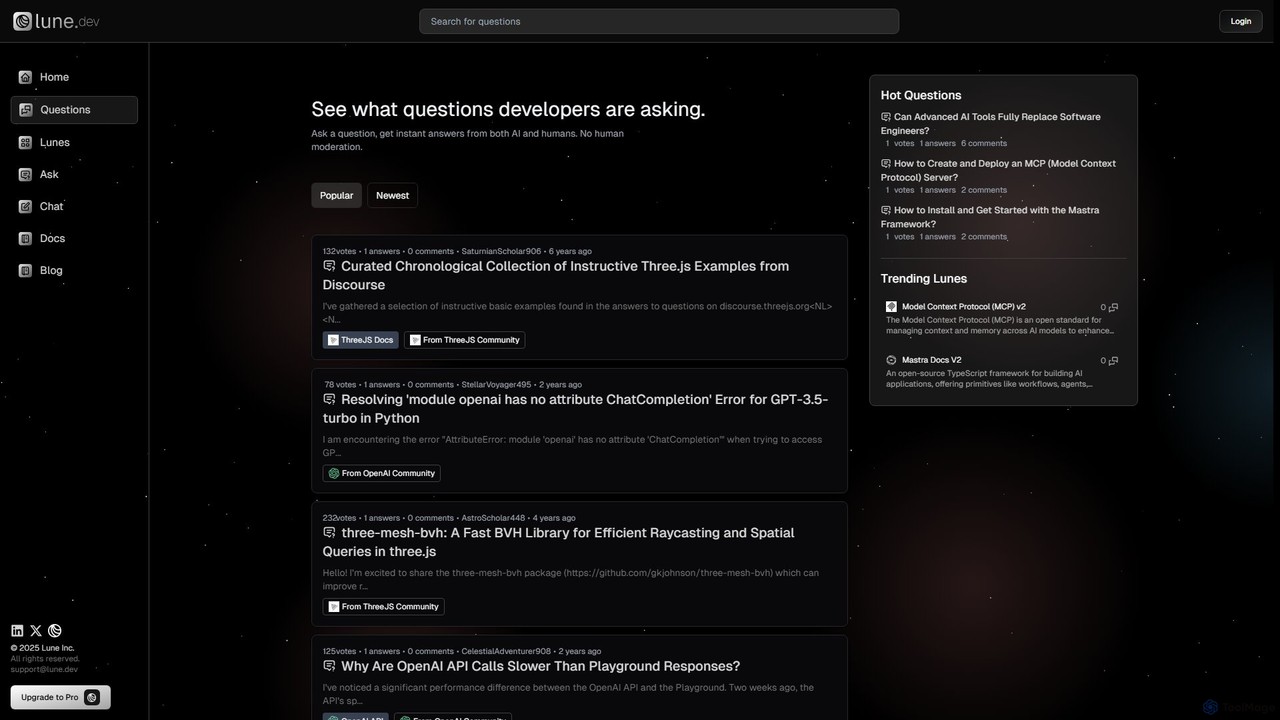
Lune is an AI-powered Q&A platform for developers, providing instant, accurate answers to technical questions. It leverages custom …
Lune is an AI-powered Q&A platform for developers, providing instant, accurate answers to technical questions. It leverages custom knowledge bases called "Lunes" and the Model Context Protocol (MCP) to ground AI responses in specific documentation, code repositories, and community discussions, ensuring high relevance and reliability.
conftalks
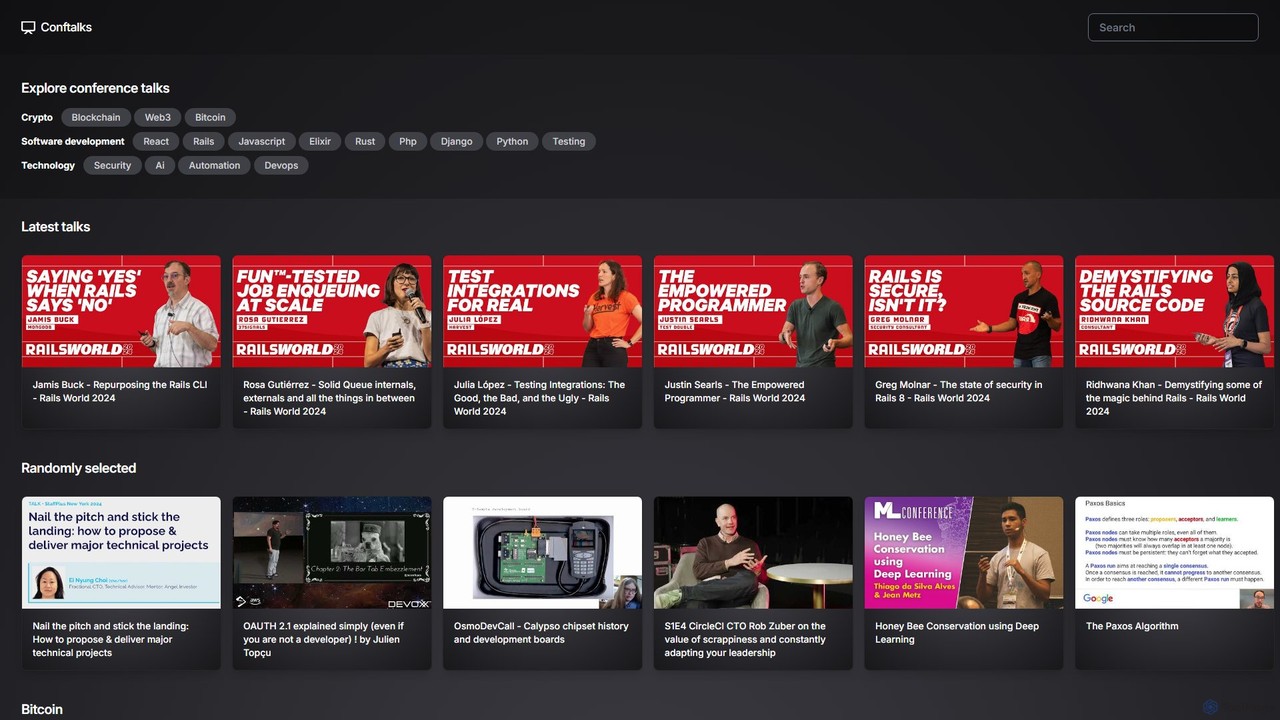
Conftalks is an AI-powered platform that provides concise summaries of technology conference talks. It helps developers, engineers, and …
Conftalks is an AI-powered platform that provides concise summaries of technology conference talks. It helps developers, engineers, and tech enthusiasts stay updated on a wide range of topics like software development, AI, blockchain, and DevOps by transforming long videos into digestible key takeaways, saving valuable time.
DocsHound
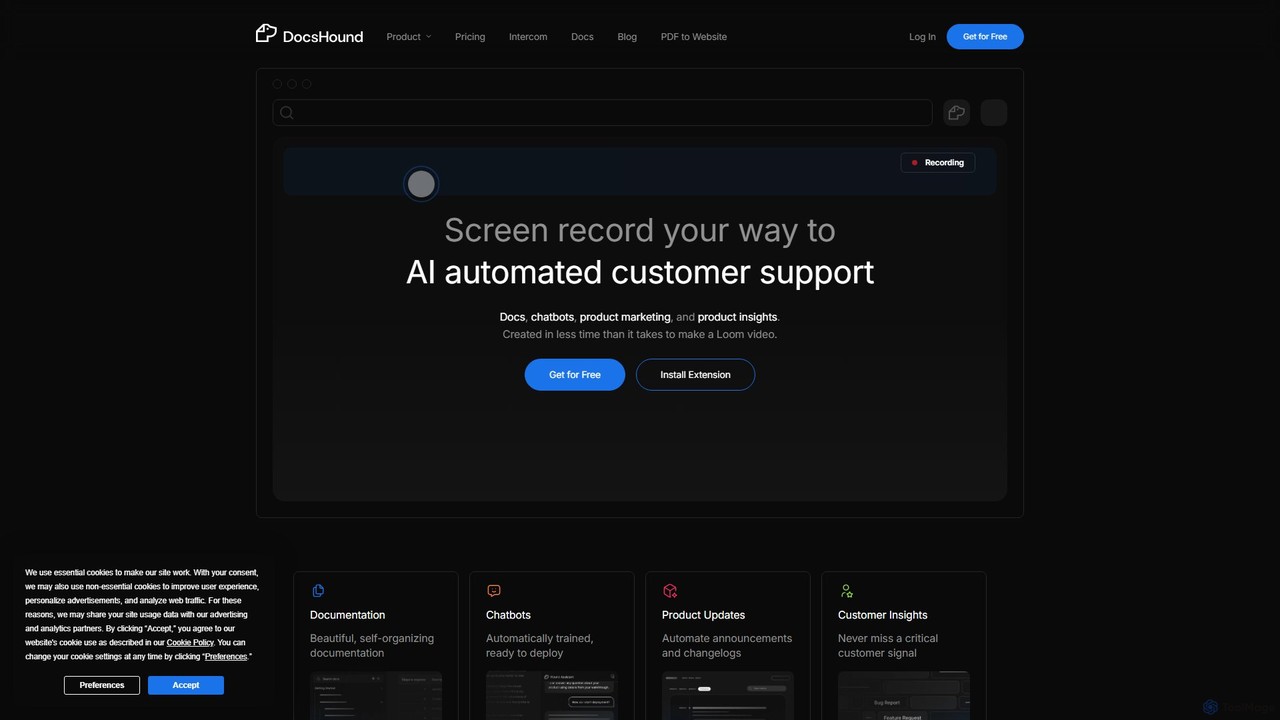
DocsHound is an AI-powered platform that transforms screen recordings of product demos into comprehensive documentation, intelligent chatbots, and …
DocsHound is an AI-powered platform that transforms screen recordings of product demos into comprehensive documentation, intelligent chatbots, and actionable product insights. It automates the entire knowledge base creation process, allowing teams to generate beautiful, self-organizing docs and support assets in minutes, keeping pace with rapid product development.
DeepakNess
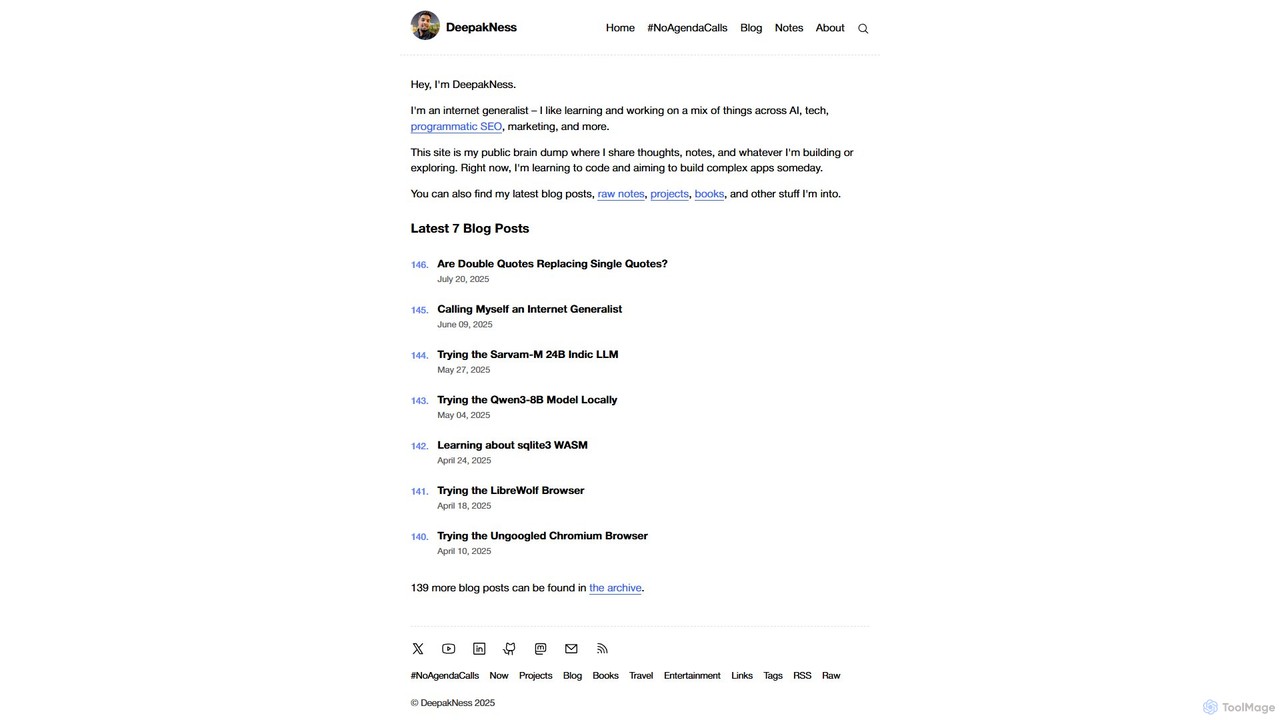
DeepakNess is a personal knowledge hub and blog by an 'internet generalist'. It offers in-depth articles, tutorials, and …
DeepakNess is a personal knowledge hub and blog by an 'internet generalist'. It offers in-depth articles, tutorials, and project explorations across AI, programmatic SEO, web development, and marketing. A valuable resource for developers, marketers, and tech enthusiasts seeking practical, hands-on insights.
About Knowledge Base
AI Knowledge Base tools are specialized platforms for creating, managing, and delivering structured information, particularly for software documentation and internal technical support. They utilize AI for advanced features like semantic search, content suggestions, and analytics to enhance information discovery. These tools empower development teams to build comprehensive, easily searchable documentation, which helps reduce support tickets and accelerate developer onboarding. Unlike generic document editors, they provide developer-centric features such as version control, API documentation integration, and granular access management.
Core Features
- AI-Powered Search: Employs semantic understanding to deliver relevant results based on user intent, not just keyword matching.
- Structured Content Editor: Offers robust editors with support for Markdown, code snippets with syntax highlighting, and reusable content blocks.
- Version Control & Collaboration: Tracks changes, manages revisions, and allows multiple contributors to work on documentation simultaneously.
- Access Management: Provides granular control over who can view or edit specific articles, categories, or the entire knowledge base.
- Analytics & Insights: Monitors article performance, user search queries, and feedback to identify content gaps and areas for improvement.
Use Cases
These tools are essential for software companies creating public developer documentation, internal engineering handbooks, and customer self-service portals. Key users include technical writers, support engineers, product managers, and DevOps teams who need to maintain a single source of truth for technical information.
How to Choose
When selecting a tool, evaluate its editor's support for technical content like code blocks. Assess the quality of its AI search capabilities and its integration options with your existing developer stack (e.g., Jira, GitHub, Slack). Also, consider the flexibility of its access control features and the depth of its analytics.

Knowledge BaseUse Cases
Creating Public API Documentation
A development team at a SaaS company needs to provide clear, interactive documentation for their public API. Using a knowledge base tool, they write detailed endpoint descriptions, embed executable code examples with syntax highlighting, and can even auto-generate sections from OpenAPI specifications. This empowers external developers to integrate with their service faster, significantly reducing clarification requests sent to the support team and accelerating adoption of their platform.
Building an Internal Engineering Wiki
A growing tech company's engineering department needs to centralize knowledge on coding standards, deployment processes, and system architecture. They use an AI knowledge base to create a single source of truth. New engineers can quickly find information using semantic search, which understands queries like "how to set up local dev environment," accelerating their onboarding and ensuring process consistency across all teams.
Powering a Customer Self-Service Support Portal
A software product's support team aims to deflect common tickets by empowering users to find their own answers. They build a comprehensive help center with troubleshooting guides, tutorials, and FAQs. The AI-powered search on their support portal helps customers find solutions instantly, 24/7. Analytics reveal which articles are most helpful and what users search for but can't find, allowing the team to proactively fill knowledge gaps and improve customer satisfaction.
Managing Product Development Documentation
Product managers and UX designers collaborate on product requirements documents (PRDs) and design specifications. A knowledge base with version control allows them to track changes, link related documents (e.g., PRD to technical specs), and ensure the entire development team is working from the latest version. This structured approach prevents miscommunication and ensures alignment between product vision and technical implementation.
Automating IT Help Desk Responses
An internal IT department manages common employee requests like software access or hardware setup. They build a knowledge base with step-by-step guides. When integrated with a chatbot in Slack or Teams, the system can automatically suggest relevant articles based on an employee's question. This provides instant solutions for common issues, reducing the IT team's manual workload and allowing them to focus on more complex technical problems.
Streamlining New Developer Onboarding
HR and engineering leads create a structured onboarding hub for new developers. It contains everything from company policies and team-specific workflows to project overviews and guides for setting up development environments. New hires can follow a curated learning path, and the powerful search function lets them independently find answers to their questions. This makes their first few weeks more productive and less reliant on interrupting senior colleagues for basic information.