Aspen
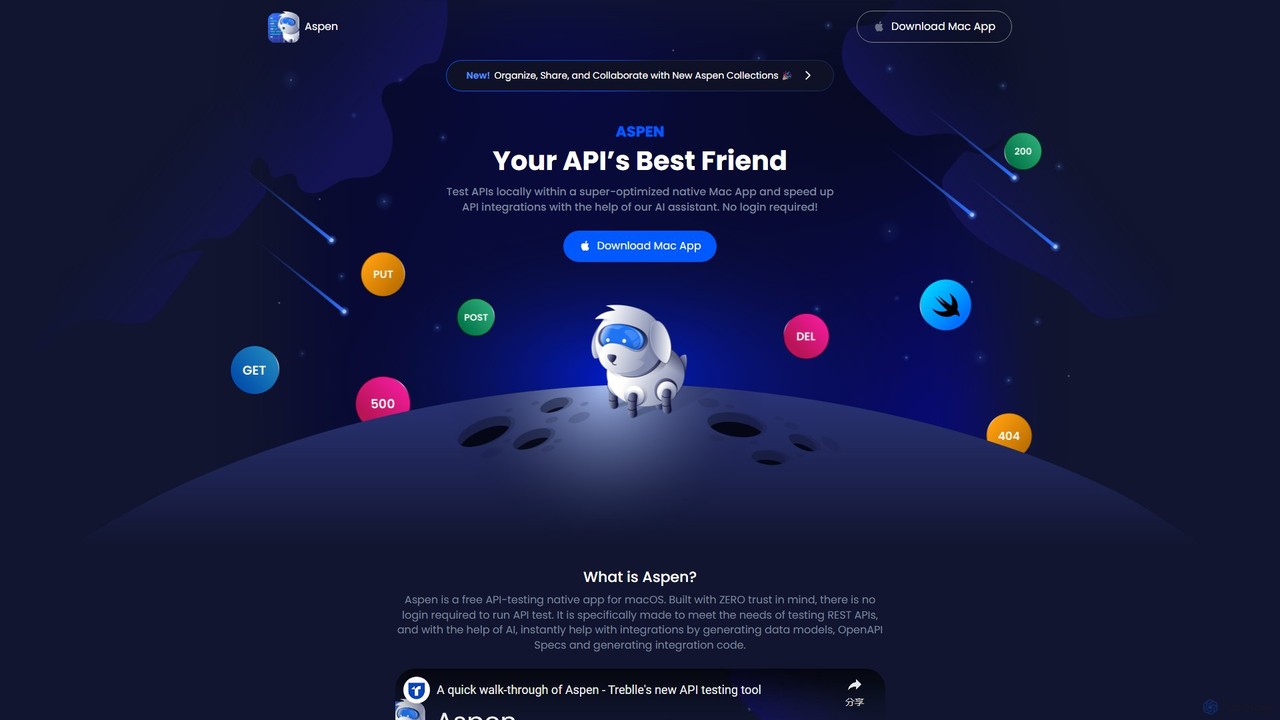
Aspen is a free, native macOS application for API testing, supercharged with an AI assistant. It offers a …
Aspen is a free, native macOS application for API testing, supercharged with an AI assistant. It offers a fast, private, and efficient way to test REST APIs, generate code, create data models, and produce OpenAPI specs without requiring a login.
Maestro
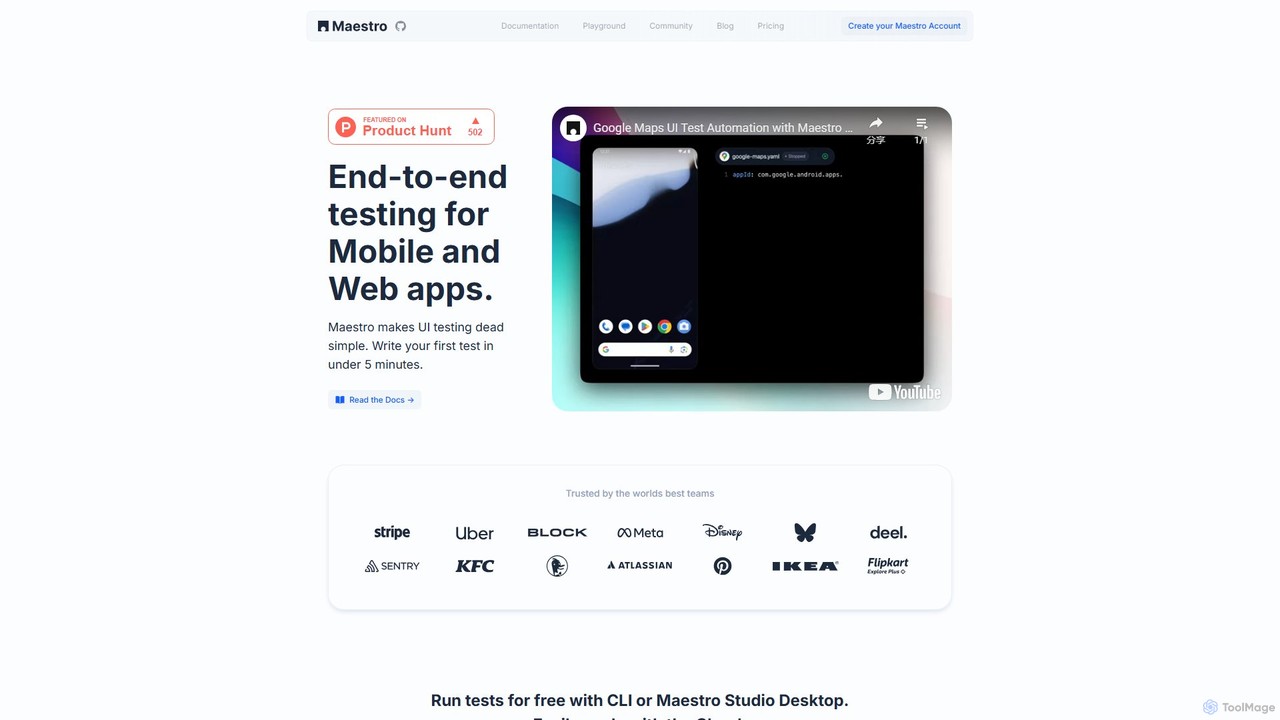
Maestro is an AI-powered, end-to-end UI testing framework that simplifies testing for mobile and web applications. With its …
Maestro is an AI-powered, end-to-end UI testing framework that simplifies testing for mobile and web applications. With its intuitive syntax, visual test creation via Maestro Studio, and an AI assistant (MaestroGPT), it enables developers and testers to write reliable tests in minutes. It supports a wide range of frameworks like iOS, Android, React Native, and Flutter, offering both a free local environment and a scalable cloud platform for CI/CD integration.
Uxer
Uxer is a no-code AI automation agent that boosts productivity by automating repetitive tasks across Windows, Mac, browsers, …
Uxer is a no-code AI automation agent that boosts productivity by automating repetitive tasks across Windows, Mac, browsers, iOS, and Android. Using advanced computer vision and natural language, it allows both non-technical and advanced users to create powerful workflows without complex code. It learns from your interactions to become a smarter, personalized assistant.
BotLab
BotLab is a platform for developing, testing, and running AI bots for video games. It provides a safe, …
BotLab is a platform for developing, testing, and running AI bots for video games. It provides a safe, simulated environment to evaluate bot performance and reliability without risk. Aimed at both users and developers, BotLab offers extensive guides, a dedicated client, and tools to automate gameplay, collect training data, and manage bots for games like EVE Online and Tribal Wars 2.
About Testing
AI Testing tools are a specialized category of developer tools that leverage artificial intelligence and machine learning to automate and enhance the software testing process. These tools go beyond traditional script-based automation by intelligently creating, executing, and maintaining tests. They significantly accelerate release cycles, improve test coverage, and reduce the manual effort required to fix broken tests. A key feature is their ability to perform self-healing, where tests automatically adapt to changes in the application's user interface.
Core Features
- Autonomous Test Generation: AI analyzes the application to automatically create meaningful test cases and user flows without manual scripting.
- Self-Healing Scripts: Intelligently identifies changes in UI elements (like button IDs or positions) and automatically updates test scripts to prevent failures.
- AI-Powered Visual Testing: Uses computer vision to detect unintended visual bugs, such as layout shifts, color changes, or overlapping elements that functional tests miss.
- Intelligent Bug Detection: Employs predictive analytics to identify high-risk areas of the code and prioritize testing efforts where bugs are most likely to occur.
- API Test Automation: Simplifies the creation and validation of complex API tests by automatically generating test data and validating responses.
Use Cases
AI Testing tools are primarily used by Agile and DevOps teams working in fast-paced development environments. They are particularly valuable for testing large-scale web applications, complex enterprise software, and mobile apps that undergo frequent updates. Roles like QA Automation Engineers, SDETs (Software Development Engineer in Test), and developers benefit from reduced test maintenance and faster feedback loops.
How to Choose
When selecting an AI Testing tool, consider its integration capabilities with your existing CI/CD pipeline (e.g., Jenkins, GitHub Actions). Evaluate its support for the platforms you target, such as web, mobile (iOS/Android), and APIs. Assess the robustness of its self-healing capabilities and the accuracy of its visual testing engine. Also, consider the tool's ease of use, especially for team members with limited coding skills, and its reporting and analytics features for tracking quality metrics.
TestingUse Cases
Automating UI Regression Testing for E-commerce
A QA engineer for a large e-commerce platform needs to ensure that new code deployments don't introduce visual defects on critical pages like the checkout or product listings. Using an AI Testing tool, they can automate visual regression testing. The tool captures baseline screenshots of key pages and, during each CI/CD run, automatically compares new versions against these baselines. It uses computer vision to flag even minor unintended changes, such as misaligned buttons, incorrect fonts, or color shifts, which traditional functional tests would miss. This process reduces manual testing time by hours and catches critical UI bugs before they impact customers.
Creating Self-Healing End-to-End Tests in a CI/CD Pipeline
A DevOps team manages a web application with weekly updates, which frequently causes traditional test scripts to break due to changes in element locators. By implementing an AI Testing tool, they create end-to-end tests that are self-healing. When a developer changes a button's ID or refactors a component, the AI doesn't rely solely on the old locator. It analyzes other attributes (like text, position, and structure) to correctly identify the element and adapt the test step automatically. This drastically reduces test maintenance overhead, prevents the CI/CD pipeline from being blocked by flaky tests, and allows the team to release new features with higher confidence and speed.
Accelerating Mobile App Testing Across Devices
A mobile development team needs to test their new app on dozens of different iOS and Android devices with varying screen sizes and OS versions. Manually testing on each device is slow and impractical. An AI Testing tool can automate this process. A developer or QA tester can record a single test flow on one device, and the AI can intelligently execute that same test across a fleet of real or virtual devices. It automatically handles differences in screen resolution and UI layout, ensuring that features work consistently everywhere. The tool provides a consolidated report with screenshots and logs from all devices, allowing the team to quickly identify and fix device-specific bugs.
Generating API Test Suites from Specifications
A backend developer is building a complex microservices architecture and needs to ensure all API endpoints are thoroughly tested. Manually writing tests for hundreds of endpoints is time-consuming. An AI Testing tool can analyze an API specification file (like OpenAPI or Swagger). Based on the specification, it automatically generates a comprehensive suite of test cases, including tests for valid inputs, edge cases, and potential security vulnerabilities. It can also generate mock data and validate response schemas, status codes, and headers. This automates a significant portion of backend testing, allowing developers to focus on business logic rather than boilerplate test code.
Improving Test Coverage with Autonomous Exploration
A startup with a small QA team is struggling to achieve high test coverage for their rapidly evolving product. They use an AI Testing tool's autonomous exploration feature. They provide the tool with a starting URL and some basic credentials. The AI then acts like a new user, systematically navigating the application, clicking buttons, filling forms, and discovering different user paths. As it explores, it automatically generates test scripts for the paths it discovers, identifying potential crashes or errors along the way. This helps the team quickly build a regression suite that covers parts of the application they might have missed, significantly improving overall product quality without a large investment in manual testing resources.
Enhancing Accessibility Testing Automation
A front-end developer is tasked with ensuring their web application complies with WCAG (Web Content Accessibility Guidelines). Manually checking for accessibility issues is tedious and error-prone. They integrate an AI Testing tool into their workflow. The tool automatically scans the application during test runs to identify common accessibility problems, such as missing alt text for images, low-contrast text, improper heading structures, and missing ARIA labels. It provides a detailed report with the exact location of each issue and suggests remediation steps. This allows the developer to proactively fix accessibility bugs as part of their regular development cycle, making the application more inclusive for users with disabilities.