PolymorphApp
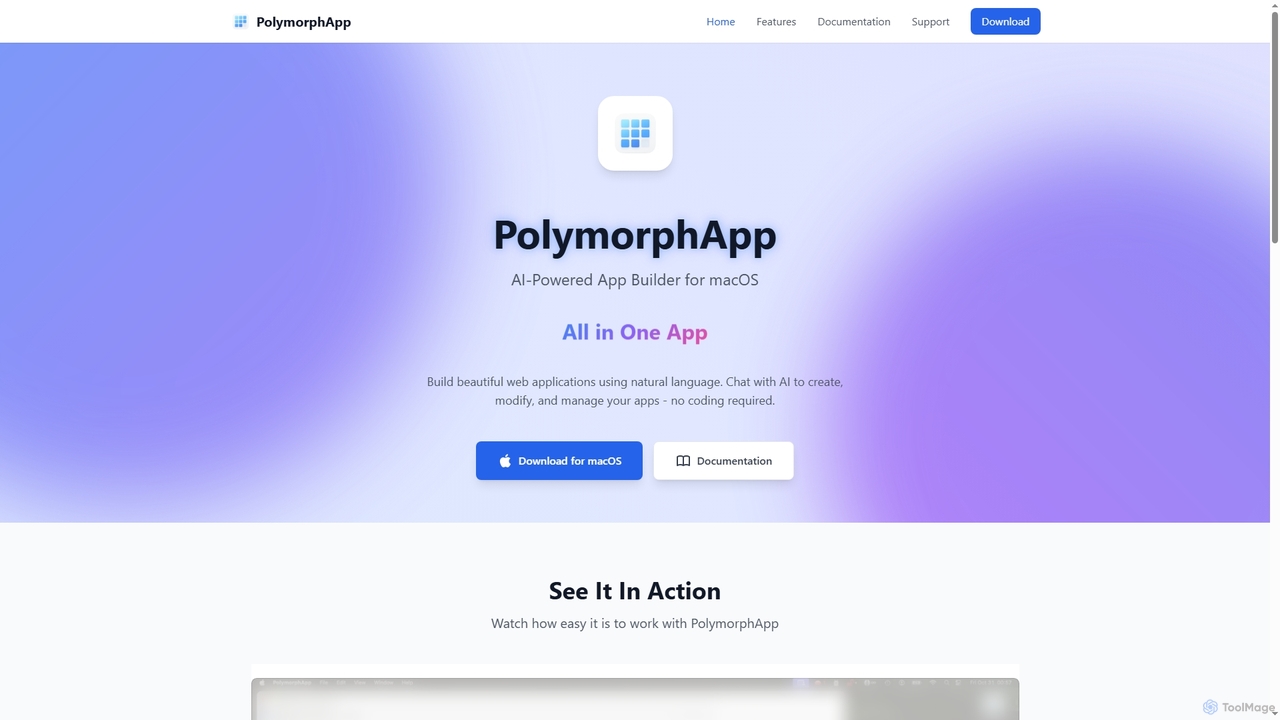
PolymorphApp is an AI-powered application builder for macOS that enables users to create web apps, Node.js backends, Python …
PolymorphApp is an AI-powered application builder for macOS that enables users to create web apps, Node.js backends, Python desktop GUIs, and CLI tools using natural language. No coding is required; simply chat with the AI to build, modify, and manage your projects.
Dyad
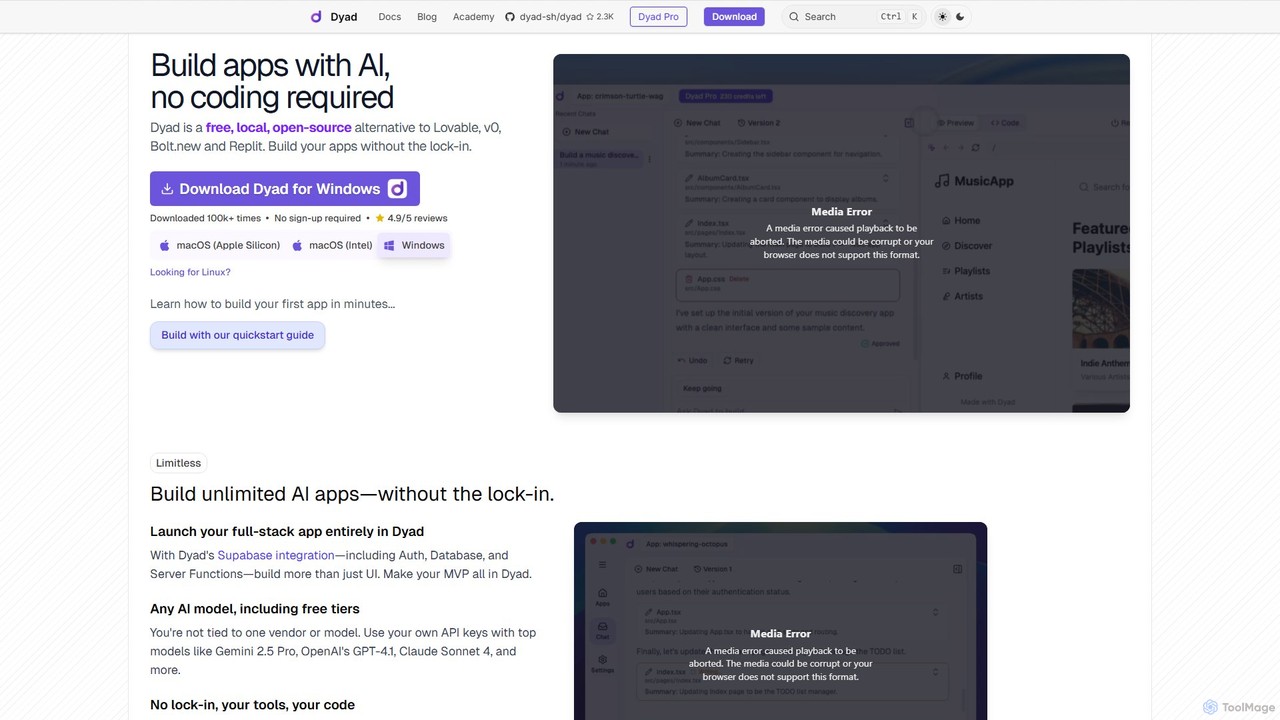
Dyad is a free, local, and open-source AI app builder that allows you to create full-stack applications without …
Dyad is a free, local, and open-source AI app builder that allows you to create full-stack applications without coding. It runs directly on your machine, ensuring privacy and no vendor lock-in, while supporting various AI models like GPT-4, Gemini, and local models via Ollama.
PixelFree Studio
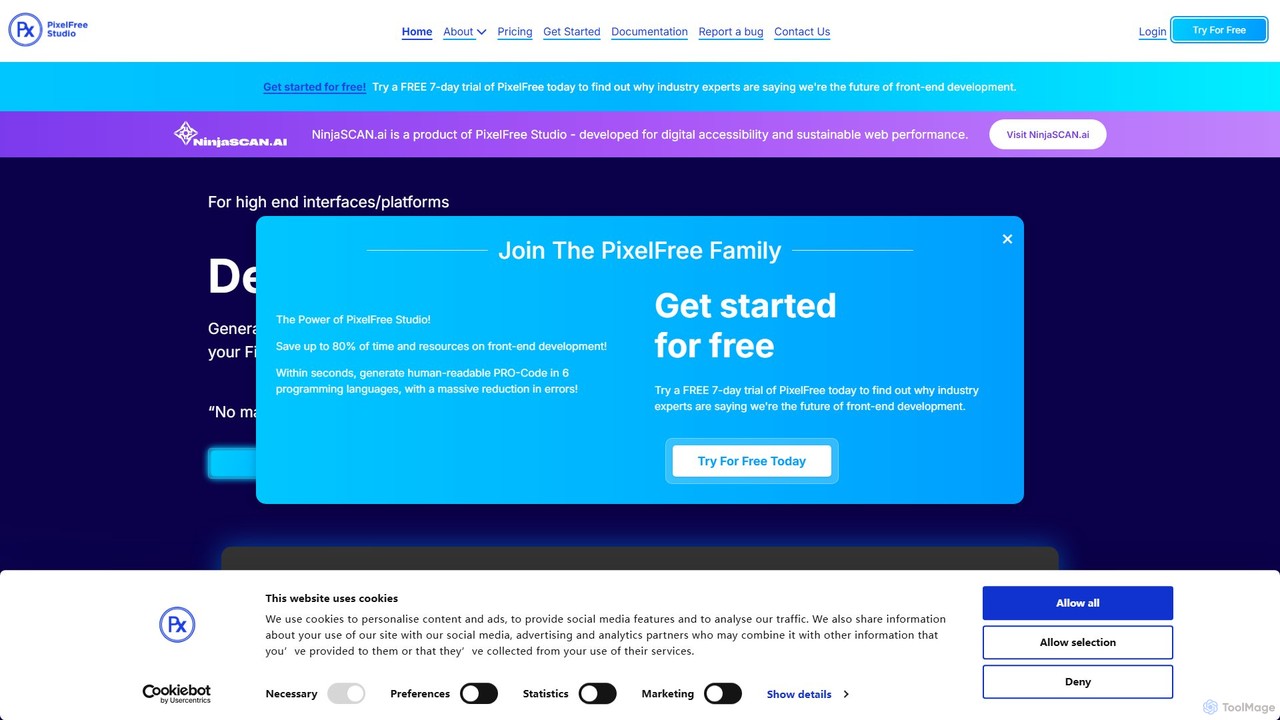
PixelFree Studio is a low-code application builder that transforms UI designs into clean, production-ready code. It specializes in …
PixelFree Studio is a low-code application builder that transforms UI designs into clean, production-ready code. It specializes in importing Figma designs and exporting them to multiple frameworks like React, Vue, Angular, and C#, streamlining the design-to-development workflow and accelerating app creation.
About Low Code No Code
Low Code No Code platforms are a category of development tools that enable users to build applications with minimal or no traditional programming. These platforms leverage visual interfaces, drag-and-drop components, and pre-built templates to accelerate the software development process. They empower a wide range of users, from business analysts to professional developers, to create custom web, mobile, and internal applications rapidly, significantly reducing development time and costs.
Core Features
- Visual Development Environment: Provides intuitive drag-and-drop interfaces for designing user interfaces and defining application logic.
- Pre-built Components & Templates: Offers a library of ready-to-use modules, widgets, and application templates to jumpstart development.
- Workflow Automation: Enables users to define and automate complex business processes and data flows visually.
- Data Integration Capabilities: Supports seamless connection with various databases, APIs, and third-party services.
- Deployment & Hosting: Simplifies the process of deploying and managing applications across different environments.
Use Cases
Low Code No Code tools are ideal for organizations seeking to quickly digitize operations, automate repetitive tasks, and build custom solutions without relying heavily on specialized coding skills. They are frequently adopted by small businesses for rapid prototyping, by enterprises for departmental applications, and by IT teams to offload routine development, allowing them to focus on more complex projects.
How to Choose
When selecting a Low Code No Code platform, consider the target application type (web, mobile, internal tools), the required level of customization and scalability, integration needs with existing systems, and the technical proficiency of your team. Evaluate the platform's pricing model, community support, and vendor lock-in risks to ensure it aligns with your long-term strategy and budget.
Low Code No CodeUse Cases
Automating HR Onboarding Workflows
HR departments can utilize Low Code No Code platforms to create automated onboarding applications. This allows new hires to complete paperwork, access training materials, and receive welcome communications through a streamlined digital process, reducing manual administrative tasks and ensuring a consistent new employee experience.
Developing Custom Customer Portals
Businesses can quickly build self-service customer portals where clients can manage their accounts, track orders, submit support tickets, and access relevant information. This empowers customers with immediate access to services, reduces the load on support teams, and enhances overall customer satisfaction without extensive coding efforts.
Creating Departmental Project Management Tools
Teams within an organization, such as marketing or operations, can design and deploy custom project management or task tracking applications tailored to their specific needs. These tools can integrate with existing data sources, provide real-time dashboards, and facilitate collaboration, improving efficiency beyond generic off-the-shelf solutions.
Rapid Prototyping for Mobile Applications
Entrepreneurs and product managers can leverage No Code platforms to quickly build functional prototypes or Minimum Viable Products (MVPs) for mobile applications. This enables them to test market demand, gather user feedback, and iterate on designs rapidly, significantly accelerating the product development lifecycle before investing in full-scale coding.
Building Data Collection and Reporting Dashboards
Researchers or business analysts can create custom forms for data collection and interactive dashboards for visualizing key metrics. These applications can automate data entry, perform basic analytics, and generate reports, providing actionable insights without requiring advanced data science or programming skills.
Integrating Legacy Systems with Modern Interfaces
Enterprises often face challenges with outdated legacy systems. Low Code platforms can act as an abstraction layer, building modern, user-friendly interfaces on top of existing backend systems. This extends the lifespan of valuable legacy infrastructure, improves user experience, and enables new functionalities without a complete system overhaul.