
SentinelQA
SentinelQA is an AI-powered test intelligence platform designed to help developers and QA engineers fix CI/CD failures faster. …
SentinelQA is an AI-powered test intelligence platform designed to help developers and QA engineers fix CI/CD failures faster. It analyzes test runs to automatically identify flaky tests, detect regressions, and provide clear AI-generated summaries and actionable insights.
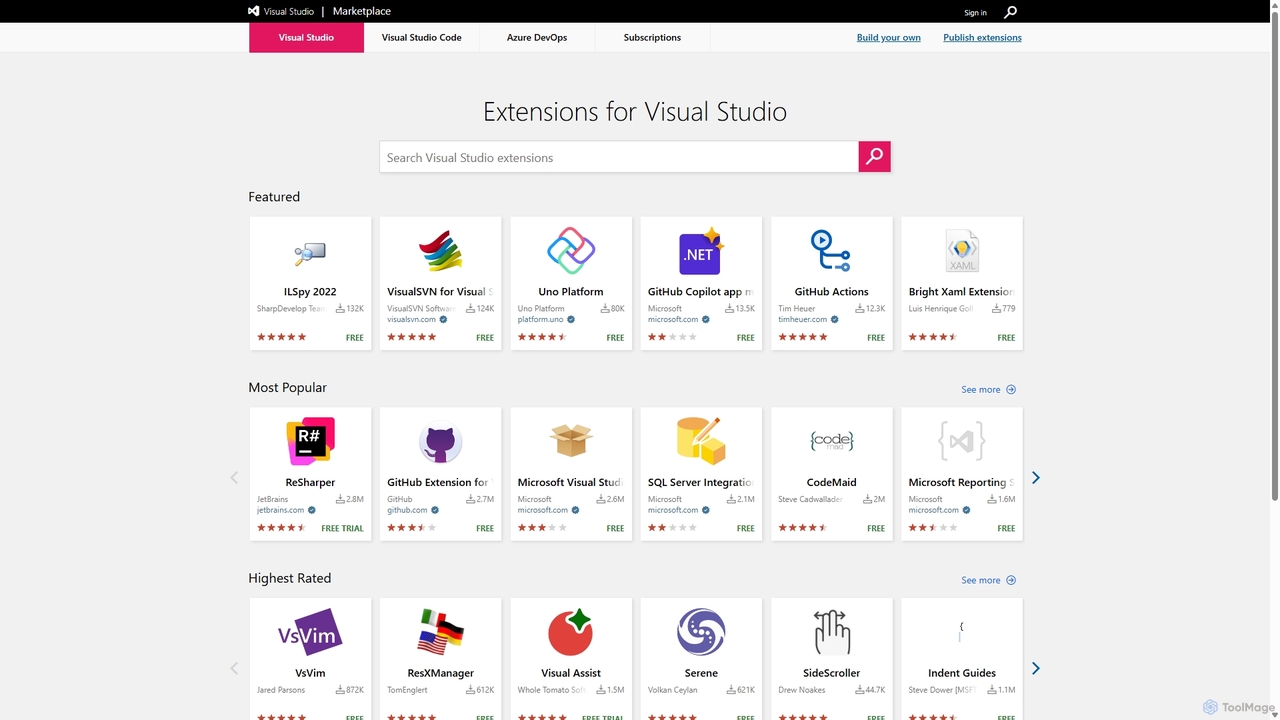
Visual Studio Marketplace
The official marketplace for discovering and installing thousands of extensions for the Visual Studio family of products, including …
The official marketplace for discovering and installing thousands of extensions for the Visual Studio family of products, including Visual Studio, VS Code, and Azure DevOps. Enhance productivity, add new features, and customize your development environment with tools from Microsoft and the community.
mabl
mabl is an AI-powered test automation platform that simplifies end-to-end testing for web applications. It uses AI to …
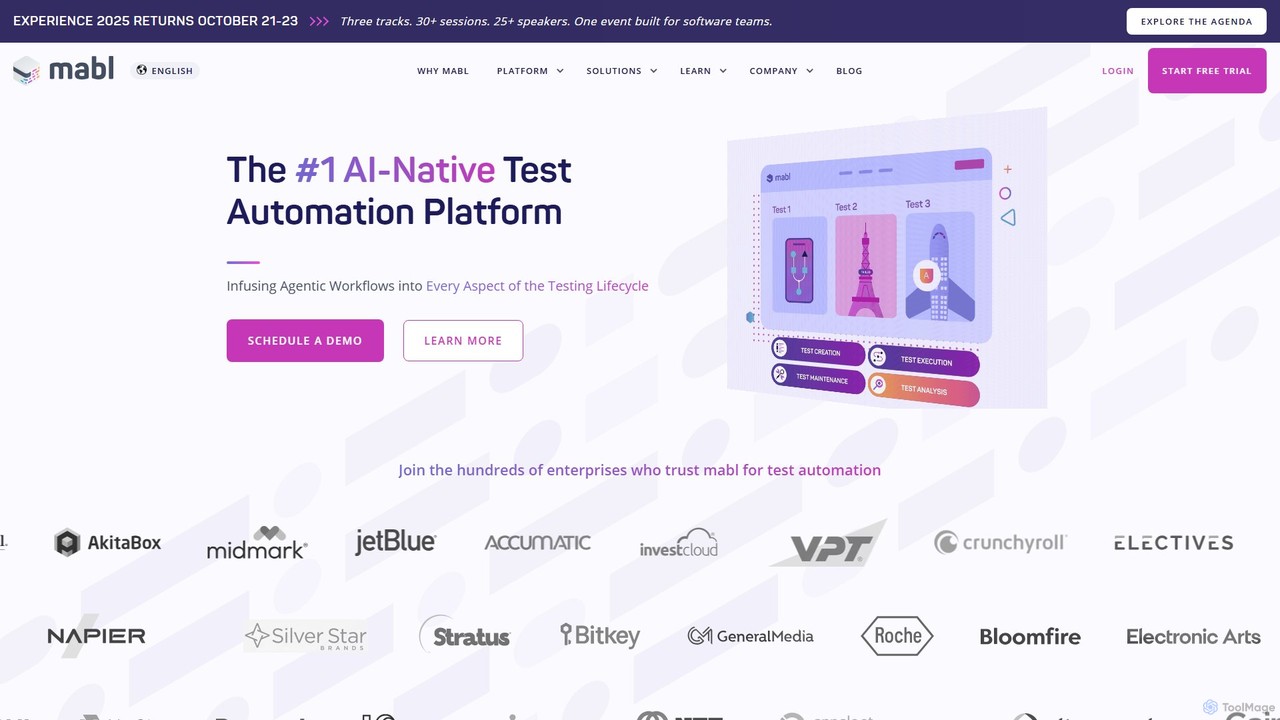
mabl is an AI-powered test automation platform that simplifies end-to-end testing for web applications. It uses AI to accelerate test creation, execution, and maintenance, enabling agile and DevOps teams to deliver high-quality software faster. With features like self-healing tests and AI-driven root cause analysis, mabl reduces the effort of maintaining brittle test suites.
Aviator
Aviator is a developer collaboration suite that automates the CI/CD pipeline, focusing on pull request management. It uses …
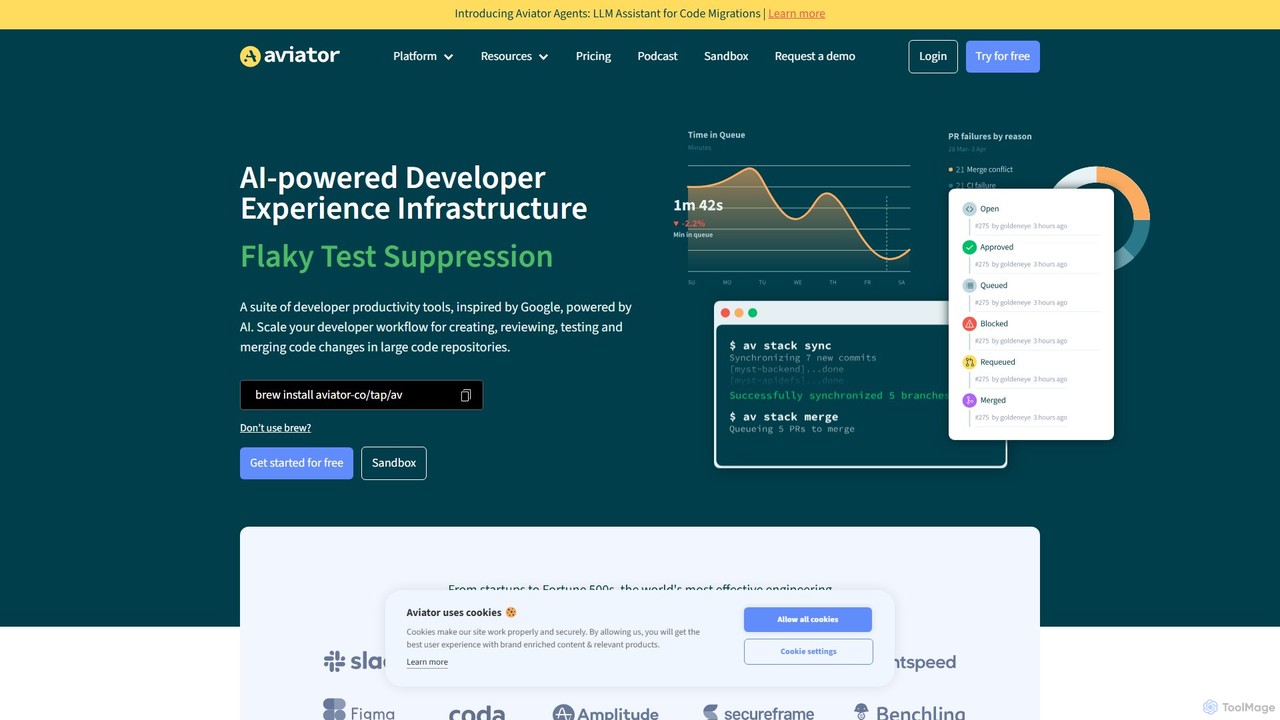
Aviator is a developer collaboration suite that automates the CI/CD pipeline, focusing on pull request management. It uses an automated merge queue to test, rebase, and merge code, ensuring the main branch remains stable and deployable, thereby boosting developer productivity and code quality.
Webo.AI
Webo.AI is an AI-powered, no-code test automation platform designed for startups and agile teams. It leverages Generative AI …
Webo.AI is an AI-powered, no-code test automation platform designed for startups and agile teams. It leverages Generative AI to create test cases instantly and features patented AiHealing® technology to automatically fix broken tests. This accelerates development cycles, reduces QA costs by up to 69%, and helps teams ship high-quality software with confidence and speed.
About Continuous Integration
Continuous Integration (CI) is a core DevOps practice where developers frequently merge their code changes into a central repository, typically multiple times a day. This process automatically triggers builds and runs a suite of automated tests, allowing teams to detect and address integration issues early and rapidly. By providing immediate feedback on code quality and functionality, CI significantly reduces the risk of complex integration problems and accelerates the software development lifecycle.
Core Features
- Automated Builds: Automatically compiles source code into executable artifacts upon every commit.
- Automated Testing: Executes unit, integration, and sometimes end-to-end tests to validate code changes.
- Version Control Integration: Seamlessly connects with popular version control systems like Git, SVN, or Mercurial.
- Code Quality Analysis: Integrates static analysis tools to check for coding standards, potential bugs, and security vulnerabilities.
- Notification & Reporting: Provides instant feedback to developers and teams on build status, test results, and code quality issues.
Applicable Scenarios
Continuous Integration is indispensable for modern software development teams, especially those working on complex projects or microservices architectures. It's widely adopted in agile environments to maintain a stable codebase, ensure consistent quality across frequent updates, and facilitate rapid iteration. Mobile app development, web application development, and even infrastructure-as-code projects heavily rely on CI to automate validation and reduce manual errors.
How to Choose
When selecting a Continuous Integration tool, consider its integration capabilities with your existing version control system, build tools, and deployment pipelines. Evaluate its scalability to handle your project's growth and the range of programming languages and frameworks it supports. Look for robust reporting features, ease of configuration, and a strong community or vendor support. Finally, assess the pricing model and whether it aligns with your team's budget and operational needs.
Continuous IntegrationUse Cases
Automating Code Builds and Unit Tests
For a software development team, CI tools automatically compile source code and run unit tests every time a developer pushes changes to the repository. This ensures that new code doesn't break existing functionality and provides immediate feedback, allowing developers to fix issues quickly before they escalate.
Detecting Integration Errors Early
In projects with multiple developers, CI helps prevent "integration hell" by merging code frequently. When a developer integrates their changes, the CI pipeline runs, identifying conflicts or bugs that arise from combining different codebases, significantly reducing debugging time later in the cycle.
Enforcing Code Quality and Standards
Development teams use CI to automatically run static code analysis, linters, and security scans on every commit. This ensures adherence to coding standards, identifies potential vulnerabilities, and maintains a high level of code quality across the entire project without manual oversight.
Streamlining Mobile Application Development
Mobile development teams leverage CI to automate the building and testing of iOS and Android applications. This includes compiling for different device architectures, running UI tests, and even distributing beta versions to testers, accelerating release cycles and improving app stability.
Validating Infrastructure as Code (IaC) Changes
DevOps engineers utilize CI pipelines to validate changes made to infrastructure-as-code scripts (e.g., Terraform, Ansible). The CI system can run syntax checks, plan deployments, and even perform integration tests against temporary environments, ensuring infrastructure changes are safe and functional before production deployment.
Facilitating Microservices Development and Deployment
For microservices architectures, CI is crucial for each service to maintain independent build and test pipelines. This allows individual teams to develop, test, and integrate their services without impacting others, ensuring that each microservice remains deployable and functional in isolation and as part of the larger system.