izsit
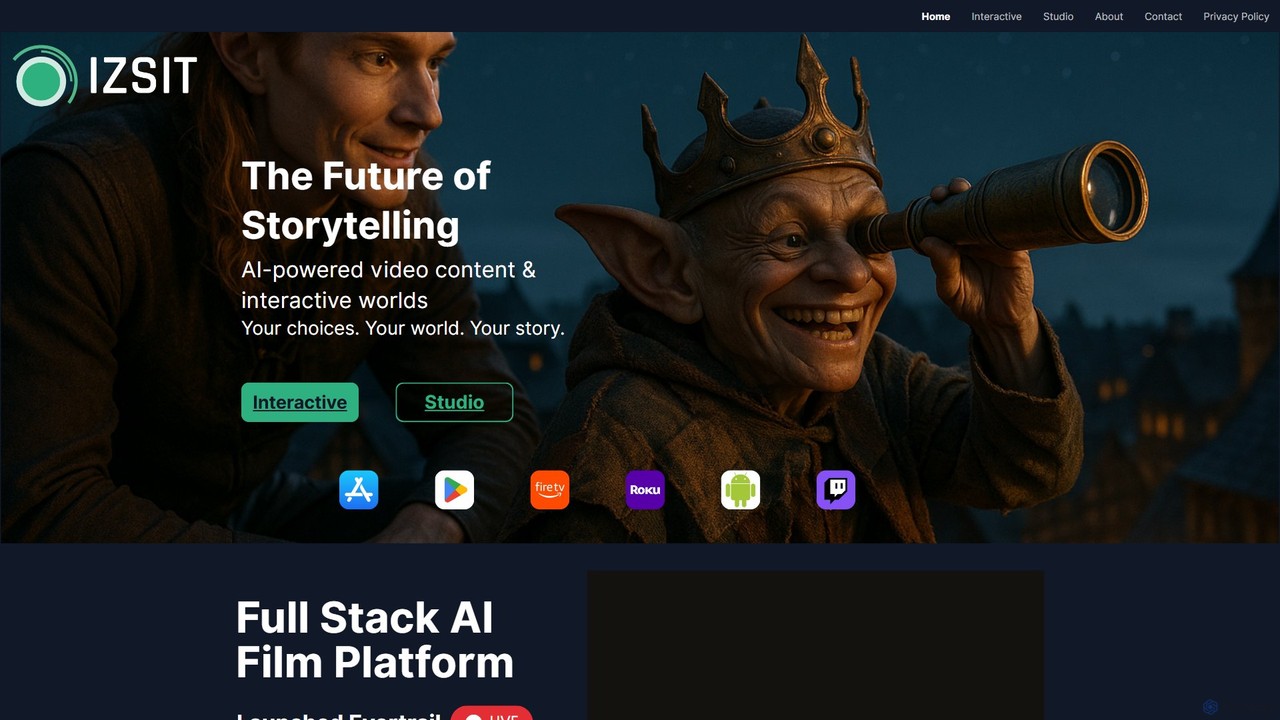
izsit is a revolutionary AI-powered interactive studio that redefines storytelling. It enables creators to produce full-stack cinematic experiences, …
izsit is a revolutionary AI-powered interactive studio that redefines storytelling. It enables creators to produce full-stack cinematic experiences, including films, series, and music videos, in real-time. With its unique Evertrail LIVE engine, audiences can actively shape the narrative, making each viewing a personalized and immersive journey.
About Filmmaking
AI Filmmaking tools are specialized applications that leverage artificial intelligence to enhance and automate various stages of film and video production. These tools utilize machine learning, computer vision, and natural language processing to streamline workflows, from script development to post-production. They empower filmmakers to achieve higher quality results, accelerate creative processes, and manage complex projects more efficiently. This integration of AI transforms traditional filmmaking, offering innovative solutions for visual storytelling and content creation within the broader entertainment industry.
Core Features
- Automated Editing: AI algorithms analyze footage, identify key moments, and suggest cuts or generate rough edits based on script or user preferences.
- Visual Effects (VFX) & CGI Generation: Tools for generating realistic CGI elements, automating rotoscoping, motion tracking, and enhancing visual effects with AI-driven precision.
- Script Analysis & Storyboarding: AI can analyze scripts for pacing, character arcs, and dialogue, and assist in generating visual storyboards from text.
- Sound Design & Audio Enhancement: AI-powered noise reduction, voice isolation, automatic music generation, and sound effect libraries that adapt to video content.
- Color Grading & Image Enhancement: Intelligent color correction, stylistic grading, and upscaling low-resolution footage to professional standards.
Use Cases
Filmmaking AI tools are used by independent creators for rapid prototyping of video concepts, by production studios for automating repetitive post-production tasks like rotoscoping, and by marketing teams for quickly generating diverse video ad variations. They also assist in pre-visualization for complex scenes and optimizing resource allocation during production.
How to Choose
When selecting AI filmmaking tools, consider the specific production stage you need to enhance (e.g., pre-production, editing, VFX, audio). Evaluate the tool's integration capabilities with your existing software, the accuracy and quality of its AI outputs, and its scalability for different project sizes. Also, assess the learning curve and the availability of support resources.

FilmmakingUse Cases
Automate Rough Cut Video Editing
Independent filmmakers or content creators can use AI editing tools to quickly generate initial rough cuts from hours of raw footage. By inputting a script or key themes, the AI analyzes dialogue, visual cues, and pacing, automatically selecting the best takes and sequencing them, saving days of manual review and assembly time.
Generate Realistic CGI Backgrounds for Scenes
VFX artists and production designers can leverage AI to create highly detailed and realistic computer-generated environments or extensions for live-action footage. Instead of extensive manual modeling, AI can generate diverse architectural styles, natural landscapes, or futuristic cityscapes from simple text prompts, significantly accelerating concept development and asset creation.
Enhance Audio Quality and Isolate Dialogue
Post-production sound engineers can employ AI audio tools to automatically remove background noise, reverb, or hum from recorded dialogue, even in challenging environments. These tools can also isolate specific voices from a crowded soundscape, ensuring crystal-clear dialogue without needing extensive re-recording or complex manual audio restoration.
Rapid Storyboard Creation from Script
Directors and cinematographers can utilize AI to visualize their scripts by generating detailed storyboards. By feeding the AI a screenplay, it can interpret scenes, character actions, and camera angles, producing a series of visual panels that help in pre-production planning, shot listing, and communicating the creative vision to the crew.
AI-Powered Color Grading and Look Development
Colorists and DPs can use AI to achieve consistent color grading across an entire film or to experiment with various cinematic looks quickly. AI tools can analyze the visual mood of a scene and apply intelligent color corrections, match different camera footage, or even generate unique stylistic grades, drastically reducing the time spent on manual adjustments.
Virtual Production Scene Extension and Real-time Compositing
Virtual production teams can integrate AI into their workflows for real-time scene extension and compositing on LED volumes. AI algorithms can intelligently fill in gaps in virtual sets, generate dynamic background elements, and seamlessly blend foreground actors with digital environments in real-time, enhancing immersion and creative flexibility during principal photography.