ToolMage
Sign in

Best 2 Video Chat AI tools for Entertainment

Popular Video Chat AI tools in Entertainment include Uhmegle and Amewz, helping you work more efficiently.

Uhmegle
Free

Uhmegle

Uhmegle is a modern Omegle alternative that uses AI for safer, interest-based text and video chats with strangers. It features AI and human moderation, a multi-country selector, and a focus on anonymity, allowing users to connect with like-minded people globally in a secure and user-friendly environment on any device.

Online Communities
Visits 1.9MFavorites 90Likes 109
Amewz
Freemium

Amewz

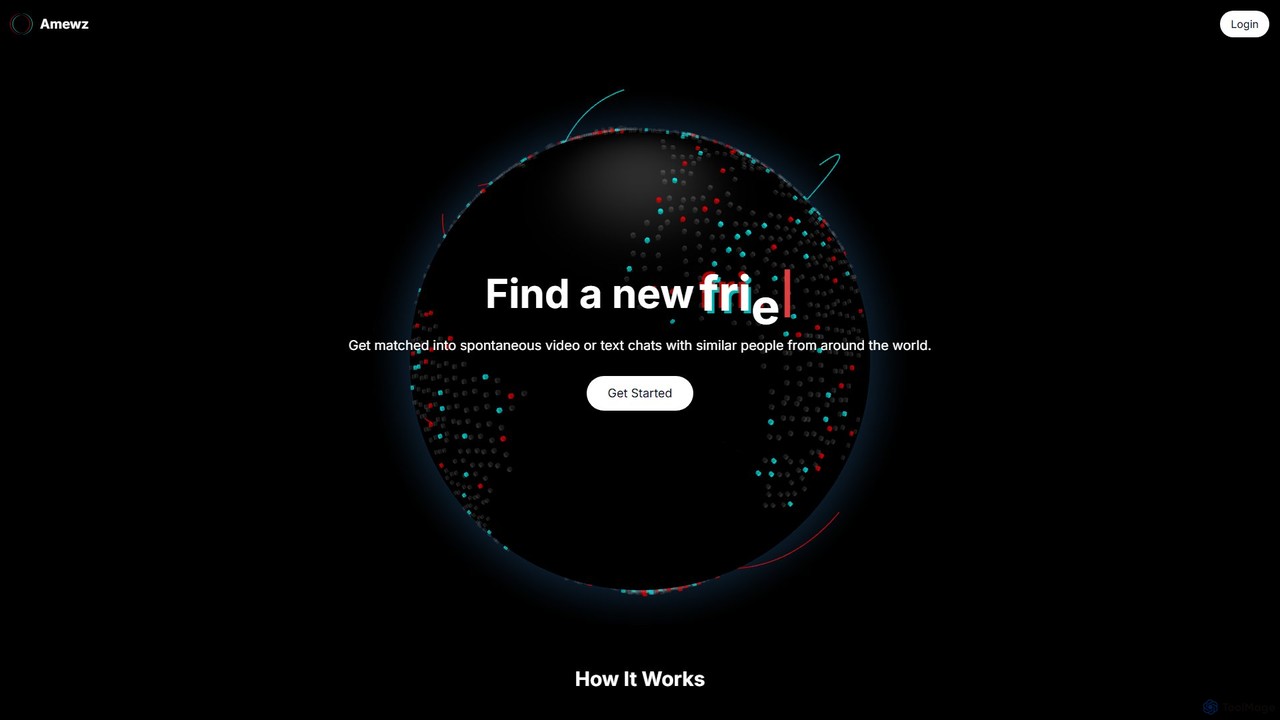
Amewz is an AI-powered platform for forging global connections. It uses an initial AI chat to understand your personality and creates a unique digital persona to match you with like-minded individuals worldwide for spontaneous video or text conversations, enhanced with interactive games.

Friendship
Visits 5.5KFavorites 149Likes 157

About Video Chat

AI Video Chat tools are applications that use artificial intelligence to enhance real-time video conversations. They leverage technologies like computer vision and machine learning to offer features such as real-time translation, animated avatars, and intelligent background effects. These tools transform standard video calls into more interactive, personalized, and accessible experiences for social interaction and content creation. Unlike traditional video conferencing software, AI-powered chat focuses on augmenting personal expression and breaking down communication barriers.

Core Features

  • Real-time Translation: Instantly translates spoken language and displays it as subtitles, enabling seamless cross-lingual communication.
  • AI Avatars & Digital Personas: Replaces a user's video feed with a realistic or stylized avatar that mimics their expressions and movements in real time.
  • Intelligent Background Effects: Offers advanced background removal, replacement with dynamic scenes, and AI-powered blurring or artistic style transfers.
  • Voice & Appearance Enhancement: Modifies voice tones, reduces ambient noise, and applies subtle appearance filters or automatic lighting adjustments.
  • Gesture & Emotion Recognition: Analyzes facial expressions or hand gestures to trigger on-screen reactions, animations, or provide interaction analytics.

Use Cases

These tools are ideal for international friend groups, virtual streamers seeking privacy, online communities hosting themed events, and anyone looking to add a layer of creativity to their digital interactions. They are also used in online education to create more engaging and interactive learning environments.

How to Choose

When selecting an AI Video Chat tool, evaluate the specific features you need, such as translation accuracy or avatar customization. Assess the tool's performance and latency to ensure smooth, real-time interactions. Check platform compatibility across your devices (desktop, mobile) and review the provider's privacy policy, especially regarding how biometric data is handled for features like expression tracking.

Video Chat use cases

1

Connecting with International Friends Across Languages

A user wants to have a natural conversation with a friend who speaks a different language. Using an AI Video Chat tool, they can speak in their native tongue while the application provides real-time, on-screen subtitles for the other person. This eliminates awkward pauses for translation and allows for a fluid, engaging social interaction. The AI's ability to capture nuances in speech helps maintain the emotional connection, making international friendships easier to maintain despite language barriers.

2

Creating Anonymous Content with an AI Avatar

A content creator or online commentator wants to share their opinions while maintaining their privacy. They use an AI Video Chat tool to generate a custom digital avatar that mirrors their facial expressions, head movements, and speech in real time. This allows them to produce engaging video content for platforms like YouTube or Twitch without revealing their identity. The avatar acts as their digital persona, enabling them to build a community and express themselves freely and safely.

3

Hosting an Interactive Themed Virtual Party

An event organizer is planning a virtual sci-fi themed party for a remote team. They choose an AI Video Chat platform that offers themed backgrounds, character avatars, and voice modulation. Participants can join the call as their favorite sci-fi character, with their voice altered to match. The AI also enables interactive elements, like gesture-triggered special effects (e.g., raising a hand to shoot a laser). This transforms a standard video meeting into an immersive and memorable entertainment experience, boosting morale and team cohesion.

4

Enhancing Online Educational Sessions

An online language tutor uses an AI video chat tool to make lessons more dynamic. The real-time transcription feature provides students with live notes of the conversation, reinforcing vocabulary. The tutor uses AI-powered background replacement to display relevant images or settings, such as a Parisian café when teaching French. Gesture recognition allows for interactive quizzes where students can raise their hand to answer. These AI enhancements create a multi-sensory learning environment that keeps students engaged and improves information retention compared to a simple video stream.

5

AI-Powered Role-Playing Game Sessions

A group of friends uses an AI video chat platform for their online tabletop role-playing game (TTRPG). Each player selects or creates a fantasy avatar that represents their character. The tool's voice modulation feature allows them to speak in their character's voice, whether it's a deep, booming dwarf or a high-pitched elf. The game master can use AI background effects to instantly change the scene from a dark dungeon to a bustling city. This level of immersion makes the virtual game session far more engaging and fun than a standard voice call with dice-rolling bots.

6

Virtual Try-Ons for Online Shopping

A customer is shopping for glasses online but is unsure how they will look. They use a website's integrated AI video chat feature for a consultation. The feature overlays different glasses frames onto their live video feed, accurately tracking their face as they move. The AI can also suggest frames based on their face shape. This interactive and personalized experience provides the customer with confidence in their purchase, reducing return rates for the retailer and creating a more engaging shopping process than simply viewing static product images.

Video Chat FAQ

What are AI Video Chat tools?

AI Video Chat tools are applications that use artificial intelligence to add advanced features to real-time video calls. Unlike standard video chat, they go beyond simple communication by offering capabilities like real-time language translation, animated avatars that mimic your expressions, intelligent background manipulation, and voice modification. The primary goal is to make video interactions more fun, expressive, accessible, and personalized for entertainment and social purposes.

How do AI Video Chat tools differ from standard apps like Zoom or Teams?

The primary difference lies in their focus. Standard apps like Zoom or Microsoft Teams are built for productivity and professional collaboration, focusing on features like screen sharing, meeting scheduling, and large-scale participant management. AI Video Chat tools, often falling under the entertainment category, prioritize personal expression and social interaction. They use AI to add creative and fun layers, such as digital avatars, real-time voice changers, and interactive effects, which are not typically the core focus of professional conferencing tools.

How to choose the right AI Video Chat tool?

To choose the right tool, consider the following factors:

  • Key Features: Identify the specific AI functions you need. Do you prioritize high-quality avatars, accurate real-time translation, or a wide variety of fun filters and effects?
  • Performance: Look for a tool with low latency to ensure your avatar's movements and translations are synchronized with your speech for a natural experience.
  • Platform Compatibility: Ensure the tool works on your preferred devices, whether it's a desktop computer for streaming or a mobile phone for casual chats.
  • Privacy Policy: Since these tools may process biometric data (like your facial movements), carefully review their privacy policy to understand how your data is stored and used.
Are AI Video Chat tools safe to use?

Reputable AI Video Chat tools prioritize user safety and privacy. However, because they often use cameras and microphones to capture data for features like avatar animation and voice modulation, it's important to be cautious. Always choose tools from well-known developers, read the privacy policy to understand their data handling practices, and use strong, unique passwords. Avoid sharing sensitive personal information during chats. For tools that generate avatars, understand what biometric data is collected and how it is secured by the provider.

Who are AI Video Chat tools best suited for?

AI Video Chat tools are best for individuals and groups looking to make their online interactions more entertaining and expressive. Key user groups include:

  • Content Creators & Streamers: Who use avatars for privacy or to create a unique brand identity.
  • International Friends & Families: Who rely on real-time translation to communicate across language barriers.
  • Online Communities & Gamers: Who use avatars, voice changers, and effects for role-playing and themed events.
  • Casual Users: Anyone who wants to add fun filters, backgrounds, and effects to their video calls with friends and family.