ToolMage
Sign in

Best 2 Video Generation AI tools for Entertainment

Popular Video Generation AI tools in Entertainment include eggnog and hohohello, helping you work more efficiently.

eggnog
Freemium

eggnog

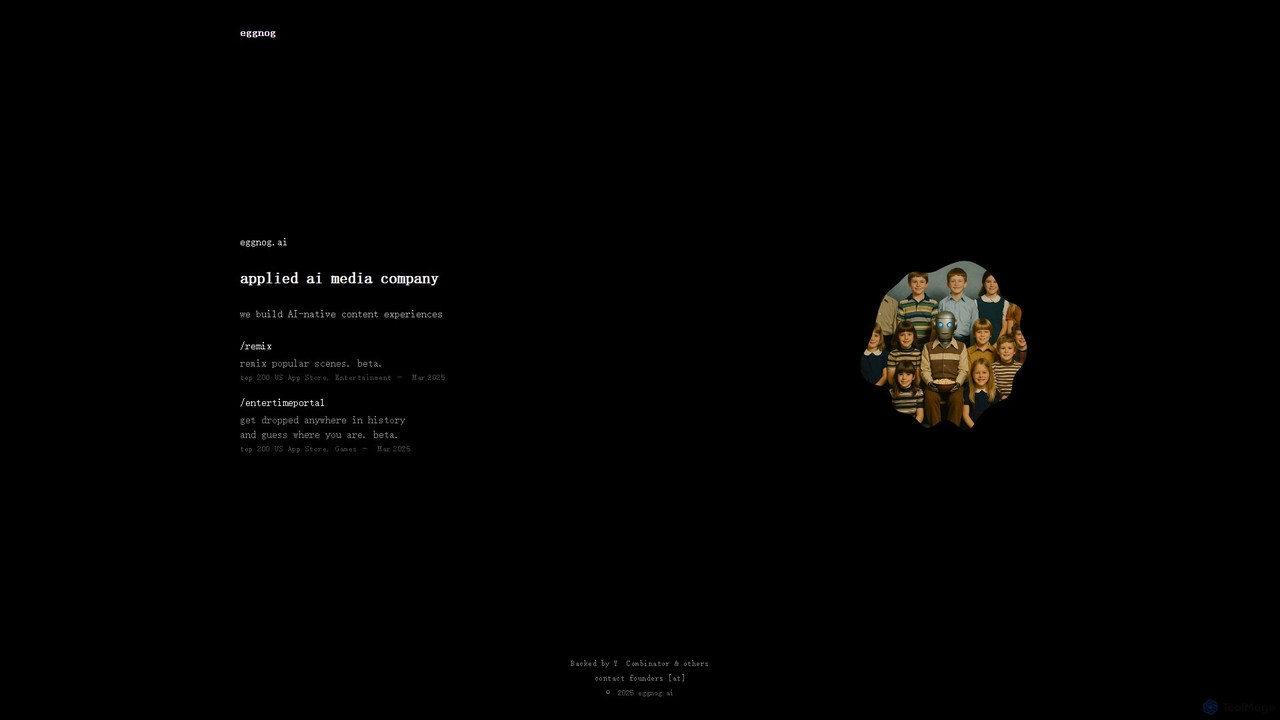
eggnog is a Y Combinator-backed applied AI media company creating next-generation content experiences. It develops innovative mobile apps like "Remix" for AI-powered video meme creation and "Time Portal," an immersive historical guessing game. These apps leverage AI to offer unique entertainment and educational engagement.

Gaming
Visits 18.2KFavorites 142Likes 137
hohohello
Paid

hohohello

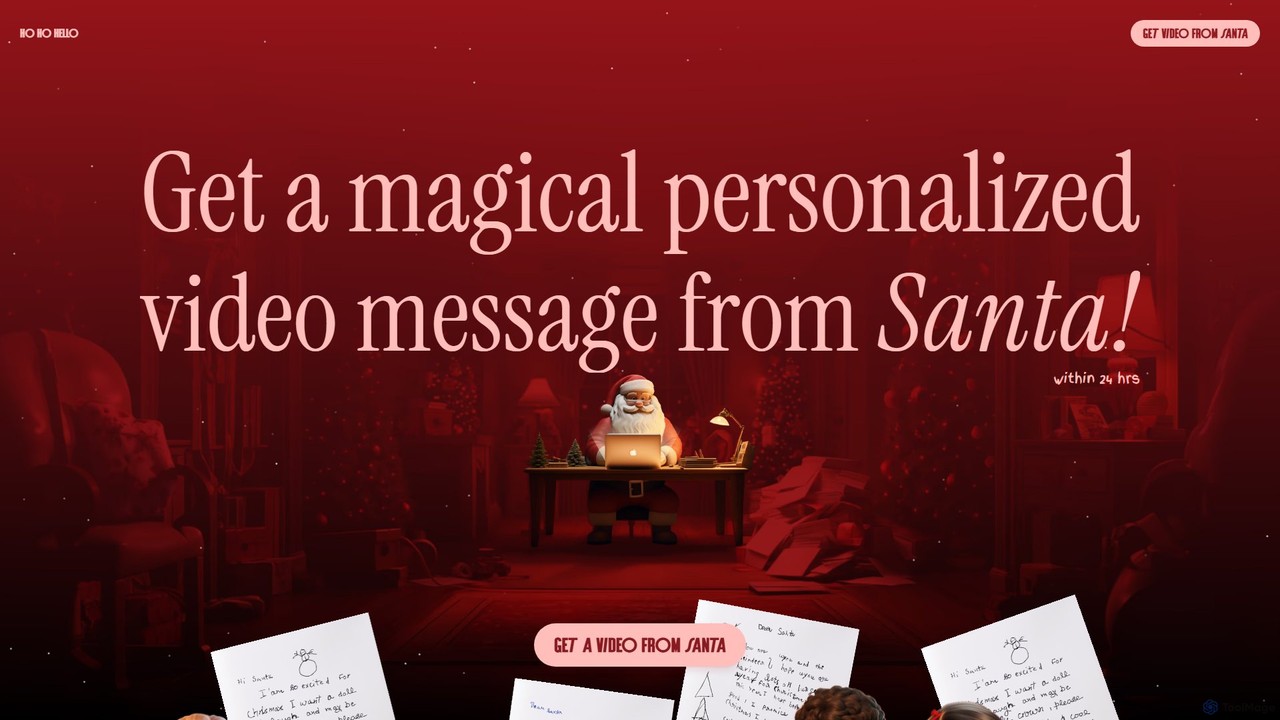
hohohello uses AI to create magical, personalized video messages from Santa Claus for children. Simply provide details about your child—their name, age, recent achievements, or a letter to Santa—and receive a unique, custom video within 24 hours. This service offers a simple, secure way to create a cherished Christmas memory, with special options available for siblings. It's a delightful gift to make the holiday season even more magical.

Video Generation
Visits 5.3KFavorites 103Likes 100

About Video Generation

Video Generation tools are a class of AI-powered software that automatically create new video clips from text prompts, images, or audio inputs. These tools utilize complex generative models, such as diffusion or GANs, to synthesize motion, transform scenes, and animate characters from scratch. They are primarily used by marketers, artists, and content creators to rapidly produce short-form content, visualize concepts, and generate unique B-roll footage. The key value lies in their ability to bypass traditional, resource-intensive video production, enabling creative expression and content creation at an unprecedented scale and speed.

Core Features

  • Text-to-Video: Generates video sequences based on descriptive text prompts.
  • Image-to-Video: Animates a static image, adding motion and dynamic effects.
  • Style Transfer & Control: Allows users to define the artistic style of the output, such as cinematic, anime, or photorealistic.
  • Motion & Camera Control: Provides options to specify camera movements (pan, zoom, tilt) and character actions.
  • Video-to-Video Transformation: Alters the style or content of an existing video clip based on new instructions.

Use Cases

These tools are ideal for digital marketing teams creating social media ads, filmmakers and game designers in pre-production for concept visualization, and social media influencers needing a steady stream of unique visual content. They also serve artists exploring new forms of digital expression and businesses looking to create simple product demo animations without a full production team.

How to Choose

When selecting a Video Generation tool, evaluate the output quality and realism first. Consider the level of control and customization offered for prompts, camera angles, and styles. Assess the generation speed and the pricing model (e.g., per-video credits vs. subscription). Finally, for advanced users, check for API availability for programmatic video creation and integration into existing workflows.

Video Generation use cases

1

Generate Short-Form Social Media Ads

A social media manager for an e-commerce brand needs to create multiple video ads for a new product launch on platforms like Instagram Reels and TikTok. Instead of organizing a costly photoshoot, they use a text-to-video tool. They input prompts like 'A cinematic shot of a futuristic sneaker splashing through a neon puddle' and 'Dynamic close-up of glowing shoelaces tying themselves'. The AI generates several 5-10 second high-impact clips, which can be quickly edited with music and text, reducing production time from weeks to hours.

2

Visualize Concepts for Film Pre-production

A film director is in the early stages of developing a sci-fi movie and needs to communicate their vision to the production team. They use an AI video generator to create short animated storyboards. By inputting key scenes from the script, such as 'A spaceship silently gliding over a crimson desert at dusk', they can produce visual references in minutes. This helps align the art department, cinematographers, and VFX artists on the desired mood and aesthetic long before any assets are built, saving significant time and budget in pre-production.

3

Animate Static Artwork for Musicians

An independent musician has just released a new single with compelling cover art but lacks the budget for a full music video. Using an image-to-video tool, they upload their album cover. They then apply prompts like 'subtle breathing motion, glowing particles drift across the screen, zoom slowly outwards'. The AI transforms the static image into a captivating, looping animation perfect for sharing on Spotify Canvas, YouTube, and social media, providing a dynamic visual component for their music at a fraction of the cost of traditional animation.

4

Generate Abstract B-Roll Footage

A documentary filmmaker is creating a piece about artificial intelligence and needs abstract visual metaphors to represent complex concepts like neural networks. Instead of searching for limited stock footage, they use an AI video generator. They input prompts like 'glowing network of interconnected neurons firing in a dark space, 4K, abstract' or 'data streams flowing like a river of light'. The tool produces unique, high-resolution clips that perfectly match the film's theme, providing custom B-roll that is more specific and visually interesting than generic stock options.

5

Create Animated Explainer Videos

A startup wants to create a short explainer video for their new software, but has a limited marketing budget. A product marketer uses an AI video generator to illustrate key features. They input simple text prompts describing each step of the user journey, such as 'A user clicks a button and a checklist appears' and 'Colorful charts and graphs grow on the screen'. The AI generates a series of simple, clean animations. These clips are then combined and a voiceover is added, resulting in a professional-looking explainer video produced in-house in a single day.

6

Rapid Prototyping for Game Assets

A game developer is prototyping a new game and needs to quickly test different visual styles for character animations and environmental effects. Using an AI video generator, they can create short animation clips for actions like 'a knight swinging a glowing sword' or 'magical particles swirling for a spell effect'. This allows them to iterate on visual ideas in hours instead of days. While the final assets will be created by artists, this rapid prototyping phase helps establish the game's visual direction and test gameplay mechanics with placeholder animations much faster.

Video Generation FAQ

What is AI Video Generation?

AI Video Generation refers to a class of tools that use artificial intelligence, specifically generative models, to create new video content from various inputs like text or images. Unlike traditional video editors that modify existing footage, these tools synthesize video pixels from scratch. Key features include text-to-video, image-to-video animation, and style transfer. They are primarily used to quickly create short clips for social media, marketing, and concept visualization without needing cameras or complex animation software.

How to choose the right AI Video Generation tool?

To choose the right tool, consider these factors:

  • Video Quality & Coherence: Assess the realism, artistic quality, and temporal consistency of the generated videos. Some tools excel at realism, others at stylized animation.
  • Control & Customization: Look for tools that offer detailed control over camera movement, character actions, and artistic style. The more control you have, the closer you can get to your vision.
  • Input Types: Determine if you need text-to-video, image-to-video, or video-to-video capabilities based on your workflow.
  • Cost & Speed: Compare pricing models (subscription vs. credits) and how quickly the tool can generate clips. Faster generation is crucial for high-volume work.
What's the difference between AI Video Generation and traditional video editing?

The core difference is creation versus manipulation. AI Video Generation creates entirely new video content from scratch based on prompts. It synthesizes pixels to form new scenes and motions. Traditional video editing software (like Adobe Premiere or Final Cut Pro) works by cutting, arranging, and enhancing existing video footage that has already been filmed. Video generation is about making something from nothing, while editing is about refining something that already exists.

What are the current limitations of AI Video Generation?

While advancing rapidly, AI video generation has some limitations. The primary challenges include:

  • Temporal Coherence: Maintaining character and object consistency across longer clips can be difficult. A person's appearance might subtly change from one second to the next.
  • Video Length: Most tools are currently optimized for generating very short clips (typically under 20 seconds).
  • Understanding Physics: AI can sometimes struggle with realistic physics, leading to unnatural movements or interactions.
  • Fine-grained Control: Achieving highly specific or complex actions exactly as envisioned in a prompt can still be challenging.
Who can benefit from using AI Video Generation tools?

A wide range of users can benefit from these tools. Key groups include:

  • Marketers & Advertisers: For rapidly creating engaging video ads and social media content without large production budgets.
  • Content Creators & Influencers: To generate unique visuals, B-roll, and animations to enhance their videos and maintain a consistent posting schedule.
  • Artists & Designers: As a new medium for creative expression and for visualizing concepts quickly.
  • Small Businesses: To create professional-looking product demos and promotional videos in-house, saving on costs.
  • Filmmakers & Game Developers: For pre-visualization, storyboarding, and creating placeholder assets during early development stages.