ToolMage
Sign in

Best 3 Image Editing AI tools for Fun Tools

Popular Image Editing AI tools in Fun Tools include RoastThatFace, HugAI, and HeadShots.fun, helping you work more efficiently.

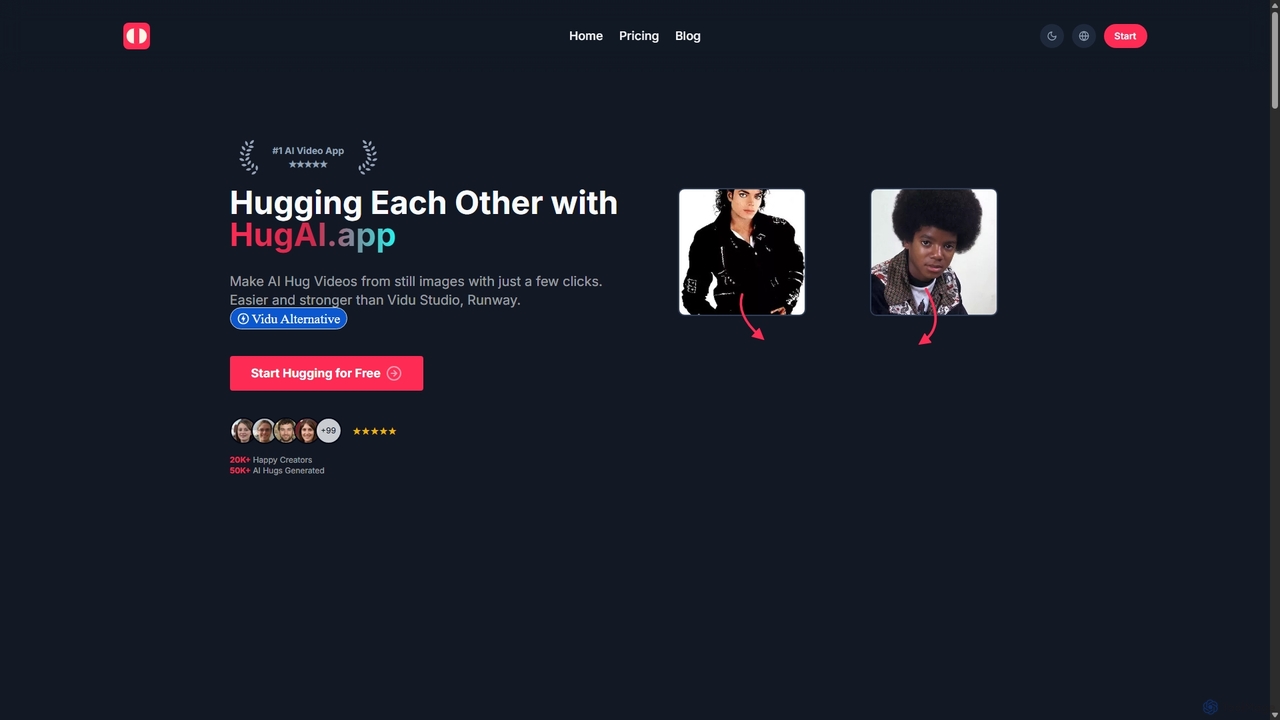
HugAI
Freemium

HugAI

HugAI is an innovative AI-powered tool that transforms two separate static photos into a single, heartwarming animated video of people hugging. Designed for simplicity, it allows anyone to create emotionally resonant and viral-style video content in just a few clicks. It's perfect for social media creators, marketers, and anyone looking to bring their photos to life in a unique and touching way.

Image Editing
Visits 3.6KFavorites 146Likes 146
HeadShots.fun
Paid

HeadShots.fun

HeadShots.fun is an AI-powered headshot generator that creates professional and creative headshots in just 10 seconds. Upload your selfies, choose from a wide variety of styles, and receive high-quality, studio-level images at a fraction of the cost of traditional photography. Ideal for LinkedIn, resumes, social media, and corporate profiles.

Image Editing
Visits 3.5KFavorites 122Likes 119
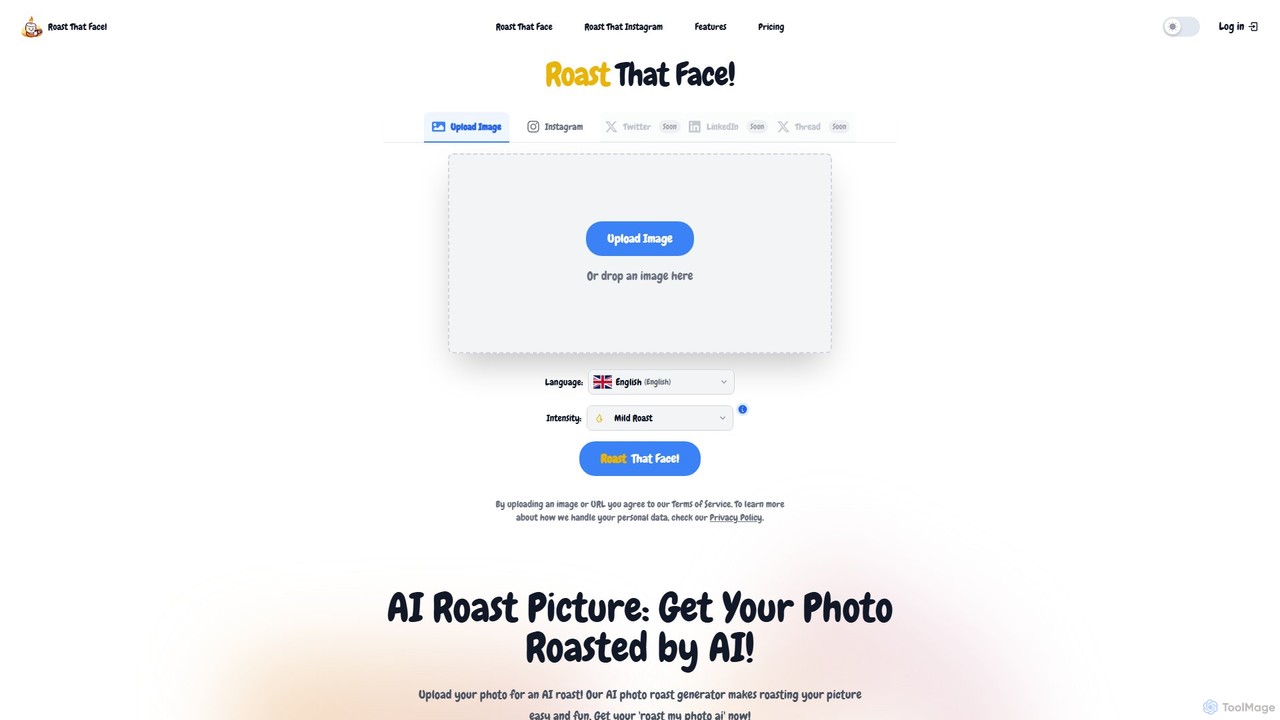
RoastThatFace
Freemium

RoastThatFace

RoastThatFace is an AI-powered entertainment tool that generates hilarious and witty roasts for any photo you upload. Simply upload an image, choose your roast intensity from mild to legendary, and let the AI deliver a unique, personalized roast in seconds. It's a fun, fast, and shareable way to create humorous content and joke with friends.

Humor
Visits 5.4KFavorites 142Likes 123

About Image Editing

Image Editing tools are AI-powered applications that transform and enhance digital images with intelligent automation. These tools leverage advanced machine learning algorithms to understand image content, enabling precise modifications that would traditionally require extensive manual effort. As part of the Fun Tools category, they make creative image manipulation accessible and enjoyable for everyone, from casual users to professional designers, by simplifying complex tasks and unlocking new creative possibilities.

Core Features

  • AI Background Removal: Automatically detects and precisely removes or replaces image backgrounds, ideal for product photos or creative compositions.
  • Object Manipulation & Removal: Intelligently identifies and removes unwanted objects or elements from photos, or allows for seamless repositioning and resizing.
  • Style Transfer & Filters: Applies artistic styles from one image to another, or enhances photos with AI-generated filters and effects for unique visual aesthetics.
  • Image Upscaling & Enhancement: Increases image resolution and clarity without pixelation, while also correcting imperfections, sharpening details, and improving overall quality.
  • Smart Retouching: Automates facial and portrait enhancements, including skin smoothing, blemish removal, and subtle feature adjustments.

Applicable Scenarios

These tools are indispensable for content creators, marketers, and e-commerce businesses who need to quickly produce high-quality visuals. Social media enthusiasts and hobby photographers also benefit from their ability to effortlessly elevate personal photos. From preparing product listings to crafting engaging social media posts, AI image editing streamlines the visual creation workflow.

How to Choose

When selecting an AI image editing tool, consider its core AI capabilities (e.g., specific object recognition, style transfer quality), ease of use and user interface, integration with existing creative workflows, and pricing model. Evaluate the range of output formats, batch processing capabilities, and the accuracy of its AI algorithms for your specific editing needs, ensuring it aligns with both your technical skill level and creative goals.

Featured tool rankings

Image Editing use cases

1

E-commerce Product Photo Optimization

An e-commerce store owner needs to prepare hundreds of product images for their online catalog. Using an AI image editing tool, they can automatically remove backgrounds, standardize product placement, and apply consistent lighting adjustments across all photos, significantly reducing the time and cost associated with manual photo editing and ensuring a professional, uniform look for their products.

2

Social Media Content Creation

A social media manager requires engaging visuals daily for various platforms. With AI image editing, they can quickly transform ordinary photos into eye-catching posts by applying trending AI filters, performing quick object removals (e.g., distracting elements), or generating unique artistic styles, allowing them to maintain a fresh and dynamic online presence without extensive graphic design skills.

3

Real Estate Listing Enhancement

A real estate agent wants to make property listings more appealing. They use AI image editing to enhance interior and exterior photos by correcting lighting, removing unwanted objects (e.g., cars, clutter), and even virtually staging empty rooms with AI-generated furniture, making properties look more attractive and increasing buyer interest.

4

Personal Photo Restoration & Enhancement

An individual wants to digitize and improve old family photos. An AI image editing tool can automatically repair scratches, reduce noise, colorize black-and-white images, and upscale low-resolution scans, bringing cherished memories back to life with improved clarity and vibrancy, preserving them for future generations.

5

Marketing Campaign Visuals

A marketing team needs to create diverse visual assets for an upcoming campaign. They utilize AI image editing to quickly generate multiple variations of a base image, such as changing backgrounds for different target audiences, adjusting color schemes to match brand guidelines, or adding AI-generated elements to test various ad creatives, accelerating their campaign development cycle.

6

Graphic Design Workflow Acceleration

A graphic designer is working on a complex project requiring numerous image assets. Instead of tedious manual tasks, they use AI image editing for rapid prototyping, such as instantly isolating subjects, experimenting with different visual effects, or quickly preparing images for print by upscaling and sharpening, allowing them to focus on creative direction rather than repetitive editing.

Image Editing FAQ

What are AI Image Editing tools?

AI Image Editing tools are software applications that use artificial intelligence and machine learning algorithms to automate and enhance various aspects of digital image manipulation. They go beyond traditional editing by intelligently understanding image content, enabling features like automatic background removal, smart object selection, style transfer, and intelligent photo enhancement, making complex edits accessible to users of all skill levels.

How do AI Image Editing tools differ from traditional photo editors?

The primary difference lies in automation and intelligence. Traditional photo editors require manual selection and precise adjustments by the user. AI Image Editing tools, however, leverage AI to perform these tasks automatically and often with greater precision, understanding context within the image. For example, AI can automatically detect and remove a background in seconds, whereas a traditional editor would require manual masking. This significantly speeds up workflows and lowers the technical barrier for complex edits.

What are the key benefits of using AI for image editing?

The main benefits include significant time savings through automation of repetitive tasks (like background removal or retouching), enhanced creative possibilities with features like AI style transfer and intelligent filters, improved accessibility for users without advanced design skills, and consistent, high-quality results across large batches of images. AI also allows for non-destructive editing and often produces more natural-looking enhancements.

Who can benefit most from AI Image Editing tools?

A wide range of users can benefit. This includes content creators, social media managers, and marketers who need to produce engaging visuals quickly; e-commerce businesses for optimizing product photos; photographers looking to streamline post-processing; graphic designers seeking to accelerate their workflow; and even casual users who want to enhance personal photos with professional-grade results without extensive training.

What should I consider when choosing an AI Image Editing tool?

When selecting an AI image editing tool, evaluate its specific AI features (e.g., the quality of its background removal, object recognition, or upscaling), its user interface and ease of learning, compatibility with your operating system or existing software, pricing structure (subscription vs. one-time purchase), and the types of image formats it supports. Also, consider the level of control it offers over AI-generated edits and its performance with large files or batch processing.