ToolMage
Sign in

Best 3 Music AI tools for Fun Tools

Popular Music AI tools in Fun Tools include MyKaraoke Video, PlaylistAI, and song2art, helping you work more efficiently.

PlaylistAI
Freemium

PlaylistAI

PlaylistAI is an AI-powered music discovery tool that creates personalized playlists for any moment. Generate unique mixes from text prompts, festival posters, TikTok videos, or your listening history, and seamlessly integrate with Spotify, Apple Music, and more.

Music
Visits 36.6KFavorites 122Likes 126
song2art
Free

song2art

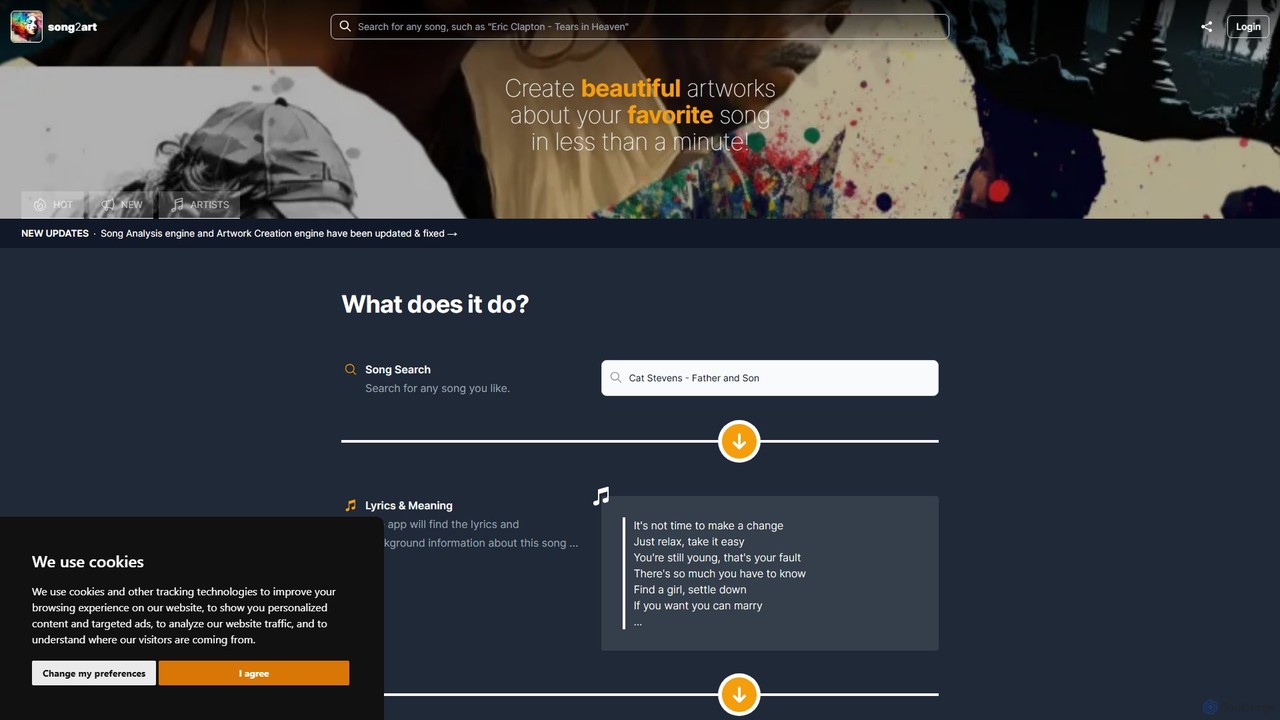
song2art is an innovative AI tool that transforms your favorite songs into unique, stunning artworks. It uses advanced AI like GPT-4 to analyze song lyrics and meaning, then employs Midjourney to generate visual art in over 20 styles. You can customize the art by selecting specific lyrics or combining styles. Currently in a free public beta, it's a perfect way to visualize music and create personalized gifts.

Image Generation
Visits 4.5KFavorites 126Likes 151
MyKaraoke Video
Freemium

MyKaraoke Video

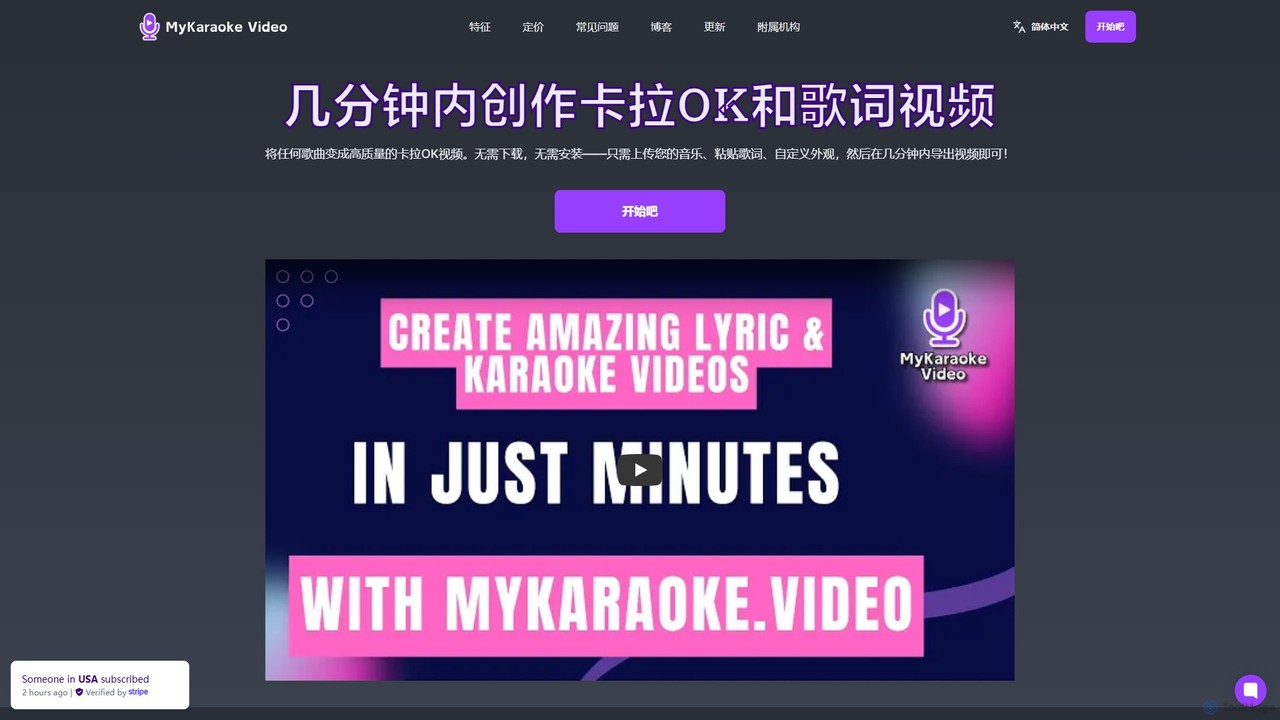
MyKaraoke Video is an AI-powered, browser-based tool that transforms any song into a professional karaoke or lyric video in minutes. It automatically removes vocals, syncs lyrics, and offers extensive customization options, eliminating the need for complex software.

Audio Editing
Visits 130.4KFavorites 156Likes 182

About Music

AI Music tools are applications that leverage artificial intelligence to generate, compose, and modify musical pieces. These tools utilize deep learning models, such as Generative Adversarial Networks (GANs) or Transformers, to analyze patterns in vast music datasets and create original audio. They empower users without formal musical training to produce unique, royalty-free tracks for projects, and provide professional musicians with a powerful source of inspiration. As a unique subset of Fun Tools, they transform a complex creative process into an accessible and engaging experience.

Core Features

  • Melody & Chord Generation: Automatically creates original melodies, harmonies, and chord progressions based on user inputs like genre or mood.
  • Instrument & Genre Synthesis: Simulates a wide range of instruments and can compose music in various styles, from classical to electronic.
  • Vocal Synthesis & Voice Cloning: Generates realistic singing voices from text or clones an existing voice to perform a new melody.
  • Stem Separation: Isolates individual tracks (e.g., vocals, drums, bass) from a single audio file for remixing or analysis.
  • Text-to-Music: Creates musical compositions directly from descriptive text prompts, similar to AI image generation.

Use Cases

AI Music tools are widely used by content creators for generating custom, royalty-free background music for videos, podcasts, and streams. Musicians and producers use them to break creative blocks, experiment with new ideas, or quickly generate demo tracks. Game developers and app creators also leverage these tools to produce adaptive soundtracks that respond to in-game events.

How to Choose

When selecting an AI Music tool, consider the audio output quality and realism first. Evaluate the level of customization available, such as control over tempo, key, instruments, and structure. It's crucial to understand the licensing terms—confirm if the generated music is truly royalty-free for commercial use. Finally, check for integration capabilities, such as MIDI export, which allows for further editing in a Digital Audio Workstation (DAW).

Music use cases

1

Generate Royalty-Free Music for Videos

A content creator needs unique background music for their weekly YouTube vlog. Instead of spending hours searching through stock music libraries or risking copyright claims, they use an AI Music tool. By inputting prompts like 'upbeat, acoustic, folk, for travel vlog,' the tool generates several original tracks in minutes. The creator can then select the best fit, adjust the length, and download a high-quality, royalty-free audio file, ensuring their content is both engaging and safe for monetization.

2

Break Creative Blocks for Musicians

A music producer is stuck on a new track and needs fresh inspiration. They use an AI music generator to explore new melodic or harmonic ideas. By setting parameters like the key (C minor), tempo (120 BPM), and genre (Synthwave), the AI generates dozens of MIDI patterns and chord progressions. The producer can then import these MIDI files into their Digital Audio Workstation (DAW), modify them, and use them as a starting point, effectively overcoming their creative block and accelerating the songwriting process.

3

Create Custom Jingles for Podcasts

A podcaster wants a unique intro and outro jingle for their show to build a strong brand identity. Instead of hiring a composer, they use an AI music tool. They can specify the mood ('energetic and optimistic'), duration (15 seconds), and instruments ('electric guitar and drums'). The AI generates several options, and the podcaster can even use a voice cloning feature to add a synthesized voiceover like 'Welcome to the Show!'. This provides a cost-effective and fast way to produce professional, custom audio branding.

4

Prototype Adaptive Soundtracks for Games

A game developer is creating a new indie game and needs a dynamic soundtrack that changes based on gameplay. Using an AI music tool with stem separation and generation capabilities, they can create a base track. Then, they generate variations: a high-tension version with added percussion for combat scenes, and a calm, ambient version for exploration. By exporting these as separate stems, the game engine can dynamically mix and fade between them, creating an immersive, adaptive audio experience without the budget for a full orchestra or composer.

5

Separate Audio Stems for Remixing

A DJ wants to create a remix of a classic song but doesn't have access to the original multitrack recordings. They use an AI tool with a stem separation feature. By uploading the final mixed song file, the AI analyzes the audio and isolates the vocals, drums, bass, and other instruments into separate audio files. The DJ can then import these stems into their software to create a unique remix, for example, by using only the vocal track over a new beat they produced, opening up creative possibilities previously unavailable.

6

Experiment with Music Creation for Fun

A hobbyist with no musical background is curious about making music. They use a simple, text-to-music AI tool. They type in a fun prompt like 'a funky disco beat with a robot singing about pizza'. Within seconds, the AI generates a complete, albeit quirky, song. This allows them to experiment with different genres, moods, and ideas without needing to learn music theory or how to play an instrument. It serves as an entertaining creative outlet, making the process of music creation accessible and enjoyable for everyone.

Music FAQ

What are AI Music tools?

AI Music tools are software applications that use artificial intelligence to generate, compose, or modify music. They analyze vast amounts of existing music to learn patterns, styles, and structures. Key functions include creating original melodies, generating full tracks in specific genres, separating audio into individual stems (like vocals and instruments), and even synthesizing singing voices. These tools make music creation more accessible to non-musicians and serve as a powerful assistant for professional producers.

How to choose the right AI Music tool?

To choose the right tool, consider your primary need. Here are four key factors:

  • Goal: Do you need full songs for background music, short loops for inspiration, or stem separation for remixing? Different tools specialize in different areas.
  • Customization: Check how much control you have over the output. Can you specify genre, mood, tempo, key, and instruments? Can you edit the generated music?
  • Output Quality & Format: Listen to samples to judge the audio quality. Ensure the tool can export in formats you need, like MP3, WAV, or MIDI for further editing.
  • Licensing: This is critical for commercial use. Carefully read the terms to confirm if the generated music is royalty-free and what attribution, if any, is required.
Is music generated by AI royalty-free?

This depends entirely on the service provider's terms and conditions. Many AI music tools are designed for content creators and explicitly offer a royalty-free license, meaning you can use the music in commercial projects without paying ongoing fees. However, some tools may have restrictions, such as limitations on use for major films or advertising, or they might require a specific subscription tier for a commercial license. Always read the licensing agreement of the specific tool you are using before publishing content with its music.

Can AI music tools create vocals?

Yes, many advanced AI music tools can create vocals. This is typically done in two ways:

  • Vocal Synthesis: The AI generates a completely new, artificial singing voice from text input (lyrics) and a melody. The quality can range from robotic to surprisingly realistic.
  • Voice Cloning: Some tools can analyze a short sample of a real person's voice and then generate new vocal performances in that same voice. This technology is powerful but also raises ethical considerations regarding consent and misuse.
Not all music generators have vocal capabilities, so it's an important feature to check for if you need sung parts in your music.

What's the difference between AI music generators and sample libraries?

The main difference is creation versus collection.

  • Sample Libraries are collections of pre-recorded audio clips (e.g., a drum loop, a guitar riff). Users arrange these existing clips to build a song. The creativity lies in the selection and arrangement, but the core sounds are fixed.
  • AI Music Generators create new, original musical content from scratch based on algorithms and user prompts. They don't pull from a fixed library; they compose unique melodies, harmonies, and rhythms. This offers infinite variation but sometimes less precise control than manually placing a specific sample.
In short, sample libraries provide building blocks, while AI generators provide a composer.