ToolMage
Sign in

Best 2 Photo Analysis AI tools for Fun Tools

Popular Photo Analysis AI tools in Fun Tools include agentmaxx and Hotcheck, helping you work more efficiently.

agentmaxx
Freemium

agentmaxx

agentmaxx is an AI-powered tool that analyzes your facial attractiveness. Upload a photo to receive detailed scores for features like skin, eyes, and cheekbones. Unlock an interactive AI chat for personalized tips and advice to enhance your appearance. It's a fun and engaging way to explore self-improvement through data-driven insights.

Photo Analysis
Visits 4.7KFavorites 126Likes 115
Hotcheck
Freemium

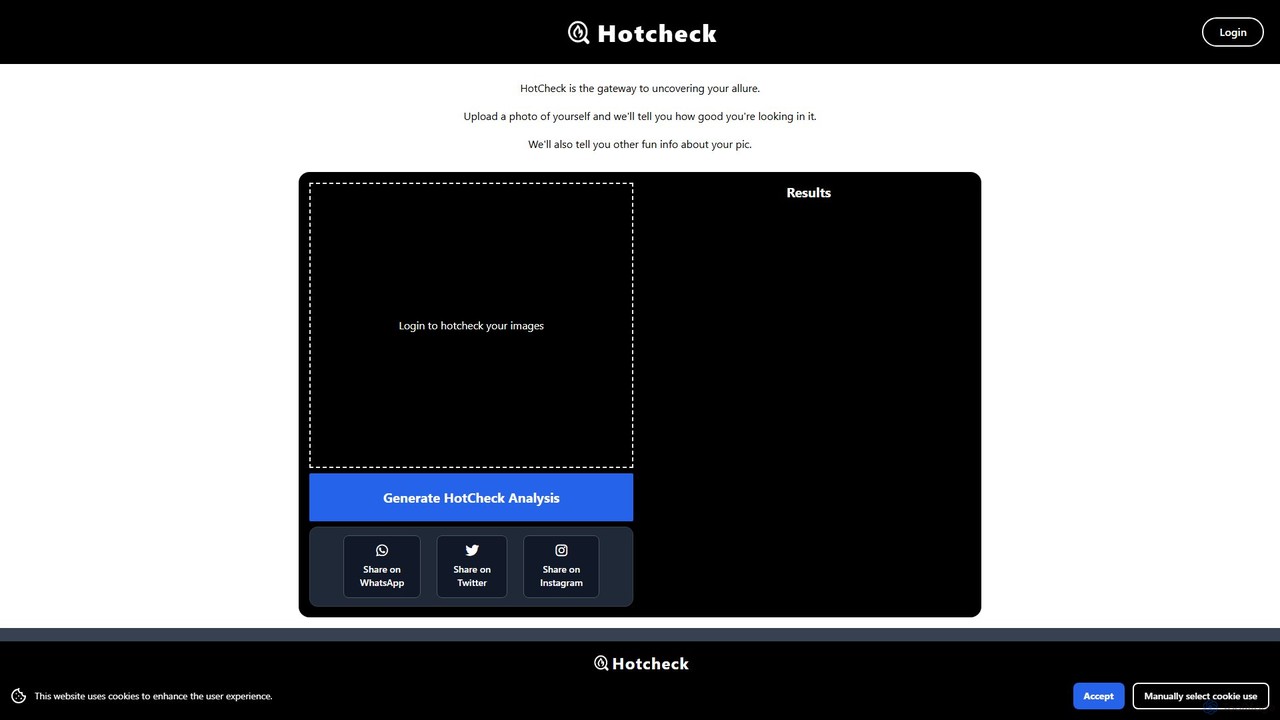
Hotcheck

Hotcheck is an AI-powered photo analysis tool that rates the attractiveness of your photos. Simply upload a picture, and the AI provides an objective 'hotness' score. It also offers detailed insights into facial features, photo quality, and other fun metrics to help you choose the best pictures for your dating profiles, social media, or just for fun.

Photo Analysis
Visits 4.7KFavorites 144Likes 144

About Photo Analysis

Photo Analysis tools are AI applications designed to automatically interpret and extract detailed information from images. Using advanced computer vision and machine learning models, these tools can identify objects, people, text, and scenes within a photograph. Their primary value lies in transforming visual content into structured, searchable data, offering insights that go beyond human observation. While part of the Fun Tools category, they provide both entertaining discoveries and practical data extraction capabilities.

Core Features

  • Object & Scene Recognition: Identifies and labels various elements in a photo, from everyday items to complex environmental scenes.
  • Facial Analysis: Detects human faces and can estimate attributes like age, gender, and emotional expression.
  • Text Recognition (OCR): Extracts and converts printed or handwritten text within an image into editable digital text.
  • Aesthetic Scoring: Evaluates a photo based on composition, lighting, color harmony, and other photographic principles to provide a quality score.
  • Automated Tagging & Captioning: Generates relevant keywords and descriptive sentences that summarize the content of the image.

Use Cases

These tools are popular among hobbyist photographers seeking objective feedback, social media managers analyzing visual trends, and individuals looking to organize large personal photo libraries. For example, a user can automatically tag thousands of vacation photos by location and content, or a content creator can analyze an image to generate engaging captions and hashtags.

How to Choose

When selecting a Photo Analysis tool, consider the specific type of analysis you need (e.g., object detection vs. aesthetic scoring). Evaluate the tool's accuracy and the level of detail in its reports. Also, review its privacy policy carefully to understand how your images are handled, and check for API access if you plan to integrate the analysis into other applications.

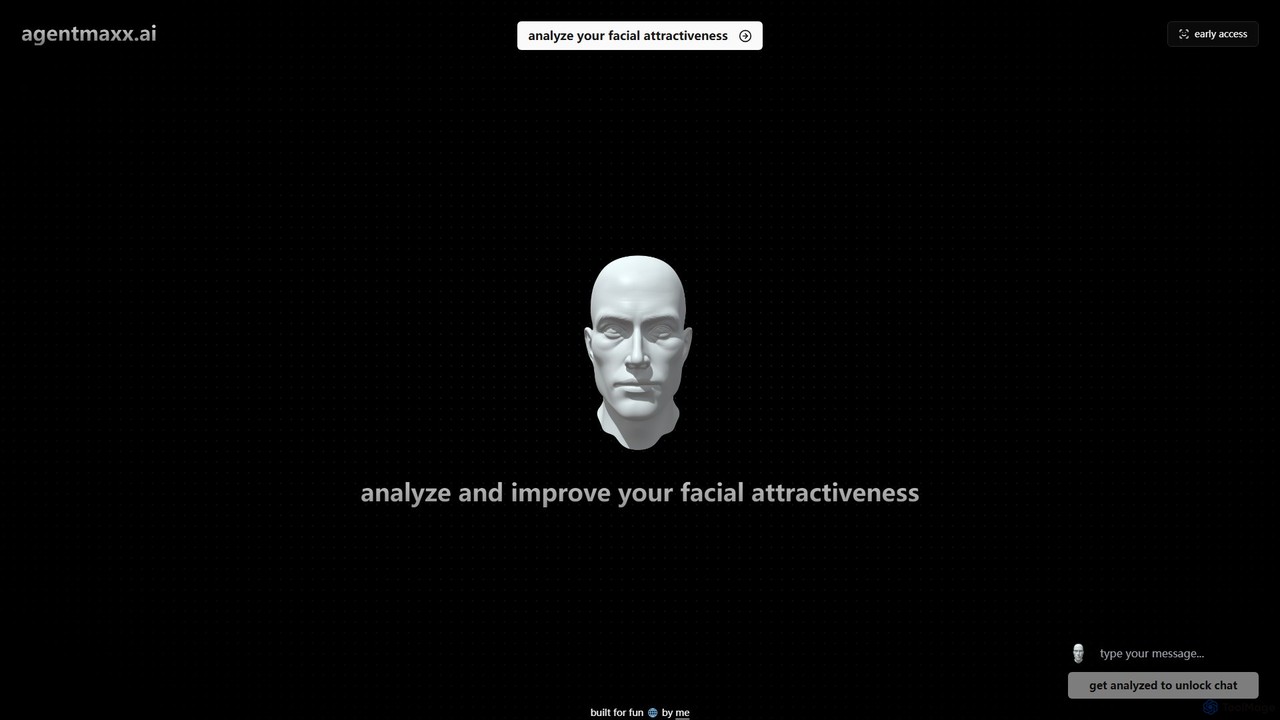
Photo Analysis use cases

1

Get AI Feedback on Photography Skills

A hobbyist photographer wants to improve their craft but lacks access to professional critiques. They upload their latest photos to a Photo Analysis tool. The AI provides an objective aesthetic score based on technical aspects like composition (rule of thirds, leading lines), lighting balance, and color harmony. The feedback is instant and data-driven, helping the photographer identify specific areas for improvement, such as adjusting framing or experimenting with different lighting conditions, ultimately accelerating their learning process.

2

Automatically Organize a Digital Photo Library

An individual has accumulated over 20,000 digital photos over the years, stored in various folders without any organization. Manually sorting them is an impossible task. They use a Photo Analysis tool to process the entire library. The tool automatically identifies and tags each photo with relevant keywords like 'beach', 'mountain', 'birthday party', 'dog', and even recognizes specific family members. This transforms the chaotic collection into a fully searchable database, allowing them to find any photo in seconds just by typing a description.

3

Generate Creative Ideas from an Image

A writer experiencing writer's block needs inspiration for a new story. They upload an abstract, evocative photograph to a Photo Analysis tool. The AI breaks down the image into a list of objects, concepts, and potential moods (e.g., 'solitude', 'decay', 'urban exploration', 'forgotten memories'). It also generates a descriptive paragraph. This structured data acts as a set of creative prompts, sparking new narrative ideas and helping the writer overcome their creative hurdle by looking at the image from a completely different, analytical perspective.

4

Verify Information in a Historical Photo

A history enthusiast finds an old family photograph and wants to know more about its context. They use a Photo Analysis tool with OCR and object recognition. The AI extracts text from a sign in the background, identifying a shop name and a partial date. It also recognizes the model of a car in the street, which helps narrow down the decade. By combining these AI-generated data points, the enthusiast can more accurately date the photo and research the location, uncovering a piece of their family's history that was previously unknown.

5

Settle a Fun Debate with Image Facts

A group of friends is watching an old movie and starts a debate about the species of a plant seen in the background of a scene. To settle the argument, one of them takes a screenshot and uploads it to a Photo Analysis tool. Within seconds, the AI identifies the plant as a 'Monstera Deliciosa' with a high confidence score. It might also provide additional fun facts about the plant. This use case turns the tool into a fun, quick fact-checker, resolving friendly disputes with objective data and adding an element of discovery to their movie night.

6

Analyze Emotional Tone in Social Media Images

A social media analyst wants to understand the general sentiment of user-generated images related to a brand campaign. They use a Photo Analysis tool to process a batch of recent posts. The tool's facial analysis feature detects emotions like 'joy', 'surprise', or 'neutral' from people's faces in the photos. By aggregating this data, the analyst can quickly gauge the overall emotional response to the campaign, identifying whether the visual content is resonating positively with the audience without having to manually inspect thousands of images.

Photo Analysis FAQ

What are AI Photo Analysis tools?

AI Photo Analysis tools are applications that use artificial intelligence, primarily computer vision, to 'read' and understand the content of an image. They go beyond simple viewing to extract data and provide insights. Key functions include identifying objects and scenes, recognizing text (OCR), analyzing facial expressions, and even rating a photo's aesthetic quality. They are used for everything from organizing personal photo collections to providing creative inspiration.

How do I choose a good Photo Analysis tool?

To choose the right tool, first identify your primary need. Are you looking for fun facts, aesthetic scores, or accurate data extraction like OCR? Consider the following points:

  • Analysis Type: Ensure the tool offers the specific features you need (e.g., object recognition, facial analysis, text extraction).
  • Accuracy: Look for reviews or test the tool with your own images to gauge the reliability of its results.
  • Ease of Use: The interface should be intuitive, allowing you to upload and get results without a steep learning curve.
  • Privacy Policy: Since you'll be uploading images, carefully read how the service stores, uses, and protects your data.

What's the difference between Photo Analysis and Photo Editing tools?

The core difference lies in their purpose. Photo Analysis tools are for understanding an image; they extract information, identify content, and generate data about the photo without changing it. Photo Editing tools are for modifying an image; they alter pixels to change its appearance, such as adjusting colors, removing objects, or applying filters. In short, analysis provides insights, while editing provides creative control.

Is it safe to upload my personal photos to these tools?

Safety depends on the specific service provider. Reputable Photo Analysis tools have clear privacy policies that explain how your data is handled. Before uploading personal or sensitive images, you should always check their policy to understand:

  • If your images are stored and for how long.
  • If your data is used to train their AI models.
  • What security measures are in place to protect your uploads.
For general or non-sensitive photos, most well-known tools are generally safe, but exercising caution and reading the terms of service is always a good practice.

Can AI truly understand the context or story of a photo?

Currently, AI's 'understanding' is based on pattern recognition, not true consciousness or emotional intelligence. It can identify elements that suggest a context (e.g., 'wedding cake' + 'white dress' = 'wedding'), and it can detect facial expressions like a smile. However, it cannot grasp the nuanced story, personal relationships, or cultural significance behind an image. AI provides a powerful data-driven analysis of what's visually present, but the interpretation of the deeper meaning and narrative still requires human insight.