ToolMage
Sign in

Best 3 Photo Effects AI tools for Fun Tools

Popular Photo Effects AI tools in Fun Tools include FluxAI.art, artrobot, and PicoAI, helping you work more efficiently.

FluxAI.art
Freemium

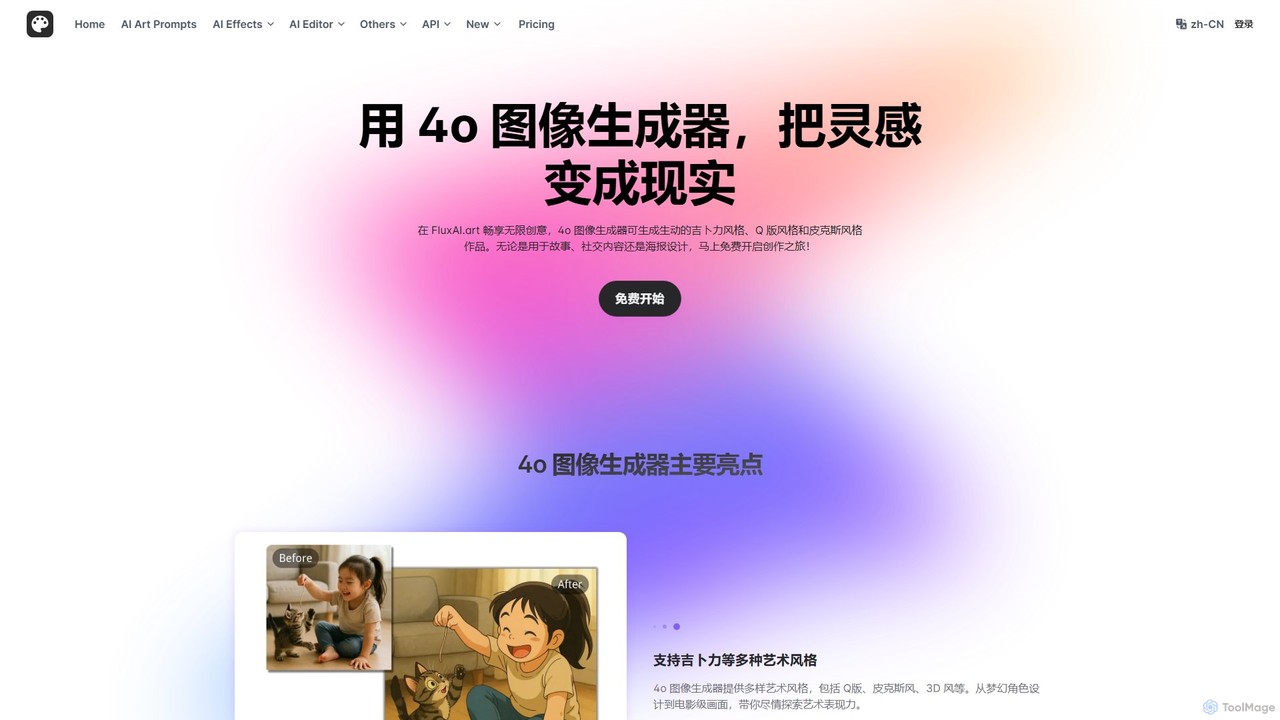
FluxAI.art

FluxAI.art is a powerful AI image generator powered by GPT-4o, enabling users to create stunning visuals in various artistic styles like Ghibli, Pixar, and Q-style (Chibi). It offers text-to-image generation, image recreation, and unique tools like a realistic aging filter and stylized text integration. It's designed for artists, designers, marketers, and social media users.

Ai Art
Visits 29.4KFavorites 137Likes 125
PicoAI
Freemium

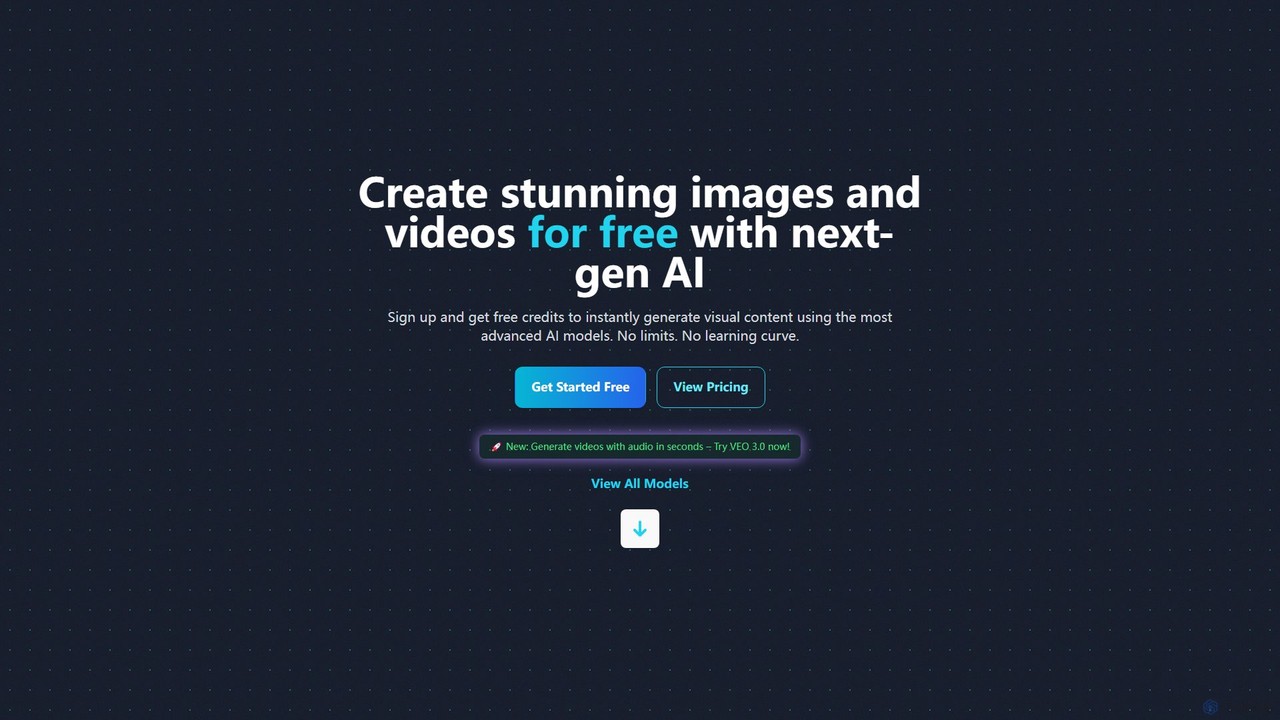
PicoAI

PicoAI is a comprehensive AI platform for professionals, offering a suite of powerful tools for image, video, and 3D model generation. It features advanced models like VEO 3 for cinematic video creation, text-to-image generation, AI-powered editing, and even developer tools for HTML/CSS code generation. Designed to boost productivity, PicoAI provides an intuitive, all-in-one solution for designers, marketers, developers, and entrepreneurs to create high-quality content and streamline their workflows without a steep learning curve.

Image Generation
Visits 5.6KFavorites 121Likes 109
artrobot
Free

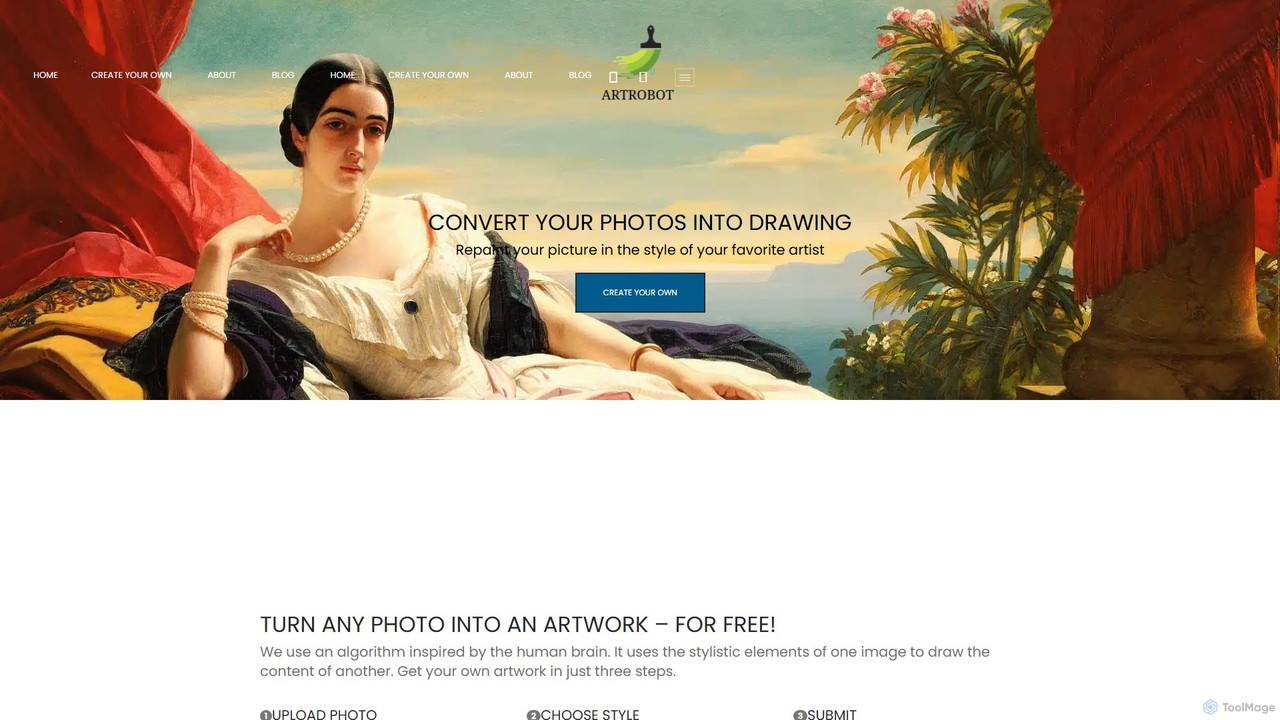
artrobot

artrobot is a free AI-powered tool that transforms your photos into stunning artworks using neural style transfer. Simply upload your content image, choose a predefined artistic style or upload your own, and let the AI repaint your picture. It's an easy-to-use, web-based platform for artists, photographers, and creators to experiment with styles like Van Gogh or Picasso and produce unique, high-resolution artistic images without any technical expertise.

Style Transfer
Visits 6.6KFavorites 122Likes 129

About Photo Effects

Photo Effects are AI-powered tools that transform and enhance images with creative filters, styles, and adjustments. Leveraging advanced computer vision and generative AI, these tools enable users to apply artistic looks, correct imperfections, and create visually striking imagery. As a key part of the Fun Tools category, they offer accessible ways to add flair and personality to digital photos for various purposes, from social media to professional projects.

Core Features

  • Artistic Style Transfer: Apply the aesthetic style of famous paintings or unique artistic filters to your photos.
  • Intelligent Color Grading: Automatically adjust color balance, saturation, and contrast for optimal visual appeal.
  • Background Manipulation: Seamlessly change, blur, or remove photo backgrounds with AI precision.
  • Facial Retouching & Enhancement: Automatically smooth skin, whiten teeth, and enhance facial features for perfect portraits.
  • Creative Filters & Overlays: Generate unique visual effects like vintage looks, light leaks, or futuristic glows.

Applicable Scenarios

Photo Effects tools are invaluable for content creators, photographers, and marketers seeking to quickly elevate their visuals. They are widely used in social media marketing to create engaging posts, by amateur and professional photographers for rapid post-processing, and by graphic designers for generating unique visual assets.

How to Choose

When selecting an AI Photo Effects tool, consider the range and quality of available effects, the ease of use and user interface, processing speed, and compatibility with your existing workflows. Evaluate the output resolution and file format support, as well as pricing models and any integration capabilities with other design software.

Photo Effects use cases

1

Applying Artistic Styles to Portraits

Social media influencers and content creators use AI photo effects to transform ordinary selfies or portraits into stunning artworks. By applying styles from famous painters or unique digital art filters, they can quickly generate visually distinctive content that stands out on platforms like Instagram and TikTok, attracting more engagement and followers without needing advanced artistic skills.

2

Creating Vintage or Retro Photo Looks

Photographers and hobbyists often desire a nostalgic aesthetic for their images. AI photo effects tools can instantly apply vintage filters, simulate film grain, add light leaks, or adjust color palettes to mimic specific historical photographic styles. This allows users to achieve a consistent retro look across a series of photos, perfect for themed projects or personal collections, saving hours of manual editing.

3

Enhancing Product Photos for E-commerce

E-commerce businesses need high-quality, consistent product images. AI photo effects tools can automatically adjust lighting, correct colors, remove distracting backgrounds, or even add subtle reflections and shadows to product shots. This ensures that all product listings have a professional and uniform appearance, which can significantly improve conversion rates and reduce the time spent on manual photo editing for large inventories.

4

Transforming Travel Photos into Art

Travel enthusiasts and bloggers often capture breathtaking landscapes and cityscapes. AI photo effects allow them to transform these travel snapshots into unique artistic renditions, such as watercolor paintings, oil sketches, or comic book styles. This adds a creative storytelling dimension to their travel blogs and social media feeds, making their visual narratives more engaging and memorable for their audience.

5

Automating Facial Retouching for Events

Event photographers and studios often deal with hundreds or thousands of photos requiring quick touch-ups. AI photo effects tools can automate common facial retouching tasks like skin smoothing, blemish removal, teeth whitening, and eye enhancement across entire batches of images. This drastically reduces post-processing time, allowing them to deliver polished photos to clients much faster and handle a higher volume of work.

6

Generating Thematic Backgrounds for Composites

Graphic designers and digital artists often need to place subjects into new, imaginative environments. AI photo effects tools can generate thematic backgrounds, such as fantastical landscapes, futuristic cityscapes, or abstract patterns, based on simple text prompts or existing image styles. This capability streamlines the creation of complex photo composites, offering endless creative possibilities for advertising, concept art, or personal projects without extensive manual drawing or sourcing.

Photo Effects FAQ

What are AI Photo Effects?

AI Photo Effects are tools that use artificial intelligence to automatically apply creative filters, artistic styles, and various enhancements to digital images. They go beyond basic editing by intelligently analyzing image content to suggest or generate transformations like style transfers, smart color corrections, background changes, and facial retouching, making complex edits accessible to a wider audience.

How do AI Photo Effects differ from traditional photo editing software?

AI Photo Effects tools primarily differ from traditional software in their automation and generative capabilities. While traditional editors require manual adjustments and precise control, AI tools can interpret user intent or image content to apply complex effects with minimal input. They excel at tasks like style transfer, intelligent content-aware filling, and automated retouching, often generating new visual elements rather than just manipulating existing pixels, saving significant time and effort.

What kind of creative styles can AI Photo Effects generate?

AI Photo Effects can generate a vast array of creative styles. These include applying the brushstrokes and color palettes of famous artists (e.g., Van Gogh, Picasso), transforming photos into sketches, cartoons, or comic book art, simulating film photography effects like vintage looks or black and white, and generating abstract or futuristic visual overlays. Some advanced tools can even create entirely new backgrounds or elements based on textual descriptions.

Who can benefit most from using AI Photo Effects tools?

A wide range of users can benefit from AI Photo Effects tools. This includes social media managers and content creators looking for unique visuals, professional photographers seeking to speed up their post-processing workflow, graphic designers needing quick asset generation, e-commerce businesses aiming for consistent product imagery, and hobbyists or artists exploring new creative avenues. Essentially, anyone who works with digital images and wants to enhance them efficiently can find value.

What should I consider when choosing an AI Photo Effects tool?

When selecting an AI Photo Effects tool, prioritize the quality and variety of effects offered, ensuring they align with your creative needs. Consider the user-friendliness of the interface, as well as the processing speed and efficiency for batch operations. Look for compatibility with your operating system and other design software, output resolution and file format support, and the pricing model (subscription vs. one-time purchase). Finally, check for privacy policies regarding your uploaded images.

Are AI Photo Effects suitable for professional use?

Yes, AI Photo Effects are increasingly suitable for professional use, especially for tasks requiring speed and consistency. While traditional software still offers granular control, AI tools can automate repetitive edits, generate creative variations, and provide quick mock-ups. Professionals in marketing, social media, e-commerce, and event photography leverage these tools to enhance productivity, maintain brand consistency, and explore new artistic directions, often integrating them into a broader workflow alongside traditional editing suites.