ToolMage
Sign in

Best 4 Style Transfer AI tools for Art

Popular Style Transfer AI tools in Art include genimg, Geblee, artrobot, and ghiblistyle, helping you work more efficiently.

ghiblistyle
Paid

ghiblistyle

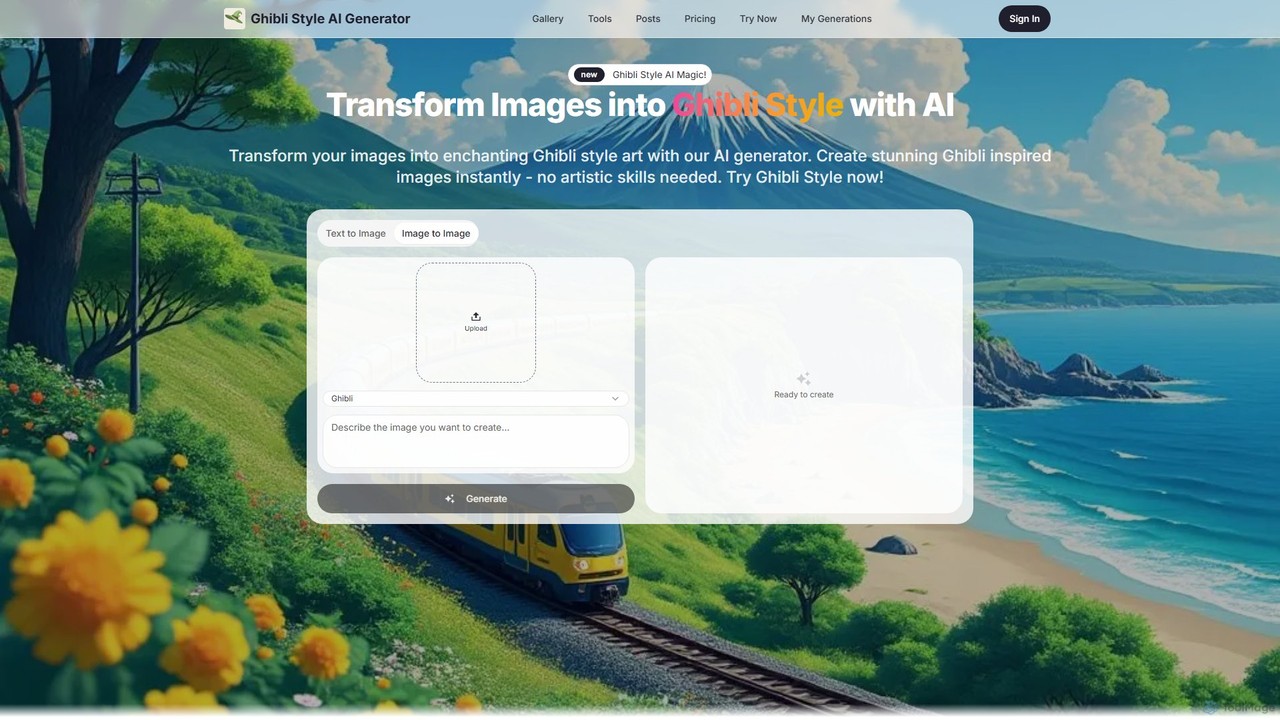
An AI-powered art generator that transforms your photos and text prompts into the enchanting and nostalgic Ghibli art style. Create high-resolution, whimsical artwork instantly without any artistic skills. Perfect for personal memories, social media, and commercial projects.

Style Transfer
Visits 5.6KFavorites 131Likes 129
genimg
Free

genimg

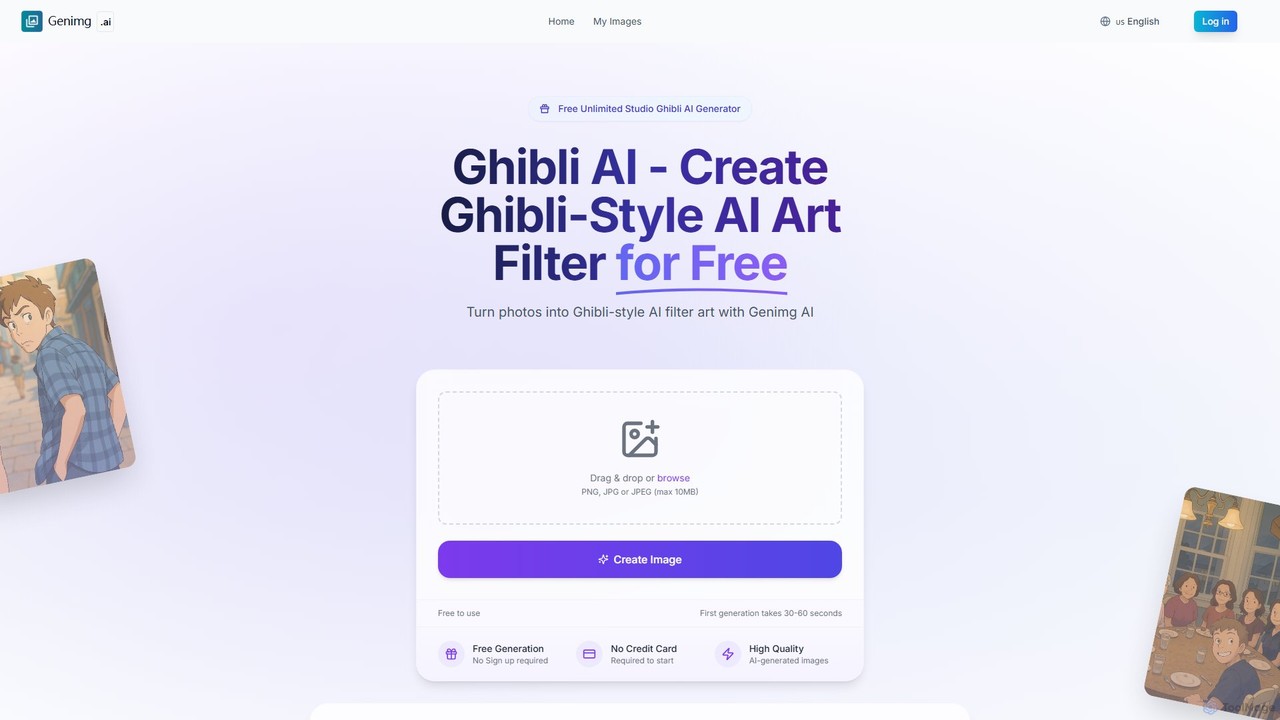
Genimg is a versatile and free AI image suite. It features a Ghibli-style art generator to transform photos, a powerful text-to-image generator (Image FX) powered by Google's Imagen 3, and an innovative image-to-prompt tool. Create unlimited, high-quality images without any registration or fees.

Style Transfer
Visits 210.1KFavorites 149Likes 142
Geblee
Freemium

Geblee

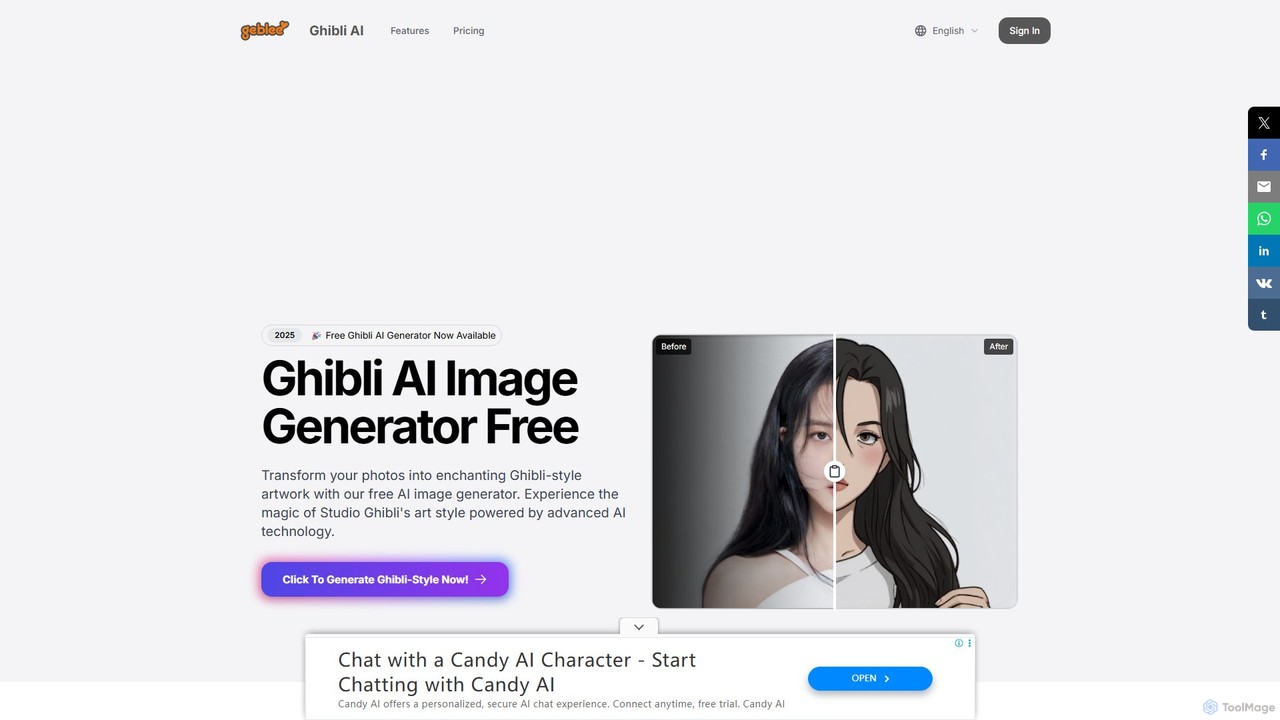
Create enchanting Studio Ghibli-style artwork from your photos and text prompts. Geblee is a free AI image generator that uses advanced AI to transform your ideas into the magical, whimsical art style of Ghibli animations. It offers text-to-image, image-to-image, and real-time webcam transformations, with a user-friendly interface and a generous free plan.

Style Transfer
Visits 11.2KFavorites 107Likes 114
artrobot
Free

artrobot

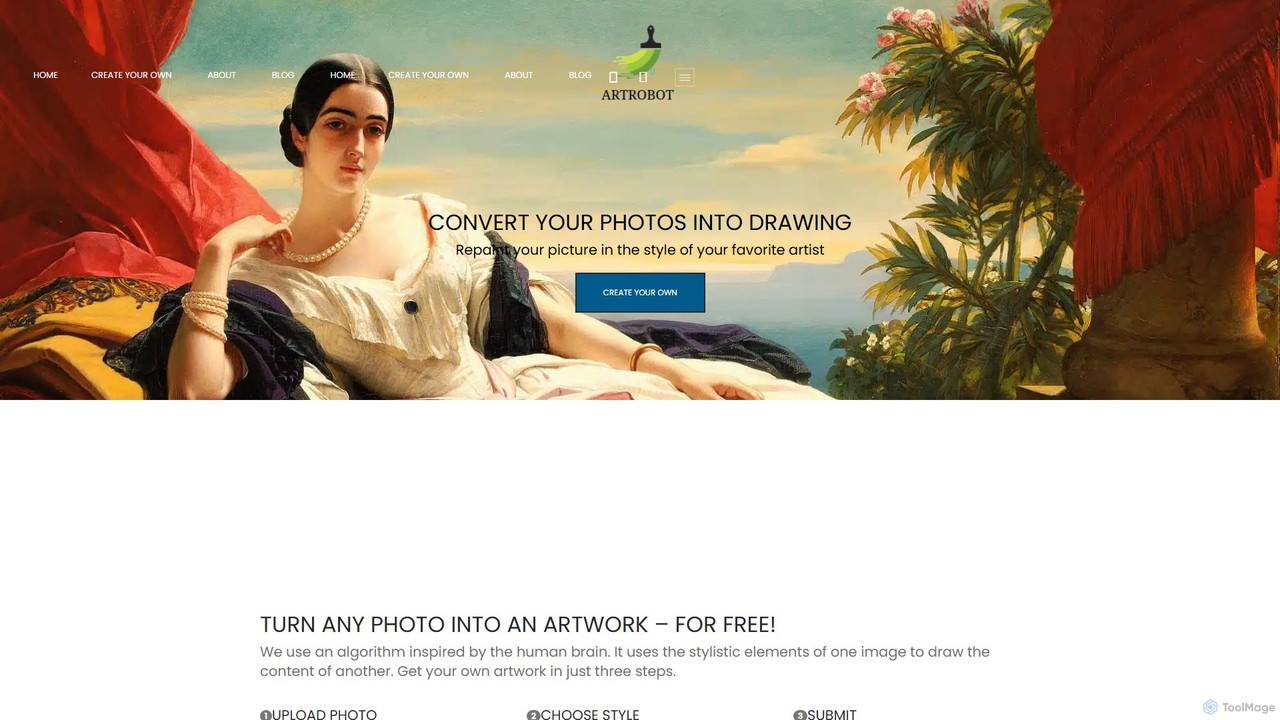
artrobot is a free AI-powered tool that transforms your photos into stunning artworks using neural style transfer. Simply upload your content image, choose a predefined artistic style or upload your own, and let the AI repaint your picture. It's an easy-to-use, web-based platform for artists, photographers, and creators to experiment with styles like Van Gogh or Picasso and produce unique, high-resolution artistic images without any technical expertise.

Style Transfer
Visits 6.6KFavorites 122Likes 129

About Style Transfer

Style Transfer tools are AI-powered applications that apply the artistic style of one image to the content of another, creating a unique hybrid artwork. These tools leverage deep learning algorithms, particularly convolutional neural networks, to separate and recombine content and style representations. They enable users to transform ordinary photos into artistic masterpieces, offering a creative bridge between photography and various art forms.

Core Features

  • Style Extraction: Automatically identifies and extracts distinct artistic elements from a style image.
  • Content Preservation: Maintains the structural integrity and semantic meaning of the original content image.
  • Real-time Processing: Many tools offer instant or near-instant style application for quick iterations.
  • Customizable Intensity: Allows users to adjust the strength of the applied style for desired artistic effect.
  • High-Resolution Output: Supports generating styled images suitable for professional printing or digital display.

Use Cases

Style Transfer finds extensive use in digital art creation, social media content generation, and personalized photo editing. Artists can experiment with new styles, marketers can create eye-catching visuals, and individuals can add an artistic touch to their personal photos.

How to Choose

When selecting a Style Transfer tool, consider the variety of available styles, the quality of the output, processing speed, and ease of use. Look for options that offer fine-grained control over style intensity and support high-resolution exports. Evaluate pricing models and integration capabilities if you plan to use it within a larger workflow.

Style Transfer use cases

1

Transform Photos into Artistic Masterpieces

Amateur photographers and art enthusiasts can use style transfer tools to convert their everyday snapshots into artworks resembling famous paintings or unique artistic styles. By selecting a content image (their photo) and a style image (e.g., Van Gogh's Starry Night), they can generate a visually stunning image that blends their photo's content with the chosen artistic flair, perfect for social media sharing or personalized gifts.

2

Generate Unique Visuals for Social Media

Social media managers and content creators frequently need fresh, engaging visuals. Style transfer tools allow them to quickly generate unique images by applying diverse artistic styles to product photos, event pictures, or promotional graphics. This helps their content stand out in crowded feeds, captures audience attention, and reinforces brand identity with a distinctive visual aesthetic, saving time on manual graphic design.

3

Concept Art and Design Exploration

Game developers, illustrators, and graphic designers can leverage style transfer for rapid concept art generation and design exploration. Instead of manually sketching or painting multiple style variations, they can apply different artistic styles to a base concept image. This accelerates the ideation phase, helps visualize diverse aesthetic directions, and provides a broad range of options for client presentations or internal reviews.

4

Personalize Digital Avatars and Profile Pictures

Individuals looking to personalize their online presence can use style transfer to create unique digital avatars or profile pictures. By applying an artistic style to their portrait, they can achieve a distinctive look that reflects their personality or interests, moving beyond standard filters. This offers a creative way to express individuality across gaming platforms, social networks, and professional profiles.

5

Enhance Architectural Visualizations

Architects and interior designers can utilize style transfer to present their 3D renderings or sketches with various artistic interpretations. Applying styles like watercolor, oil painting, or abstract art can add an emotional or conceptual layer to technical drawings, making them more appealing and understandable to clients. This helps convey the mood and atmosphere of a design project in a more evocative manner.

6

Create Themed Event Invitations and Decor

Event planners and party organizers can employ style transfer to design custom invitations, banners, and digital decor that perfectly match a specific theme. For a 'Roaring Twenties' party, they could apply an Art Deco style to photos or text. This ensures visual consistency across all event materials, creating a cohesive and immersive experience for guests without requiring extensive graphic design skills.

Style Transfer FAQ

What is Style Transfer in AI?

Style Transfer in AI is a technique that uses deep learning to recompose an image in the style of another. It separates the 'content' of one image (e.g., a photograph of a building) from the 'style' of another (e.g., a famous painting like Van Gogh's Starry Night) and then combines them. The result is a new image that retains the original content but is rendered with the artistic characteristics, such as brushstrokes, colors, and textures, of the style image.

How do Style Transfer tools work?

Style Transfer tools typically work by employing convolutional neural networks (CNNs). These networks are trained to understand and represent both the content and style of images. The process involves taking a content image and a style image, extracting their respective features at different layers of the CNN, and then iteratively adjusting a generated image until its content matches the content image and its style matches the style image. This optimization process results in the final styled output.

What are the main applications of Style Transfer?

Style Transfer has diverse applications across various fields. In digital art, it's used to create unique artworks and experiment with different artistic aesthetics. For content creators and marketers, it helps generate eye-catching visuals for social media and advertising. It's also applied in personalized photo editing, game development for concept art, and even in architectural visualization to add artistic flair to renderings. Its ability to transform visuals creatively makes it valuable for many creative industries.

What's the difference between Style Transfer and Image Generation?

Style Transfer and Image Generation are distinct AI techniques. Style Transfer takes an existing content image and applies the artistic style from another existing image, essentially 're-painting' the content. The core structure of the original content image is preserved. Image Generation, on the other hand, creates entirely new images from scratch, often based on text prompts or latent vectors, without requiring a base content image. While both produce new visuals, Style Transfer modifies existing ones, whereas Image Generation invents them.

How to choose the best Style Transfer tool for my needs?

Choosing the best Style Transfer tool depends on your specific requirements. Consider the following factors: Output Quality: Look for tools that produce high-resolution, artifact-free images. Style Variety: Check if the tool offers a wide range of pre-defined styles or allows custom style uploads. Processing Speed: For frequent use, faster processing is crucial. Ease of Use: A user-friendly interface is important for beginners. Customization: Tools offering control over style intensity and other parameters provide more artistic flexibility. Finally, consider the pricing model and whether it fits your budget.