
ToolMage
Sign in

Best 1 Ai Image Editing AI tools for Image Generation

Popular Ai Image Editing AI tools in Image Generation include Tri, helping you work more efficiently.

Tri
Freemium

Tri

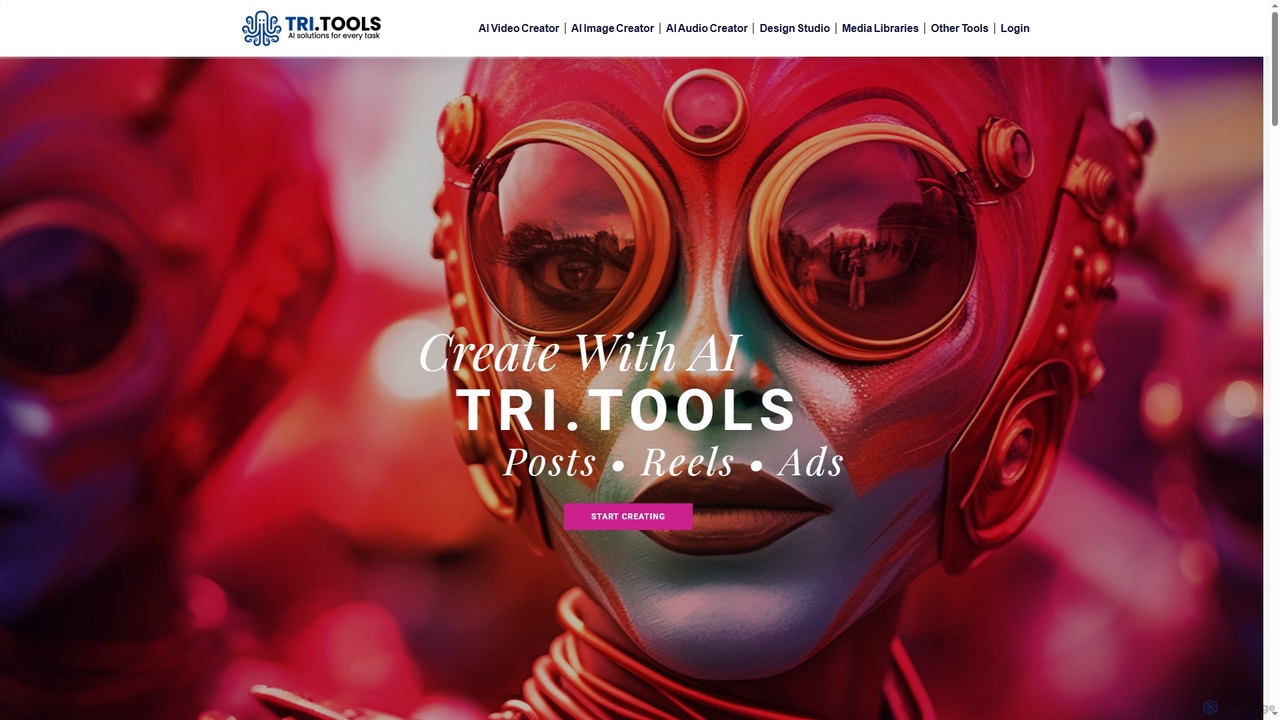
Tri is an AI creative studio designed to streamline content generation for social media posts, reels, images, and videos. It leverages leading AI models to produce studio-grade visuals and narratives from simple briefs, enhancing brand consistency and accelerating content pipelines for creators and teams.

Social Media Content
Visits 5.4KFavorites 120Likes 138

About Ai Image Editing

AI Image Editing tools are a class of software that leverage artificial intelligence to modify and enhance existing images. These tools utilize advanced algorithms for tasks like intelligent object removal, background changes, style transfer, and automated retouching. They significantly streamline complex editing processes, enabling users to achieve professional-grade results with unprecedented speed and ease. Unlike AI image generation, these tools focus on transforming and refining pre-existing visual content.

Core Features

  • Intelligent Object Removal: Seamlessly erase unwanted elements or distractions from photos without leaving traces.
  • Background Replacement & Removal: Automatically detect and change or remove image backgrounds with high precision.
  • Image Upscaling & Enhancement: Improve resolution, sharpen details, and enhance overall quality of low-resolution images.
  • Style Transfer & Filters: Apply artistic styles from famous paintings or custom presets to transform image aesthetics.
  • Automated Retouching: Perform quick facial retouching, skin smoothing, and color correction with AI assistance.

Applicable Scenarios

Content creators, marketers, and photographers frequently use AI image editing for rapid asset preparation. E-commerce businesses leverage these tools for consistent product photography, while social media managers use them to quickly adapt visuals for various platforms. Graphic designers also benefit from automating repetitive tasks, freeing up time for creative work.

How to Choose

When selecting an AI image editing tool, consider its specific feature set, such as the accuracy of object removal or background manipulation, and the range of enhancement options. Evaluate its ease of use and integration capabilities with existing workflows. Pricing models and the quality of AI output for your specific needs are also crucial factors, alongside support for various image formats.

Ai Image Editing use cases

1

Streamline E-commerce Product Photo Editing

E-commerce businesses often deal with hundreds of product images requiring consistent backgrounds and flawless presentation. AI Image Editing tools allow marketing teams or individual sellers to quickly remove original backgrounds, replace them with clean, uniform ones, and even enhance product details. This automation drastically reduces the time spent on manual editing, ensuring high-quality visuals for online listings and marketing campaigns, leading to faster product launches and improved customer engagement.

2

Enhance Social Media Content Creation

Social media managers and content creators need a constant stream of engaging visuals. AI Image Editing tools enable them to quickly resize images for different platforms, remove distracting elements from photos, or apply consistent branding filters across multiple posts. This efficiency ensures a cohesive brand presence and allows for rapid adaptation to trending topics, maintaining audience engagement without extensive manual graphic design work.

3

Automate Professional Portrait Retouching

Professional photographers and studios often spend hours on manual portrait retouching, including skin smoothing, blemish removal, and teeth whitening. AI Image Editing tools can automate these tedious tasks, intelligently identifying facial features and applying subtle, natural-looking enhancements. This significantly reduces post-production time, allowing photographers to deliver high-volume projects faster while maintaining consistent quality and focusing on the artistic aspects of their work.

4

Revitalize Old or Damaged Photos

Historians, genealogists, and individuals often possess old or damaged photographs that have faded, scratched, or torn over time. AI Image Editing tools can intelligently restore these precious memories by automatically repairing cracks, removing dust and scratches, enhancing faded colors, and even upscaling low-resolution scans. This capability breathes new life into historical archives and personal collections, making them suitable for digital display or printing.

5

Create Consistent Visuals for Branding

Businesses and brands require a consistent visual identity across all their marketing materials, from websites to advertisements. AI Image Editing tools assist graphic designers and marketing teams in applying uniform color grading, stylistic filters, and branding elements to diverse sets of images. This ensures brand recognition and professionalism, reducing the manual effort involved in maintaining visual coherence and allowing for rapid deployment of new campaigns with a unified aesthetic.

6

Remove Unwanted Objects from Real Estate Photos

Real estate agents and photographers often encounter properties with distracting elements in their photos, such as cars, trash bins, or personal belongings. AI Image Editing tools can quickly and cleanly remove these unwanted objects, creating a more appealing and professional presentation of the property. This enhances the visual appeal of listings, potentially attracting more prospective buyers and speeding up the sales process by showcasing the property in its best possible light.

Ai Image Editing FAQ

What are AI Image Editing tools?

AI Image Editing tools are applications that use artificial intelligence to modify and enhance existing photographs or graphics. They differ from AI Image Generation tools by focusing on altering pre-existing visual content rather than creating new images from text prompts. Key capabilities include intelligent object removal, background manipulation, and automated color correction, making complex edits accessible and efficient for various users.

How do AI Image Editing tools differ from traditional image editors?

AI Image Editing tools primarily differ from traditional editors like Photoshop in their level of automation and intelligence. Traditional editors require manual selection and precise adjustments, demanding significant skill and time. AI tools, conversely, can understand image content contextually, automating complex tasks such as background removal, object healing, or facial retouching with a single click or prompt. This makes professional-grade editing more accessible to users with varying skill levels and drastically speeds up workflows.

What specific tasks can AI Image Editing tools perform?

AI Image Editing tools can perform a wide array of specific tasks. These include precise background removal and replacement, intelligent object removal (e.g., removing photobombers or clutter), image upscaling to enhance resolution without pixelation, automated facial retouching for portraits, and applying artistic style transfers. They also excel at color correction, noise reduction, and enhancing overall image clarity, often with minimal user input, making complex edits simple and fast.

What are the main advantages of using AI for image editing?

The main advantages of using AI for image editing include significant time savings, enhanced efficiency, and increased accessibility. AI automates repetitive and complex tasks, allowing users to achieve professional results in minutes rather than hours. It democratizes advanced editing capabilities, making them available to individuals without extensive graphic design training. Furthermore, AI can often achieve a level of precision and consistency that is difficult or impossible to replicate manually, leading to higher quality outputs across large volumes of images.

How to choose the right AI Image Editing tool?

Choosing the right AI Image Editing tool involves evaluating several key factors. First, assess your specific needs: do you require advanced object removal, extensive background manipulation, or primarily image enhancement? Look for tools with a strong AI engine that delivers high-quality, natural-looking results. Consider the user interface for ease of use, integration capabilities with your existing software, and the pricing model (subscription, pay-per-use, or one-time purchase). Finally, check for customer support and community resources to ensure you have assistance when needed.