ToolMage
Sign in

Best 5 Ai Art AI tools for Image Generation

Popular Ai Art AI tools in Image Generation include Sharesome, Zuvu, VeeSpark, Seedream 4.0, and Morisot, helping you work more efficiently.

Morisot
Freemium

Morisot

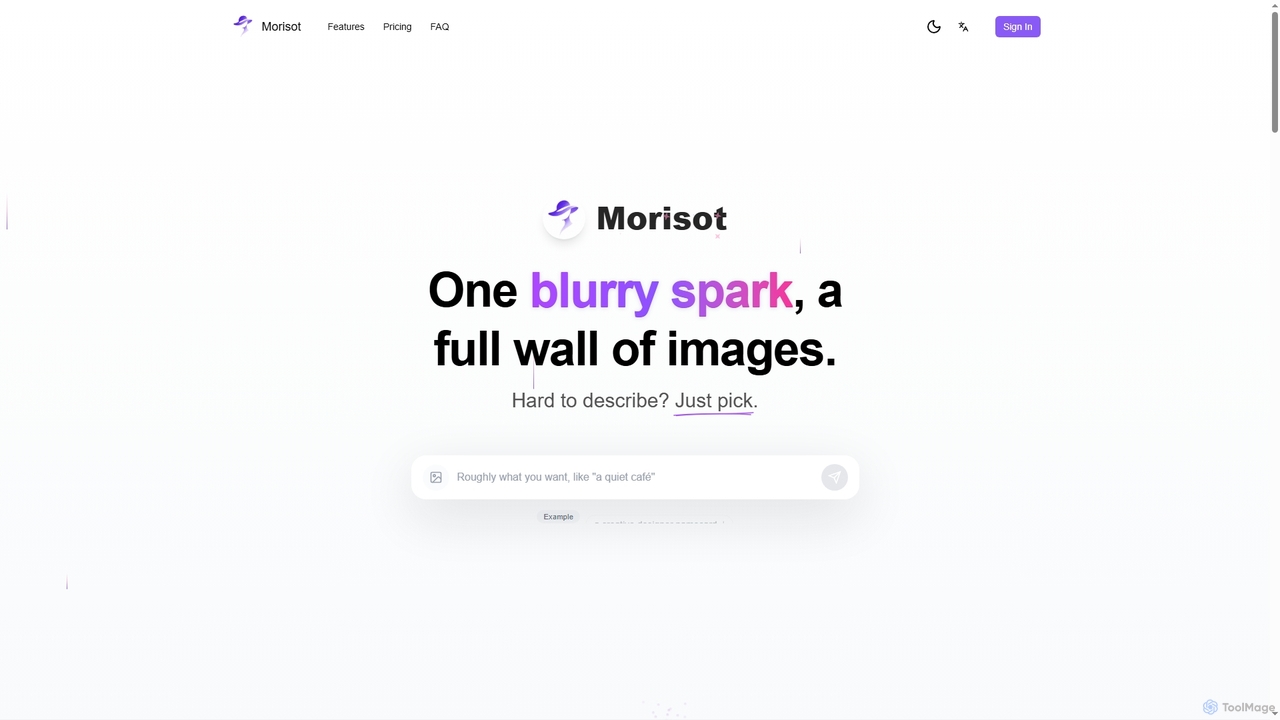
Morisot is a promptless AI image generator that transforms vague ideas into professional visual moodboards. Instead of complex prompting, users simply provide a rough sentence or reference image and pick from a full screen of diverse, style-coherent outputs. It's designed for creative ideation, allowing users to select, edit, and evolve images seamlessly on an infinite canvas.

Visual Ideation
Visits 5.6KFavorites 101Likes 122
Zuvu

Zuvu

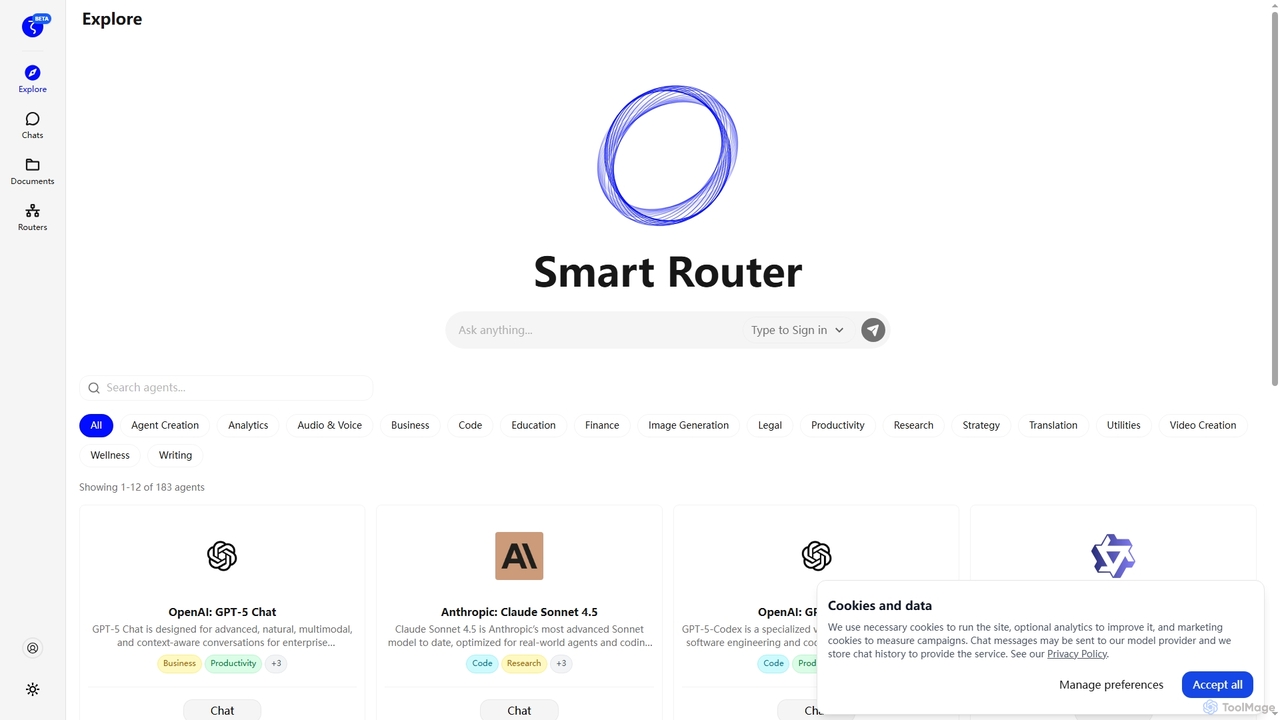
Zuvu is a next-generation AI agents platform that acts as a Smart Router, providing access to a diverse range of advanced AI models like OpenAI GPT-5, Anthropic Claude, and Google Gemini for complex, agentic workflows across various domains.

Automation
Visits 17.3KFavorites 114Likes 103
VeeSpark
Freemium

VeeSpark

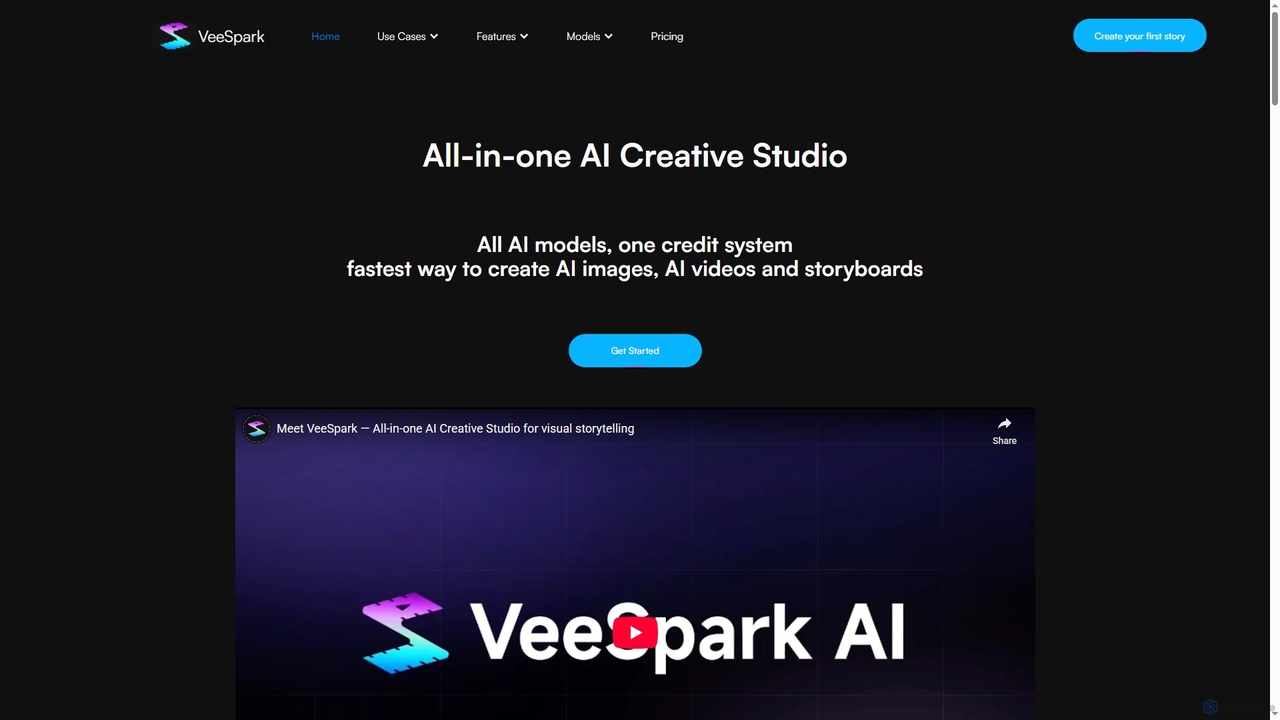
VeeSpark is an all-in-one AI creative studio designed for visual storytelling, enabling users to transform ideas and scripts into dynamic storyboards, high-quality images, and consistent videos. It integrates multiple advanced AI models like Sora 2, Google Veo 3, and Nano Banana, offering a streamlined workflow for filmmakers, marketers, and content creators to produce compelling visual narratives efficiently.

Storyboarding
Visits 8.7KFavorites 135Likes 116
Seedream 4.0
Paid

Seedream 4.0

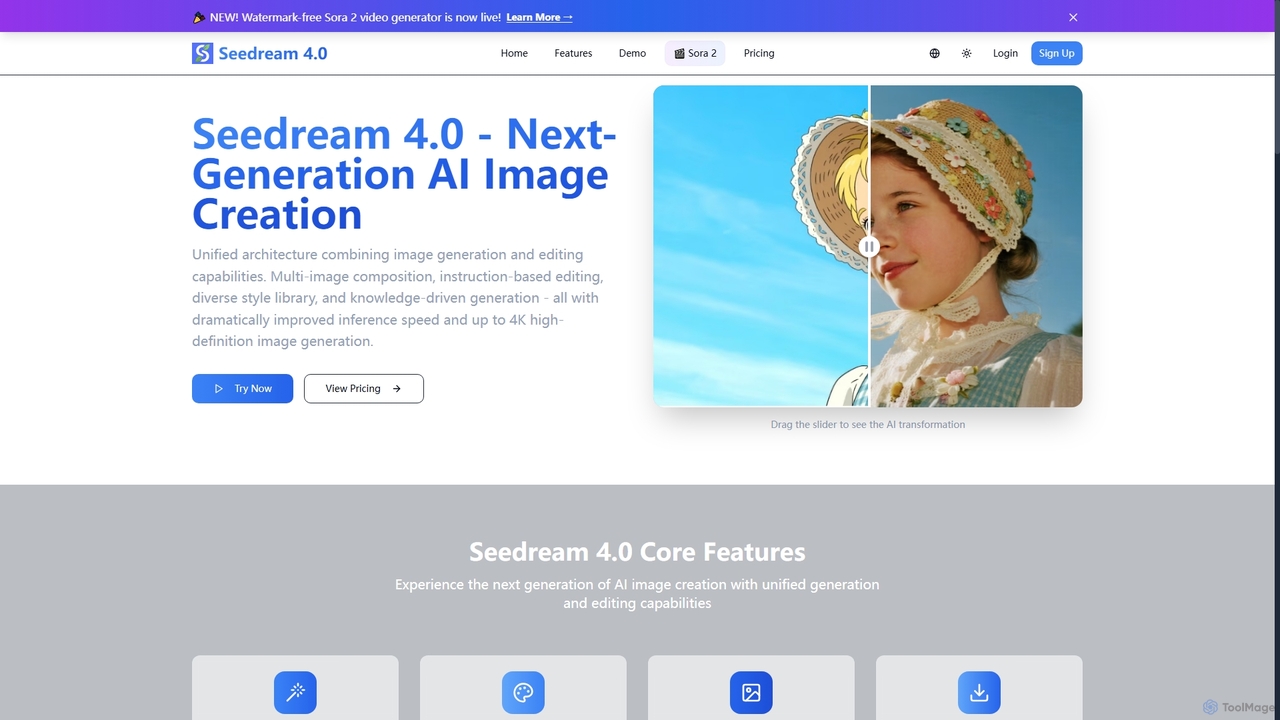
Seedream 4.0 is a next-generation AI image creation tool that unifies image generation and editing capabilities. It features multi-image composition, instruction-based editing, a diverse style library, and knowledge-driven generation, delivering dramatically improved inference speed and up to 4K high-definition images. It also includes a watermark-free Sora 2 video generator.

Creative Asset Creation
Visits 6.2KFavorites 138Likes 139
Sharesome
Freemium

Sharesome

Sharesome is an AI-powered adult entertainment platform that allows users to create, customize, and interact with unique AI characters. It features an advanced AI character creator, an image generator for producing custom visuals, and an immersive chat system for engaging in conversations and sexting, offering a personalized virtual companionship experience.

Nsfw Chat
Visits 846.2KFavorites 177Likes 165

About Ai Art

AI Art generators are a specialized category of image generation tools focused on creating visually compelling and stylistically unique artworks. They utilize advanced AI models, such as diffusion or GANs, trained on vast datasets of art to translate text prompts into intricate images. These tools empower artists, designers, and enthusiasts to explore creative concepts, generate digital paintings, illustrations, and abstract pieces with remarkable speed. Unlike general-purpose image generators, AI Art tools offer finer control over aesthetic elements like style, composition, and color palettes, making them ideal for creative expression.

Core Features

  • Style Mimicry & Fusion: Emulate the styles of famous artists or combine multiple aesthetic influences to create novel visual styles.
  • Advanced Prompt Control: Utilize negative prompts, keyword weighting, and specific parameters to precisely guide the generation process.
  • Image-to-Image Transformation (img2img): Use a source image or sketch as a structural or stylistic base for generating new artwork.
  • Compositional Guidance: Employ techniques like ControlNet to dictate character poses, depth maps, and scene layouts with high precision.
  • Artistic Upscaling: Enhance the resolution of generated images while adding intricate details consistent with the artwork's style.

Use Cases

AI Art generators are widely used by digital artists for concept art and character design, rapidly iterating on ideas for games and films. Graphic designers and marketers use them to create unique brand assets, social media visuals, and ad creatives that stand out. Additionally, hobbyists and content creators leverage these tools to produce illustrations for blogs, custom avatars, and print-on-demand merchandise.

How to Choose

When selecting an AI Art tool, consider the diversity of its stylistic models and its level of creative control; tools with advanced parameters offer more flexibility. Evaluate the maximum output resolution to ensure it meets your needs, especially for print. Also, compare the user interface's complexity against your technical skill level and examine the pricing model—whether it's a subscription, a credit-based system, or offers a free tier.

Ai Art use cases

1

Conceptual Art for Game and Film Development

A concept artist working on a new fantasy video game needs to quickly visualize different character designs. Instead of spending days sketching manually, they use an AI Art generator. They input detailed prompts like 'elven rogue, dark leather armor with glowing runes, moonlit forest, dynamic pose, style of fantasy concept art'. The tool generates dozens of high-quality visual variations in minutes. The artist can then select the most promising designs and use the 'img2img' feature with their own sketches to refine the composition, armor details, and color palette, significantly accelerating the pre-production workflow.

2

Creating Unique Illustrations for Digital Content

A social media manager for a lifestyle brand needs original visuals for their weekly blog posts. Stock photos feel generic and hiring an illustrator is costly. They turn to an AI Art generator to create custom header images. For a post about 'minimalist home decor', they use the prompt 'serene living room, scandinavian design, soft morning light, potted plants, watercolor illustration style'. The AI produces several on-brand options. This allows the manager to maintain a consistent and unique visual identity across their content channels without requiring advanced design skills or a large budget.

3

Designing Abstract Art for Print and Decor

An artist running a print-on-demand store wants to expand their collection with abstract art. Manually creating hundreds of unique pieces is time-consuming. Using an AI Art generator, they experiment with prompts focused on texture, color, and form, such as 'ethereal fluid dynamics, pastel and gold color palette, high detail, macro photography'. They generate a large batch of high-resolution images, each one unique. This process allows them to quickly build a diverse portfolio of abstract art for sale as wall prints, phone cases, and other merchandise, catering to a wide range of customer tastes.

4

Augmenting Traditional Art with Digital Elements

A mixed-media artist combines physical painting with digital elements. They need a specific, complex background texture for a new piece. They use an AI Art generator with the prompt 'cracked ancient stone texture, overgrown with bioluminescent moss, cinematic lighting'. After generating the perfect texture, they use the 'outpainting' feature to extend the canvas to the exact dimensions needed. The resulting digital image is then printed on canvas and integrated into their physical painting, creating a unique fusion of traditional and AI-generated art that would be difficult to achieve manually.

5

Personalized Avatars and Profile Pictures

A gamer wants a unique avatar for their online profiles that reflects their favorite fantasy character. They upload a selfie to an AI Art generator that has a specialized avatar feature. They then select a 'fantasy elf' style and add a text prompt 'with silver hair and glowing blue eyes'. The tool processes their photo and generates several artistic interpretations of them as the character. This provides a highly personalized and creative profile picture that stands out in online communities, without needing any artistic skill to create from scratch.

6

Visualizing Storyboards for Marketing Campaigns

An art director at an advertising agency is pitching a concept for a new video commercial. To help the client visualize the narrative, they use an AI Art generator to create a storyboard. They input prompts for each key scene, such as 'Scene 1: A woman hiking at sunrise, cinematic wide shot, warm colors, painterly style'. By keeping the style prompt consistent, they generate a cohesive set of images that clearly communicate the commercial's look and feel. This method is much faster than traditional storyboarding and provides a more polished, visually compelling presentation for client approval.

Ai Art FAQ

What is an AI Art generator?

An AI Art generator is a type of software that uses artificial intelligence to create original images from text descriptions or existing pictures. Unlike general image generators that might focus on photorealism for stock photos, AI Art tools are specifically designed for creative expression. They excel at interpreting abstract concepts, mimicking artistic styles (like impressionism or anime), and providing users with advanced controls to fine-tune aesthetic elements like composition, color, and texture. They are primarily used by artists, designers, and hobbyists to explore ideas and produce unique visual content.

How to choose the right AI Art tool?

Choosing the right AI Art tool depends on your specific needs. Consider these factors:

  • Artistic Style & Versatility: Look for a tool that excels in the styles you prefer, whether it's photorealism, anime, abstract, or fantasy art. Some tools offer a wider range of styles than others.
  • Level of Control: If you're an advanced user, you'll want a tool with detailed parameters like negative prompts, CFG scale, and seed numbers. For beginners, a more user-friendly interface might be better.
  • Features: Do you need specific features like 'img2img', 'inpainting', 'outpainting', or support for ControlNet? Check if the tool offers the functionalities your projects require.
  • Resolution and Quality: Ensure the tool can generate images at a high enough resolution for your intended use, especially for printing.
  • Cost: Compare pricing models. Some are subscription-based, while others use a pay-per-image credit system. Many offer free trials or tiers to test their capabilities.
What's the difference between AI Art and general AI Image Generators?

The primary difference lies in their focus and intended use. General AI Image Generators often aim for broad utility, such as creating realistic stock photos, product mockups, or simple icons quickly. Their goal is often functional accuracy and speed.

AI Art Generators, on the other hand, are specialized for creative and aesthetic purposes. They prioritize artistic expression, offering more sophisticated tools to control style, mood, and composition. They often feature models trained on art history, support complex stylistic prompts, and include features like style blending and advanced parameter tuning that are essential for artists but less critical for general business use cases.

Can I use AI-generated art for commercial purposes?

The ability to use AI-generated art for commercial purposes depends entirely on the terms of service of the specific tool you use. Many popular AI Art generators grant users full ownership and commercial rights to the images they create, allowing them to be used in marketing, for sale as prints, or in other commercial projects. However, some services may have restrictions, especially on their free plans. It is crucial to always read and understand the licensing agreement of any AI Art tool before using its output for commercial work. The legal landscape regarding copyright for AI art is also complex and evolving, so staying informed is recommended.

What are some key features to look for in an AI Art generator?

When evaluating AI Art generators, look for these key features that enhance creative control and quality:

  • Text-to-Image & Image-to-Image: The ability to generate from a text prompt and to use an existing image as a starting point are fundamental.
  • Negative Prompts: This allows you to specify what you don't want in the image, helping to remove unwanted elements and refine the output.
  • Style Models (LoRAs/Embeddings): Access to specialized, fine-tuned models for specific characters, objects, or artistic styles gives you much greater creative range.
  • Inpainting & Outpainting: The ability to selectively edit parts of an image (inpainting) or extend its borders (outpainting) is crucial for composition and correction.
  • ControlNet: This advanced feature provides precise control over composition, allowing you to copy poses, depth, and edges from a reference image to your generation.