
Morisot Overview
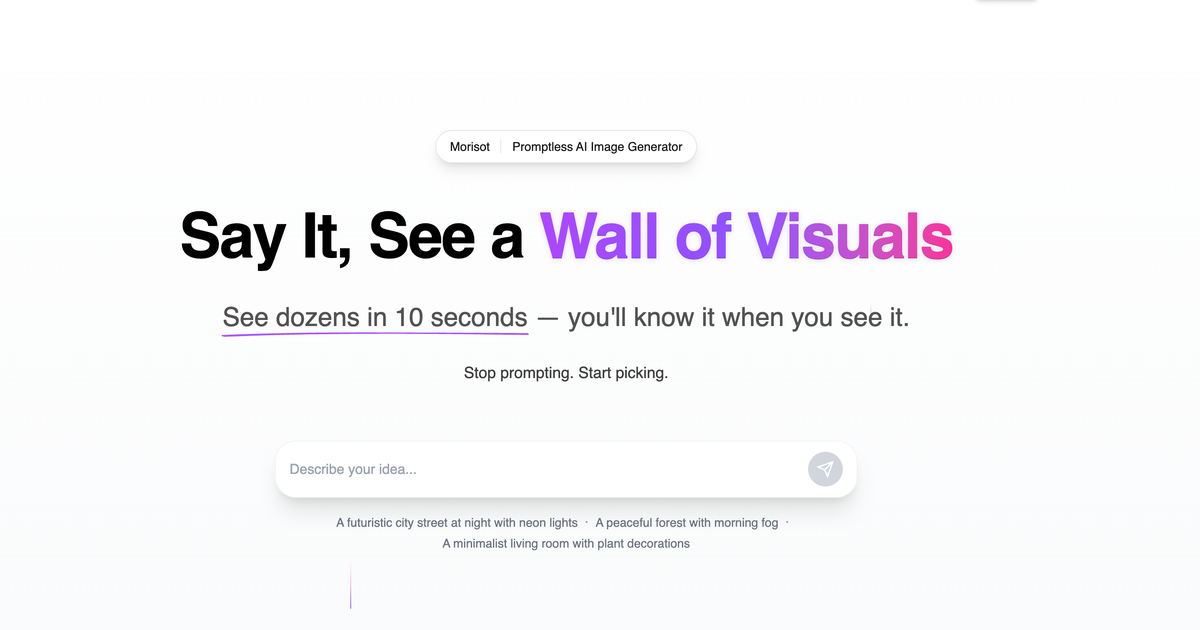
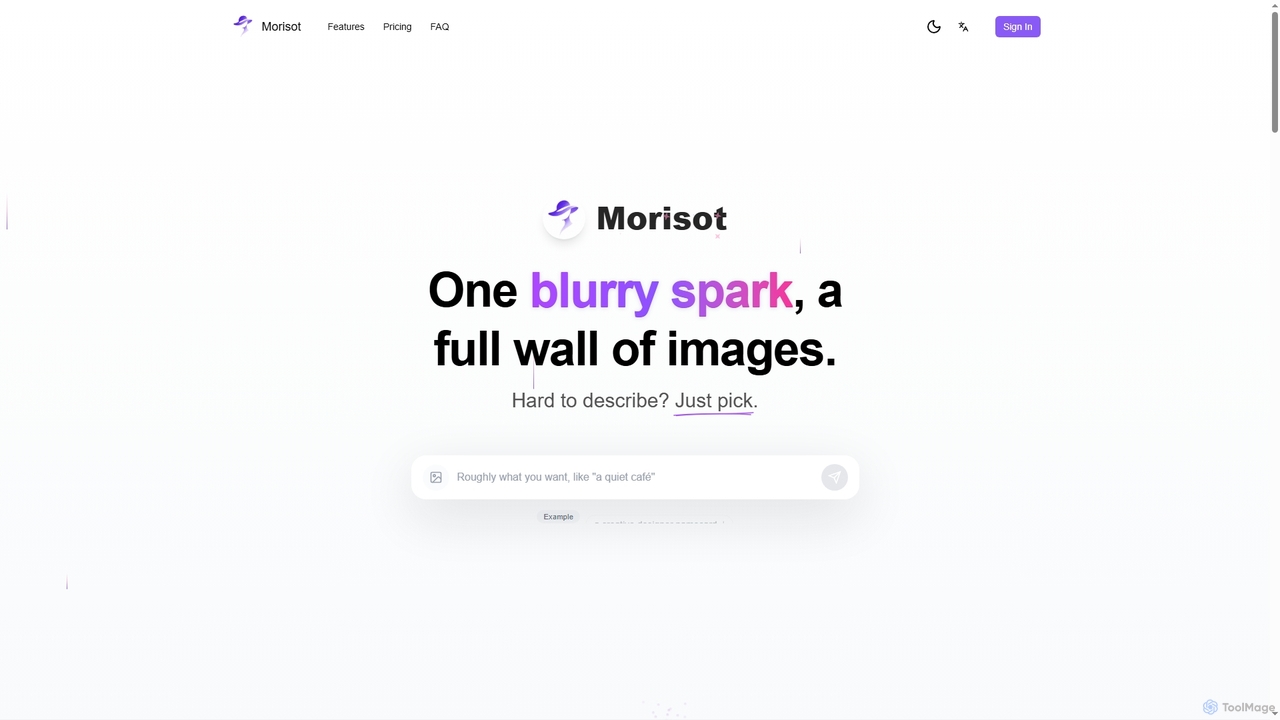
Morisot redefines AI image generation by eliminating the need for complex prompts, allowing users to focus purely on visual selection and refinement. It acts as a creative partner, taking a single rough idea—whether a sentence or a reference image—and rapidly expanding it into a comprehensive board of professional visuals. This innovative approach empowers designers, marketers, and creatives to move from vague concepts to clear, actionable visions with unprecedented speed and ease.
How to use Morisot
To use Morisot, simply start by providing a rough sentence describing your idea or uploading a reference image. The AI will then generate a full screen of diverse images, presenting multiple professional perspectives on your initial concept, including overall mood, corner details, material textures, and spatial layouts. From this board, you can select any image as a new starting point, enter further ideas, and the AI will continue to edit, blend, and evolve the visuals. The infinite canvas allows for intuitive organization, dragging, zooming, rotating, grouping, and even multi-selecting images for fusion, fostering a continuous creative flow.
Core Features of Morisot
- Promptless Image Generation: Generate diverse visuals without the need for intricate text prompts; simply pick what resonates.
- Vague Idea to Clear Vision: Transforms rough sentences or reference images into a full board of professional visual concepts.
- Multiple Professional Perspectives: AI expands initial inputs into various angles, moods, textures, and layouts, mimicking a photography team.
- Creative Continuation: Every generated image can serve as a new starting point for further editing, blending, and evolution.
- Infinite Canvas: A boundless workspace for organizing, manipulating (drag, zoom, rotate, group), and fusing multiple images.
- Style-Coherent Output: Automatically infers palette, lighting, and materials to ensure all generated images form professional, cohesive moodboards.
- Commercial License: All paid plans include a commercial license for generated images.
- Priority Support & Fast Render Queue: Enhanced support and faster processing for paid subscribers.
Use Cases for Morisot
Morisot is ideal for professionals and teams involved in visual ideation and design. It can be used for generating design proposals, developing brand planning visuals, creating compelling client presentations, and brainstorming early-stage creative concepts. Its ability to quickly produce style-coherent moodboards makes it invaluable for interior designers, architects, graphic designers, marketing strategists, and content creators who need to visualize ideas without getting bogged down in prompt engineering.
Advantages of Morisot
The primary advantage of Morisot is its unique promptless approach, significantly streamlining the creative process and making AI image generation accessible to a wider audience, regardless of their prompt engineering skills. It fosters a natural, iterative workflow where ideas can snowball and evolve organically. The tool's ability to produce style-coherent, professional-grade moodboards directly from vague inputs saves considerable time and effort, ensuring outputs are ready for immediate use in professional contexts. The infinite canvas and creative continuation features promote boundless exploration and refinement of visual concepts.
Pricing and Plans
Morisot offers a freemium model, allowing users to get started with 200 free credits without requiring a card. For more extensive use, it provides three paid plans, with annual billing offering a 30% discount:
- Morisot Plus: $14 / month (billed annually at $168/year). Includes 2,000 credits/month (~1,000 images), public images, commercial license, priority email support, and fastest render queue.
- Morisot Pro: $28 / month (billed annually at $336/year). Includes 5,000 credits/month (~2,500 images), public images, commercial license, priority email support, and fastest render queue.
- Morisot Max: $70 / month (billed annually at $840/year). Includes 20,000 credits/month (~10,000 images), public images, commercial license, priority email support, and fastest render queue.
Morisot FAQ
Traffic
Latest traffic
Status
Monthly traffic trend
- 2026-1: 2.4K
- 2026-2: 993
- 2026-3: 3.7K
- 2026-4: 239
- 2026-5: 131
Morisot Alternatives
Seedream 4.0
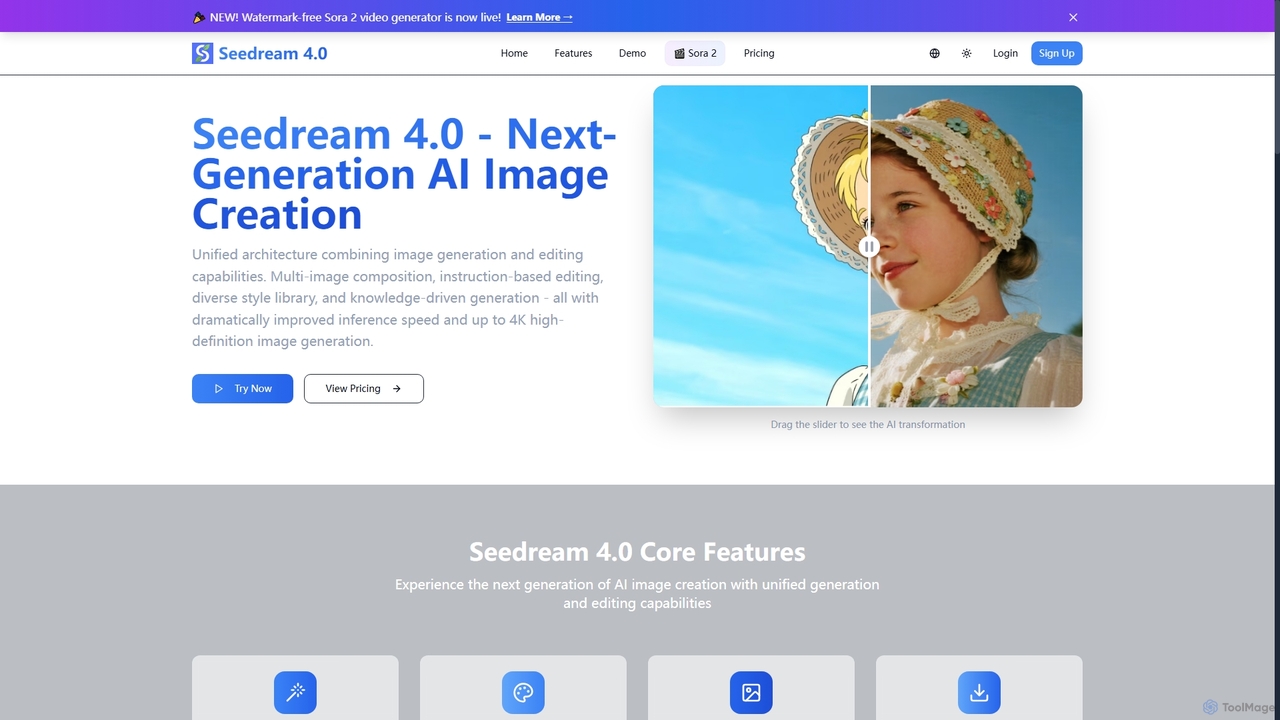
Seedream 4.0 is a next-generation AI image creation tool that unifies image generation and editing capabilities. It features multi-image composition, instruction-based editing, a diverse style library, and knowledge-driven generation, delivering dramatically improved inference speed and up to 4K high-definition images. It also includes a watermark-free Sora 2 video generator.
Creative Asset Creation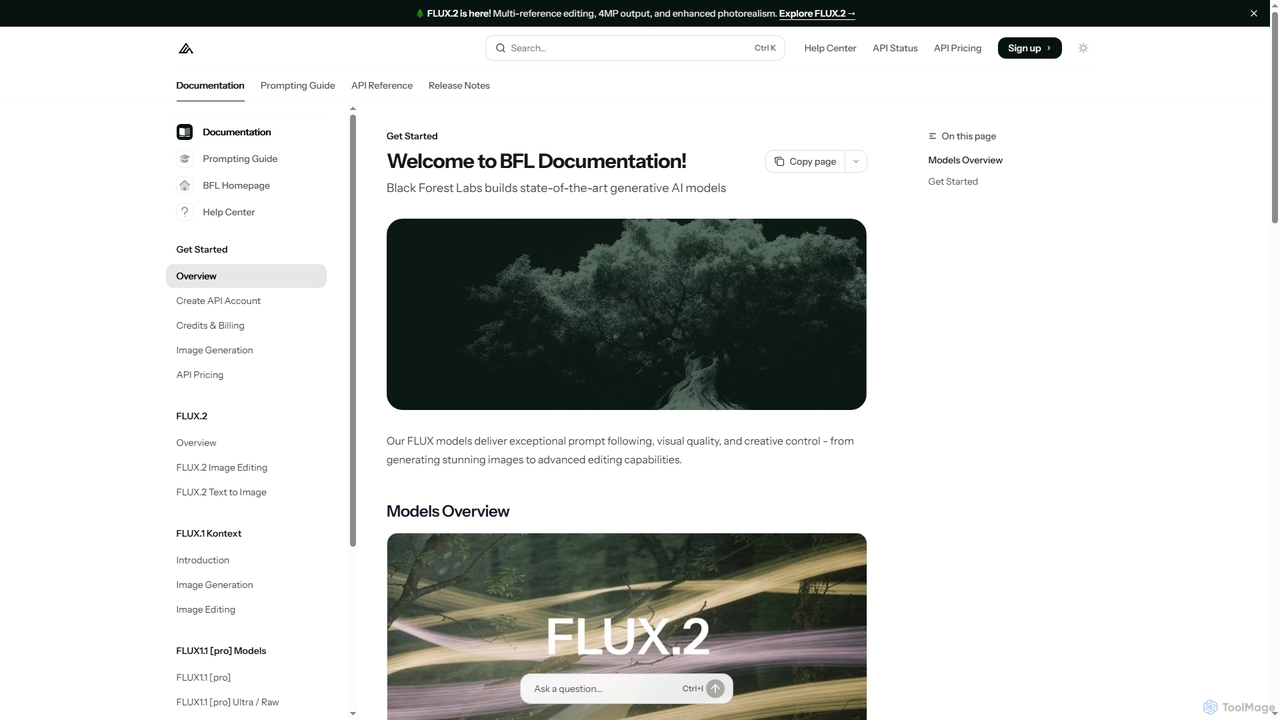
FLUX
FLUX by Black Forest Labs offers advanced AI models for photorealistic image generation and multi-reference editing. It provides precise control over visual elements, supports high-resolution output, and integrates via API for production workflows.
Image Editing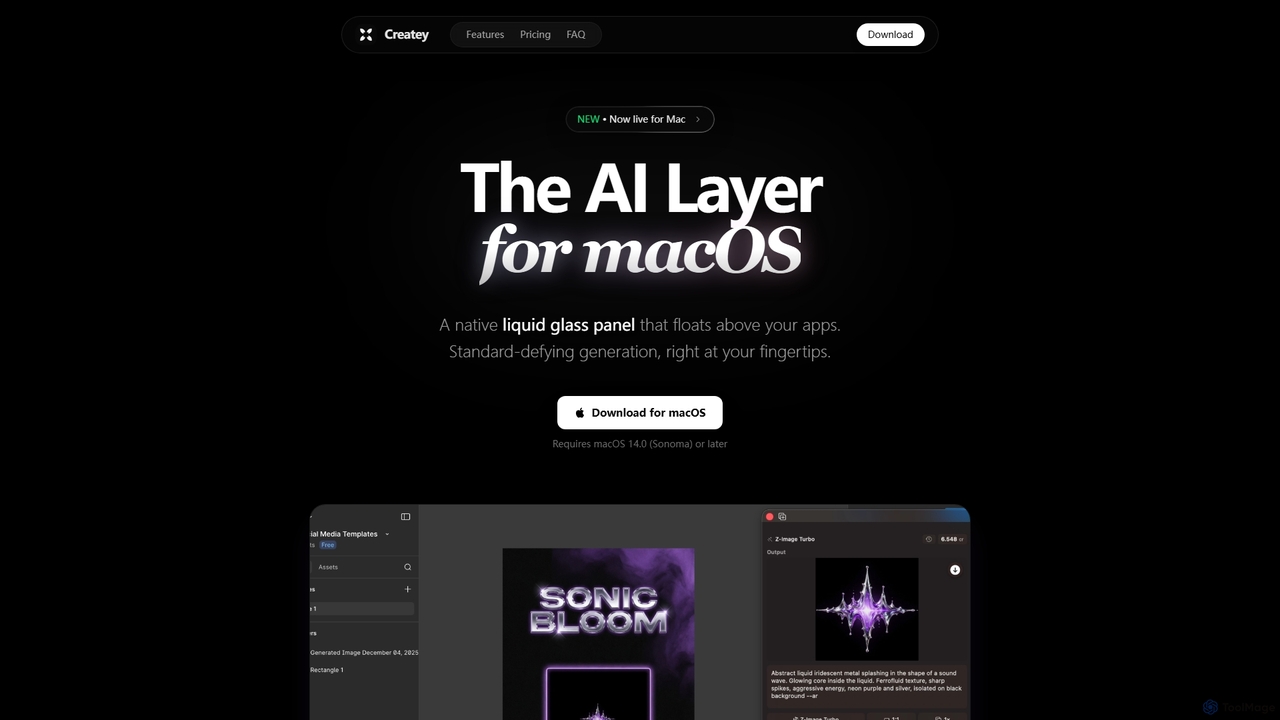
Createy
Createy is an innovative AI layer for macOS, designed to seamlessly generate high-quality visuals and assets directly within your active applications. It streamlines creative workflows for designers, marketers, and e-commerce professionals by offering instant image generation, drag-and-drop functionality, and multi-model AI support.
Interior Design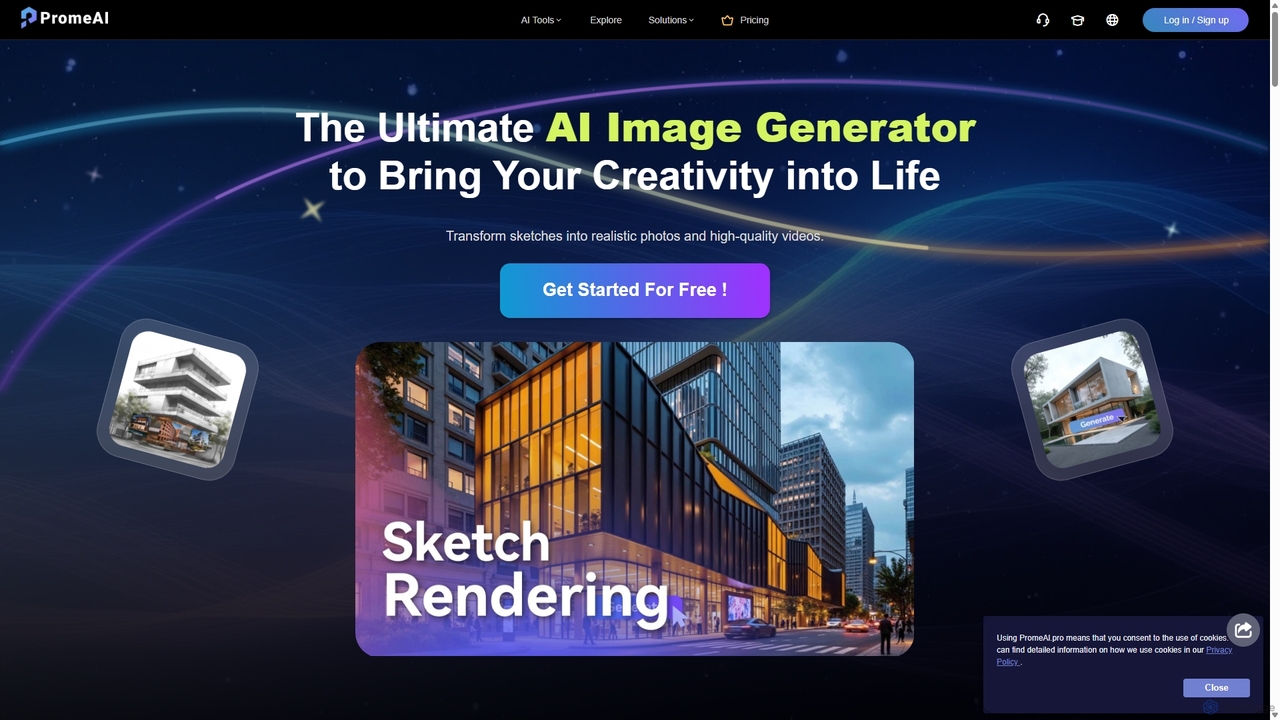
PromeAI
PromeAI is a comprehensive AI-powered design assistant offering a suite of tools for image and video creation. It excels at transforming sketches into photorealistic renderings, generating images from text, and providing advanced editing capabilities. Tailored for professionals in architecture, interior design, product design, and game development, it streamlines creative workflows and enhances productivity.
Image Generation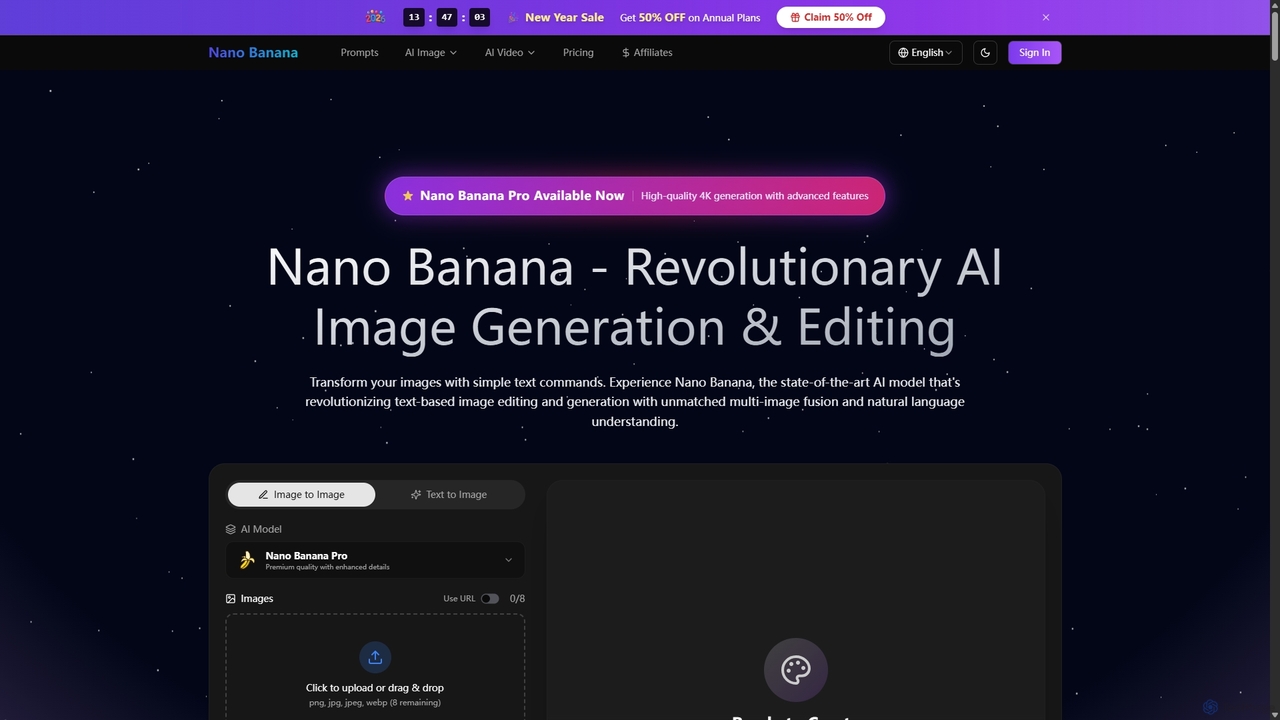
Nano Banana
Nano Banana is a state-of-the-art AI platform that revolutionizes image generation and editing using natural language. It offers unmatched multi-image fusion, exceptional character consistency, and rapid creation of high-quality visuals from simple text commands, catering to a wide range of creative and commercial needs.
EnhancementMorisot Categories
Morisot Jobs
Morisot Embed Widget
Copy this embed code to place the badge on your blog, article, or product site and send readers directly to this ToolMage detail page.

Related AI tools
FLUX
FLUX by Black Forest Labs offers advanced AI models for photorealistic image generation and multi-reference editing. It provides precise control over visual elements, supports high-resolution output, and integrates via API for production workflows.
Image EditingCreatey
Createy is an innovative AI layer for macOS, designed to seamlessly generate high-quality visuals and assets directly within your active applications. It streamlines creative workflows for designers, marketers, and e-commerce professionals by offering instant image generation, drag-and-drop functionality, and multi-model AI support.
Interior DesignNano Banana
Nano Banana is a state-of-the-art AI platform that revolutionizes image generation and editing using natural language. It offers unmatched multi-image fusion, exceptional character consistency, and rapid creation of high-quality visuals from simple text commands, catering to a wide range of creative and commercial needs.
Enhancement
Studdio
Studdio is an intuitive visual scripting IDE that empowers creators to build powerful image and video workflows using a drag-and-drop node-based interface. It leverages cutting-edge AI models for generating, editing, and combining visuals, all without requiring any coding. Experience lightning-fast execution and transform your creative ideas into stunning realities with ease.
Image Generation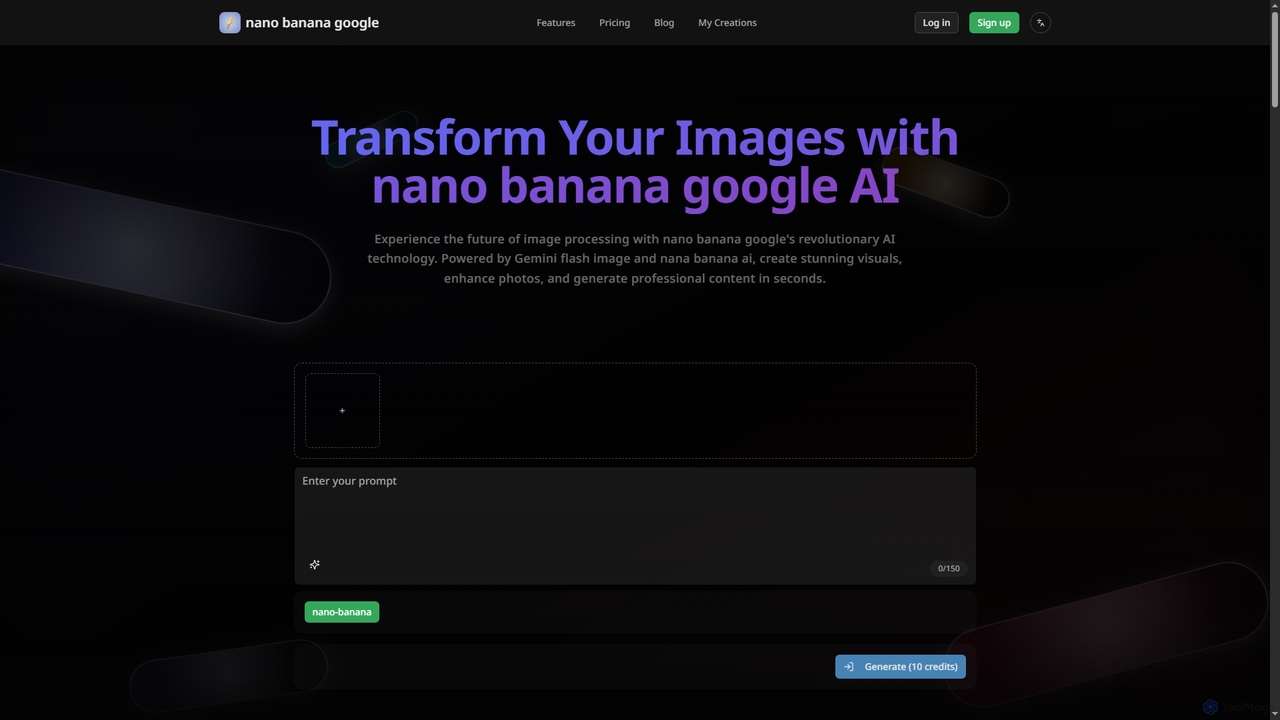
Nanobanana Google
Nanobanana Google is an advanced AI image processing platform powered by Gemini Flash Image and Nana Banana AI. It enables users to generate stunning visuals, enhance photos, apply artistic styles, and automate image tasks with unparalleled efficiency and quality.
Generation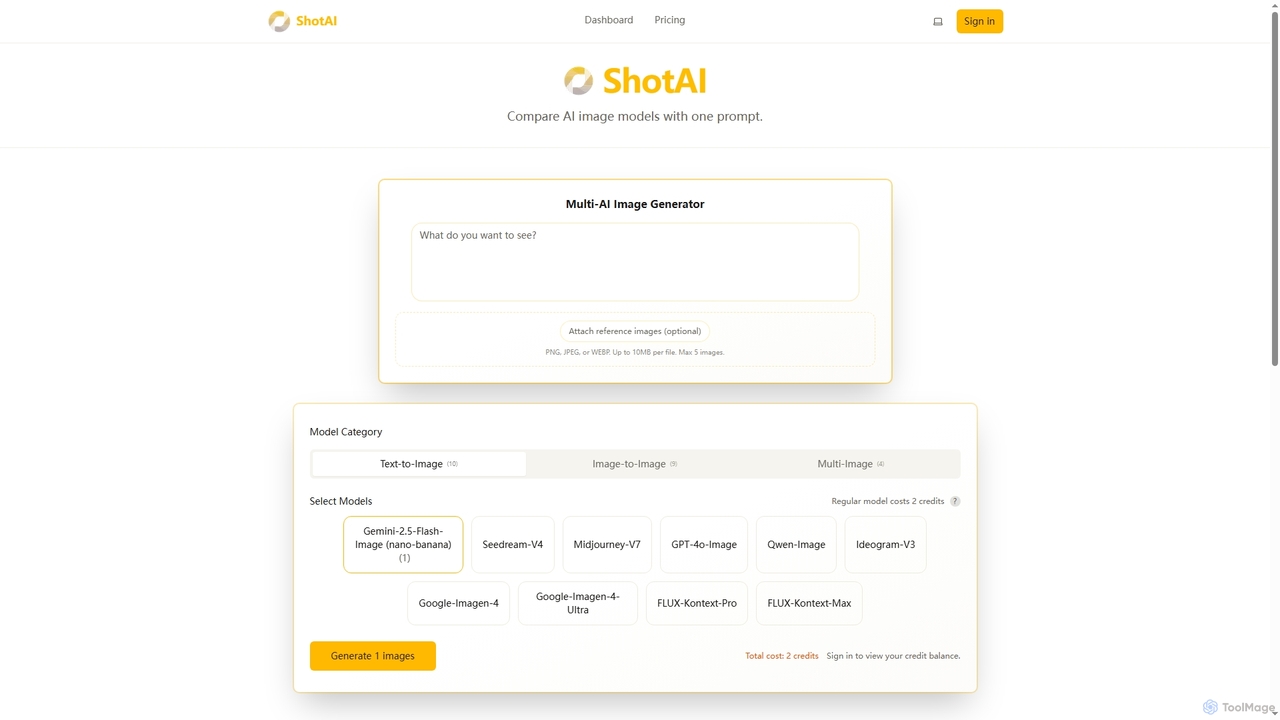
ShotAI
ShotAI is a multi-model AI image generation platform that allows users to compare outputs from various AI models simultaneously with a single prompt. It streamlines the creative process by offering instant side-by-side comparisons and professional tools for creators.
Ai ArtPromeAI
PromeAI is a comprehensive AI-powered design assistant offering a suite of tools for image and video creation. It excels at transforming sketches into photorealistic renderings, generating images from text, and providing advanced editing capabilities. Tailored for professionals in architecture, interior design, product design, and game development, it streamlines creative workflows and enhances productivity.
Image Generation
Monkey AI
Monkey AI is an advanced online AI image generator that transforms visual concepts into stunning creations. It offers lightning-fast processing, multiple artistic styles, and high-quality outputs, enabling users to perform complex artistic transformations and simple edits with ease, bringing diverse creative visions to life.
Art Generation
NeonLights AI
NeonLights AI is a powerful creative platform that uses advanced AI to generate stunning visuals and videos. It transforms text prompts or existing images into high-quality images, dynamic videos, and engaging animations. Ideal for content creators, marketers, and designers, it offers a suite of tools including specialized effects like the AI Bikini Generator and Ghibli Style filter, streamlining the creative workflow.
Motion GraphicsSeedream 4.0
Seedream 4.0 is a next-generation AI image creation tool that unifies image generation and editing capabilities. It features multi-image composition, instruction-based editing, a diverse style library, and knowledge-driven generation, delivering dramatically improved inference speed and up to 4K high-definition images. It also includes a watermark-free Sora 2 video generator.
Creative Asset Creation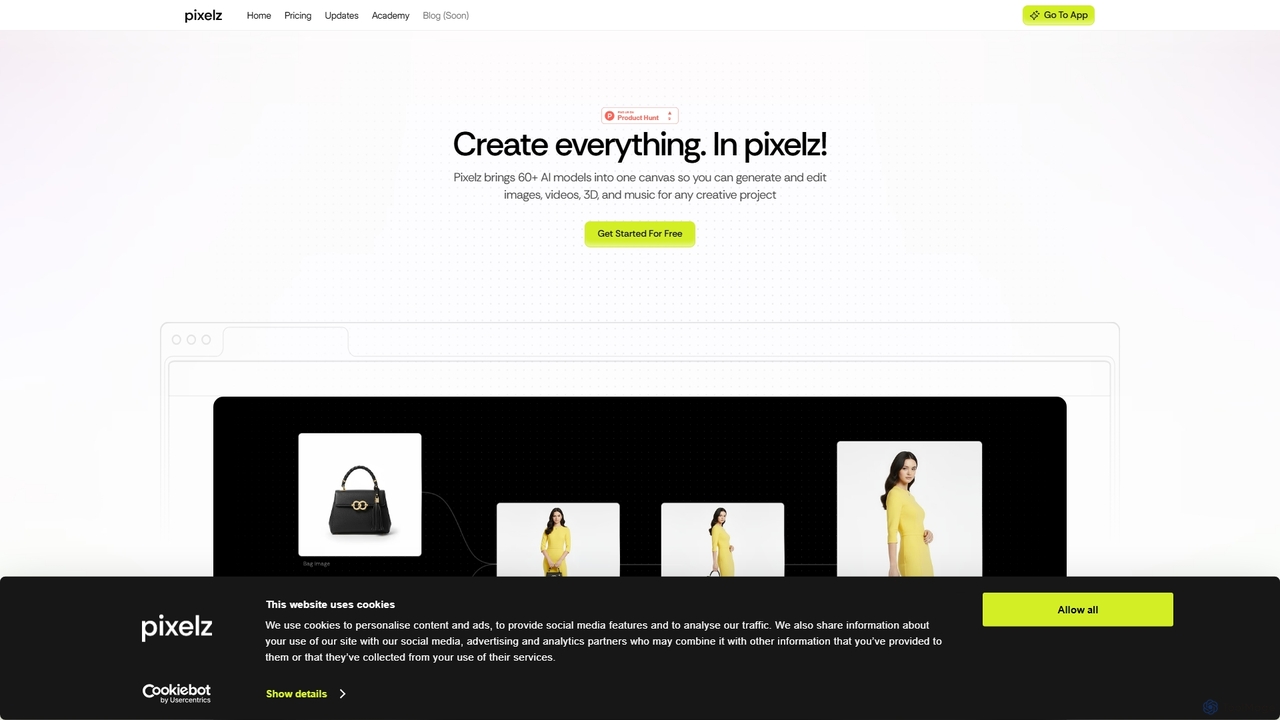
Pixelzzz
Pixelzzz is an AI creative platform designed to empower designers and teams with intelligent tools for faster and smarter creative workflows. It aims to streamline the design process, offering advanced functionalities for generating and enhancing visual content, fostering collaboration, and boosting productivity.
Team Tools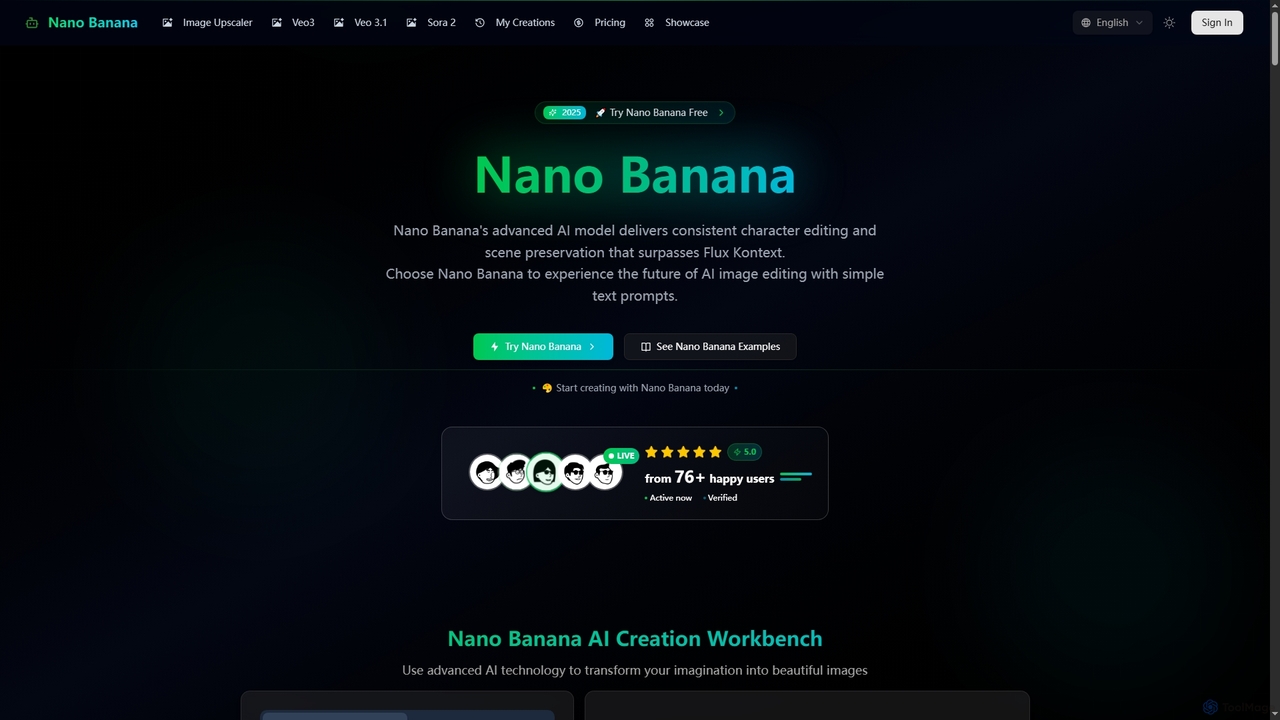
Nano Banana
Nano Banana is an advanced AI-powered platform for image generation and editing, offering consistent character editing, scene preservation, and in-context visual modifications. It also features a professional AI image upscaler and two cutting-edge AI video generators, Veo 3.1 and Sora 2, enabling users to create stunning visuals and cinematic videos from text or images with unparalleled speed and quality.
Digital Art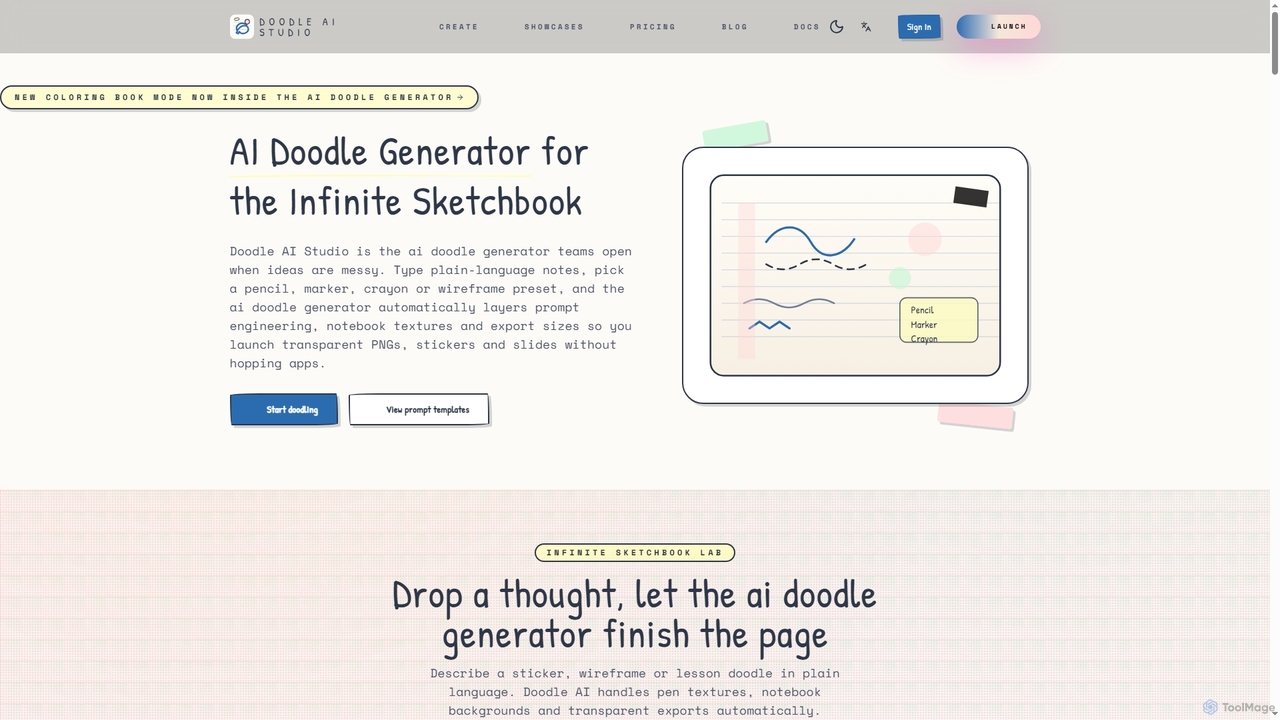
Doodle AI
Doodle AI is an innovative AI doodle generator and infinite sketchbook designed to transform plain language notes into tactile, hand-drawn style visuals. It offers various pen textures, notebook backgrounds, and transparent export options, making it ideal for educators, product teams, and creatives to quickly visualize and share ideas.
Digital Sketching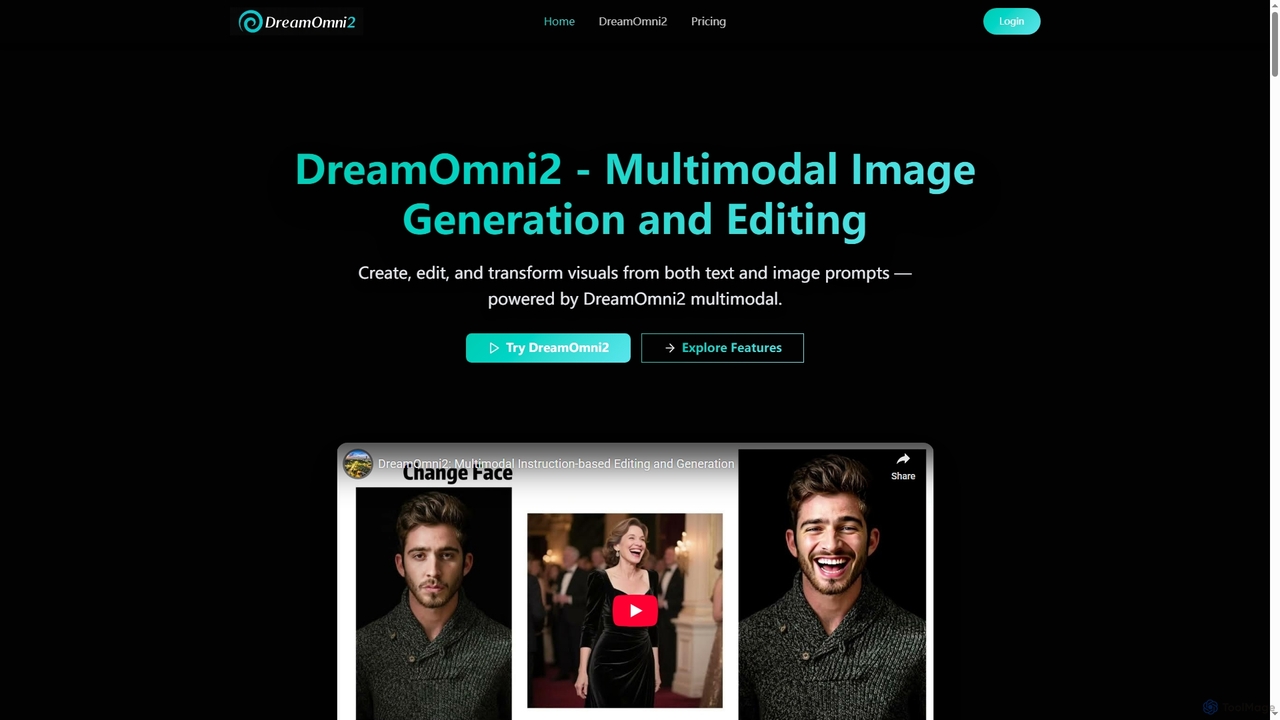
DreamOmni2
DreamOmni2 is a multimodal AI tool for advanced image generation and editing. It allows users to create and transform visuals using both text and image prompts, ensuring superior consistency and creative control for diverse applications from design to advertising.
Photo Manipulation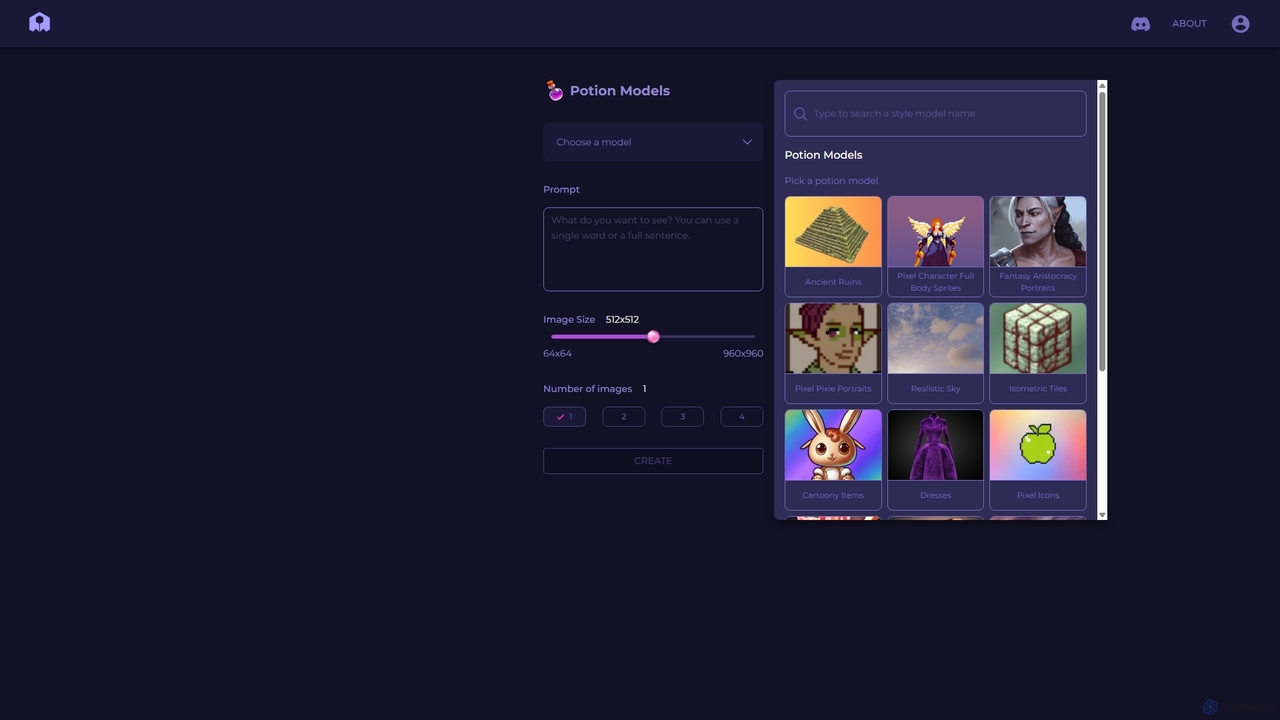
PixelVibe
PixelVibe is a specialized AI-powered platform for generating high-quality, style-consistent game assets, pixel art, and illustrations. Using a variety of pre-trained models called 'Potion Models,' it enables game developers, designers, and artists to create unique character sprites, isometric tiles, icons, and environments from simple text prompts, dramatically accelerating the creative workflow.
Generative Art
Morisot Comments (0)
Sign in to comment.
Sign inNo comments yet.