
Doodle AI Overview
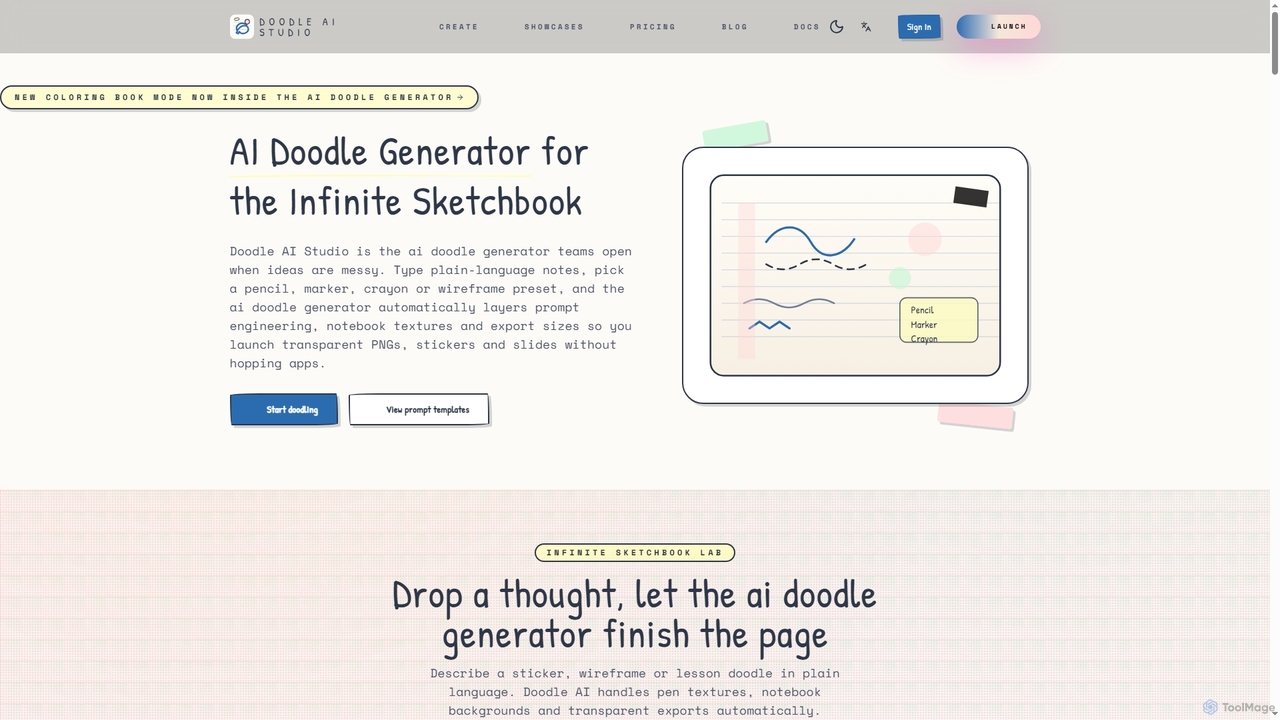
Doodle AI Studio serves as an infinite sketchbook, empowering teams to bring messy ideas to life with AI-generated doodles. Users can input plain-language notes and select from a range of tactile pen presets like Pencil, Marker, Crayon, or Wireframe. The AI automatically handles complex prompt engineering, applies authentic notebook textures, and optimizes export sizes, allowing for the seamless creation of transparent PNGs, stickers, and slides without switching between applications.
How to use Doodle AI
Using Doodle AI is a straightforward four-step process. First, articulate your messy thought, describing the story, audience, and desired vibe, allowing the AI to autocomplete tactile prompts. Second, choose a pen style from presets such as Pencil, Ballpoint, Marker, Crayon, or Wireframe, and let the AI apply appropriate textures and palettes. Third, annotate your doodle directly on the canvas with arrows, stickers, and sticky-note callouts. Finally, export and share your creations in various formats like PNG, SVG, PDF, JPG, or coloring pages, sized perfectly for slides, Notion, or print.
Core Features of Doodle AI
- AI Doodle Generation: Transforms natural language prompts into visual doodles with various styles.
- Pen Lab Presets: Offers curated tactile pen engines (Pencil, Ballpoint, Marker, Crayon, Wireframe, Line-Art Only) that auto-inject specific textures and backgrounds.
- Image-to-Image Remix: Supports remixing existing images with AI, powered by Doubao and Flux Schnell.
- Context-Aware Canvas: Allows swapping between dotted, lined, or blank paper with generated tape corners and desk shadows.
- One-Click Exports: Provides high-resolution exports in transparent PNG, SVG, PDF, JPG, and coloring-book line art, with presets for popular platforms.
- Shared Sketchbooks: Facilitates team collaboration, credit tracking, and prompt reuse within shared workspaces.
- Credit Engine: Meters usage per workspace, student, or project for predictable budgeting.
- Open API Hooks: Offers REST and webhook support for integration with LMS tools, slide builders, or automation stacks.
Use Cases for Doodle AI
Doodle AI is versatile across various professional and educational contexts. Teachers and facilitators can create engaging printable worksheets, coloring pages, and sticky-note timelines. Product and UX teams can quickly mock up low-fidelity flows, onboarding slides, and notebook-style design handoffs. Studios and agencies benefit from rapid iteration capabilities and transparent PNG/SVG exports for presentations and client work. It's also ideal for anyone needing to visualize complex ideas, brainstorm, or create playful, human-centric visuals for presentations, social media, or personal projects.
Advantages of Doodle AI
Doodle AI stands out by preserving the warmth and personality of pen-and-paper sketching while automating the complexities of prompt engineering, texture application, and export. Its tactile-first models are tuned on real notebooks and sticky notes, ensuring authentic wobble, ink pooling, and pressure variations. The platform offers superior control over context, allowing users to easily switch canvas types and add annotations. Compared to generic tools, Doodle AI provides specialized pen presets, transparent backgrounds, and comprehensive export options, making it a production-ready solution for cohesive and human-feeling visual communication.
Pricing and Plans
Doodle AI offers three main monthly plans, with an option for annual billing that includes two months free, and one-time credit top-ups. Credits are simplified, with approximately 10 credits equaling one HD doodle, while upscales or image-to-image remixes use slightly more.
- Notepad ($9/month): Includes 250 credits/month (approx. 25 HD doodles), text-to-image + image-to-image remix (Doubao), Pen Lab style buttons, resolution presets up to 2K, transparent PNG downloads, and 24-hour email support.
- Workshop ($24/month): Includes everything in Notepad, plus 1,000 credits/month (approx. 100 HD doodles), ability to upload up to 4 reference images per job, resolution presets up to 4K across every aspect ratio, transparent PNG downloads for each render, and same-business-day email support.
- Studio ($49/month): Includes everything in Workshop, plus 2,500 credits/month (approx. 250 HD doodles), all 4K and portrait/landscape presets, reference remix mode with Doubao + Flux Schnell, guided onboarding via email for prompt/pen setup, and a credits dashboard for audits.
Doodle AI FAQ
Traffic
Latest traffic
Status
Monthly traffic trend
- 2026-1: 0
- 2026-2: 0
- 2026-3: 1.7K
- 2026-4: 1.1K
- 2026-5: 1.3K
Geography
Top 5 countries / regions
- 🇵🇭Philippines56.4%
- 🇺🇸United States35.4%
- 🇻🇪Venezuela8.2%
Top keywords
| Keyword | Cost per click |
|---|---|
| ai chat doodle svg | $0.00 |
| doodle ai | $0.00 |
| doodle generator | $0.00 |
| doodles ai | $0.00 |
| doolde generator | $0.00 |
Doodle AI Alternatives
Nanobanana Google
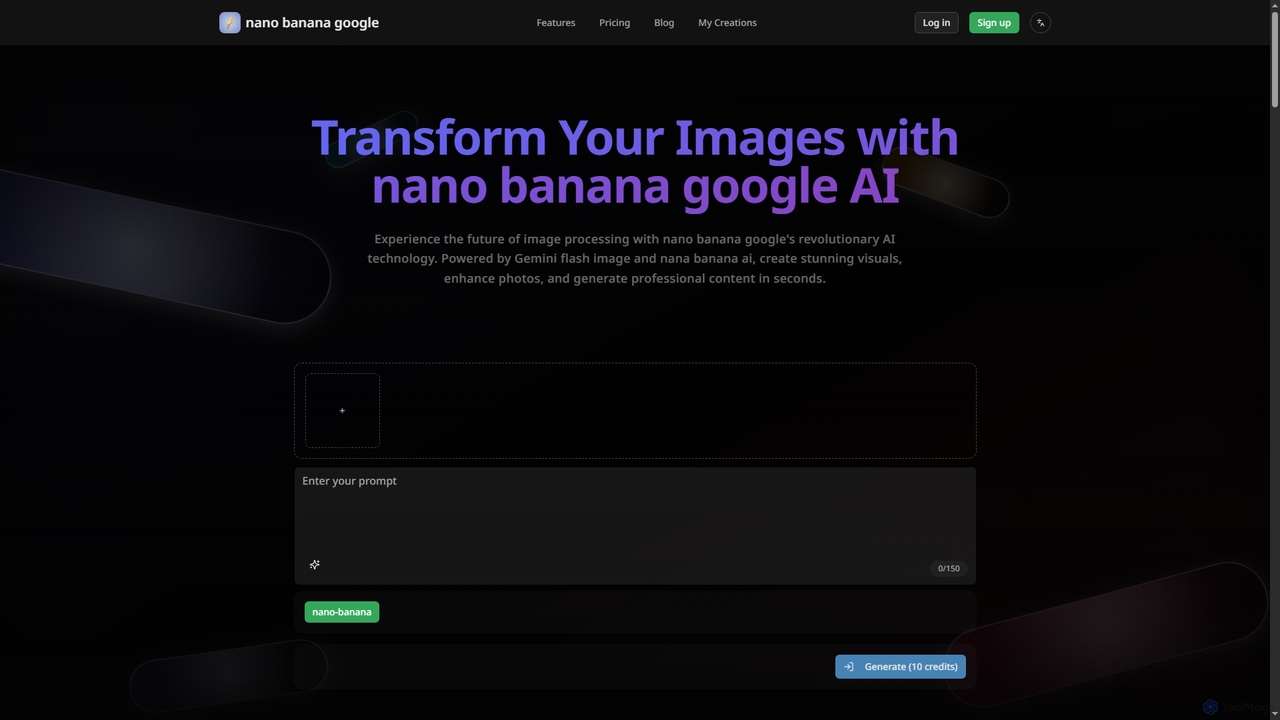
Nanobanana Google is an advanced AI image processing platform powered by Gemini Flash Image and Nana Banana AI. It enables users to generate stunning visuals, enhance photos, apply artistic styles, and automate image tasks with unparalleled efficiency and quality.
Generation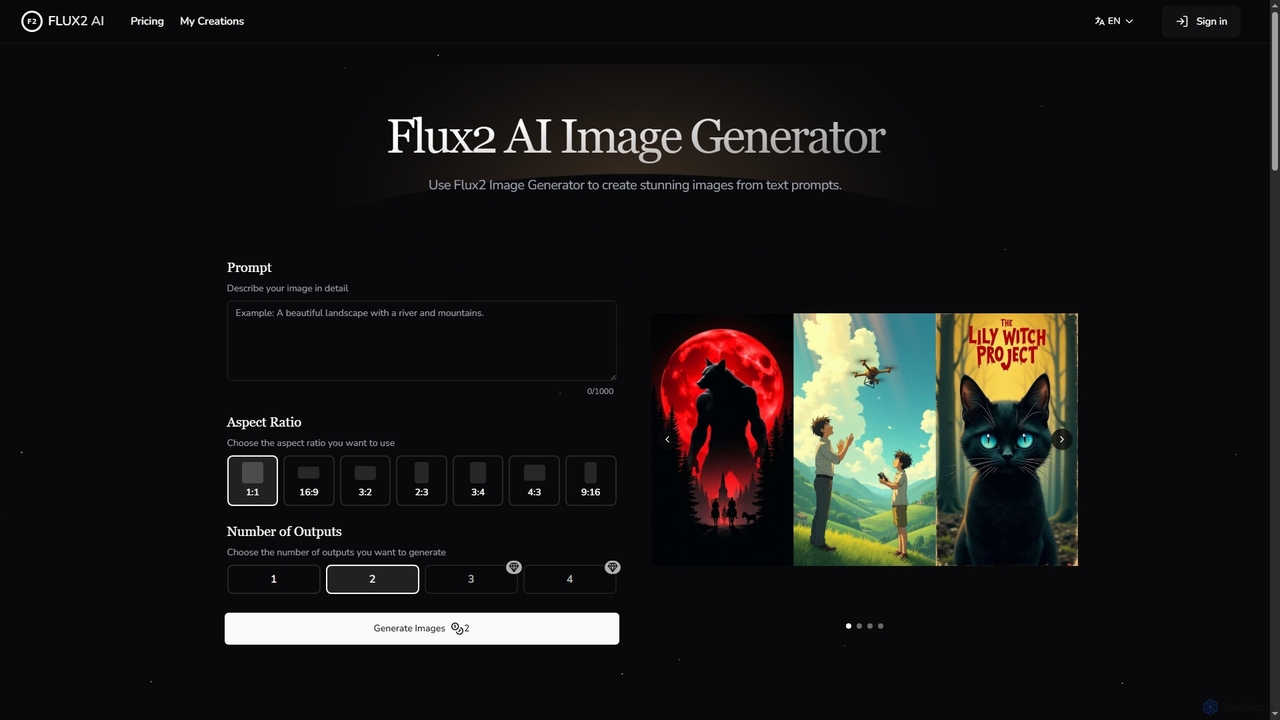
Flux2 AI
Flux2 AI is an advanced image generator powered by Black Forest Labs' Flux2 Ultra, Pro, and Dev models. It transforms text into high-quality visuals, offering versatile style generation, up to 4-megapixel renders, and commercial-ready output for various creative and marketing needs.
Digital Art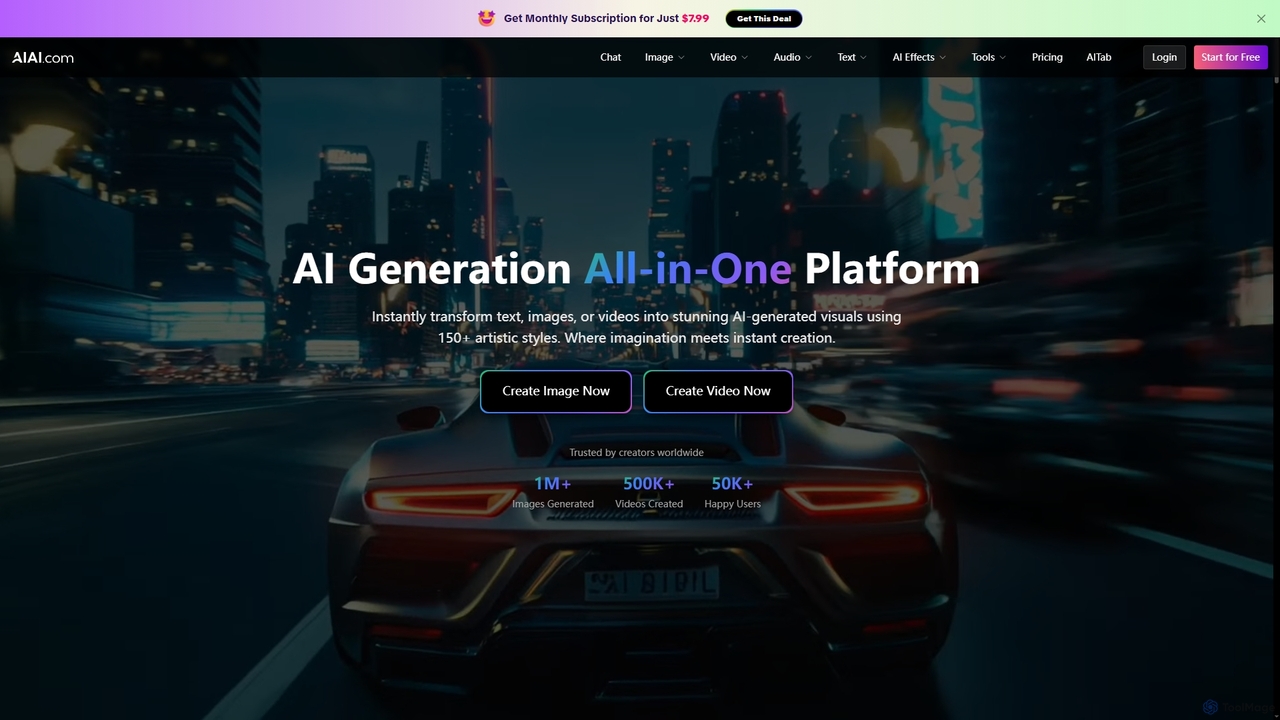
AIAI
AIAI is an all-in-one AI creative suite designed to transform ideas into stunning visuals and provide intelligent assistance. It offers powerful tools for generating images, videos, and text content, alongside specialized features like an AI Homework Helper and a productivity-boosting browser extension.
Homework Assistance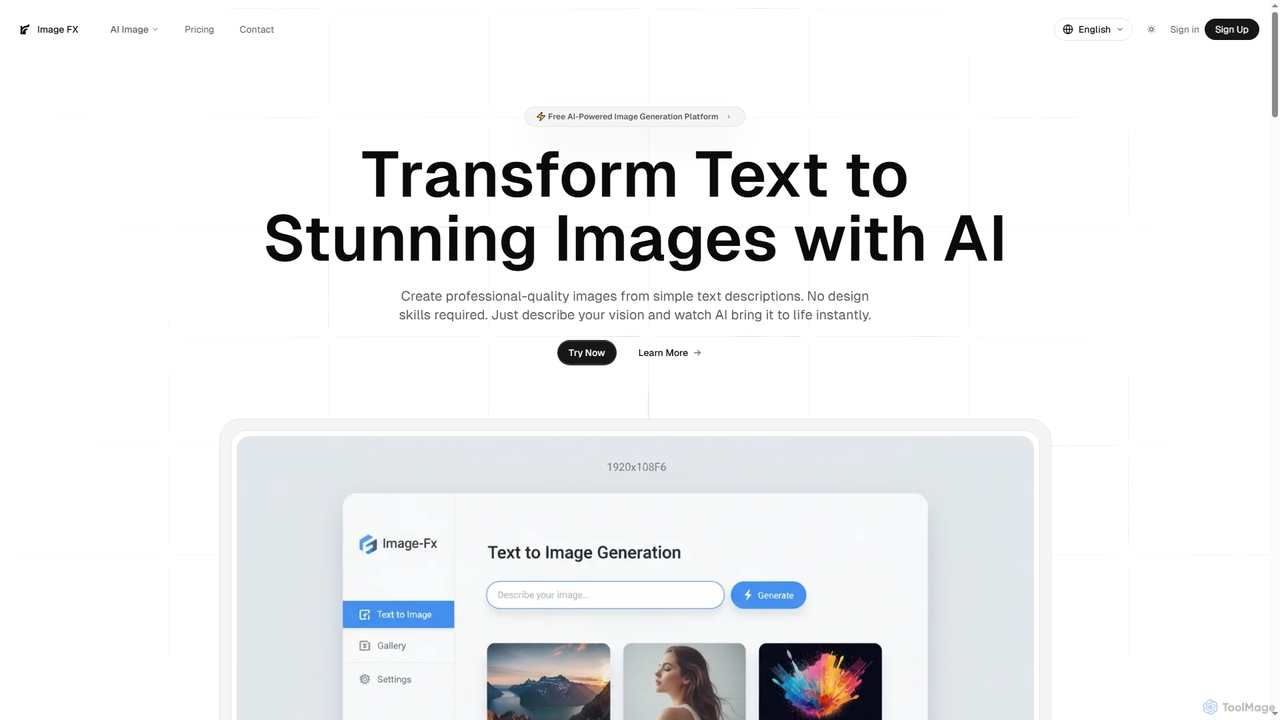
Image FX
Image FX is a free, AI-powered platform that transforms text descriptions into stunning, professional-quality images with a single click. It also features an intelligent AI chat assistant for creative brainstorming and support, making advanced image generation accessible to everyone without requiring design skills.
Text To Image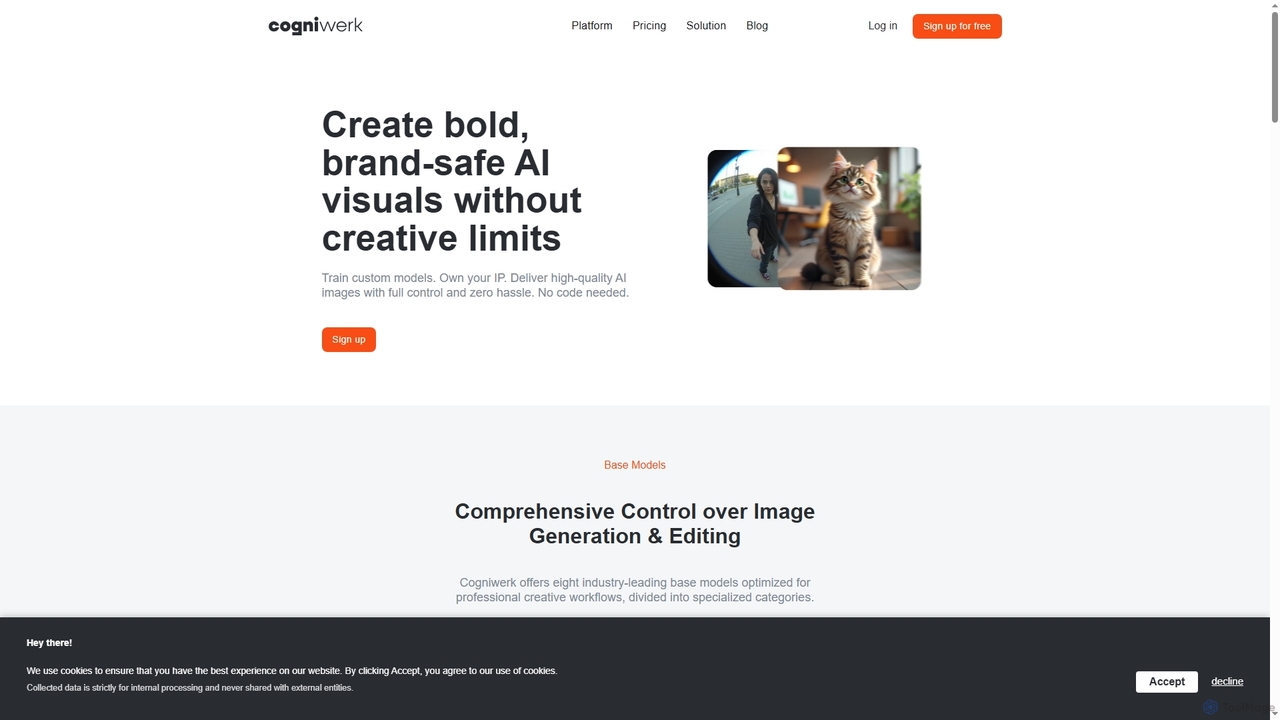
Cogniwerk
Cogniwerk is a comprehensive European AI platform designed for creative professionals, offering advanced tools for high-quality image and video generation, custom model training, and sophisticated prompting. It emphasizes compliance with GDPR and EU AI Act readiness, providing creators with full ownership and creative freedom for their digital assets.
Visual DesignDoodle AI Categories
Doodle AI Jobs
Doodle AI Embed Widget
Copy this embed code to place the badge on your blog, article, or product site and send readers directly to this ToolMage detail page.

Related AI tools
Nanobanana Google
Nanobanana Google is an advanced AI image processing platform powered by Gemini Flash Image and Nana Banana AI. It enables users to generate stunning visuals, enhance photos, apply artistic styles, and automate image tasks with unparalleled efficiency and quality.
GenerationFlux2 AI
Flux2 AI is an advanced image generator powered by Black Forest Labs' Flux2 Ultra, Pro, and Dev models. It transforms text into high-quality visuals, offering versatile style generation, up to 4-megapixel renders, and commercial-ready output for various creative and marketing needs.
Digital Art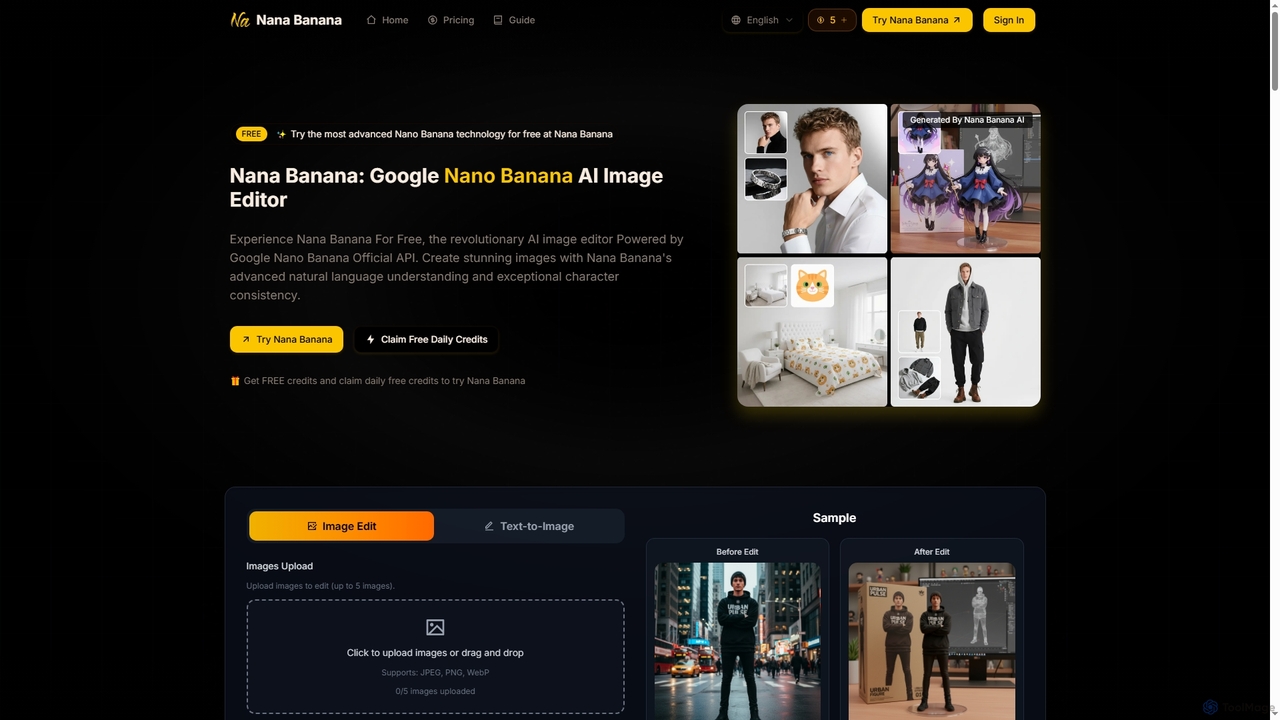
Nana Banana
Nana Banana is an advanced AI image editor and generator powered by Google's cutting-edge Gemini 2.5 Flash Image model. It enables users to create stunning visuals from text prompts or by editing existing images with exceptional natural language understanding, character consistency, and one-shot editing capabilities, delivering professional-grade 4K+ output rapidly.
Graphic DesignAIAI
AIAI is an all-in-one AI creative suite designed to transform ideas into stunning visuals and provide intelligent assistance. It offers powerful tools for generating images, videos, and text content, alongside specialized features like an AI Homework Helper and a productivity-boosting browser extension.
Homework AssistanceImage FX
Image FX is a free, AI-powered platform that transforms text descriptions into stunning, professional-quality images with a single click. It also features an intelligent AI chat assistant for creative brainstorming and support, making advanced image generation accessible to everyone without requiring design skills.
Text To ImageCogniwerk
Cogniwerk is a comprehensive European AI platform designed for creative professionals, offering advanced tools for high-quality image and video generation, custom model training, and sophisticated prompting. It emphasizes compliance with GDPR and EU AI Act readiness, providing creators with full ownership and creative freedom for their digital assets.
Visual Design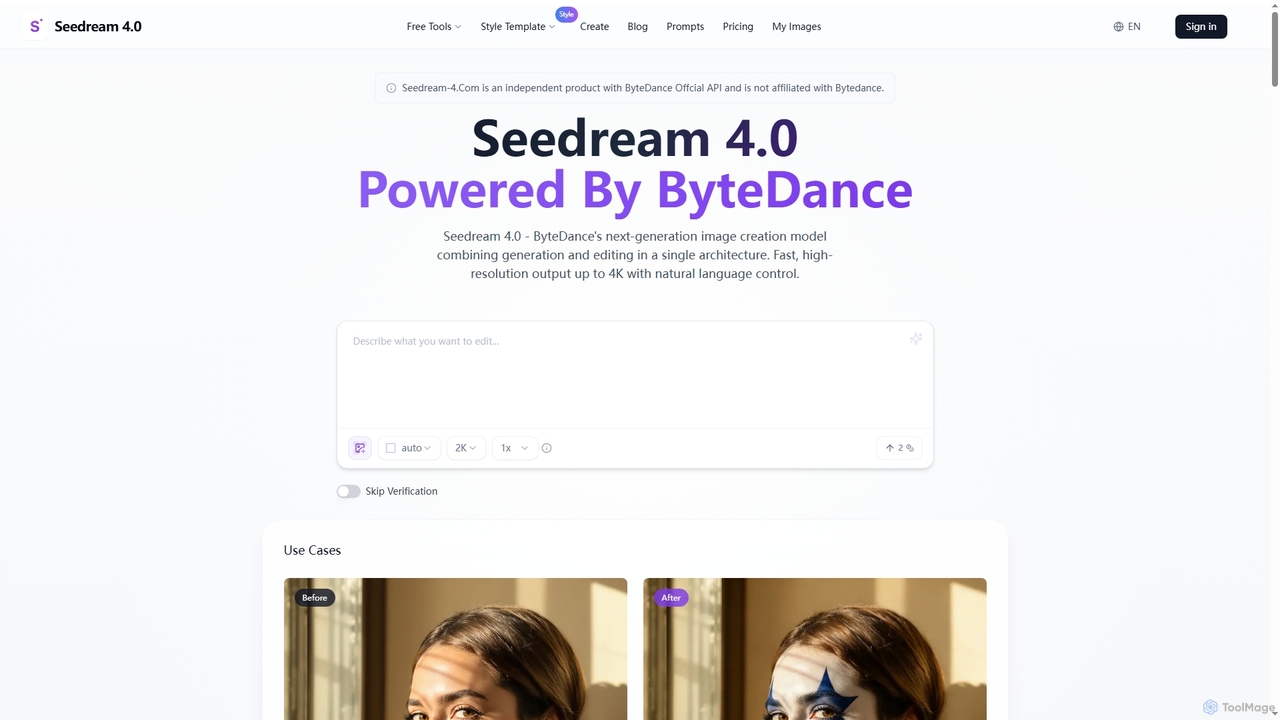
Seedream 4.0
Seedream 4.0 is ByteDance's advanced AI image creation and editing tool, unifying text-to-image generation and image modification in a single architecture. It delivers fast, high-resolution outputs up to 4K with natural language control, batch processing, and versatile style transfer, empowering creators with seamless visual content production.
Creative Asset Generation
Aimajic
Aimajic is a powerful AI-driven image and art generator that transforms your text prompts into stunning, high-quality visuals. Designed for artists, marketers, and creators, it simplifies the creative process, allowing anyone to produce unique illustrations, photorealistic images, and abstract art in seconds.
Creative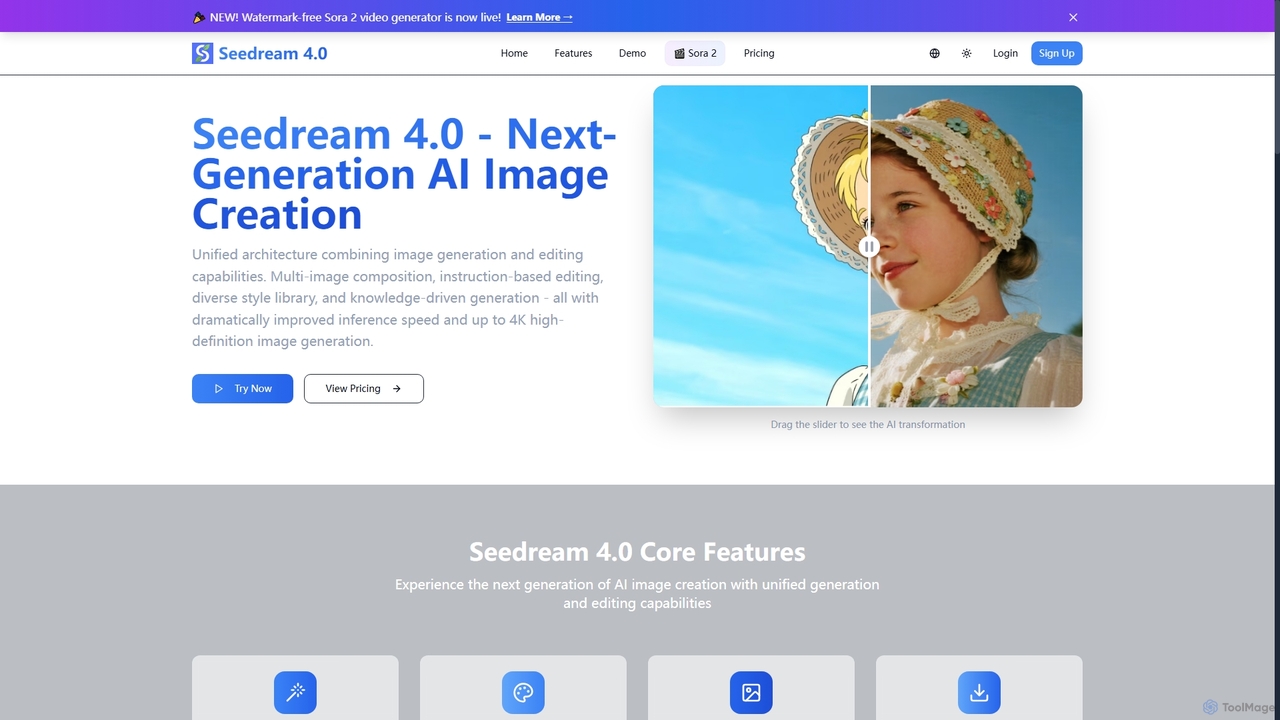
Seedream 4.0
Seedream 4.0 is a next-generation AI image creation tool that unifies image generation and editing capabilities. It features multi-image composition, instruction-based editing, a diverse style library, and knowledge-driven generation, delivering dramatically improved inference speed and up to 4K high-definition images. It also includes a watermark-free Sora 2 video generator.
Creative Asset Creation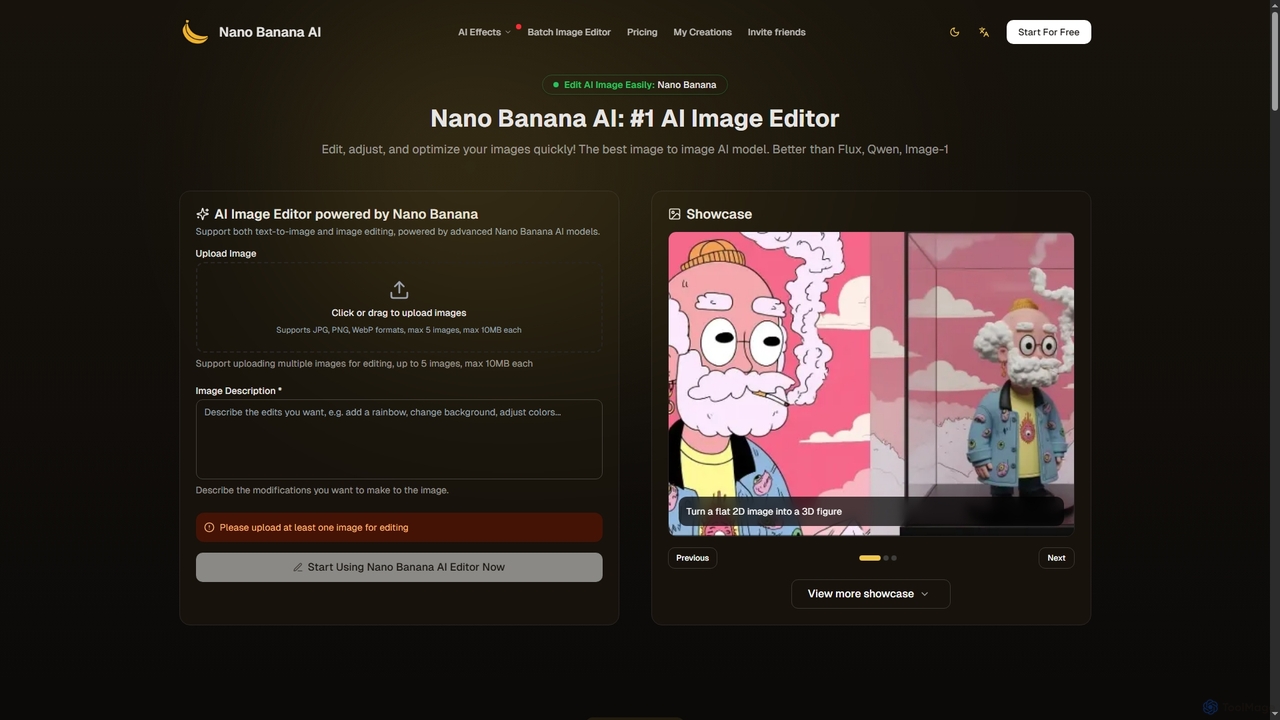
Nano Banana
Nano Banana is an advanced AI image editor and generator that allows users to effortlessly transform photos and create stunning visuals. It supports text-to-image generation, comprehensive image editing, and even specialized features like AI action figure creation. With lightning-fast processing and professional-quality output, Nano Banana simplifies complex editing tasks for personal and commercial use.
Digital Art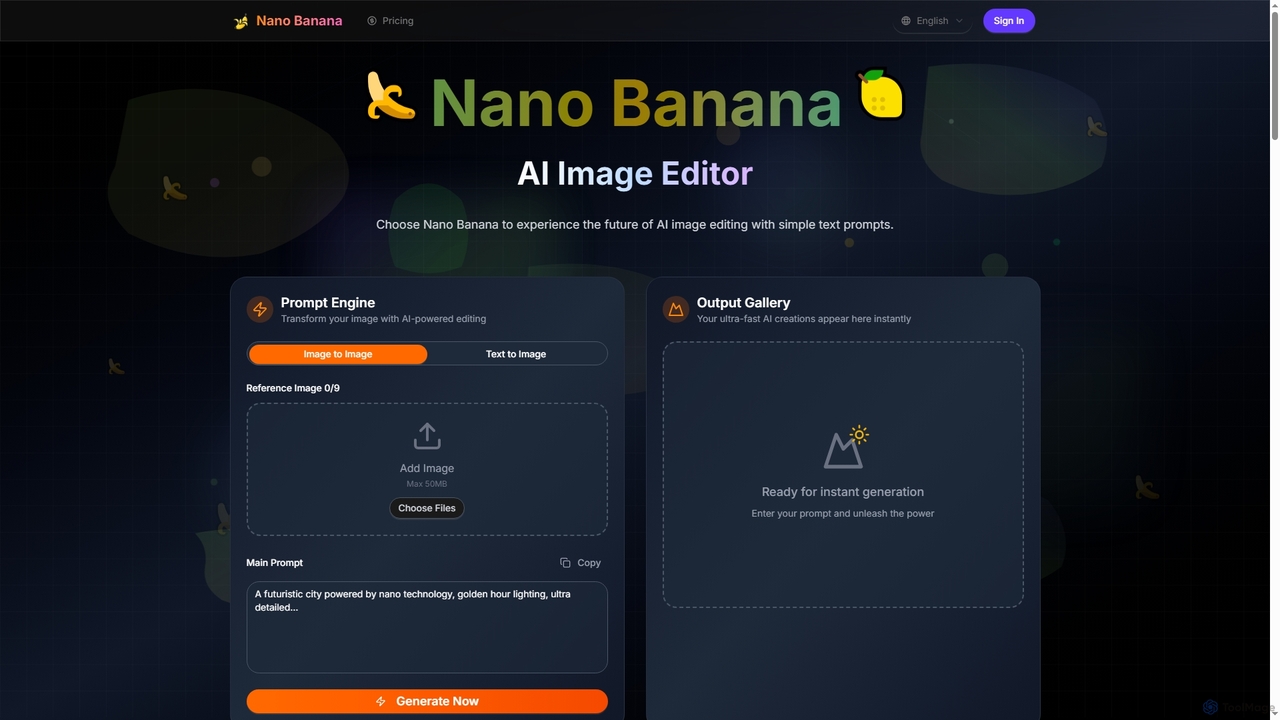
Nano Banana
Nano Banana is an advanced AI image editor and generator that transforms text prompts into stunning visuals and offers comprehensive image manipulation capabilities. It provides over 20 unique artistic styles, professional editing features like object addition and background transformation, and even video generation from text, catering to both casual users and creative professionals.
Digital Art
Adobe Express
Adobe Express is an all-in-one AI-powered content creation app for designing stunning social media posts, videos, flyers, logos, and more. Powered by Adobe Firefly, it integrates generative AI features like Text to Image and Generative Fill, making professional design accessible to everyone, from beginners to experts.
Graphic Design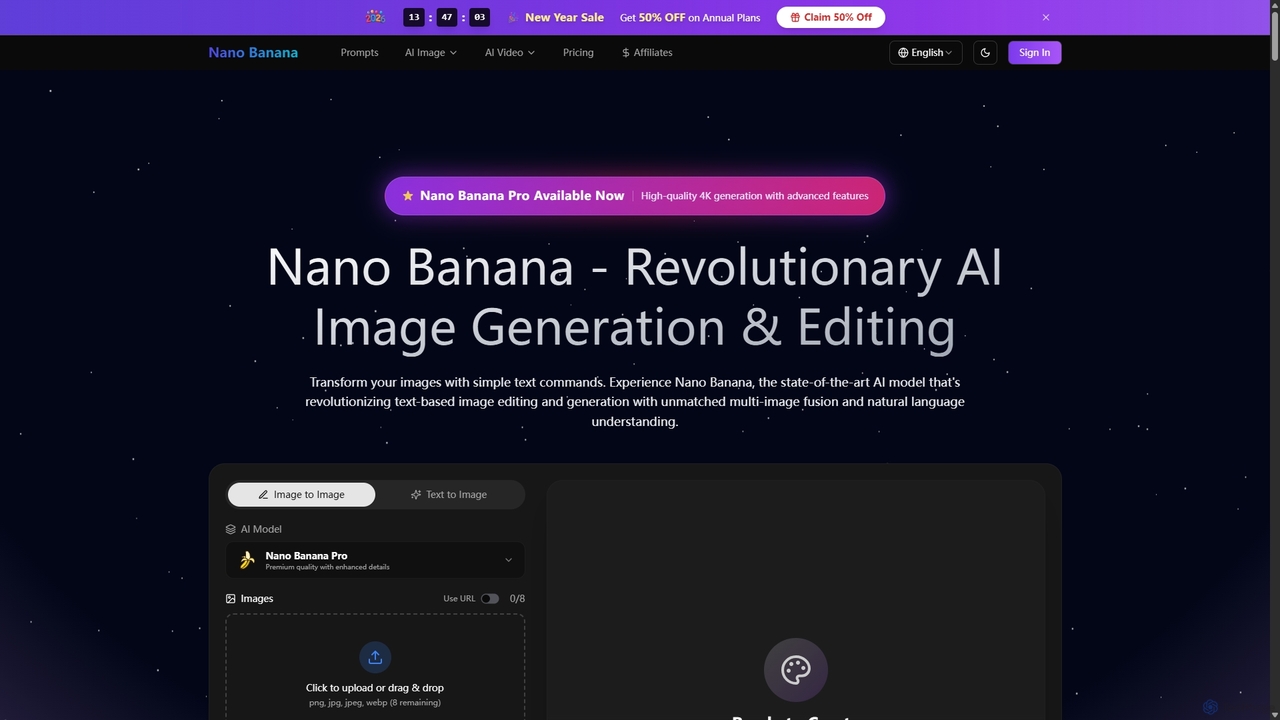
Nano Banana
Nano Banana is a state-of-the-art AI platform that revolutionizes image generation and editing using natural language. It offers unmatched multi-image fusion, exceptional character consistency, and rapid creation of high-quality visuals from simple text commands, catering to a wide range of creative and commercial needs.
Enhancement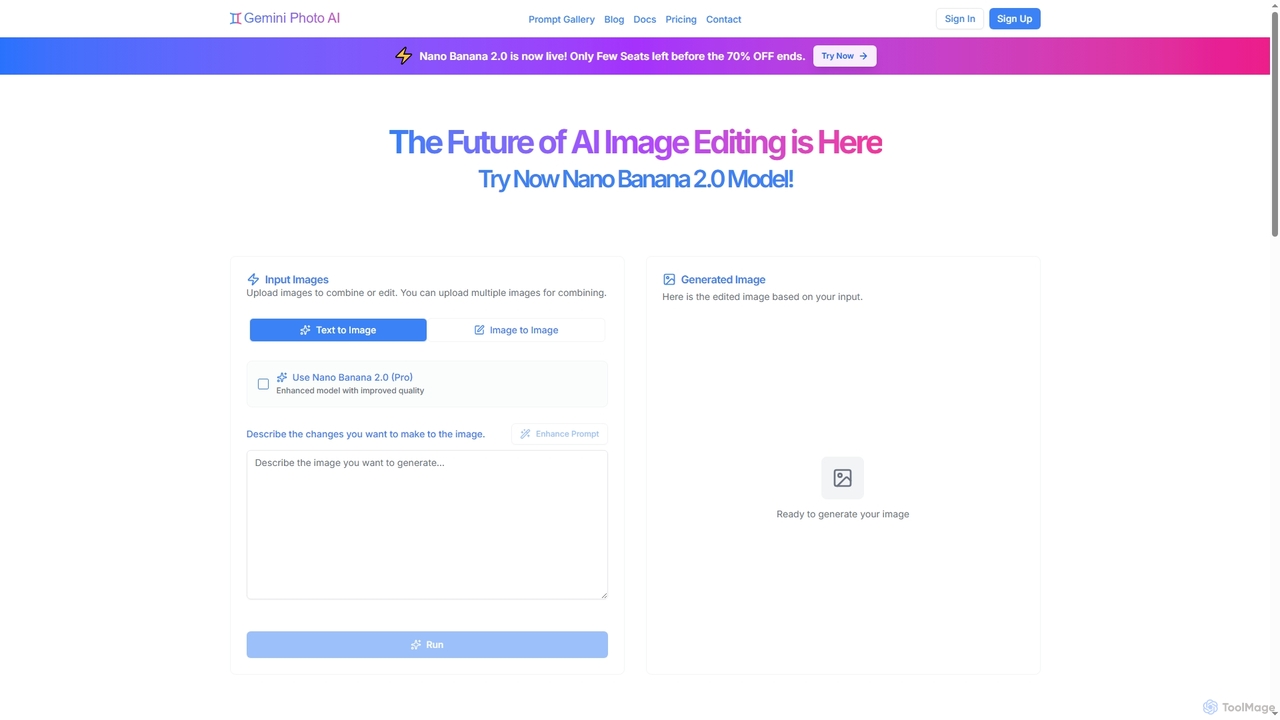
Gemini Photo
Gemini Photo is an advanced AI-powered image editing and generation tool that leverages the Nano Banana 2.0 model. It allows users to transform photos and create new images using natural language prompts, offering features like background removal, style transformations, and professional product photography, all designed for stunning and accurate visual results.
Digital Art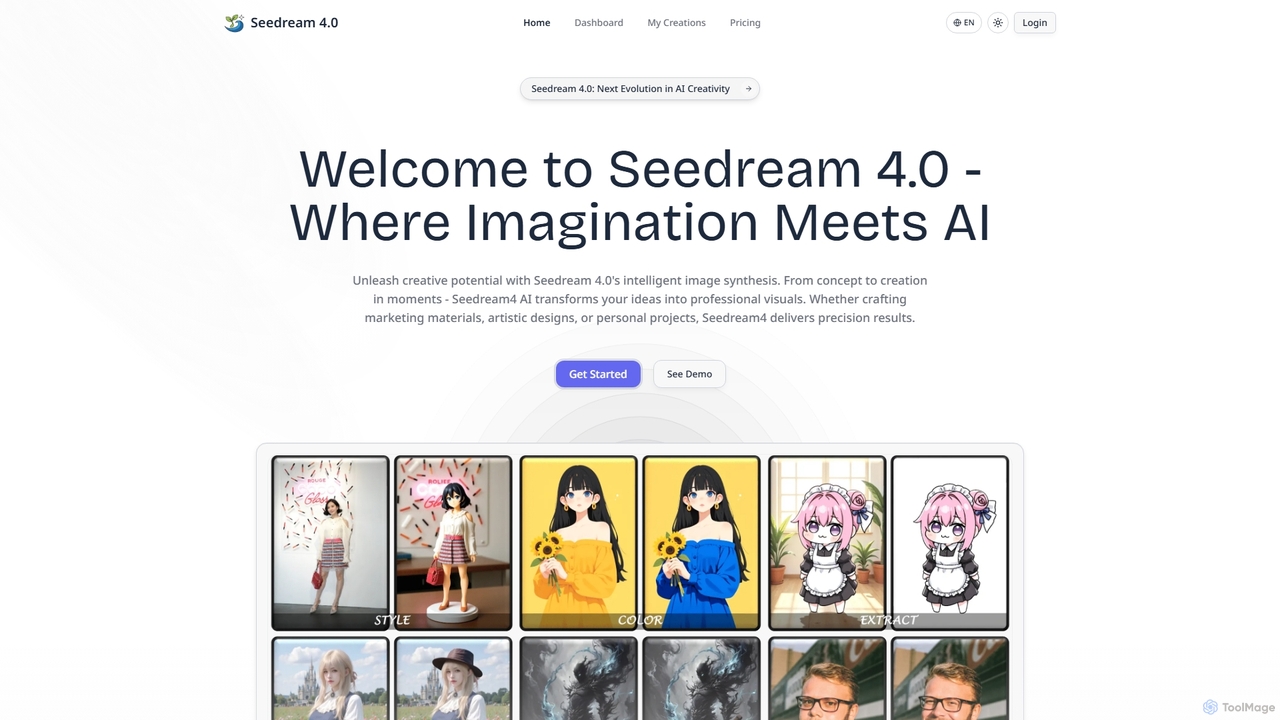
Seedream4
Seedream4 is a next-generation AI image generator and editor that transforms ideas into professional visuals with unprecedented speed and quality. It offers multimodal creation, advanced editing, and 4K resolution output, making it an all-in-one creative hub for diverse needs.
Photo Enhancement
Doodle AI Comments (0)
Sign in to comment.
Sign inNo comments yet.