

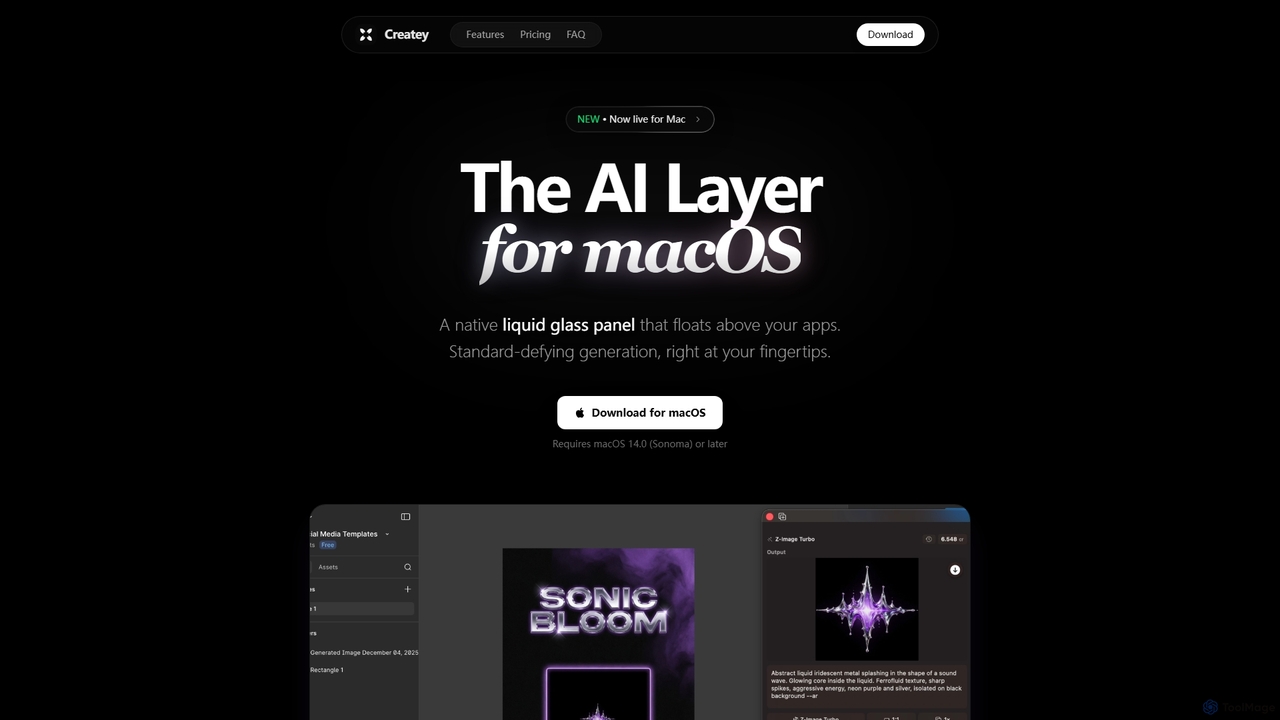
Createy Overview
Createy is a cutting-edge AI layer exclusively developed for macOS, transforming how professionals interact with AI-powered content generation. It manifests as a native, liquid glass panel that floats intuitively above any application, from Figma to Notion, providing on-demand, standard-defying image and asset creation right at your fingertips. Engineered for a frictionless workflow, Createy integrates directly into your creative process, eliminating the need to switch between browser tabs or manage complex file systems. It's built to adapt to diverse environments, making it an indispensable tool for anyone looking to enhance their visual output with speed and precision.
How to use Createy
Using Createy is designed to be intuitive and integrated into your macOS workflow. First, download and install the application, ensuring your system meets the macOS 14.0 (Sonoma) or later requirement. Once running, Createy appears as a floating panel over your active applications. You can capture context instantly by snapping any region of your screen or pasting a URL directly into the panel. To generate assets, input your prompts or drag screenshots into the panel. Createy leverages its multi-model core to generate visuals, which you can then refine by switching between different AI engines like Flux, Nano Banana, and Seedream. The generated assets can be directly dragged and dropped out of the panel into applications like Figma, Canva, Shopify, or Meta Ads, bypassing the traditional file system and download folders for a truly seamless experience.
Core Features of Createy
- Universal Floating Pane: A native, liquid panel that hovers over any macOS application (e.g., Arc, Figma, Chrome), enabling asset generation without leaving your active window.
- Fluid Drag & Drop: Facilitates direct app-to-app workflow by allowing users to drag screenshots in for context and drag generated assets out into other applications, bypassing the Finder.
- Local AI Cloud: Provides instant access to cloud-generated assets as if they were local files, ensuring no downloads, no clutter, and a smooth drag-and-flow experience.
- Multi-Model Core: Offers the flexibility to switch between various AI engines, including Flux, Nano Banana, Seedream, FLUX.2 Pro, and Z-Image Turbo, in milliseconds for diverse creative outputs.
- Instant Context Capture: Allows users to quickly capture any region of their screen or paste a URL directly into the floating panel to provide immediate context for AI generation.
- Commercial License: All paid plans include a commercial license for generated content.
Use Cases for Createy
Createy is versatile, catering to a wide array of professional needs:
- Commerce: Generate studio-quality product photography without a physical studio, placing products in lifestyle scenes for platforms like Shopify.
- Design: Serve as a missing layer for Figma, generating UI assets, icons, and avatars that adhere to existing design systems.
- Marketing: Quickly produce high-converting ad visuals for campaigns, directly dragging them into tools like Canva or Meta Ads.
- Photography: Create exact, royalty-free stock photos on demand, eliminating the need to search through extensive libraries like Unsplash.
- Branding: Instantly visualize brand identities, patterns, and logotypes, transforming moodboards into master assets in seconds.
- Concepting: Rapidly sketch characters and environments directly over 3D software like Blender or Unity, visualizing ideas at thought speed.
- Editorial: Enhance storytelling by creating cinematic headers for articles on platforms like Substack or Notion documents.
- Architecture: Visualize interior spaces and materials instantly by iterating directly over CAD tools.
Advantages of Createy
Createy offers significant advantages for macOS users:
- Seamless Integration: Its native macOS design ensures deep integration with your operating system and applications, providing a truly fluid user experience.
- Enhanced Workflow Efficiency: By eliminating browser-based AI friction, manual uploads, and file system navigation, Createy drastically speeds up the creative process.
- Versatile Generation: Access to a multi-model core allows for a wide range of creative styles and outputs, adaptable to various project requirements.
- Contextual Creation: The ability to capture screen regions or URLs directly into the panel means AI generation is always relevant to your current task.
- High-Quality Output: Delivers "standard-defying generation" suitable for professional use across commerce, design, and marketing.
- Commercial Use Rights: Paid plans include a commercial license, ensuring generated assets can be used for business purposes.
Pricing and Plans
Createy offers a flexible pricing structure with no feature gating, meaning every plan provides access to the full engine; only the capacity differs. Users can try Createy for free with 50 starter credits. Paid plans are available monthly or annually (with a 20% discount for yearly billing, though only monthly prices are explicitly shown). All plans include the Floating Panel and access to all AI models.
- Starter Plan: Priced at $9/month (billed monthly), offering 1,000 credits per month. This translates to approximately 83 Nano Banana images, 100 FLUX.2 Pro images, or 500 Z-Image Turbo images. Includes a commercial license.
- Pro Plan: Available for $29/month (billed monthly), providing 4,000 credits per month. This capacity supports around 333 Nano Banana images, 400 FLUX.2 Pro images, or 2000 Z-Image Turbo images. Includes a commercial license.
- Agency Plan: Designed for teams and studios, costing $99/month (billed monthly) for 17,000 credits per month. This allows for approximately 1400 Nano Banana images, 1700 FLUX.2 Pro images, or 8500 Z-Image Turbo images. Includes a commercial license.
Subscriptions can be canceled at any time without hidden fees.
Createy FAQ
Createy Alternatives
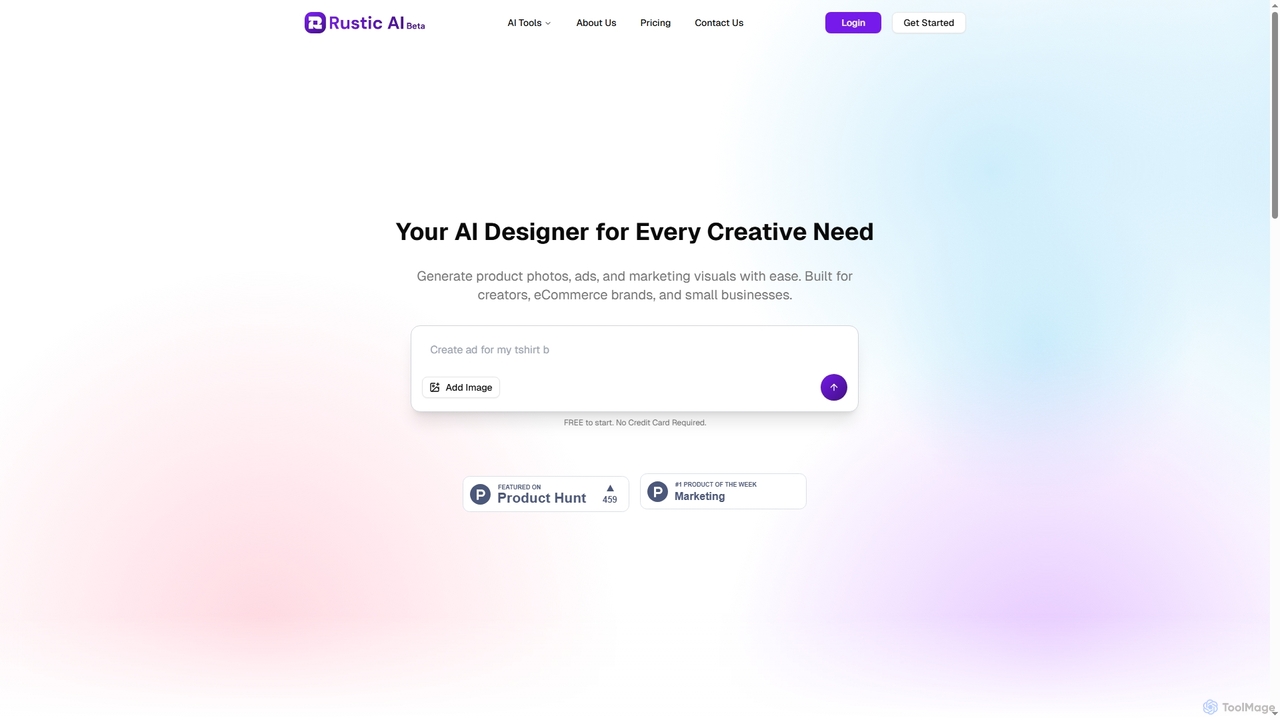
Rustic AI
Rustic AI is an intuitive AI design editor built for creators, e-commerce brands, and small businesses. It simplifies the generation of high-quality product photos, ad creatives, and marketing visuals, transforming ideas into stunning imagery with ease. The platform offers a suite of AI-powered tools to streamline visual content creation.
Graphic Design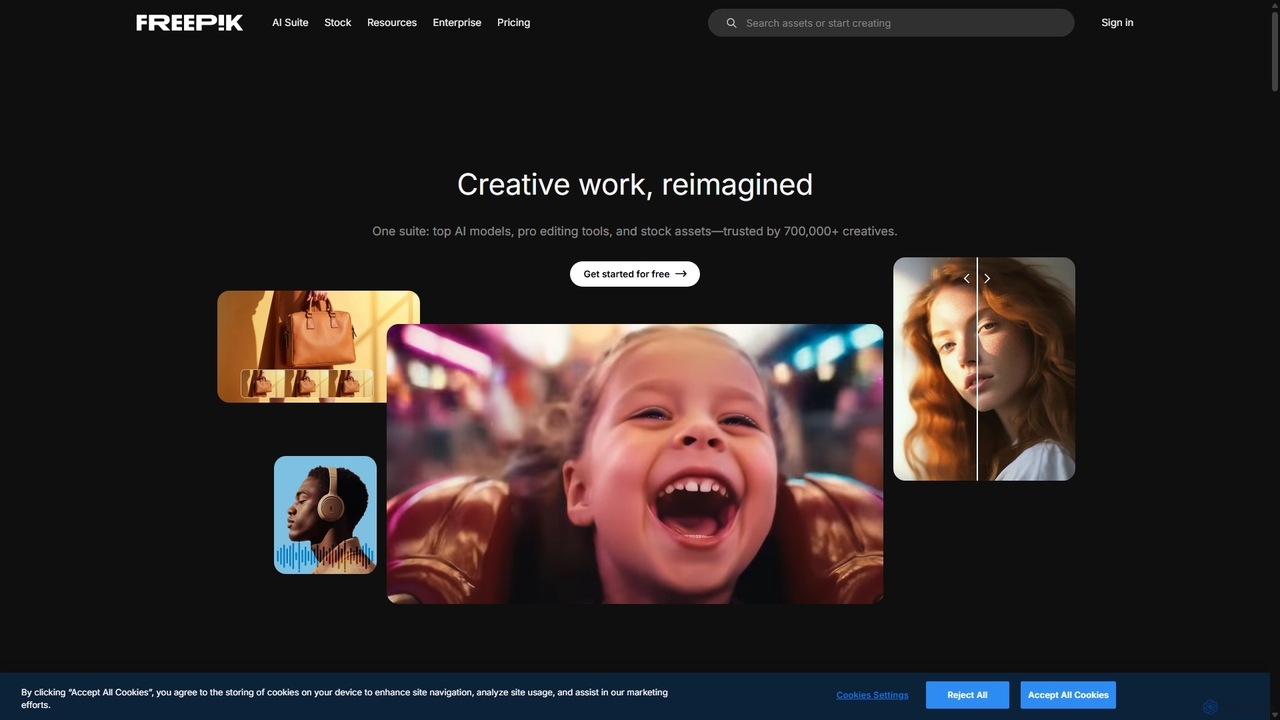
Freepik
Freepik is an all-in-one AI creative suite designed for designers, marketers, and content creators. It integrates top generative AI models for image, video, and audio creation with professional editing tools and a vast library of over 200 million stock assets. This unified platform streamlines the creative workflow, enabling users to generate, edit, and enhance visual content efficiently while maintaining brand consistency and ensuring data privacy.
Image Generation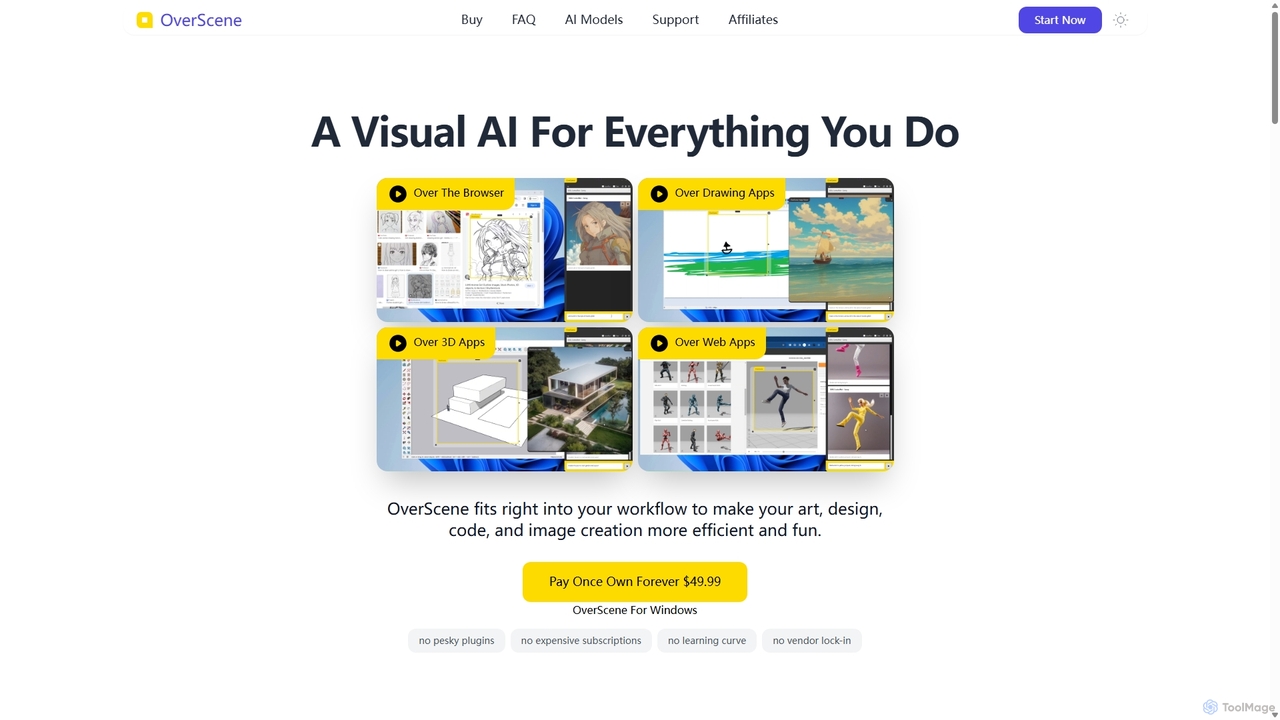
OverScene
OverScene is a revolutionary Windows application that acts as a visual AI layer over any desktop software. It allows users to apply powerful AI models for image generation, code creation, 3D rendering, and more, directly onto their existing workflow via a simple drag-and-drop frame. With a one-time purchase model, it eliminates subscriptions and complex plugins, making advanced AI accessible to artists, designers, and developers.
Rendering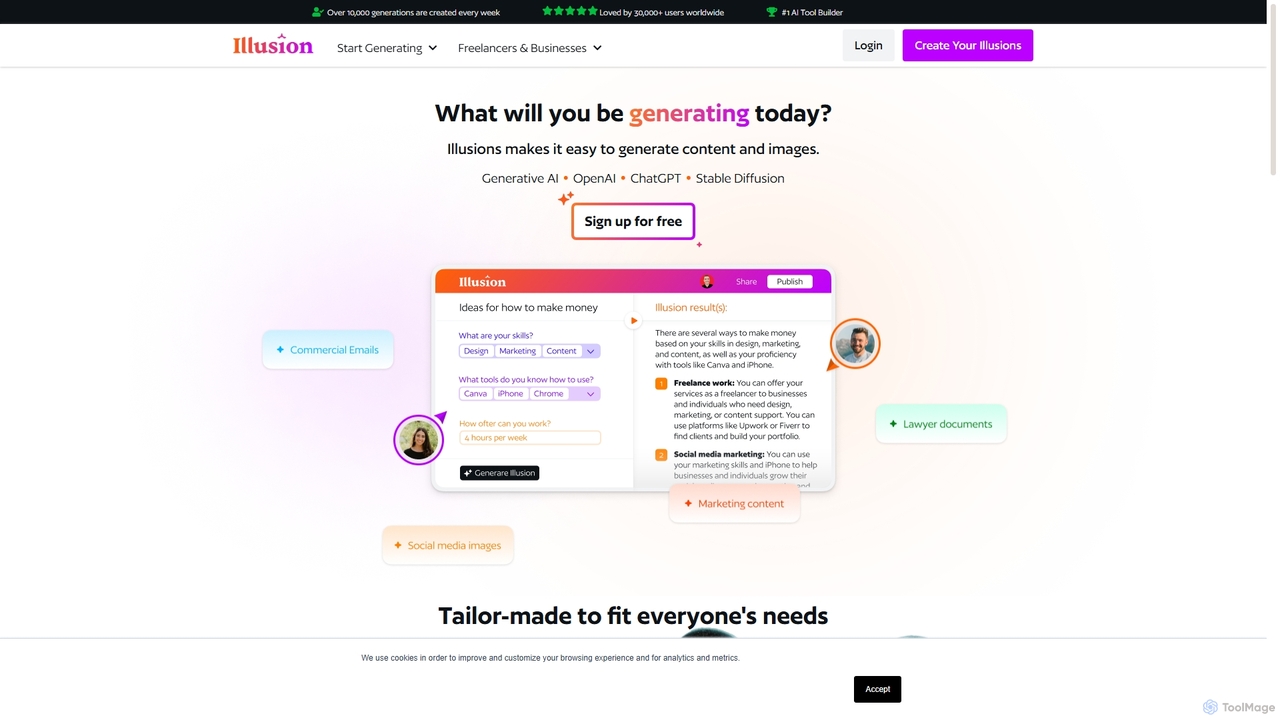
Illusion AI
Illusion AI is a versatile generative AI platform that combines text and image creation. It leverages powerful models like ChatGPT and Stable Diffusion to help users across various industries bring their ideas to life, from marketing plans and architectural designs to fictional stories and professional resumes. With a rich library of templates, it streamlines the creative process for everyone.
Image Generation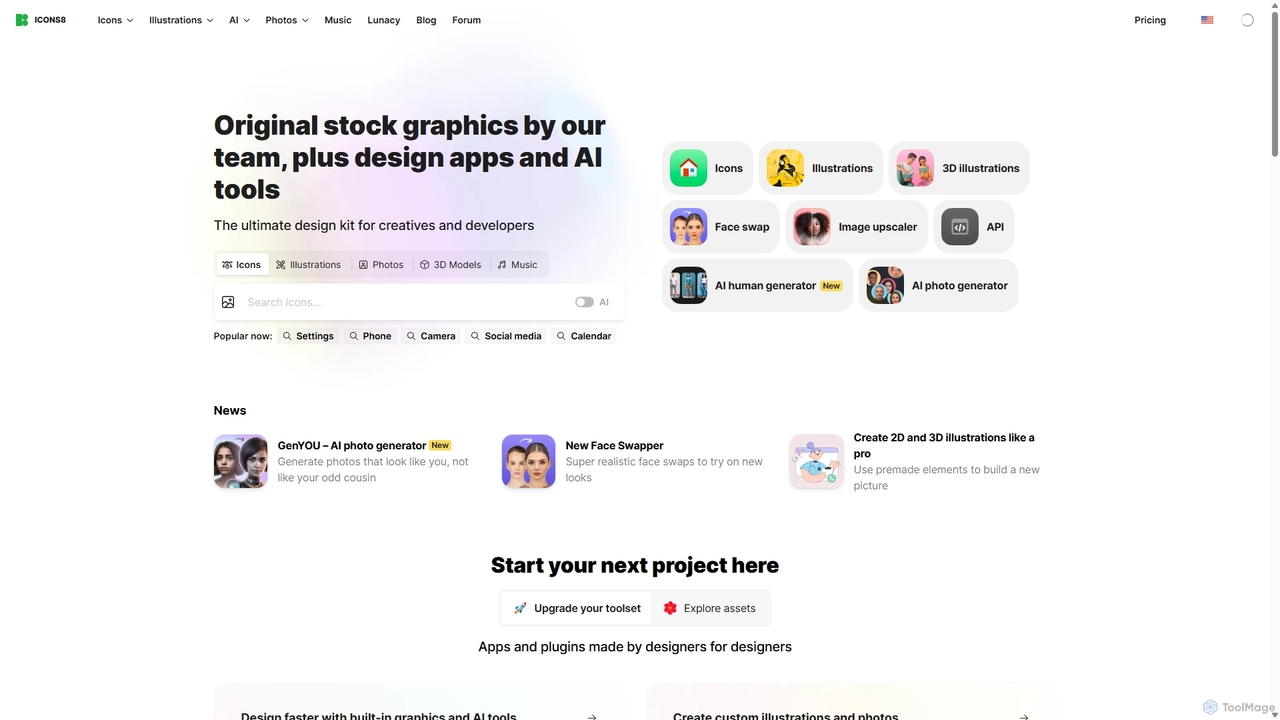
Icons8
Icons8 is a comprehensive design platform offering millions of royalty-free icons, photos, illustrations, and music tracks. It also features a powerful suite of AI-driven tools, including an image upscaler, background remover, face swapper, and AI photo/human generators, designed to streamline the creative workflow for designers, developers, and content creators.
IconsCreatey Categories
Createy Jobs
Createy Embed Widget
Copy this embed code to place the badge on your blog, article, or product site and send readers directly to this ToolMage detail page.

Related AI tools
Morisot
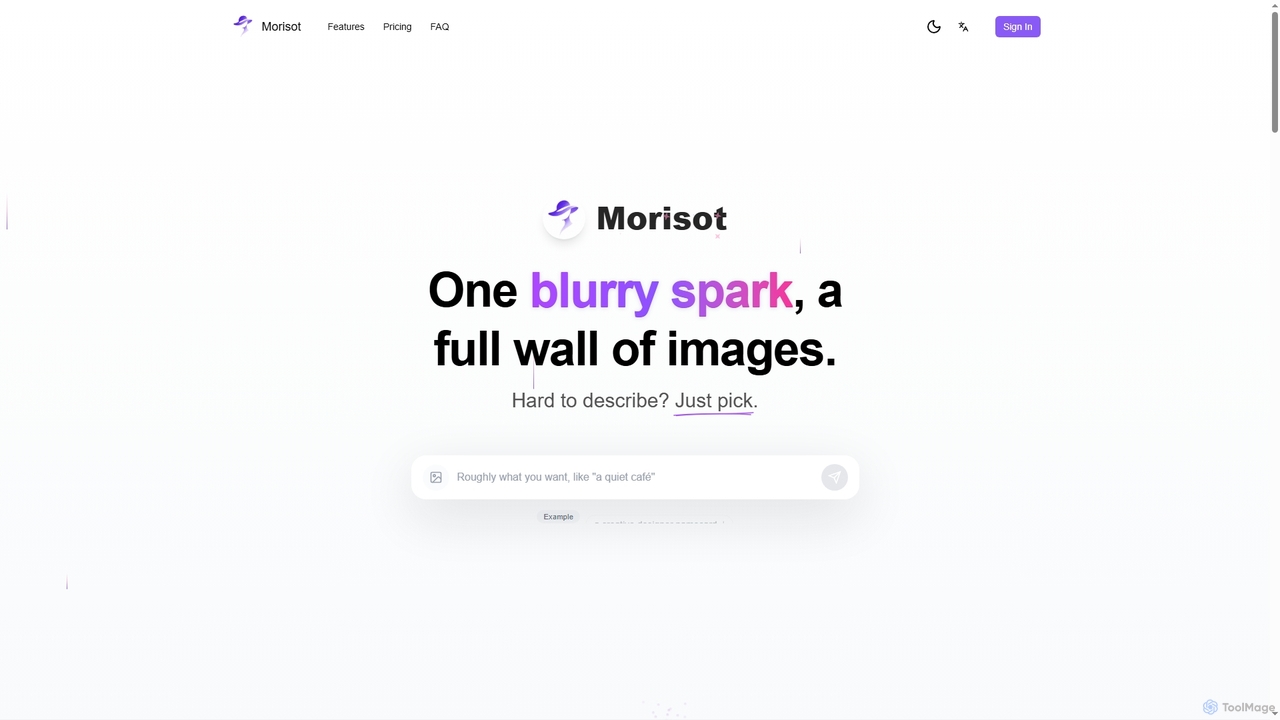
Morisot is a promptless AI image generator that transforms vague ideas into professional visual moodboards. Instead of complex prompting, users simply provide a rough sentence or reference image and pick from a full screen of diverse, style-coherent outputs. It's designed for creative ideation, allowing users to select, edit, and evolve images seamlessly on an infinite canvas.
Visual IdeationRustic AI
Rustic AI is an intuitive AI design editor built for creators, e-commerce brands, and small businesses. It simplifies the generation of high-quality product photos, ad creatives, and marketing visuals, transforming ideas into stunning imagery with ease. The platform offers a suite of AI-powered tools to streamline visual content creation.
Graphic Design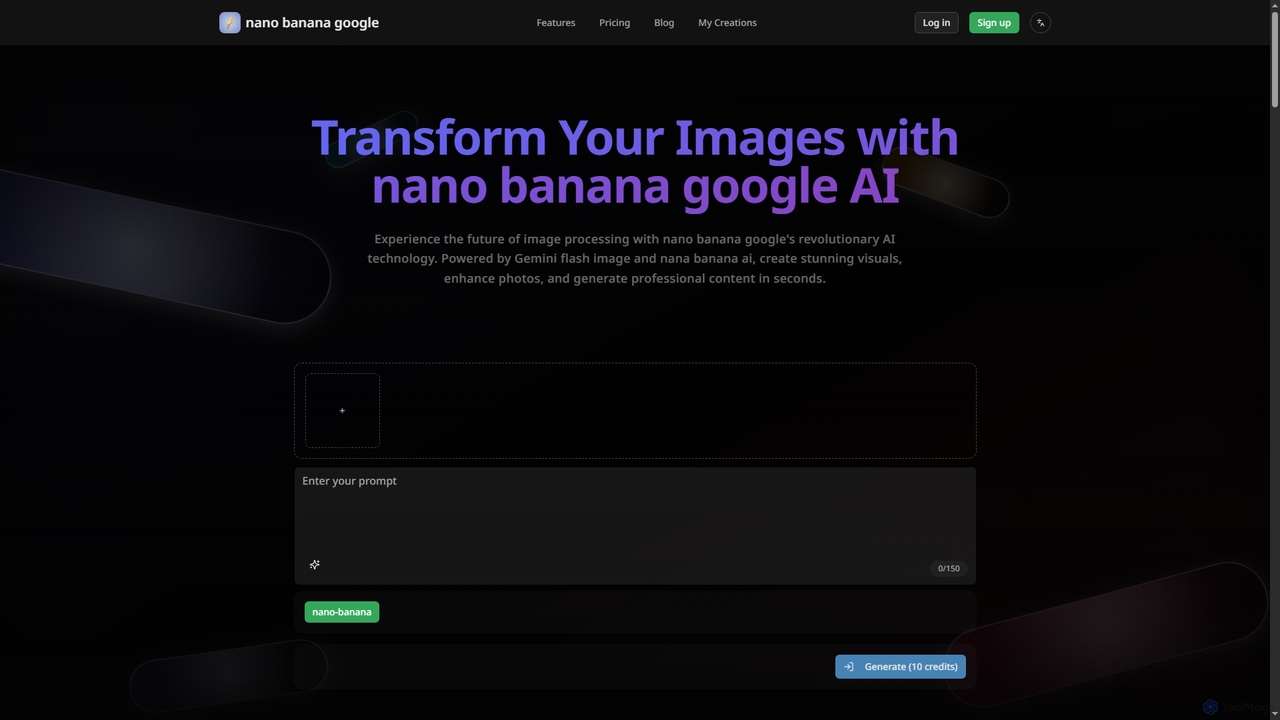
Nanobanana Google
Nanobanana Google is an advanced AI image processing platform powered by Gemini Flash Image and Nana Banana AI. It enables users to generate stunning visuals, enhance photos, apply artistic styles, and automate image tasks with unparalleled efficiency and quality.
Generation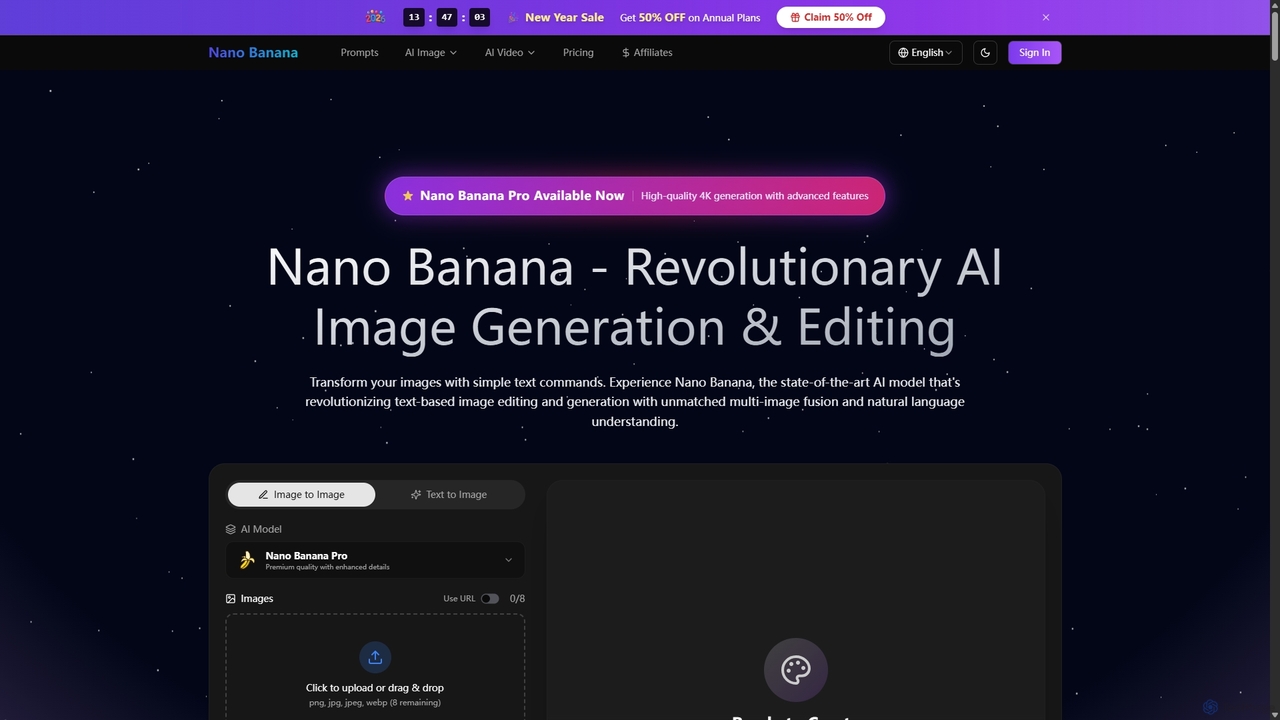
Nano Banana
Nano Banana is a state-of-the-art AI platform that revolutionizes image generation and editing using natural language. It offers unmatched multi-image fusion, exceptional character consistency, and rapid creation of high-quality visuals from simple text commands, catering to a wide range of creative and commercial needs.
Enhancement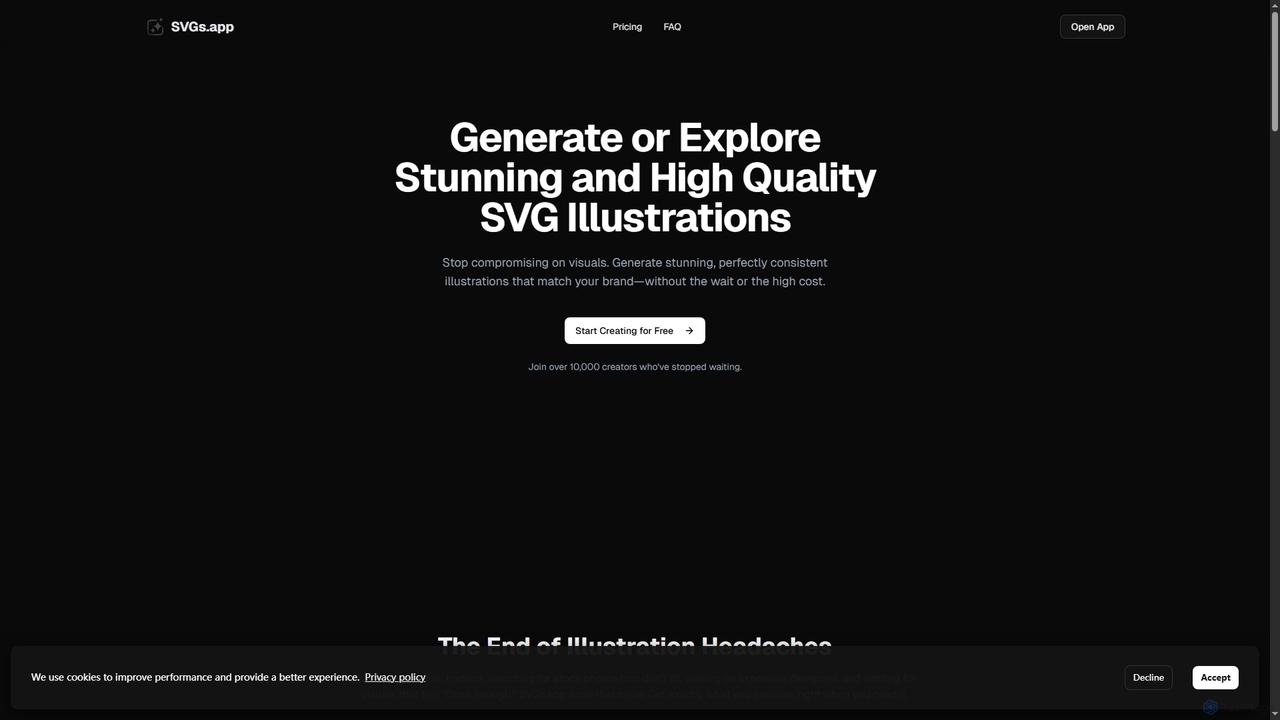
SVGs
SVGs is an AI-powered platform designed to generate high-quality, consistent SVG illustrations rapidly. It empowers individuals and teams to create stunning, on-brand visuals for various applications, from websites and apps to marketing materials, without requiring extensive design expertise or significant time and cost investments.
Illustration Generation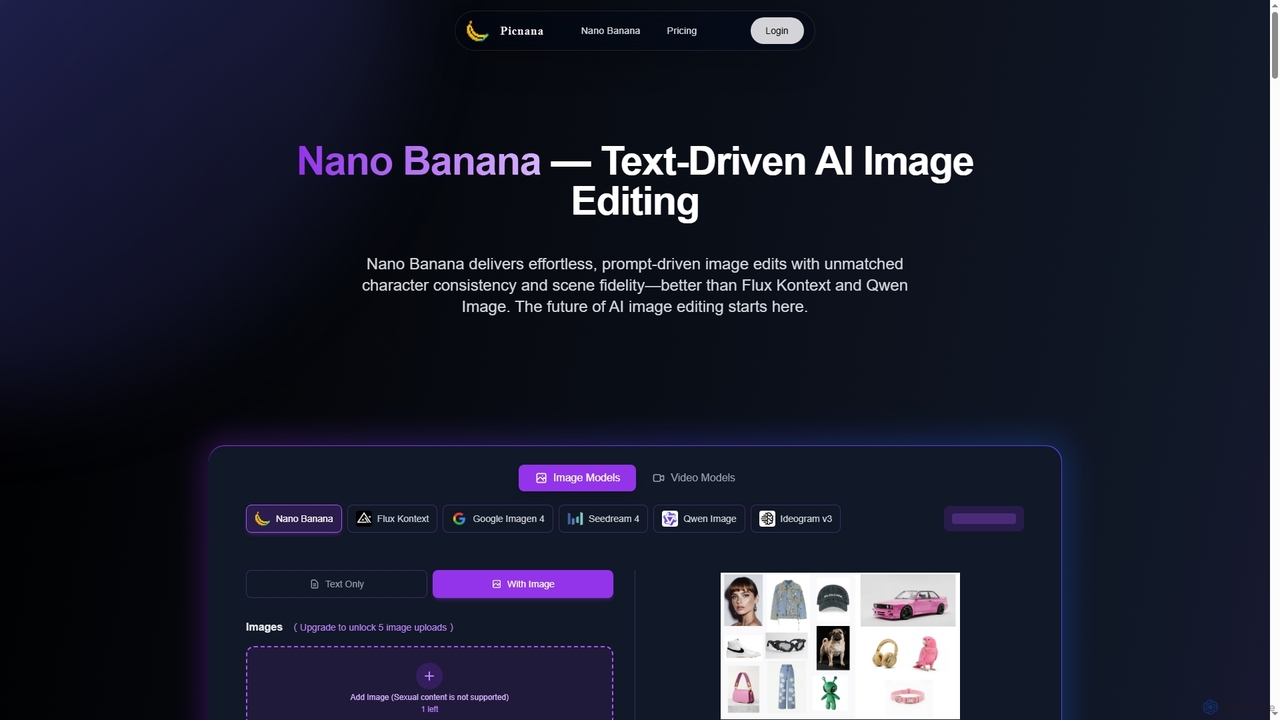
Picnana
Picnana is an advanced AI image editing platform featuring Nano Banana, a next-gen AI model for text-driven image edits. It offers unmatched character consistency and scene fidelity, allowing users to transform concepts into high-quality visuals with ease. Ideal for creators, marketers, and designers seeking precise control over their visual content.
Digital ArtFreepik
Freepik is an all-in-one AI creative suite designed for designers, marketers, and content creators. It integrates top generative AI models for image, video, and audio creation with professional editing tools and a vast library of over 200 million stock assets. This unified platform streamlines the creative workflow, enabling users to generate, edit, and enhance visual content efficiently while maintaining brand consistency and ensuring data privacy.
Image Generation
LanHive
LanHive is an all-in-one AI filmmaking platform that integrates top generative AI models for video, image, and audio creation. It empowers creators to rapidly produce high-quality visual and auditory content, streamlining workflows and significantly reducing production costs for various creative and marketing needs.
3DOverScene
OverScene is a revolutionary Windows application that acts as a visual AI layer over any desktop software. It allows users to apply powerful AI models for image generation, code creation, 3D rendering, and more, directly onto their existing workflow via a simple drag-and-drop frame. With a one-time purchase model, it eliminates subscriptions and complex plugins, making advanced AI accessible to artists, designers, and developers.
RenderingIllusion AI
Illusion AI is a versatile generative AI platform that combines text and image creation. It leverages powerful models like ChatGPT and Stable Diffusion to help users across various industries bring their ideas to life, from marketing plans and architectural designs to fictional stories and professional resumes. With a rich library of templates, it streamlines the creative process for everyone.
Image Generation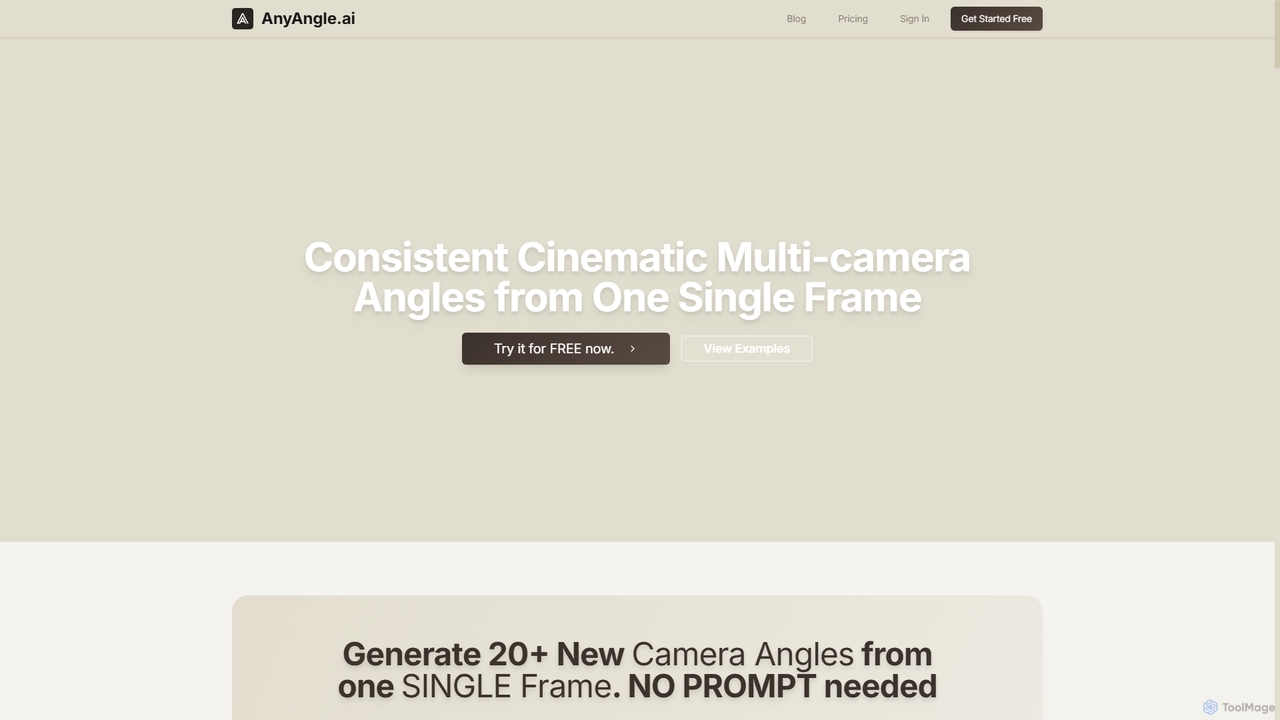
AnyAngle
AnyAngle is an AI-powered tool that transforms a single image into over 20 consistent, cinematic camera angles without requiring prompts. It's ideal for filmmakers, advertisers, and designers to visualize sequences, create multi-angle videos, and enhance visual content with high-resolution outputs up to 16K.
Photography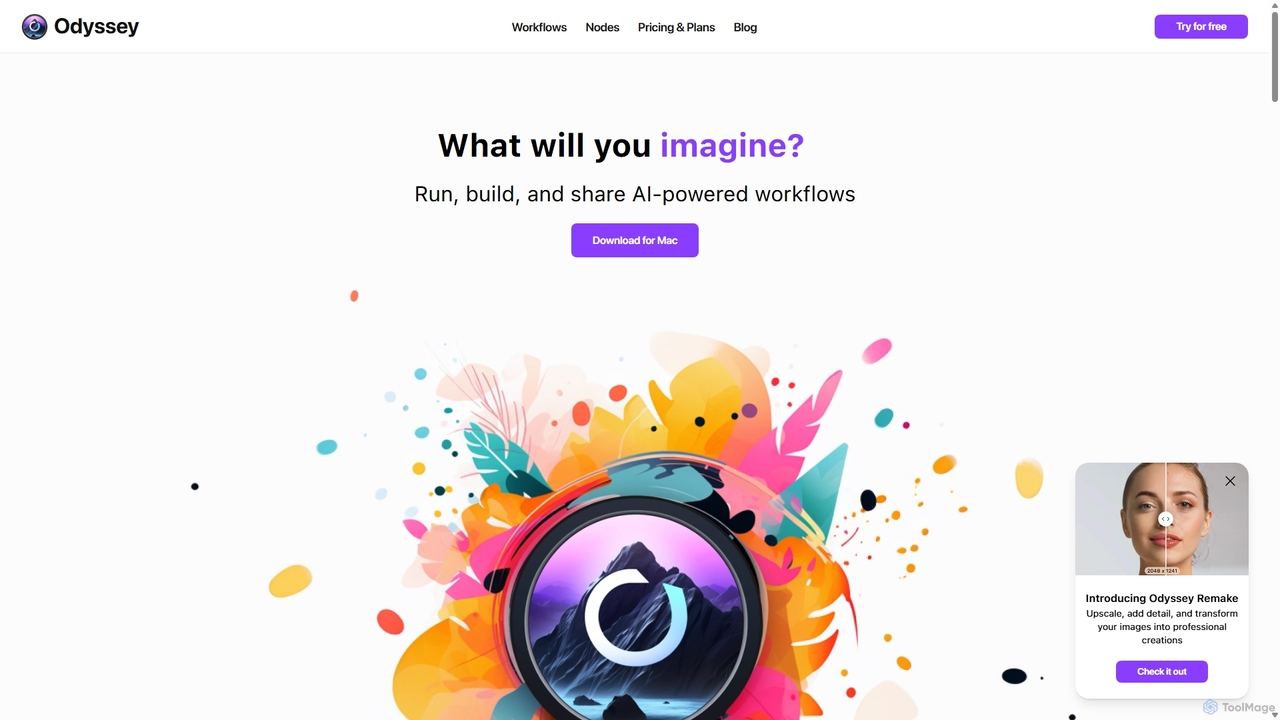
Odyssey
Odyssey is an all-in-one desktop application for macOS that empowers users to build, run, and share complex AI-powered workflows. It combines image generation, text processing, and powerful automation in a visual, node-based editor. With a focus on privacy, it runs major AI models like Stable Diffusion and Llama2 locally on your machine, ensuring your data remains secure. It's a one-time purchase for a lifetime license, designed for creatives, marketers, and developers.
Creative Assistant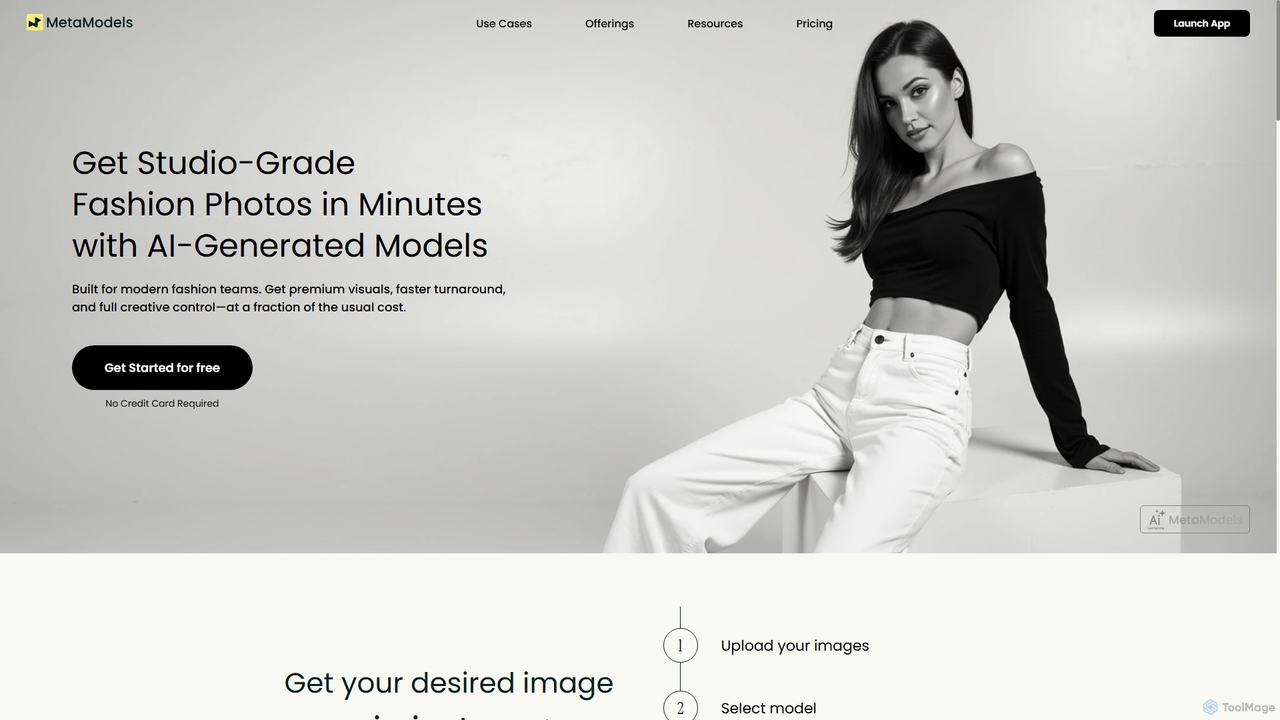
Metamodels
Metamodels is an AI-powered platform for fashion brands to create studio-quality product photos without traditional photoshoots. By uploading garment images, users can generate high-resolution visuals featuring a diverse range of over 1000 AI-generated models. This streamlines content production, significantly reduces costs, accelerates time-to-market, and enhances creative control, making it ideal for modern e-commerce and marketing teams.
Product Photos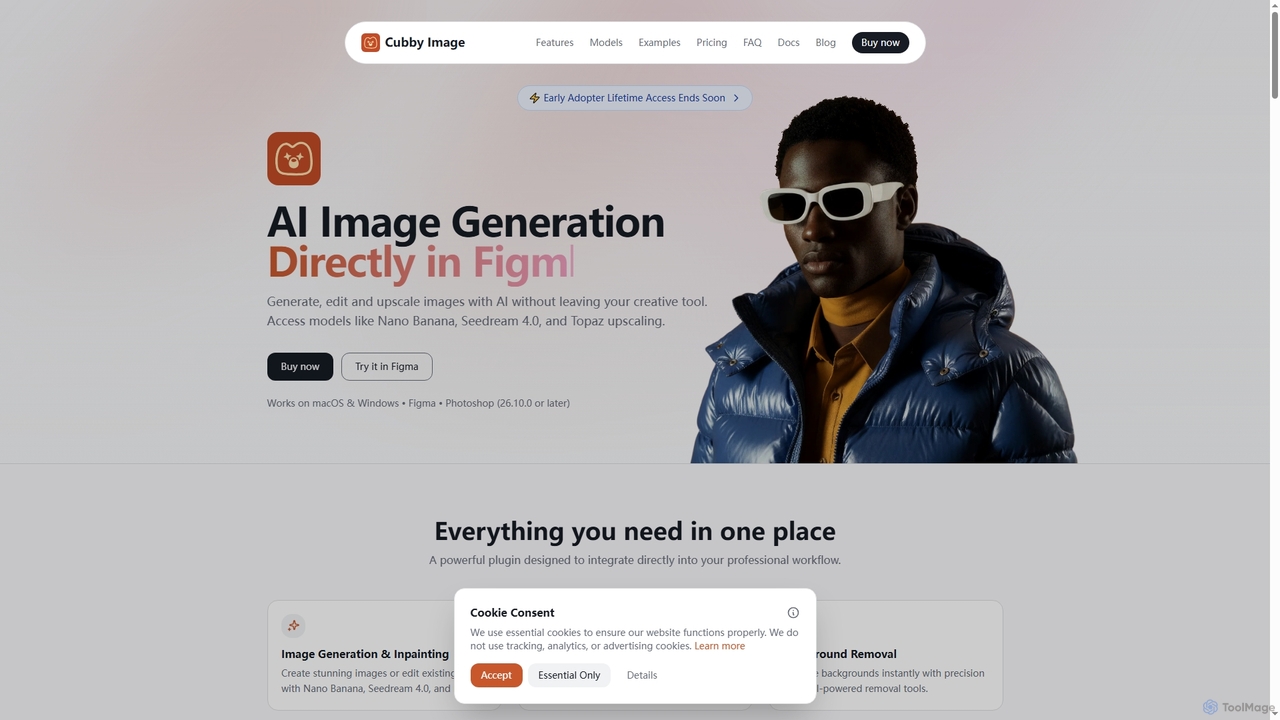
Cubby Image
Cubby Image is an AI image generation plugin that integrates directly into Adobe Photoshop and Figma. It enables users to generate, edit, upscale, and remove backgrounds from images using state-of-the-art AI models like Nano Banana and Seedream 4.0, all within their familiar creative workflow. Users connect their own API keys for full control over costs and privacy.
Plugins
DreamUp
DreamUp is a powerful AI art generator that transforms your text descriptions into stunning, high-quality images and artwork. Leveraging advanced generative models, it allows creators, marketers, and designers to produce unique visuals, concept art, and marketing materials in seconds.
Generative Art
Createy Comments (0)
Sign in to comment.
Sign inNo comments yet.