

OverScene Overview
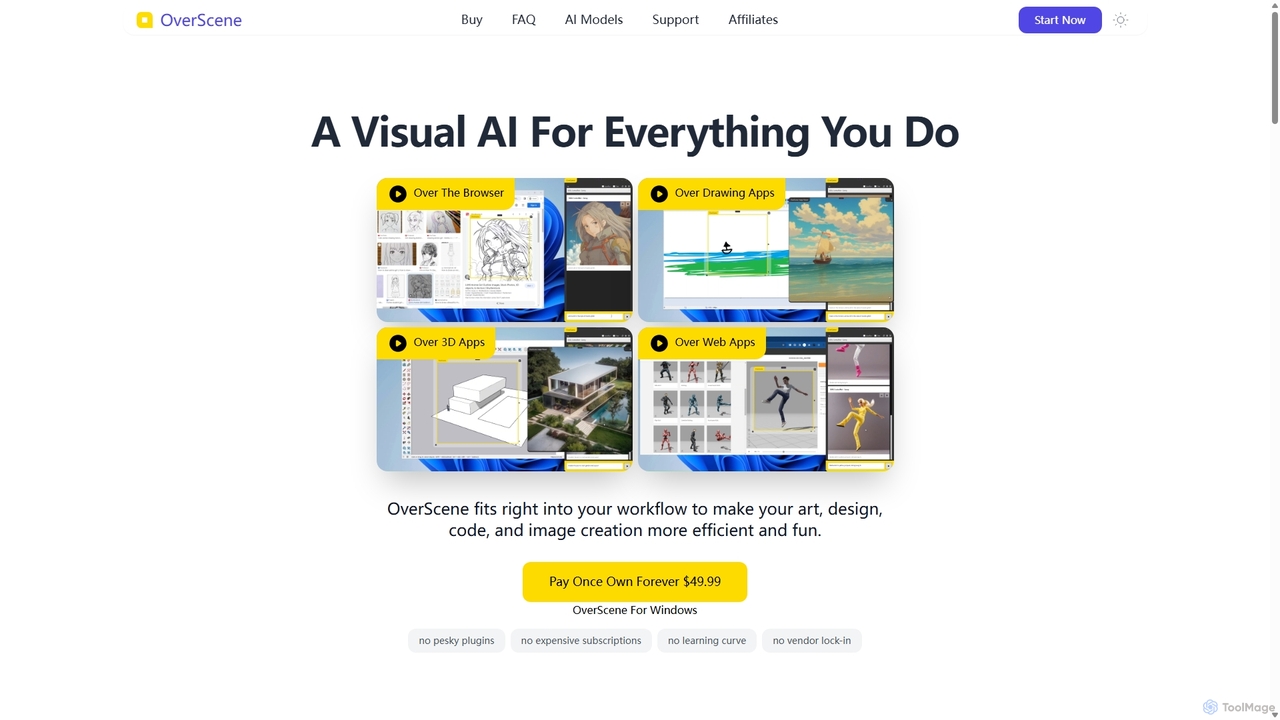
OverScene introduces a paradigm shift in creative and productive workflows by functioning as a universal AI copilot for your desktop. It's a lightweight Windows application that overlays a powerful AI interface on top of any software you use, from Adobe Photoshop and Blender to your web browser or code editor. This eliminates the need for cumbersome plugins, expensive subscriptions, or switching between applications. OverScene empowers you to integrate state-of-the-art AI capabilities seamlessly into your daily tasks, enhancing efficiency and unlocking new creative possibilities.
How to use OverScene
The genius of OverScene lies in its simplicity. The workflow is designed to be intuitive and non-disruptive:
- Launch OverScene: After a simple one-click installation, the application runs in the background.
- Drag the AI Looking Glass: A floating, resizable frame appears on your screen. You simply drag this frame and position it over any content you wish to transform—a pencil sketch in Krita, a 3D model in ZBrush, a UI wireframe in Figma, or a block of text on a website.
- Choose an AI Action: With the content selected, you choose from a list of pre-configured or custom AI presets. This could be 'transform sketch into a masterpiece', 'convert screenshot to code', or 'generate realistic texture'.
- Generate and Create: With a single click, OverScene sends the visual information within the frame to a connected AI model (like those from OpenAI or Replicate.com) and returns the generated output, which can then be saved or used as a reference in your project.
Core Features of OverScene
- Universal Application Compatibility: Works as an overlay on virtually any Windows application, including design suites (Adobe, Affinity), 3D modeling software (Blender, Maya, ZBrush), and web apps, without requiring any plugins or direct integration.
- Intuitive Drag-and-Drop Interface: The 'AI Looking Glass' frame makes it incredibly easy to select any portion of your screen as input for AI generation.
- Multi-Modal AI Capabilities: Access a vast array of AI models for tasks such as text-to-image, image-to-image, depth-to-image, pose-to-image, text summarization, code generation from screenshots, and 3D render enhancement.
- Connect Your Own AI: The Pro version allows users to integrate their own API keys from platforms like OpenAI and Replicate.com, or even add custom APIs, offering unlimited flexibility.
- One-Time Purchase: A clear and refreshing pricing model. Pay once and own the software forever, avoiding the fatigue of recurring monthly subscriptions.
- Lightweight and Efficient: Optimized to be light on system resources, ensuring your primary applications continue to run smoothly without performance degradation.
- Customizable AI Presets: Save and edit your own AI prompts and settings for repeatable workflows, streamlining your creative process.
Use Cases for OverScene
OverScene is a versatile tool for a wide range of professionals:
- Digital Artists & Illustrators: Instantly generate mood boards, test artistic styles on sketches, create variations of characters, or transform simple drawings into fully rendered masterpieces.
- 3D Modelers & Game Developers: Quickly apply realistic textures and materials to 3D models, generate detailed environments, or create concept art directly from viewport screenshots in Blender, Maya, or Unity.
- UI/UX Designers & Web Developers: Accelerate prototyping by converting visual wireframes or mockups from Figma or Adobe XD directly into functional HTML and CSS code.
- Architects & Engineers: Enhance architectural visualizations in SketchUp or Revit by generating realistic lighting, environments, and material finishes.
- Content Creators & Marketers: Generate unique images for blog posts or social media, and summarize long articles or research papers with ease.
Advantages of OverScene
The primary advantage of OverScene is its seamless integration and freedom from ecosystem lock-in. It augments your favorite tools rather than forcing you to learn new ones. The one-time payment model provides exceptional value and predictability. Its simplicity removes the steep learning curve often associated with advanced AI tools, making generative AI accessible to everyone. The ability to use your own API keys in the Pro version gives power users complete control over their usage and costs.
Pricing and Plans
OverScene offers a straightforward, one-time purchase pricing structure:
- Home Edition ($19.99): A single payment for lifetime ownership. Includes functionality for home use, compatibility with any software, 6 AI presets, and the ability to add up to 3 user-editable AIs.
- Pro Edition ($49.99): A single payment for lifetime ownership with expanded features. Includes everything in the Home edition, plus a license for commercial use, 43+ AI presets, unlimited user-editable AIs, local backups, moodboard export to HTML/PDF, and the crucial ability to use your own API tokens from OpenAI, Replicate.com, and custom sources.
OverScene Alternatives
DiffusionHub
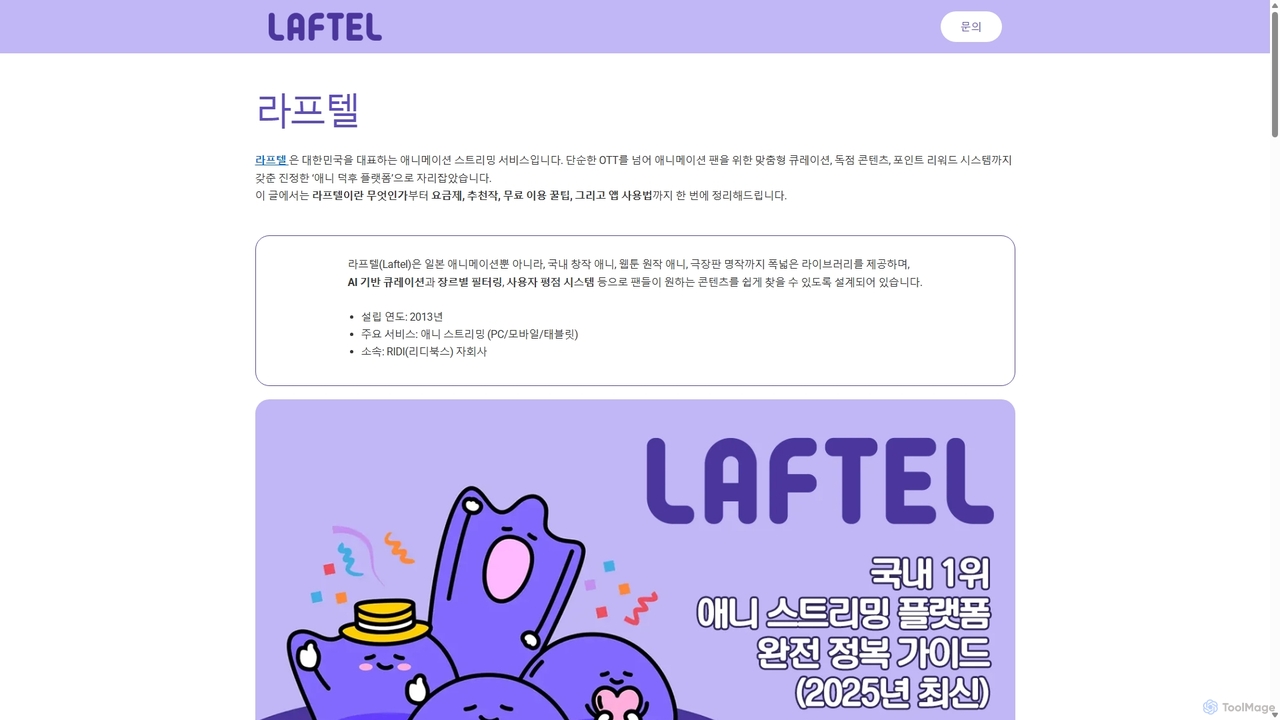
DiffusionHub is a cloud-based platform for AI image generation, providing easy access to a vast library of Stable Diffusion models. It empowers users to create high-quality AI art and images through an intuitive interface, without the need for powerful local hardware. Ideal for artists, designers, and enthusiasts.
Generative Art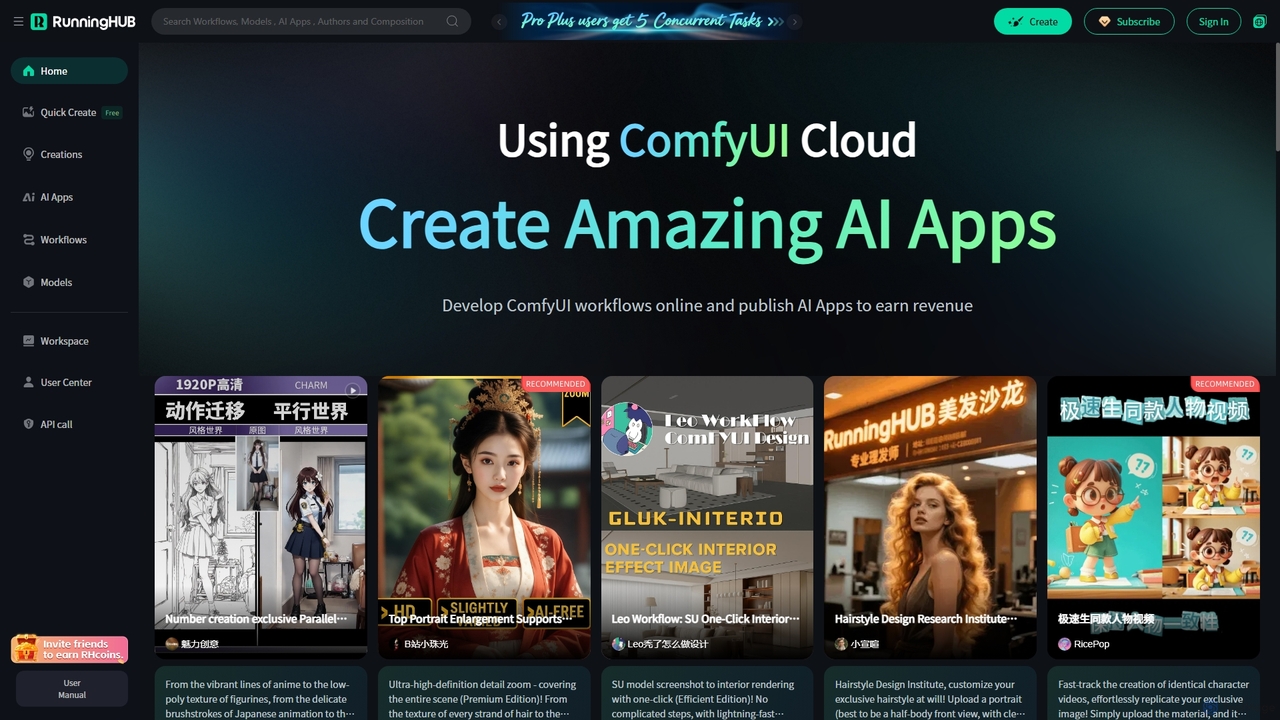
RunningHub
RunningHub is a powerful cloud-based platform for ComfyUI, enabling users to create, run, and share complex AI workflows without needing local hardware. It provides an online workspace with high-performance GPUs, a vast library of pre-installed models and nodes, and the ability to publish workflows as user-friendly AI applications for monetization.
Api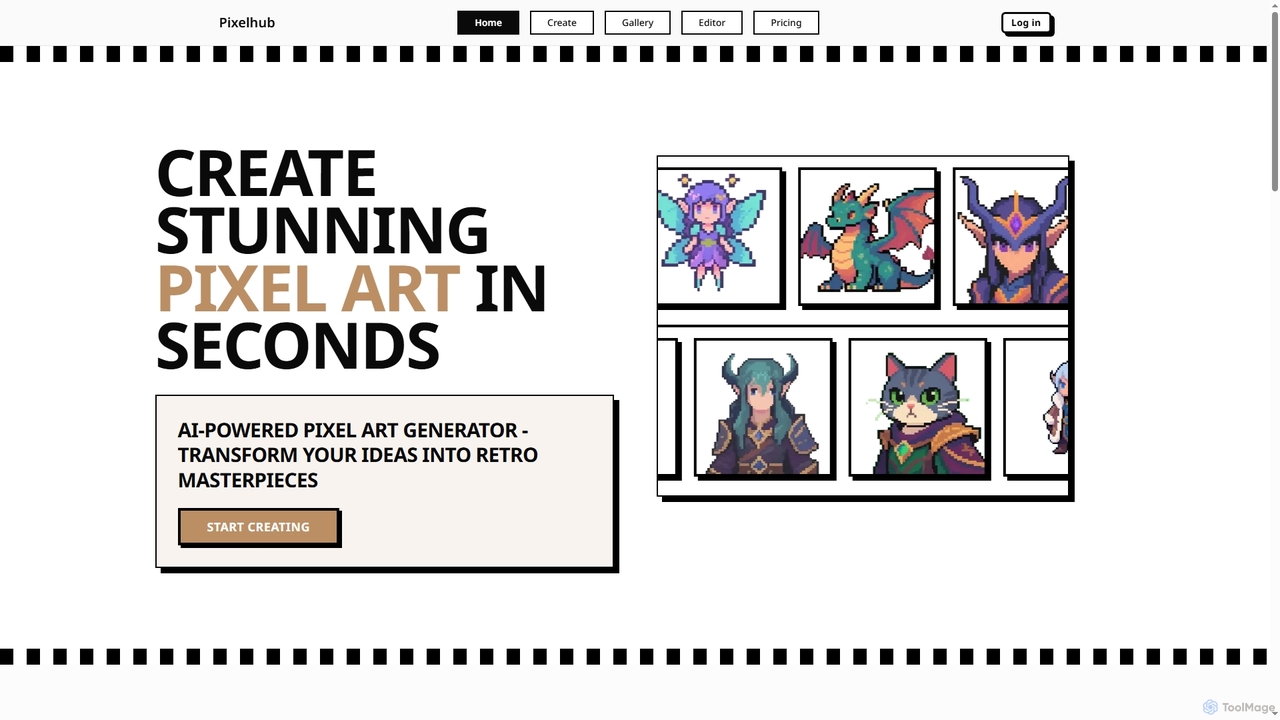
Pixelhub
Pixelhub is an AI-powered pixel art generator that transforms your creative ideas into stunning retro masterpieces. It features an intuitive editor for effortless creation, customization options, and a vibrant community for sharing and discovering unique pixel art.
Pixel Art Generation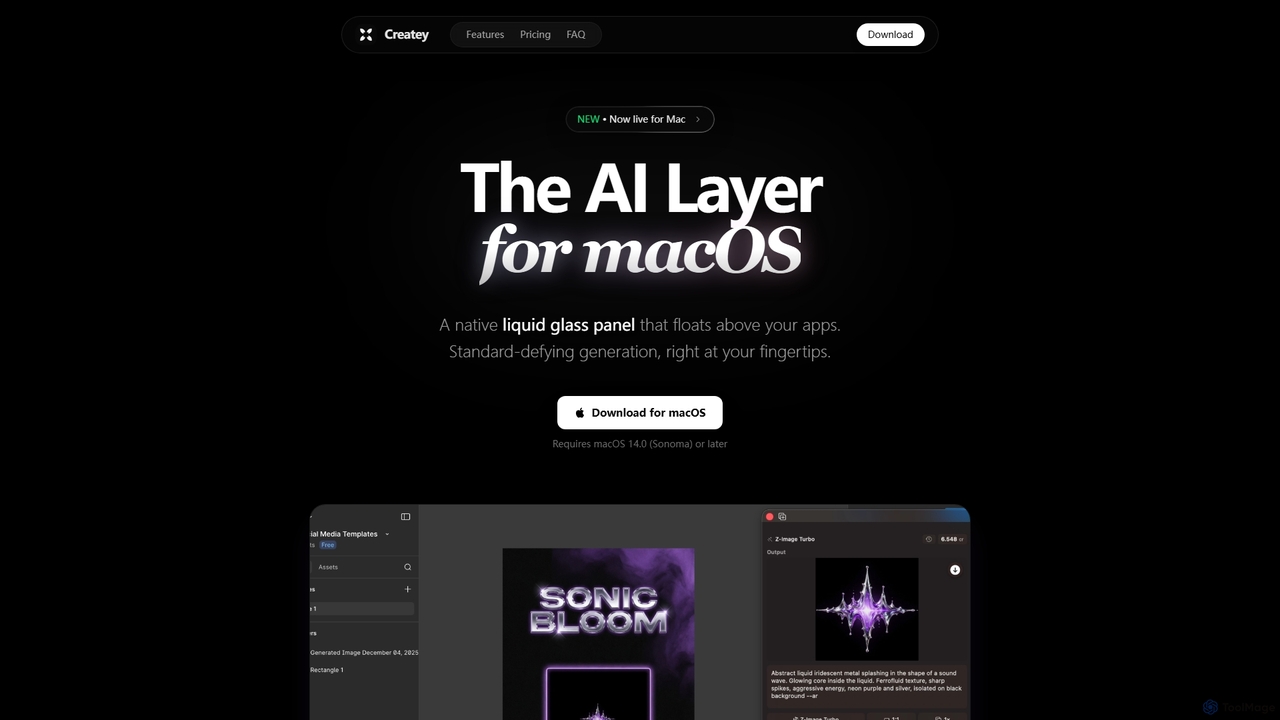
Createy
Createy is an innovative AI layer for macOS, designed to seamlessly generate high-quality visuals and assets directly within your active applications. It streamlines creative workflows for designers, marketers, and e-commerce professionals by offering instant image generation, drag-and-drop functionality, and multi-model AI support.
Interior Design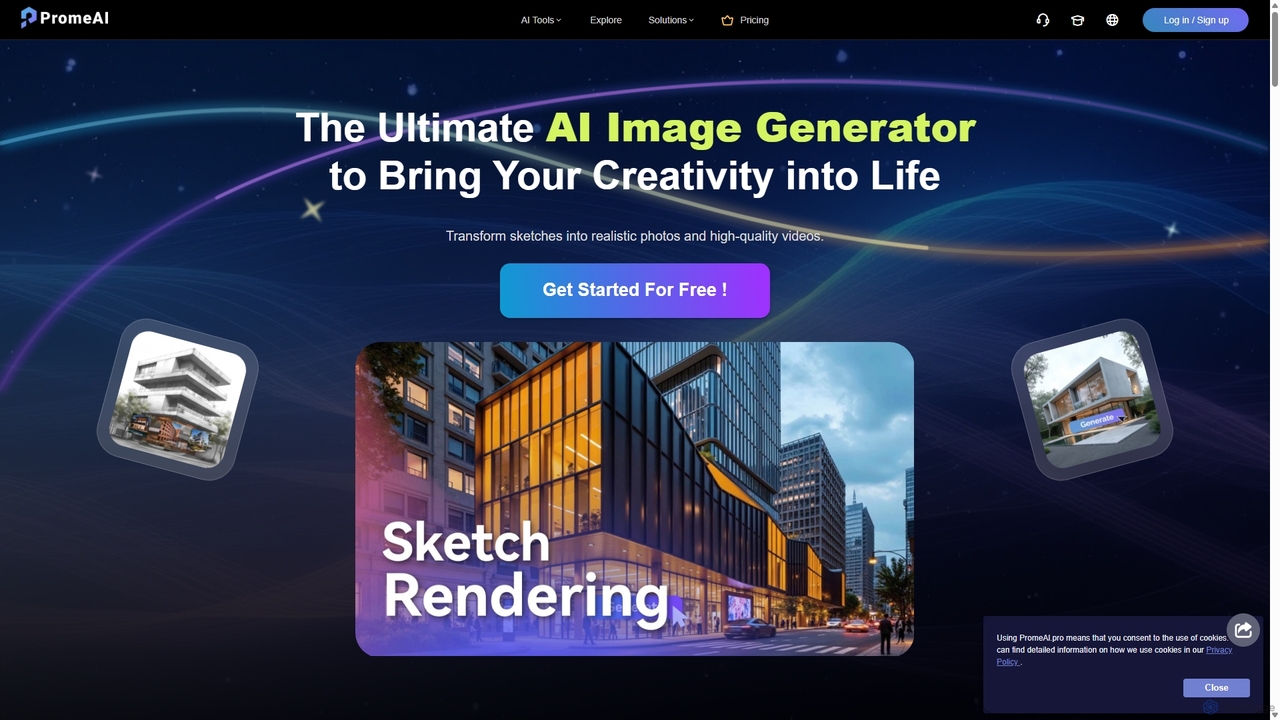
PromeAI
PromeAI is a comprehensive AI-powered design assistant offering a suite of tools for image and video creation. It excels at transforming sketches into photorealistic renderings, generating images from text, and providing advanced editing capabilities. Tailored for professionals in architecture, interior design, product design, and game development, it streamlines creative workflows and enhances productivity.
Image GenerationOverScene Categories
OverScene Jobs
OverScene Embed Widget
Copy this embed code to place the badge on your blog, article, or product site and send readers directly to this ToolMage detail page.

Related AI tools
DiffusionHub
DiffusionHub is a cloud-based platform for AI image generation, providing easy access to a vast library of Stable Diffusion models. It empowers users to create high-quality AI art and images through an intuitive interface, without the need for powerful local hardware. Ideal for artists, designers, and enthusiasts.
Generative Art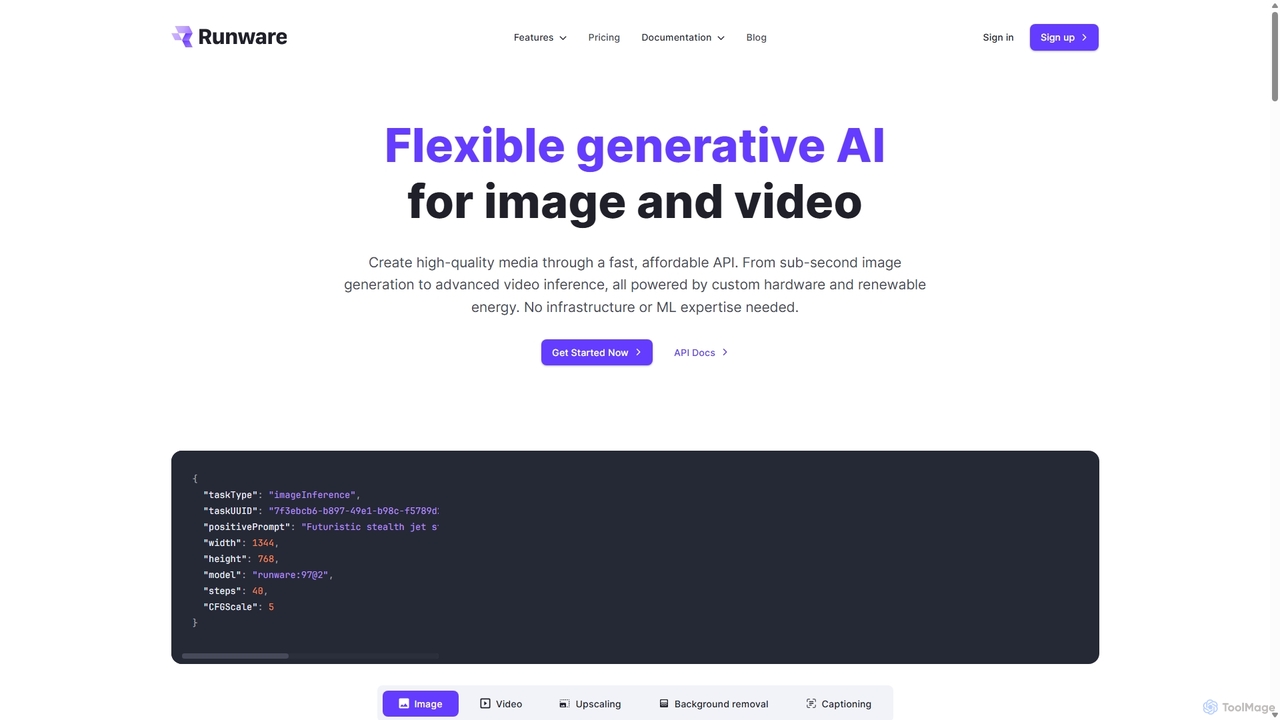
Runware
Runware provides a high-performance, low-cost API for developers to integrate generative AI for image and video creation. Leveraging custom hardware and renewable energy, it offers industry-leading inference speeds for over 300,000 models, including Stable Diffusion, FLUX.1, and Kling. It's a scalable, easy-to-use platform that requires no ML expertise, designed for building next-generation AI-native applications.
Api Platform
FixArt
FixArt is a comprehensive AI-powered creative hub offering free, unrestricted tools for generating stunning videos and images. Transform static photos into dynamic animations, convert text into captivating videos, reimagine existing images, or create visuals from scratch—all without sign-up or content filters, delivering professional-grade results in 4K.
Digital Art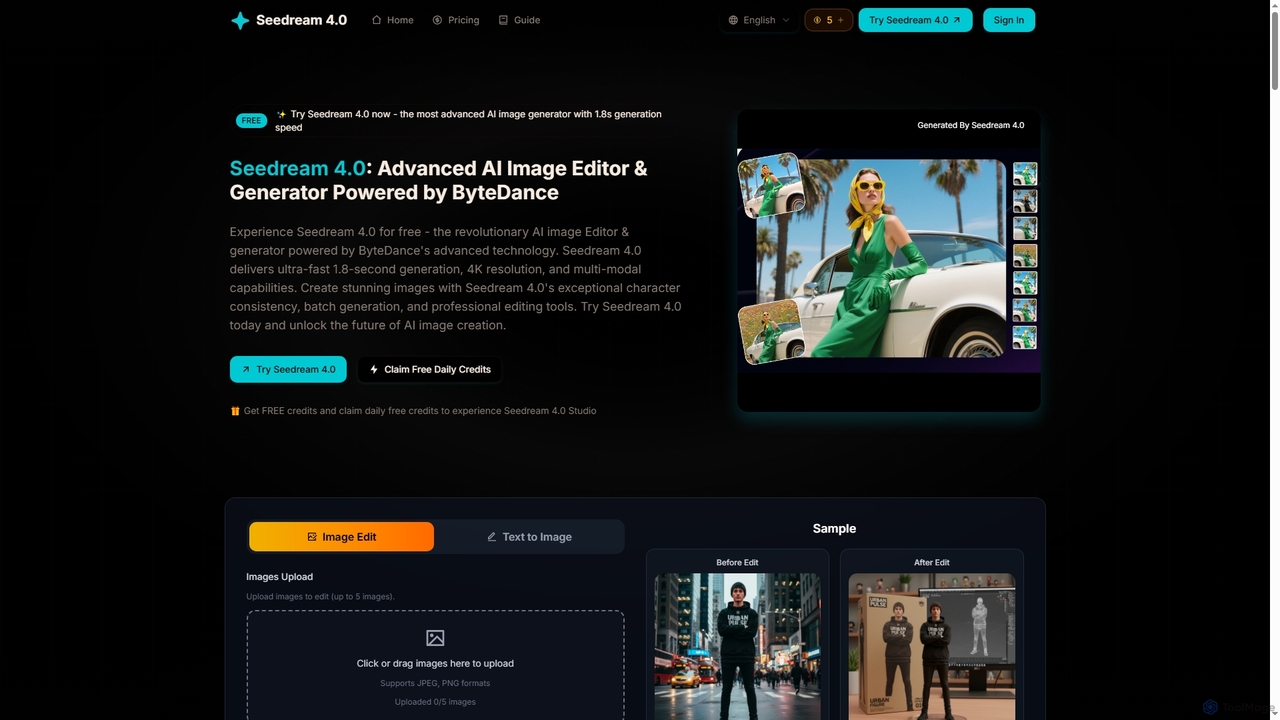
Seedream 4
Seedream 4 is an advanced AI image editor and generator powered by ByteDance's cutting-edge technology. It offers ultra-fast 1.8-second generation, 4K resolution, multi-modal capabilities, and exceptional character consistency for professional creative workflows.
Graphic Design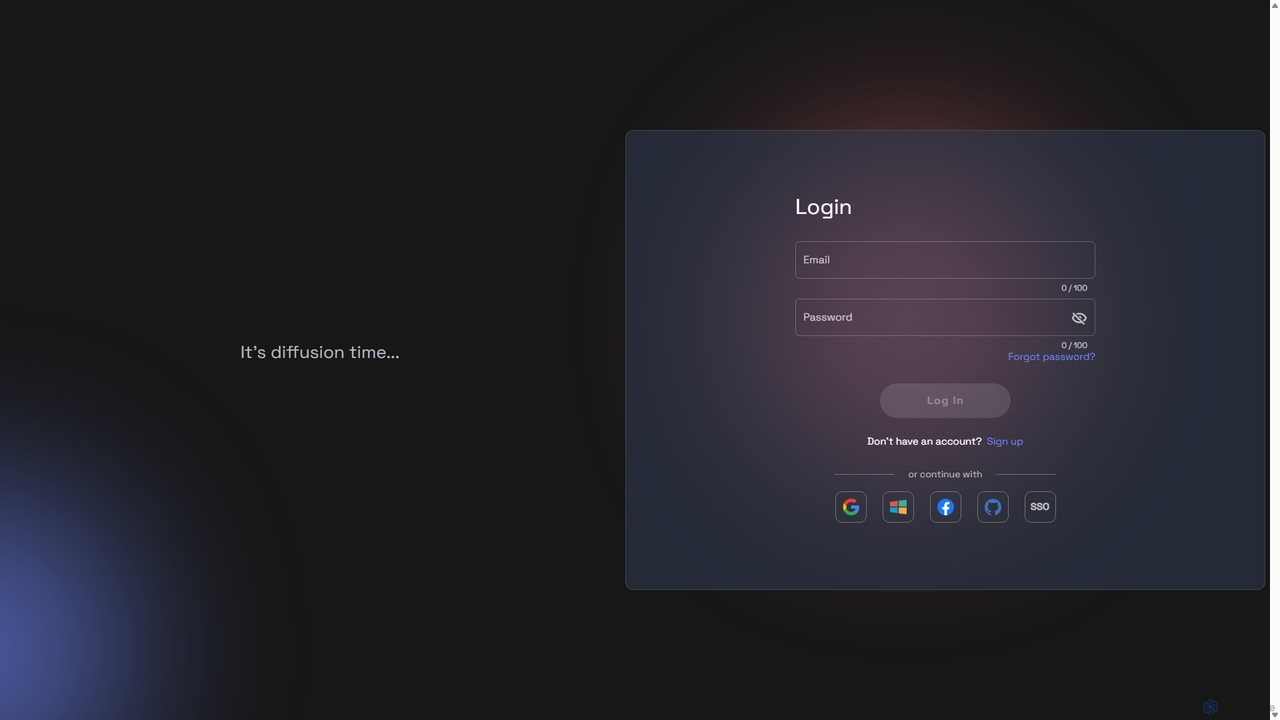
RunDiffusion
RunDiffusion is a cloud-based platform providing instant access to powerful, pre-configured Stable Diffusion environments. Launch private sessions with top-tier GPUs in seconds, without any setup. Ideal for AI artists, designers, and developers who need high-performance image generation, model training, and workflow experimentation on demand.
Ai Art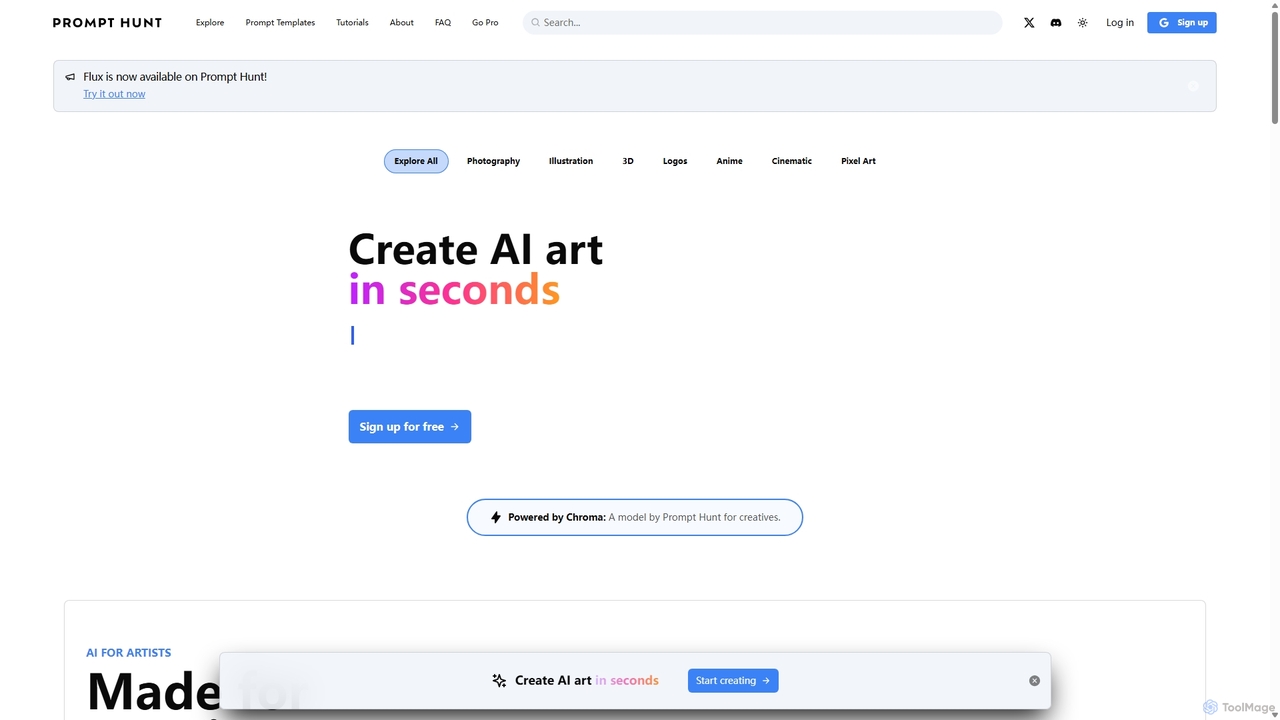
Prompt Hunt
Prompt Hunt is an AI art platform designed for creatives to explore, create, and share high-quality AI-generated images. It features a powerful proprietary model called Chroma, an extensive library of prompt templates, and an intuitive interface, making it easy for both beginners and experts to produce stunning visuals.
Illustration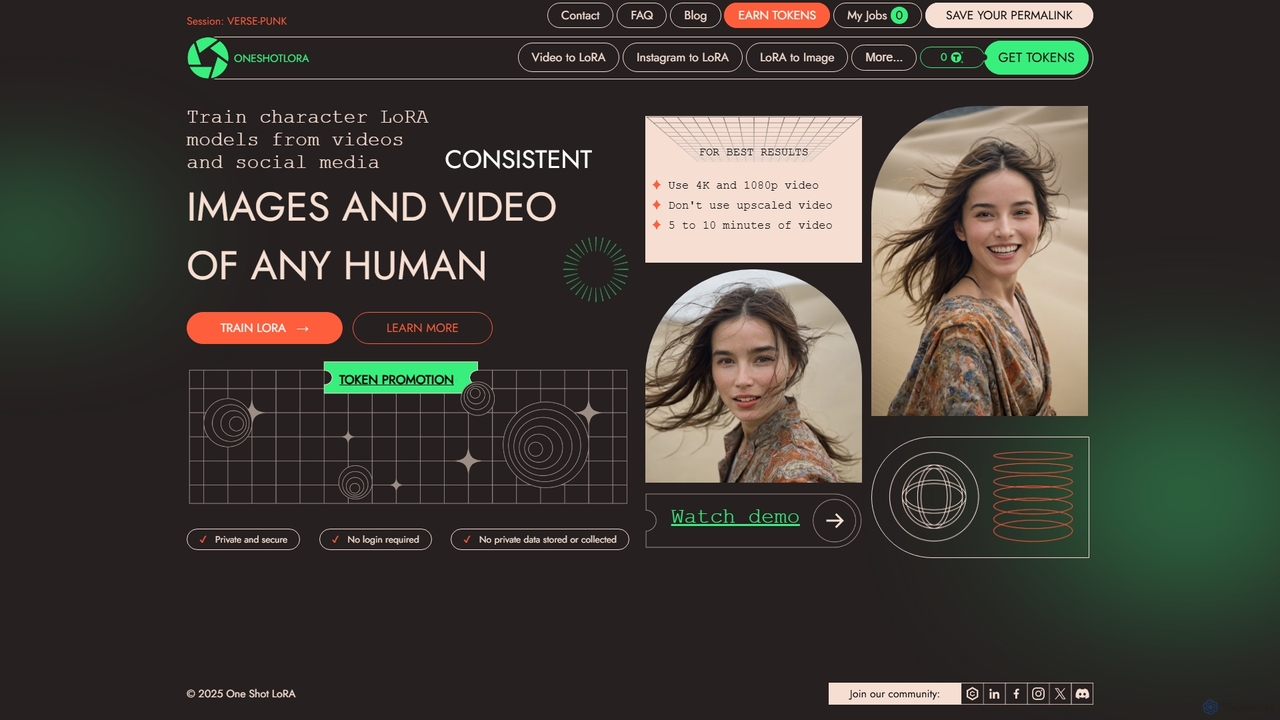
OneShotLoRA
OneShotLoRA is an AI tool that trains custom LoRA models from videos and social media profiles like Instagram. It enables users to generate consistent images and videos of any person or character without requiring a login. The platform is private, secure, and focuses on ease of use, converting 5-10 minute videos into high-quality, reusable AI models for creative projects.
Ai Art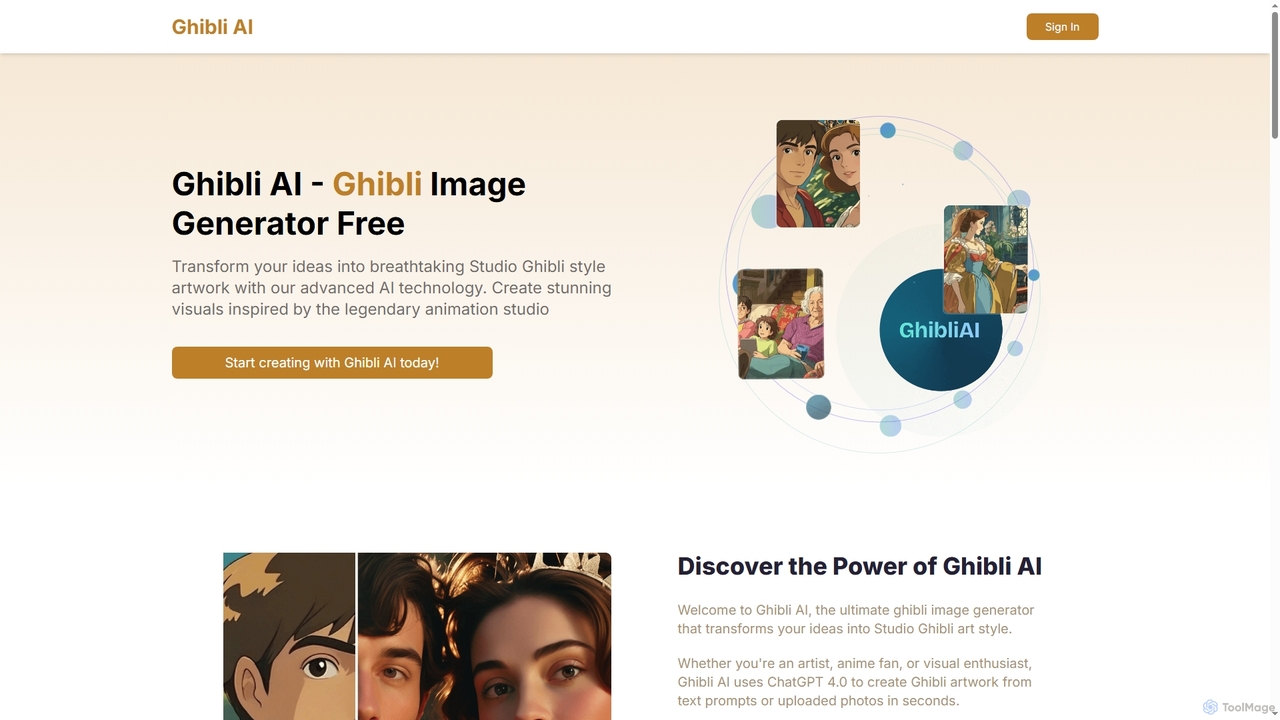
Ghibli AI
Ghibli AI is an advanced image generator that transforms your text prompts or uploaded photos into stunning Studio Ghibli-style artworks. Leveraging ChatGPT 4.0, it allows artists, fans, and professionals to effortlessly create enchanting visuals inspired by legendary animation, simplifying the process of crafting anime-style masterpieces in seconds.
Style Transfer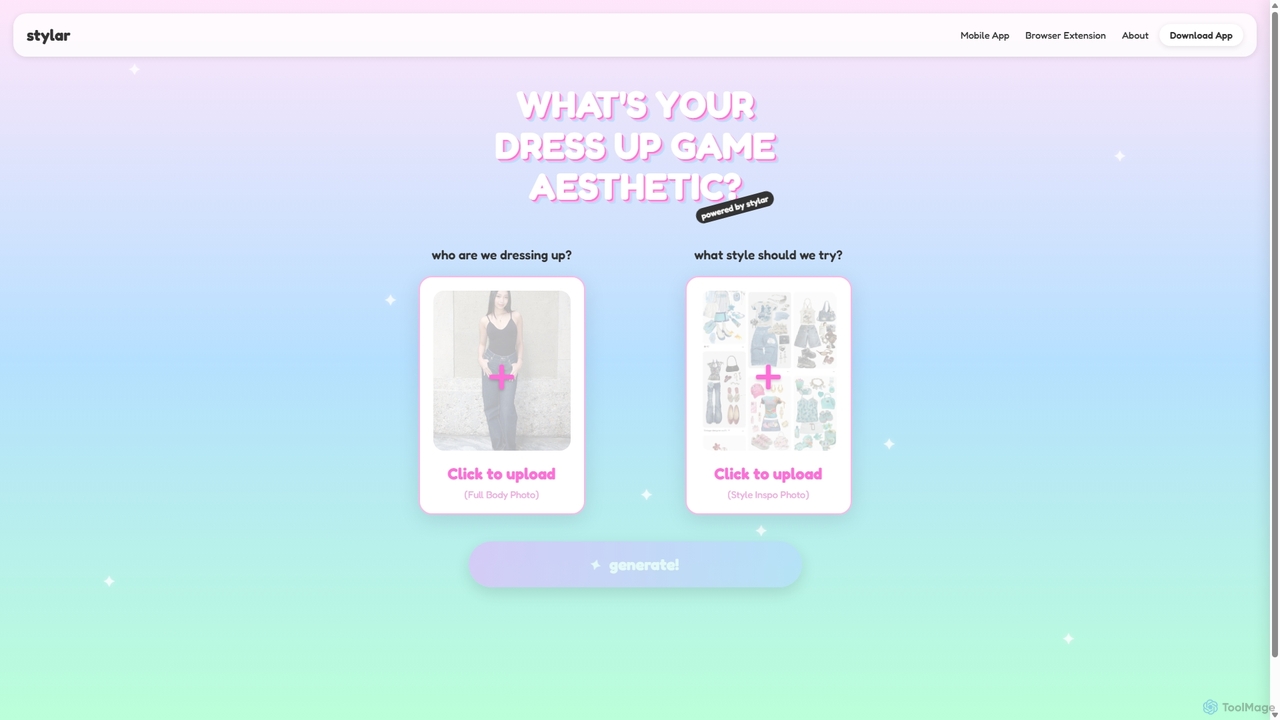
Stylar
Stylar is an all-in-one AI creative suite for artists and designers, offering precise control over image generation. It combines text-to-image, image-to-image, and composition tools with a user-friendly layer-based interface. Ideal for fashion design, character creation, and concept art, Stylar empowers users to bring their exact creative vision to life with unparalleled control and flexibility across web, mobile, and browser extension platforms.
Generative Art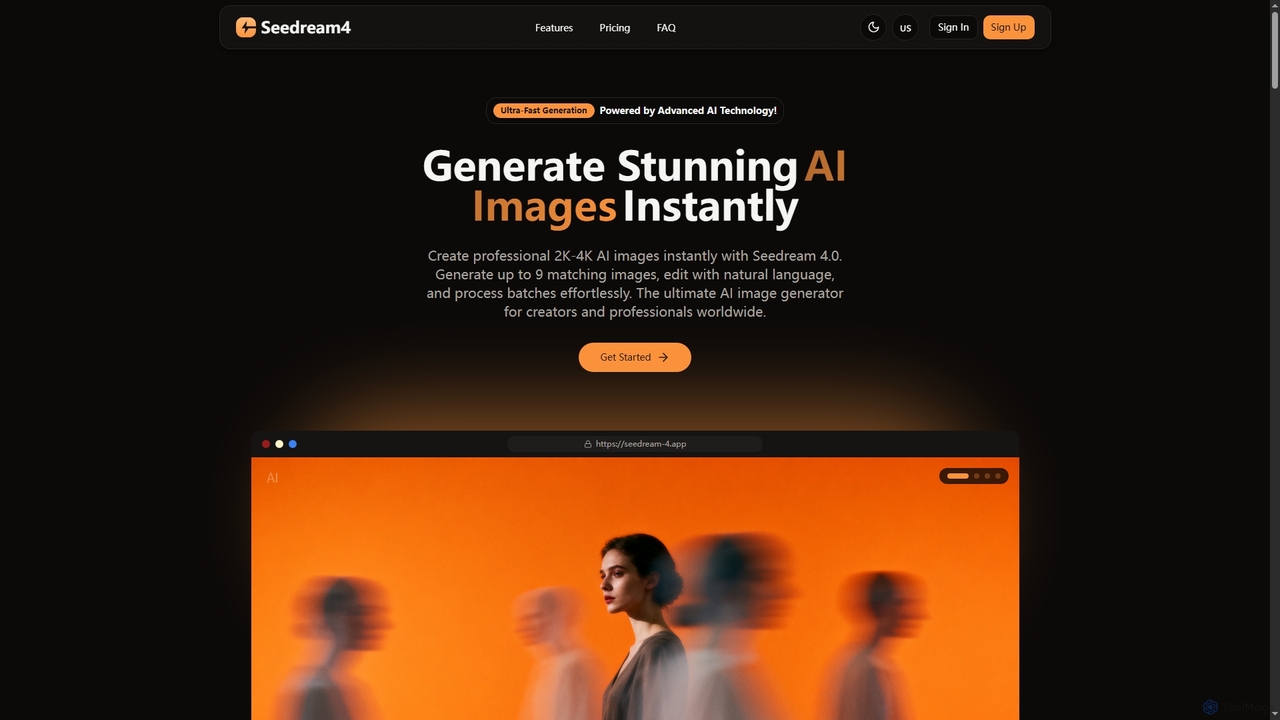
Seedream 4
Seedream 4 is a professional AI image generator and editor developed by ByteDance, capable of producing ultra-fast, highly realistic, and detailed images up to 4K resolution. It offers advanced features like text-to-image, image-to-image, creative upscaling, and multi-image generation, making it a powerful tool for digital artists and content creators.
Digital Art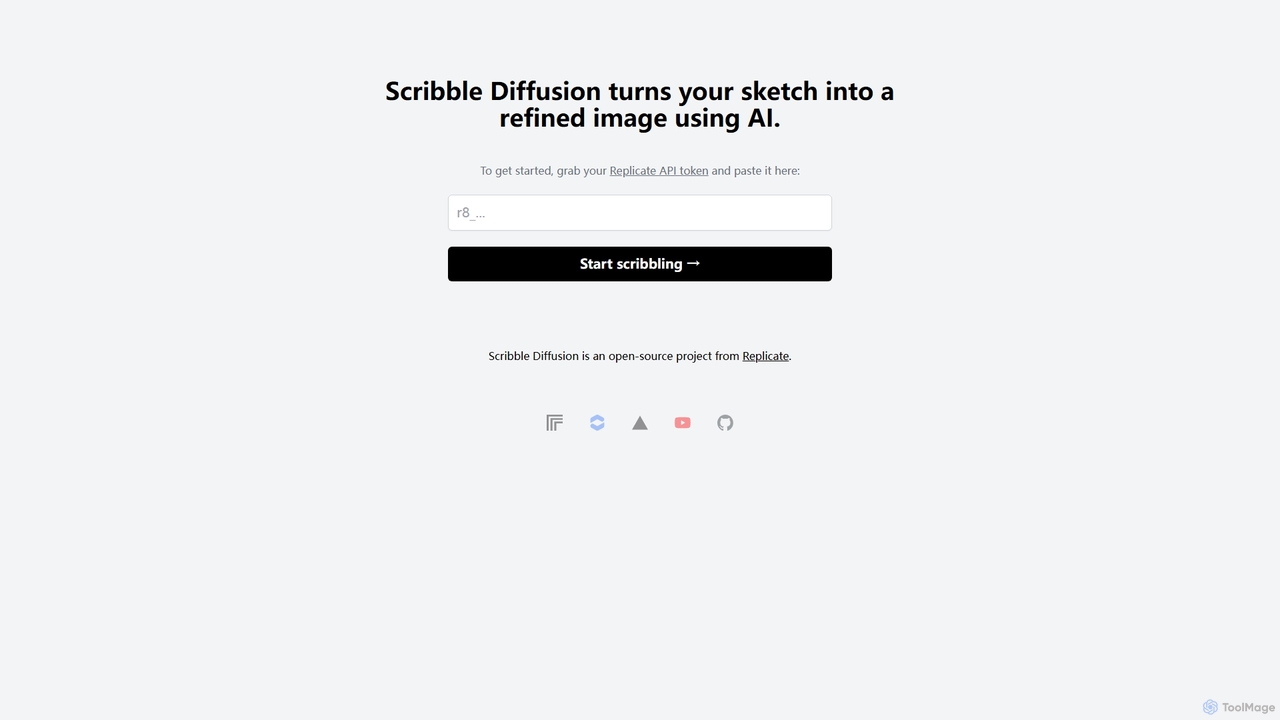
Scribble Diffusion
Scribble Diffusion is a powerful AI tool that transforms your simple sketches and doodles into detailed, high-quality images. Just draw a rough outline, provide a text prompt, and watch as the AI brings your vision to life with stunning artistic detail. It's an open-source project, making it accessible for both creative exploration and developer integration via API.
Creative Tools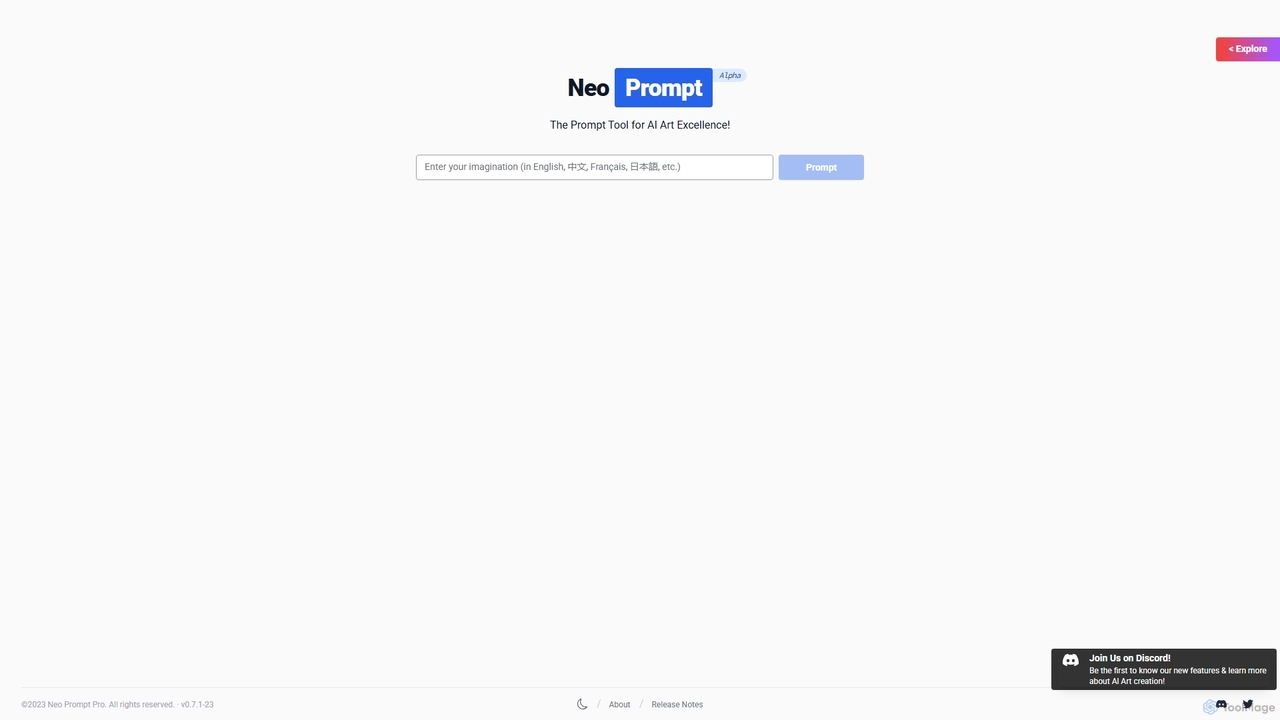
NeoPrompt Pro
NeoPrompt Pro is an intelligent prompt generation tool designed to elevate AI art creation. It simplifies writing effective prompts for platforms like Midjourney and Stable Diffusion. By offering a comprehensive framework, a vast library of creative keywords, and insightful explanations, it empowers both beginners and experts to save time and generate stunning, unique visual masterpieces with ease.
Digital Art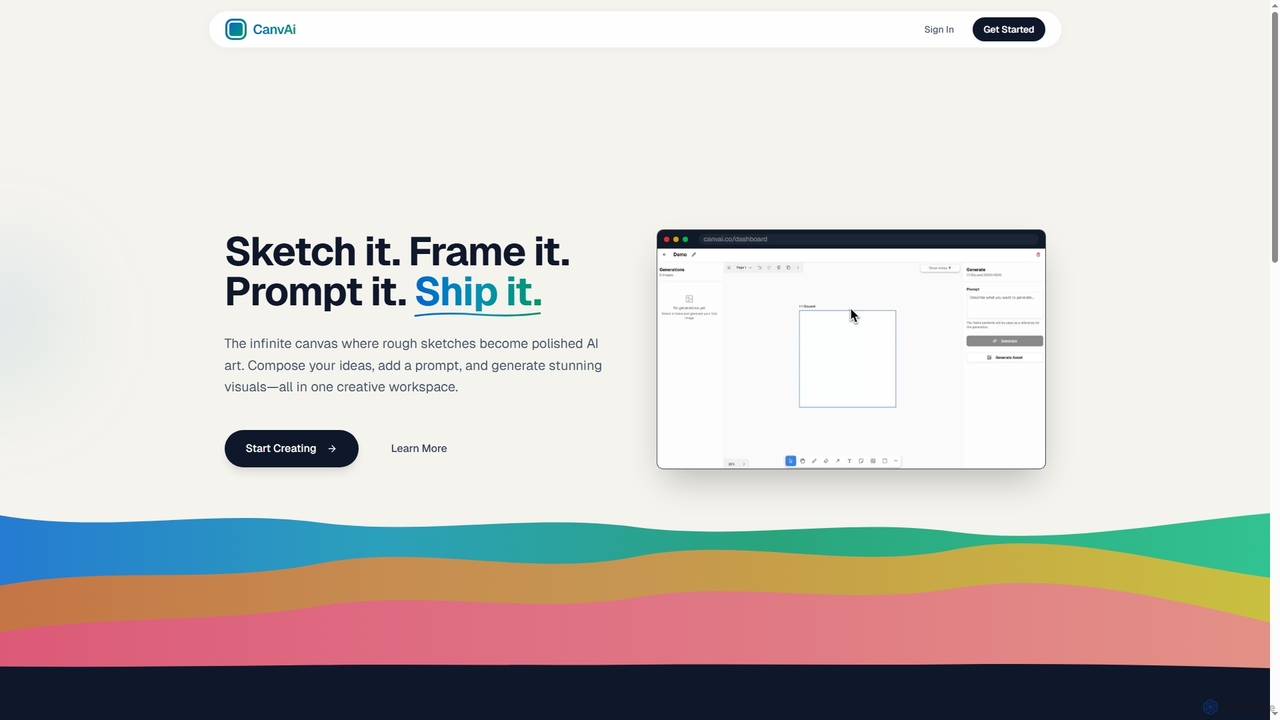
CanvAi
CanvAi is an innovative AI art generator that transforms rough sketches and compositions into polished, high-quality images. It offers an infinite digital canvas, powerful generative AI models, and various artistic styles, streamlining the creative process for artists and designers.
Image Generation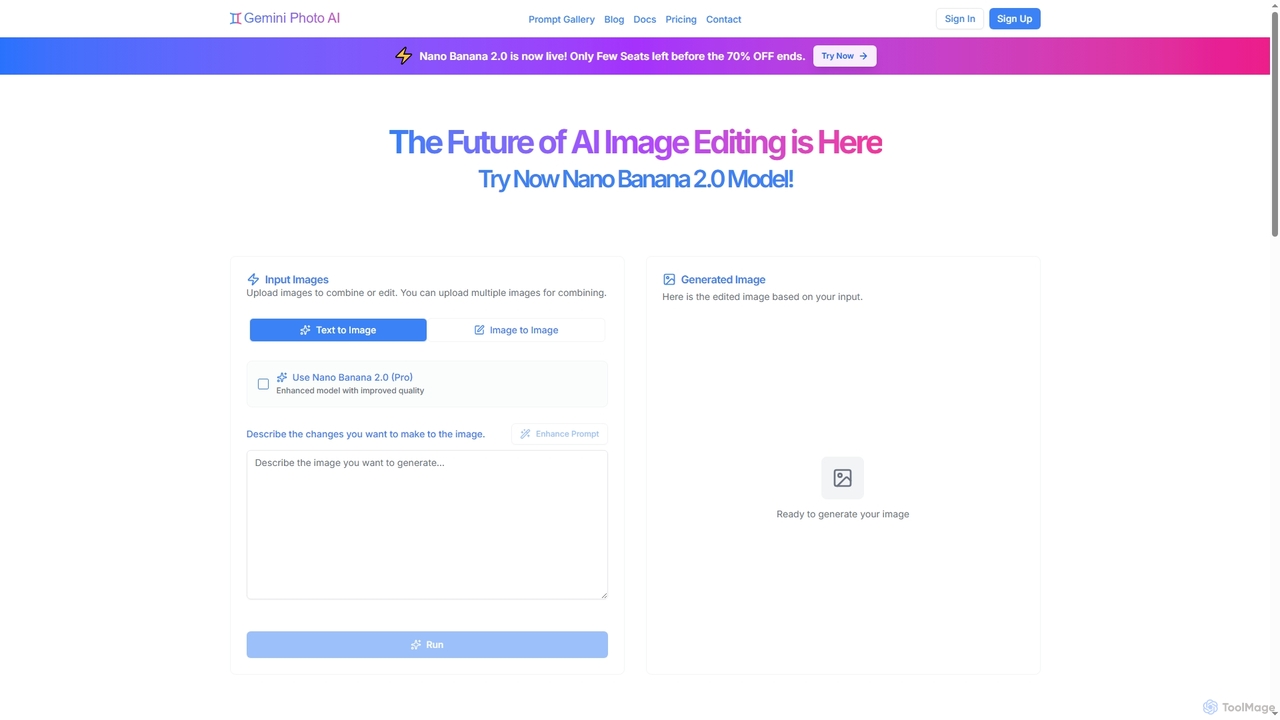
Gemini Photo
Gemini Photo is an advanced AI-powered image editing and generation tool that leverages the Nano Banana 2.0 model. It allows users to transform photos and create new images using natural language prompts, offering features like background removal, style transformations, and professional product photography, all designed for stunning and accurate visual results.
Digital Art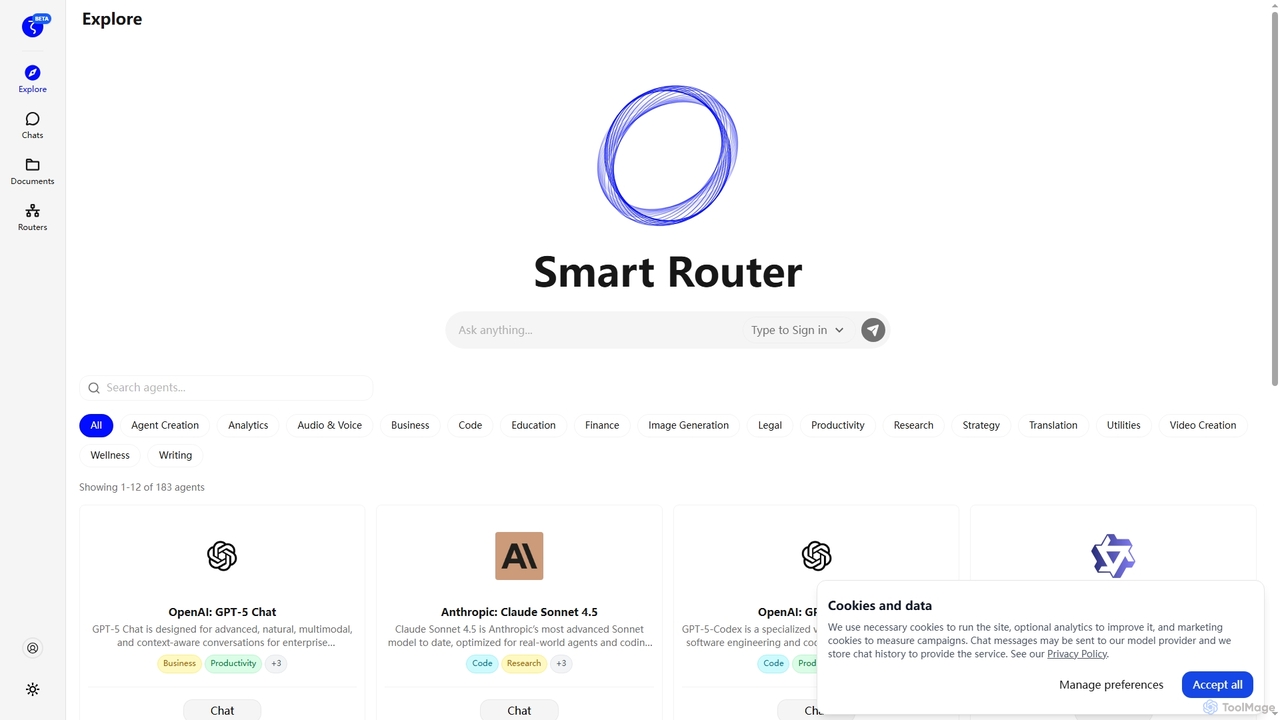
Zuvu
Zuvu is a next-generation AI agents platform that acts as a Smart Router, providing access to a diverse range of advanced AI models like OpenAI GPT-5, Anthropic Claude, and Google Gemini for complex, agentic workflows across various domains.
Automation
OverScene Comments (0)
Sign in to comment.
Sign inNo comments yet.