ToolMage
Sign in

Best 4 Platform As A Service AI tools for Infrastructure

Popular Platform As A Service AI tools in Infrastructure include Supabase, Replicate, Forefront, and Substrate, helping you work more efficiently.

Replicate
Paid

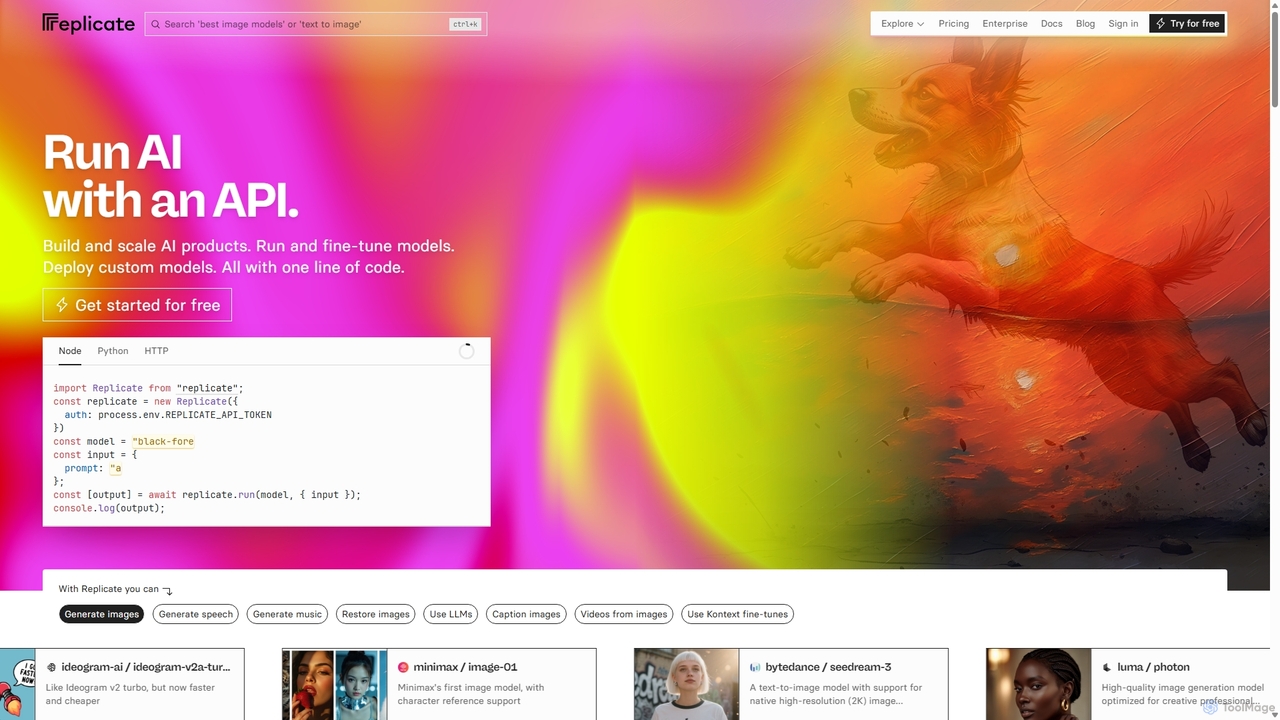
Replicate

Replicate is a cloud platform for developers to run, fine-tune, and deploy AI models via a simple API. It eliminates the need for managing complex infrastructure, offering access to thousands of models with pay-per-use pricing and automatic scaling.

Machine Learning
Visits 1.3MFavorites 114Likes 100
Substrate
Freemium

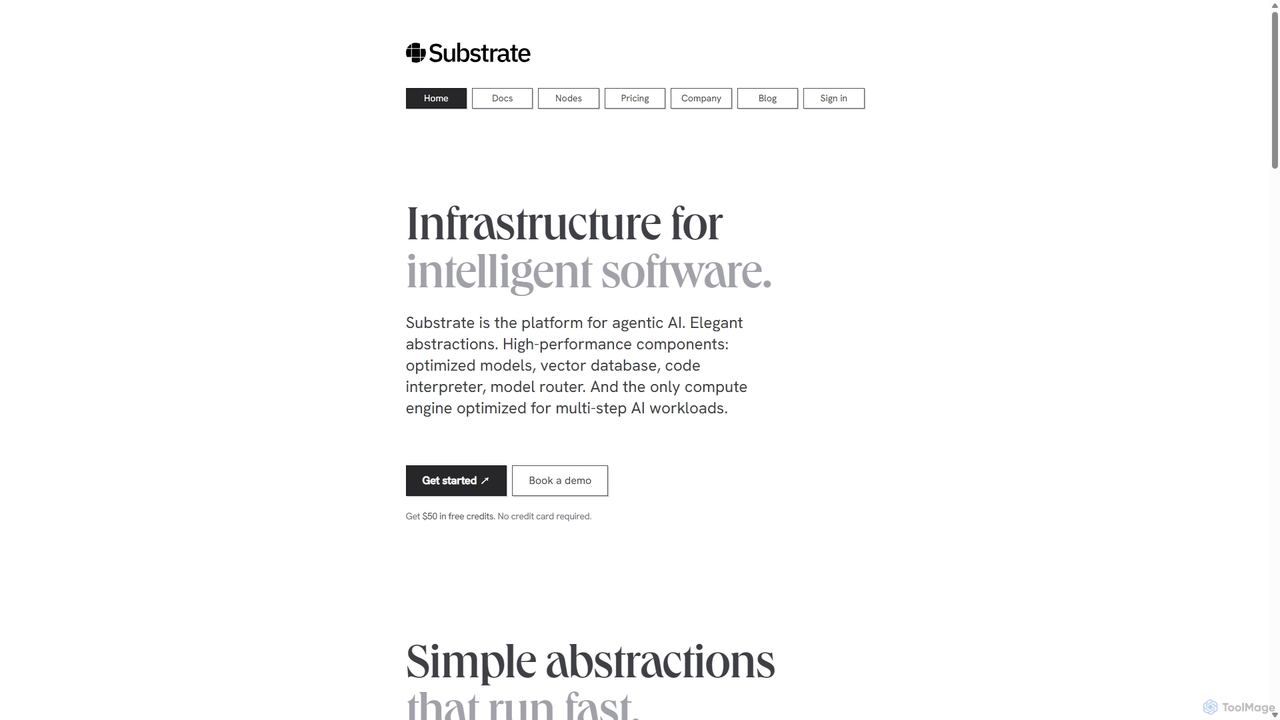
Substrate

Substrate is a developer platform for building high-performance, agentic AI applications. It provides elegant SDKs, a comprehensive library of optimized models, and a unique compute engine that orchestrates complex, multi-step AI workflows for maximum speed and efficiency.

Api & Sdk
Visits 8.2KFavorites 130Likes 118
Forefront
Freemium

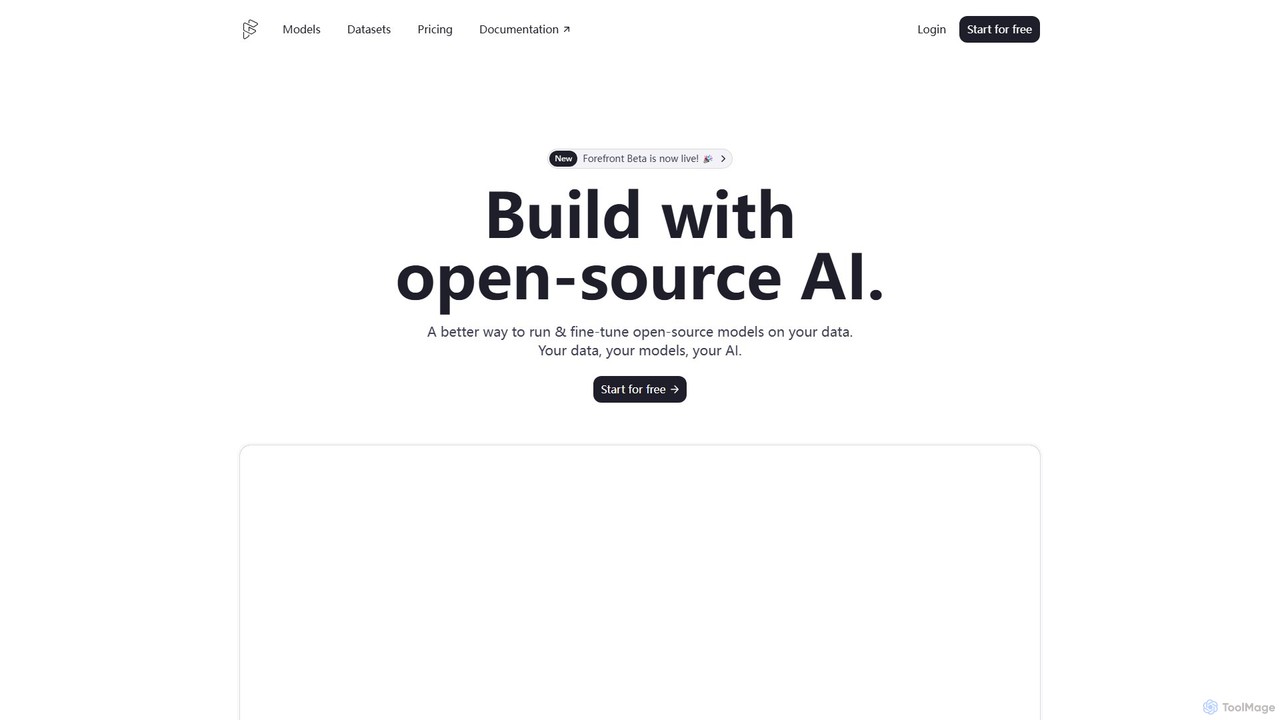
Forefront

Forefront is a developer platform for building with open-source AI. It simplifies running, fine-tuning, and deploying large language models (LLMs) on your private data, providing a scalable, secure, and cost-effective alternative to closed-source platforms. Own your data, your models, and your AI.

Large Language Models
Visits 49KFavorites 152Likes 143
Supabase
Freemium

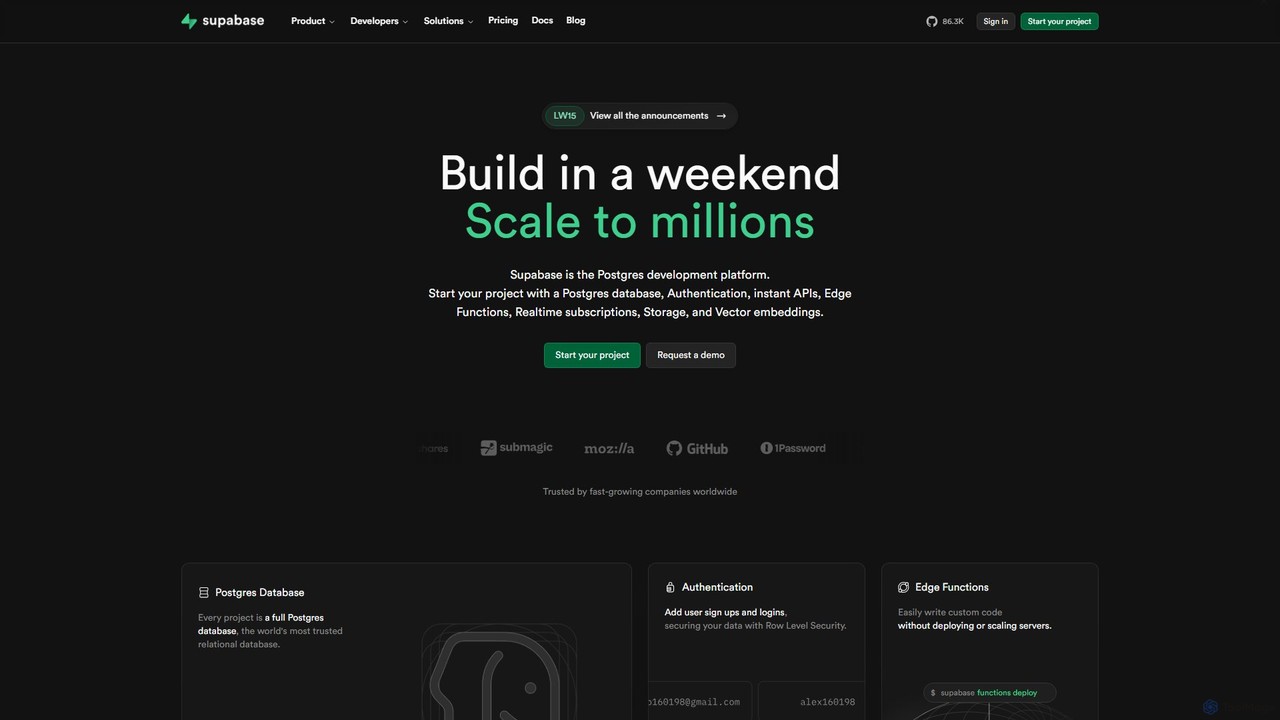
Supabase

Supabase is an open-source Firebase alternative, providing a complete backend solution built on Postgres. It offers a suite of tools including a database, authentication, instant APIs, edge functions, real-time subscriptions, storage, and vector embeddings to accelerate application development from prototype to production.

Backend
Visits 29.3MFavorites 141Likes 148

About Platform As A Service

Platform as a Service (PaaS) is a cloud computing model that provides a complete environment for developing, testing, delivering, and managing software applications. These platforms abstract away the underlying infrastructure, allowing developers to focus solely on writing code and managing their applications. By offering pre-configured components like operating systems, databases, and development tools, PaaS significantly accelerates the application lifecycle. This approach combines the control of custom development with the convenience of a managed service.

Core Features

  • Managed Infrastructure: The provider manages servers, storage, networking, and virtualization, freeing users from infrastructure maintenance.
  • Development Frameworks: Offers built-in support for various programming languages, frameworks, and tools to streamline the development process.
  • Application Lifecycle Management: Includes integrated tools for building, testing, deploying, scaling, and updating applications within a unified environment.
  • Integrated Services: Provides easy access to databases, messaging queues, AI/ML services, and other essential application components.

Use Cases

PaaS is widely used by development teams for building web and mobile applications, creating and managing APIs, and running analytics or business intelligence applications. It is particularly beneficial for organizations adopting Agile and DevOps methodologies, as it facilitates rapid iteration and continuous deployment cycles without the burden of infrastructure management.

How to Choose

When selecting a PaaS solution, consider the supported programming languages and frameworks to ensure compatibility with your tech stack. Evaluate the platform's scalability options and pricing model to match your expected growth and budget. Also, assess the ecosystem of integrated services and the ease of integration with third-party tools, such as CI/CD pipelines and monitoring systems.

Platform As A Service use cases

1

Rapid Web Application Prototyping

A startup team needs to build and launch a Minimum Viable Product (MVP) quickly to test a market hypothesis. Instead of spending weeks setting up servers, databases, and deployment pipelines, they use a PaaS. The platform provides a ready-to-use environment with their preferred programming language (e.g., Python with Django). Developers can push code directly from their Git repository, and the PaaS handles the build, deployment, and scaling automatically. This allows the team to go from idea to a live prototype in days, not months, focusing their limited resources on feature development and user feedback.

2

Developing and Managing Scalable APIs

An enterprise company wants to expose its internal data and services through a set of secure and scalable APIs for partners and mobile applications. Using a PaaS, their development team can build these APIs without managing the underlying gateway infrastructure. The platform offers built-in features for API key management, rate limiting, authentication, and monitoring. As API traffic grows, the PaaS automatically scales the resources to handle the load, ensuring high availability and consistent performance without manual intervention from the DevOps team.

3

Streamlining DevOps with CI/CD Pipelines

A DevOps team aims to automate their software delivery process from code commit to production deployment. They leverage a PaaS that integrates seamlessly with their source control system (like GitHub) and testing frameworks. When a developer commits new code, it automatically triggers a build process on the PaaS. The platform then runs automated tests in a staging environment. If all tests pass, the new version is deployed to production with zero downtime. This CI/CD (Continuous Integration/Continuous Deployment) workflow, managed by the PaaS, reduces manual errors and accelerates release cycles.

4

Hosting a Scalable Mobile App Backend

A mobile game developer is launching a new game and anticipates unpredictable user traffic, especially during marketing campaigns. They choose a PaaS to host the game's backend services, including user authentication, leaderboards, and in-app purchases. The PaaS's auto-scaling feature is critical; it automatically provisions more resources when player activity spikes and scales down during off-peak hours to save costs. This elasticity ensures a smooth player experience without the need for a dedicated team to constantly monitor and adjust server capacity.

5

Building a Business Intelligence (BI) Platform

A data analytics team needs to build a custom BI dashboard to provide real-time insights to business stakeholders. They use a PaaS to deploy their data processing application. The platform allows them to easily connect to various data sources, such as managed databases and data warehouses, also offered by the cloud provider. They can focus on writing the analytics logic and designing the user interface, while the PaaS handles the runtime environment, security, and scalability, ensuring the dashboard remains responsive even when processing large volumes of data.

6

Developing Internet of Things (IoT) Applications

An IoT company needs a platform to ingest, process, and analyze data streams from thousands of connected sensors in the field. They build their IoT application on a PaaS. This allows them to leverage managed services like message queues for reliable data ingestion and serverless functions for real-time data processing. The development team can focus on the application logic—such as detecting anomalies or triggering alerts—without the complexity of managing a distributed, high-throughput data pipeline infrastructure.

Platform As A Service FAQ

What is Platform as a Service (PaaS)?

Platform as a Service (PaaS) is a cloud computing service model that provides a platform allowing customers to develop, run, and manage applications without the complexity of building and maintaining the infrastructure. PaaS includes infrastructure (servers, storage, networking) plus middleware, development tools, database management systems, and more. It is designed to support the complete web application lifecycle: building, testing, deploying, managing, and updating.

What is the main difference between PaaS, IaaS, and SaaS?

The main difference lies in the level of management provided by the vendor versus the user. Think of it as a stack:

  • IaaS (Infrastructure as a Service): Provides fundamental computing resources (servers, storage, networking). The user manages the operating system, middleware, and applications.
  • PaaS (Platform as a Service): Builds on IaaS. The vendor manages the infrastructure and operating system, providing a platform for the user to build and deploy applications. The user only manages their application and data.
  • SaaS (Software as a Service): The vendor manages everything, delivering a ready-to-use software application to the user over the internet.

In short, PaaS offers a middle ground, giving developers more control than SaaS but less infrastructure responsibility than IaaS.

What are the key benefits of using a PaaS?

Using a PaaS offers several significant benefits for development teams and businesses:

  • Faster Time-to-Market: Developers can start coding immediately without worrying about infrastructure setup, which significantly speeds up the development and deployment process.
  • Reduced Operational Complexity: The PaaS provider handles patching, updates, and maintenance of the underlying infrastructure and platform services, reducing the operational burden on your team.
  • Cost-Effectiveness: It eliminates the need for capital expenditure on hardware and reduces operational costs associated with managing a complex software stack.
  • Built-in Scalability: Most PaaS solutions offer auto-scaling capabilities, ensuring your application can handle traffic spikes without manual intervention.
How do I choose the right PaaS provider?

Choosing the right PaaS provider depends on your specific needs. Consider these key factors:

  • Language and Framework Support: Ensure the platform supports the programming languages, frameworks, and tools your team uses.
  • Ecosystem and Integrations: Evaluate the availability of integrated services like databases, caching, and monitoring, as well as how easily it connects with third-party tools.
  • Scalability and Performance: Assess the auto-scaling capabilities and performance guarantees to ensure they meet your application's requirements.
  • Pricing Model: Compare pricing structures (e.g., pay-as-you-go, subscription-based) and understand the total cost of ownership as your application grows.
  • Vendor Lock-in: Consider how dependent your application will be on the provider's proprietary services and the difficulty of migrating to another platform in the future.
Who is the ideal user for PaaS?

PaaS is ideal for developers and development teams who want to build, deploy, and scale applications rapidly without the burden of managing infrastructure. It is particularly well-suited for:

  • Startups and SMBs: Teams with limited resources can leverage PaaS to launch products quickly without needing a dedicated infrastructure or DevOps team.
  • Agile Development Teams: PaaS supports rapid iteration and continuous deployment, fitting perfectly with Agile and DevOps workflows.
  • Enterprises: Large organizations use PaaS to modernize legacy applications, build new cloud-native apps, and standardize their development environments.
  • API Developers: Teams building and managing APIs benefit from the built-in management, security, and scaling features of many PaaS offerings.