ChatWithCloud
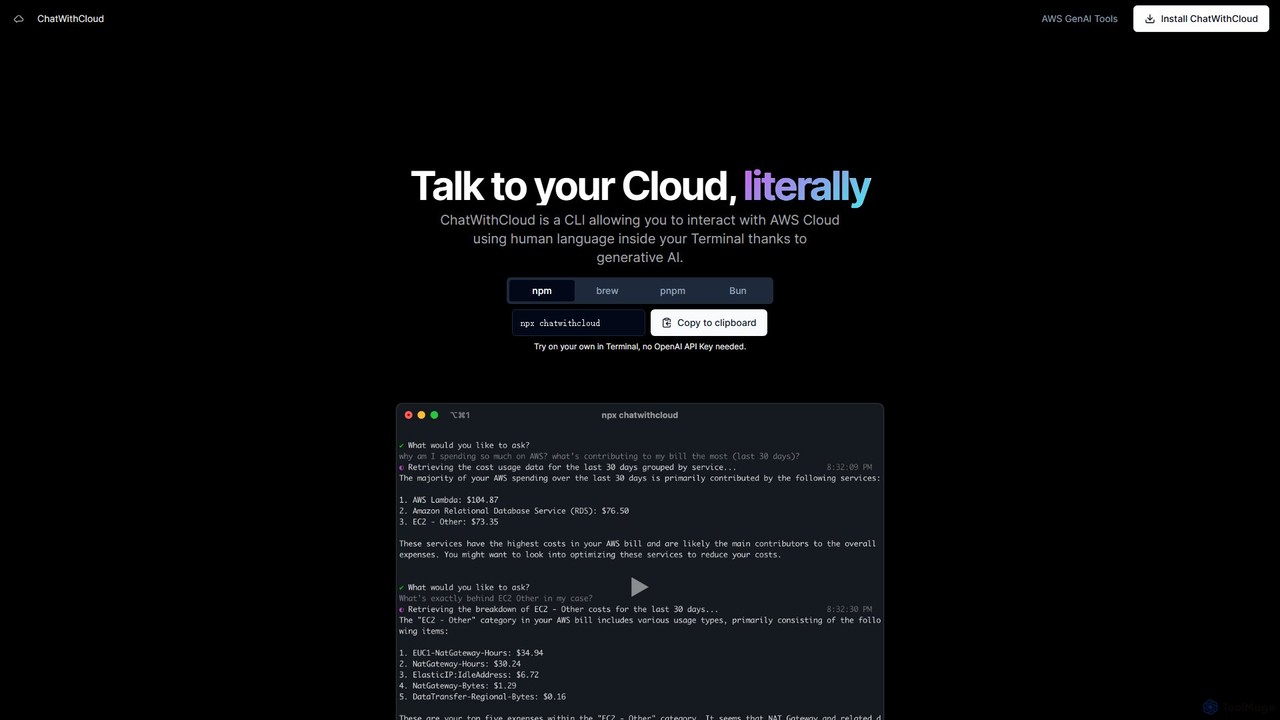
ChatWithCloud is a powerful CLI tool that enables developers and DevOps engineers to manage their AWS cloud infrastructure …
ChatWithCloud is a powerful CLI tool that enables developers and DevOps engineers to manage their AWS cloud infrastructure using natural language. Powered by generative AI, it simplifies cost analysis, security auditing, troubleshooting, and even automates fixes directly from the terminal.
K8Studio
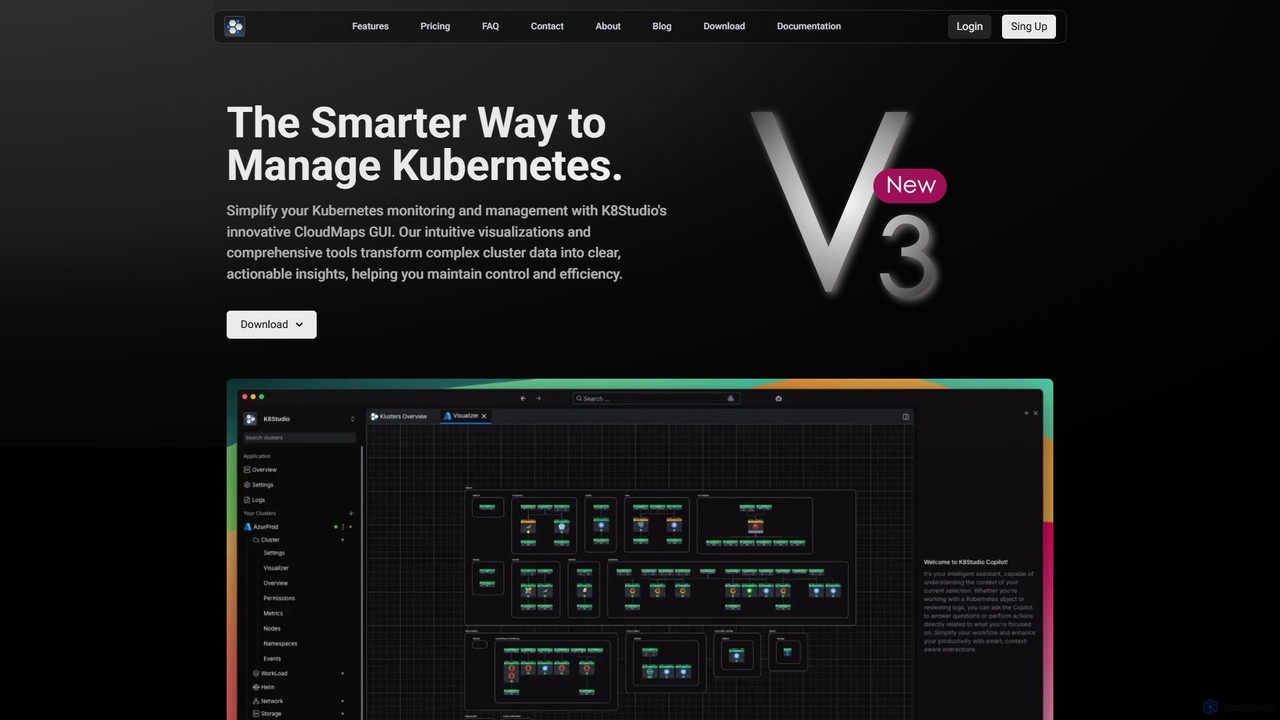
K8Studio is an advanced Kubernetes UI designed for DevOps, DevSecOps, and SRE teams. It simplifies cluster management with …
K8Studio is an advanced Kubernetes UI designed for DevOps, DevSecOps, and SRE teams. It simplifies cluster management with an intuitive visual interface, featuring CloudMaps for real-time visualization, an AI Copilot for intelligent assistance, and robust multi-cluster management capabilities. Its agent-free architecture ensures security and high performance, making complex Kubernetes operations more efficient and accessible.
Incerto
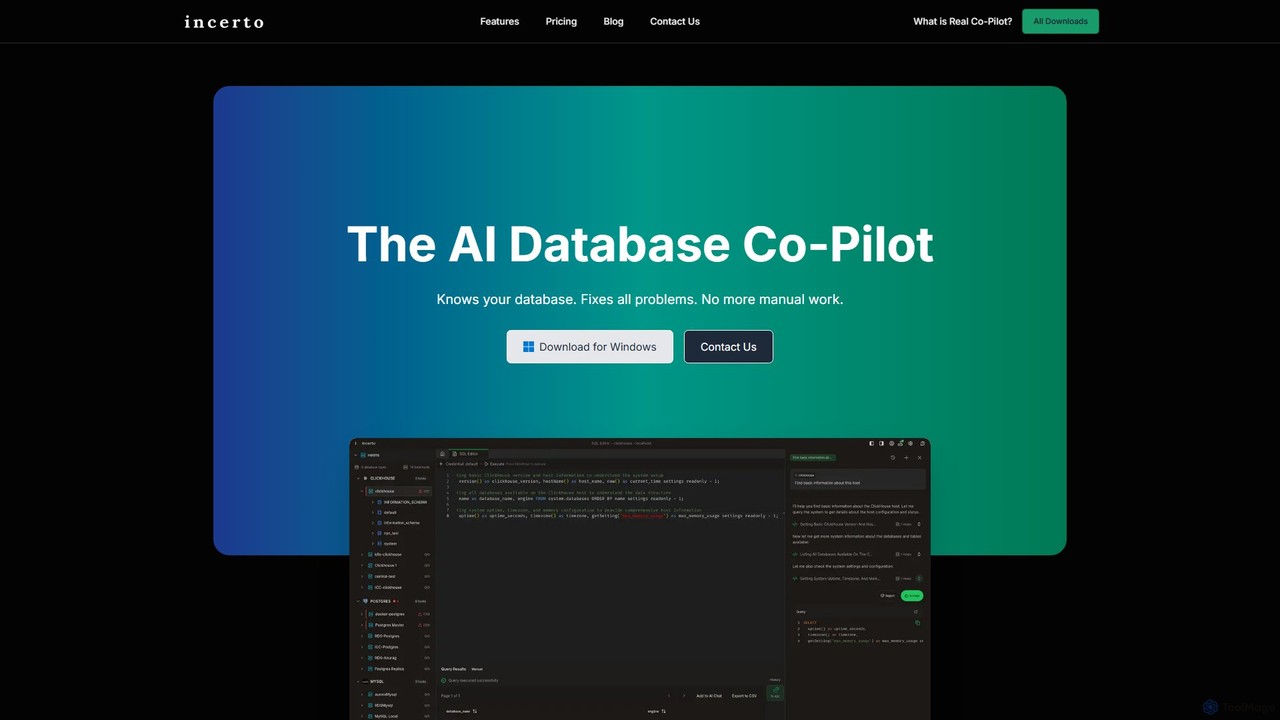
Incerto is an agentic AI co-pilot designed to solve all database problems. It proactively detects and resolves production …
Incerto is an agentic AI co-pilot designed to solve all database problems. It proactively detects and resolves production issues, optimizes query performance, and automates complex database management tasks. By leveraging a rich context engine and specialized AI agents, Incerto significantly reduces manual work, minimizes downtime, and enhances overall database efficiency and security for developers and DBAs.
About It
IT AI tools are a class of AI-powered solutions designed to automate and optimize Information Technology operations, a field often referred to as AIOps. These tools leverage machine learning and big data analytics to monitor complex IT environments, predict potential issues, and automate responses. They help organizations enhance system reliability, strengthen cybersecurity, and improve operational efficiency by transforming reactive problem-solving into a proactive management strategy. This approach reduces downtime and frees up IT professionals to focus on strategic initiatives.
Core Features
- Predictive Analytics: Analyzes historical data to forecast potential system failures, performance bottlenecks, and security vulnerabilities before they impact users.
- Automated Root Cause Analysis (RCA): Rapidly processes vast amounts of log and event data to pinpoint the precise source of an IT incident, reducing investigation time.
- Intelligent Automation: Automates routine IT tasks such as incident remediation, server provisioning, patch management, and network configuration.
- Anomaly Detection: Continuously monitors system behavior to identify unusual patterns that may indicate a security threat or an operational issue.
- Cloud Cost Optimization: Analyzes cloud infrastructure usage and provides actionable recommendations to eliminate waste and reduce spending.
Use Cases
IT AI tools are primarily used by enterprise IT operations teams, Site Reliability Engineers (SREs), DevOps professionals, and Managed Service Providers (MSPs). They are crucial in managing large-scale cloud environments, complex microservices architectures, and critical cybersecurity infrastructure where manual oversight is impractical. For example, an e-commerce platform might use these tools to prevent website crashes during peak traffic, while a financial institution could use them to detect fraudulent activity in real-time.
How to Choose
When selecting an IT AI tool, first consider its integration capabilities with your existing technology stack, including monitoring tools, cloud platforms, and ITSM systems. Evaluate the tool's specific focus—whether it excels in performance monitoring, security analysis, or cost optimization. Assess its scalability to ensure it can handle your data volume and complexity as your organization grows. Finally, consider the level of automation control it offers, allowing your team to define and customize workflows according to your operational policies.
ItUse Cases
Proactive Server Outage Prevention
An IT operations team at a large e-commerce company manages thousands of servers. Instead of waiting for monitoring alerts indicating a server has failed, they use an IT AI tool. The tool continuously analyzes performance metrics like CPU temperature, memory usage, and disk I/O patterns. By identifying subtle deviations from normal behavior, its machine learning model predicts a specific server's hard drive is likely to fail within the next 72 hours. This allows the team to proactively schedule maintenance, replace the hardware during a low-traffic window, and prevent a critical outage that could have resulted in lost sales and customer dissatisfaction.
Automated Security Incident Response
A Security Operations Center (SOC) analyst at a financial services firm is alerted to suspicious network activity. Using an IT AI tool, the system automatically correlates data from multiple sources: firewall logs, endpoint detection agents, and network traffic. It identifies a coordinated malware attack. Instead of manual intervention, the AI platform executes a pre-defined playbook: it automatically isolates the affected endpoints from the network to prevent lateral movement, blocks the malicious IP addresses at the firewall, and creates a detailed incident report for the analyst to review. This automated response contains the threat in seconds, rather than the minutes or hours it would take for a human to react.
Intelligent Cloud Cost Optimization
A fast-growing SaaS company sees its monthly cloud bill increasing unpredictably. The FinOps team deploys an IT AI tool that specializes in cloud cost management. The tool analyzes usage patterns across all cloud resources, such as virtual machines, storage, and databases. It identifies that a cluster of development servers is running 24/7 but is only actively used for 8 hours on weekdays. Based on this, the tool recommends an automated schedule to shut down these servers during off-hours, projecting a 60% cost saving for that resource group. It also flags oversized databases and suggests more cost-effective instance types, providing actionable insights to control spending without impacting performance.
Accelerating DevOps with Predictive Analysis
A DevOps team aims to increase their deployment frequency without introducing new bugs. They integrate an IT AI tool into their CI/CD pipeline. Before a new code release is pushed to production, the tool analyzes the changes and compares them against historical performance and incident data. It flags a specific database query in the new code as having a high probability of causing a performance bottleneck under heavy load. The developers are alerted, allowing them to optimize the query before deployment. This prevents a potential site-wide slowdown, improves the quality of releases, and builds confidence in a faster, more agile development cycle.
Automated IT Support Ticket Triage
A large enterprise's IT help desk receives hundreds of support tickets daily, ranging from simple password resets to complex network issues. A help desk manager implements an IT AI tool to automate the triage process. The tool uses Natural Language Processing (NLP) to understand the content of each ticket. It automatically categorizes the issue (e.g., 'Hardware', 'Software', 'Network'), assigns a priority level based on keywords and user history, and routes it to the appropriate support team. For common issues like password resets, it can even trigger an automated workflow to resolve the ticket without human intervention, significantly reducing response times and improving employee satisfaction.
Dynamic Network Traffic Management
A telecommunications company experiences fluctuating network demand, with major peaks during live sporting events. A network administrator uses an IT AI tool to manage traffic flow dynamically. The tool analyzes real-time traffic patterns and predicts congestion hotspots before they form. Based on these predictions, it automatically reroutes traffic across different network paths to balance the load and ensure a smooth streaming experience for all users. It can also prioritize critical traffic, such as video streams, over less sensitive data. This proactive management prevents buffering and service degradation, improving customer retention and optimizing the use of network infrastructure.