
ToolMage
Sign in

Best 1 Internal Wiki AI tools for Knowledge Management

Popular Internal Wiki AI tools in Knowledge Management include infoboxAI, helping you work more efficiently.

infoboxAI
Freemium

infoboxAI

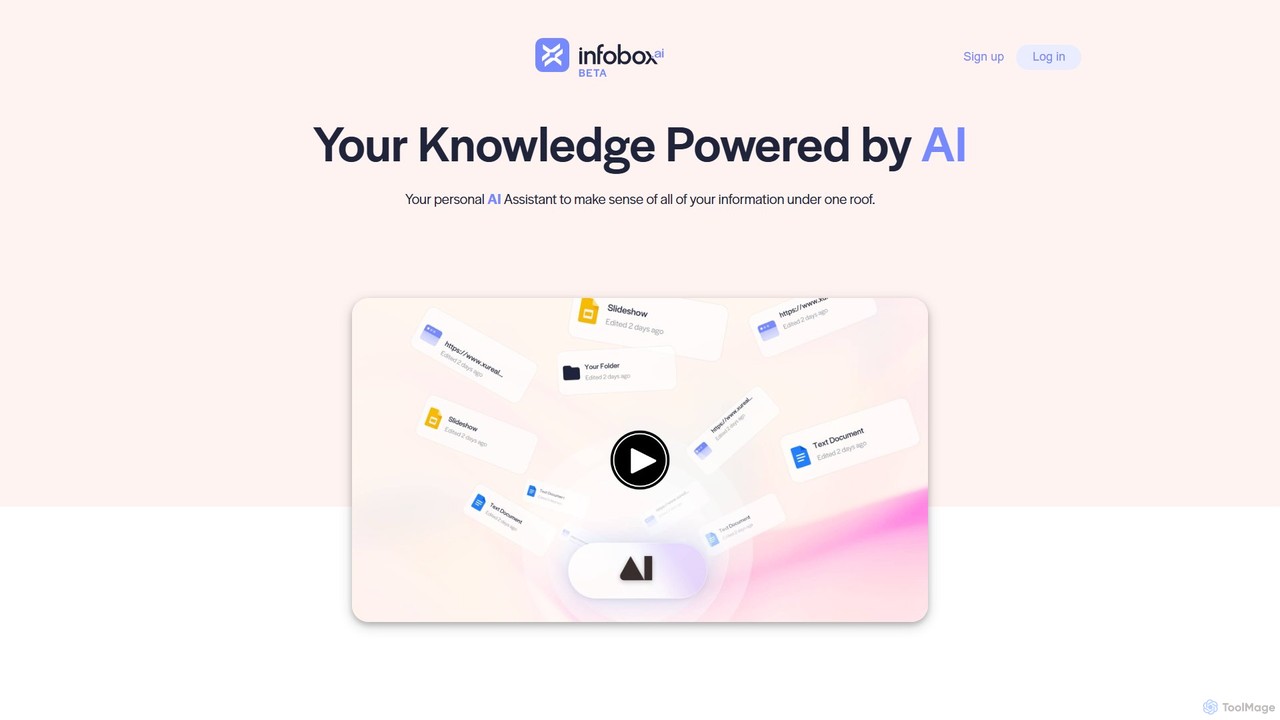
infoboxAI allows you to create a personalized AI assistant trained on your own data. Easily import content from websites, documents, or Google Drive to build a secure knowledge base. Deploy it as a website chatbot for customer support, an internal tool for team knowledge sharing, or for analyzing large volumes of data, all while maintaining full control and confidentiality over your information.

Chatbot
Visits 8.6KFavorites 118Likes 128

About Internal Wiki

AI Internal Wiki tools are collaborative platforms for creating, sharing, and managing an organization's collective knowledge. They leverage artificial intelligence to transform a traditional company wiki into a dynamic, intelligent knowledge base, a key component of modern knowledge management. These tools use features like semantic search to understand user queries contextually and often include AI assistants to help draft, summarize, and organize content. The primary value lies in establishing a single source of truth that reduces information silos, accelerates employee onboarding, and preserves institutional knowledge.

Core Features

  • AI-Powered Search: Go beyond keywords with semantic search that understands natural language and user intent to deliver highly relevant answers from the knowledge base.
  • Collaborative Editing: Multiple users can co-author and edit documents, with a comprehensive version history to track all changes and revert if necessary.
  • Structured Knowledge Linking: Easily create and link pages to build an intuitive web of interconnected information, mimicking the structure of public wikis.
  • Automated Content Maintenance: AI identifies outdated, duplicate, or conflicting information and suggests updates to keep the knowledge base fresh and reliable.
  • Granular Access Control: Set specific permissions for different users or teams to control who can view, create, or edit content, ensuring information security.

Use Cases

Internal Wikis are valuable for organizations of all sizes. They are commonly used by HR teams for creating comprehensive onboarding guides, by engineering teams for documenting codebases and best practices, and by sales teams for maintaining a central playbook of product information and competitive intelligence. Remote-first companies also rely on them to maintain a cohesive information culture.

How to Choose

When selecting an AI Internal Wiki, evaluate the accuracy and speed of its search capabilities. Consider its integration with your existing collaboration stack, such as Slack, Microsoft Teams, or Jira. Assess the user-friendliness of the editor for non-technical staff and review the robustness of its security and permission settings to protect sensitive information.

Internal Wiki use cases

1

Streamlining New Employee Onboarding

An HR manager or team lead creates a structured onboarding space within the internal wiki. This space includes pages for company policies, team introductions, tool setup guides, and first-week goals. New hires can navigate this self-service portal to find answers independently. Using the AI search function, they can ask natural language questions like 'How do I set up my VPN?' and get immediate, accurate answers, significantly reducing the time it takes for them to become productive and lessening the burden on existing team members.

2

Documenting Engineering Processes and Standards

An engineering team uses the internal wiki to create a single source of truth for their technical knowledge. Senior developers document coding standards, architectural decisions, and deployment procedures. When a developer encounters an issue or needs to understand a legacy system, they can search the wiki. AI-powered search helps them find relevant code snippets, troubleshooting guides, or design documents instantly, even if they don't know the exact terminology, which accelerates problem-solving and ensures consistency across projects.

3

Creating a Central Sales Playbook

A sales department centralizes all critical information into an internal wiki. This includes product specifications, competitor analysis, pricing details, and successful case studies. Before a client call, a sales representative can quickly search for 'comparison with Competitor X' or 'case study for the finance industry'. The AI can even summarize long documents, providing key talking points instantly. This ensures the entire sales team is aligned with the latest information and messaging, improving consistency and win rates.

4

Managing Product Development Knowledge

Product managers use the wiki to document feature specifications, user research findings, and product roadmaps. This creates a transparent and accessible knowledge hub for designers, developers, and marketers. When a designer needs to understand the user problem behind a feature, they can easily find the original research document linked from the spec page. The wiki's version history also provides a clear record of how a feature has evolved, preventing miscommunication and ensuring everyone is working from the same set of requirements.

5

Centralizing IT Support and SOPs

An IT department builds a comprehensive knowledge base of Standard Operating Procedures (SOPs) and troubleshooting guides in the wiki. When an employee faces a common issue like connecting to a printer or requesting software, they are encouraged to search the wiki first. This self-service model empowers employees to solve minor problems independently, drastically reducing the number of repetitive support tickets. For the IT team, it frees up time to focus on more complex, strategic initiatives rather than answering the same questions repeatedly.

6

Preserving Institutional Knowledge

A company uses its internal wiki to capture critical knowledge from senior employees and subject matter experts. Before an expert retires or leaves the company, they are tasked with documenting their key processes, project histories, and decision-making rationale in the wiki. This practice transforms tacit knowledge (in people's heads) into explicit knowledge (documented and searchable). The AI-powered wiki ensures this valuable information is easily discoverable by future employees, preventing knowledge loss and ensuring continuity of operations.

Internal Wiki FAQ

What is an AI-powered Internal Wiki?

An AI-powered Internal Wiki is a centralized, collaborative knowledge base for an organization, enhanced with artificial intelligence. Unlike a static wiki, it uses AI to provide features like semantic search (understanding the meaning behind questions), automated content suggestions, and identification of outdated information. Its primary purpose is to create a single, reliable source of truth that is easy for employees to search and contribute to, making company knowledge more accessible and manageable.

How is an Internal Wiki different from a shared drive like Google Drive?

An Internal Wiki is fundamentally different from a shared drive in structure and purpose. A shared drive is for file storage, organizing documents in folders, while a wiki is for creating structured, interlinked knowledge. Key differences include:

  • Structure: Wikis use interconnected pages, creating a web of information that's easy to navigate. Shared drives use a hierarchical folder system.
  • Searchability: AI wikis offer advanced semantic search that understands the content within pages, whereas drive search is often limited to file names and keywords.
  • Collaboration: Wikis are designed for co-authoring content directly on a page with version history, while drives focus on file sharing and commenting.
  • Purpose: A wiki's goal is to be a single source of truth for knowledge. A shared drive's goal is to store and share individual files.
What are the key features to look for in an Internal Wiki tool?

When choosing an Internal Wiki tool, focus on features that enhance both knowledge discovery and content creation. Key features include:

  • Intelligent Search: A powerful, AI-driven search engine that understands natural language and provides accurate, context-aware results is crucial.
  • Intuitive Editor: A user-friendly editor that allows anyone, regardless of technical skill, to easily create, format, and embed content.
  • Integrations: The ability to integrate with other tools your team uses daily, such as Slack, Jira, or Microsoft Teams, to bring knowledge into workflows.
  • Permissions and Security: Granular control over who can view and edit specific pages or sections to protect sensitive information.
  • Analytics: Insights into what content is being viewed, what searches are failing, and which pages might be outdated, helping you maintain a healthy knowledge base.
Who in a company benefits most from an Internal Wiki?

While an internal wiki benefits the entire organization by breaking down information silos, certain roles and teams see immediate, significant advantages. New hires benefit from a structured onboarding process and self-service access to information. Remote and distributed teams rely on it as a central hub to stay aligned. Departments with complex, standardized information, such as Engineering (code standards), Sales (playbooks), HR (policies), and Customer Support (troubleshooting guides), use it to ensure consistency and efficiency in their daily operations.

How does AI improve a traditional Internal Wiki?

AI transforms a traditional, static internal wiki into an intelligent, dynamic knowledge management system. Key improvements include:

  • Smarter Search: AI moves beyond keyword matching to semantic search, understanding the user's intent to find the most relevant information, even if the exact words aren't used.
  • Content Curation: AI can automatically detect and flag outdated or duplicate content, suggest links between related pages, and even help generate summaries or drafts of new articles.
  • Personalization: Some AI wikis can personalize the user experience, surfacing content that is most relevant to an individual's role or recent activity.
  • Question Answering: Instead of just pointing to a document, advanced AI can extract and provide direct answers to user questions, saving significant time.