Knowledge Management Best in category 1 results Personal Wiki AI Tool

Popular AI tools in the Personal Wiki field of Knowledge Management include Reflect, etc., helping you quickly improve efficiency.

Reflect

Reflect

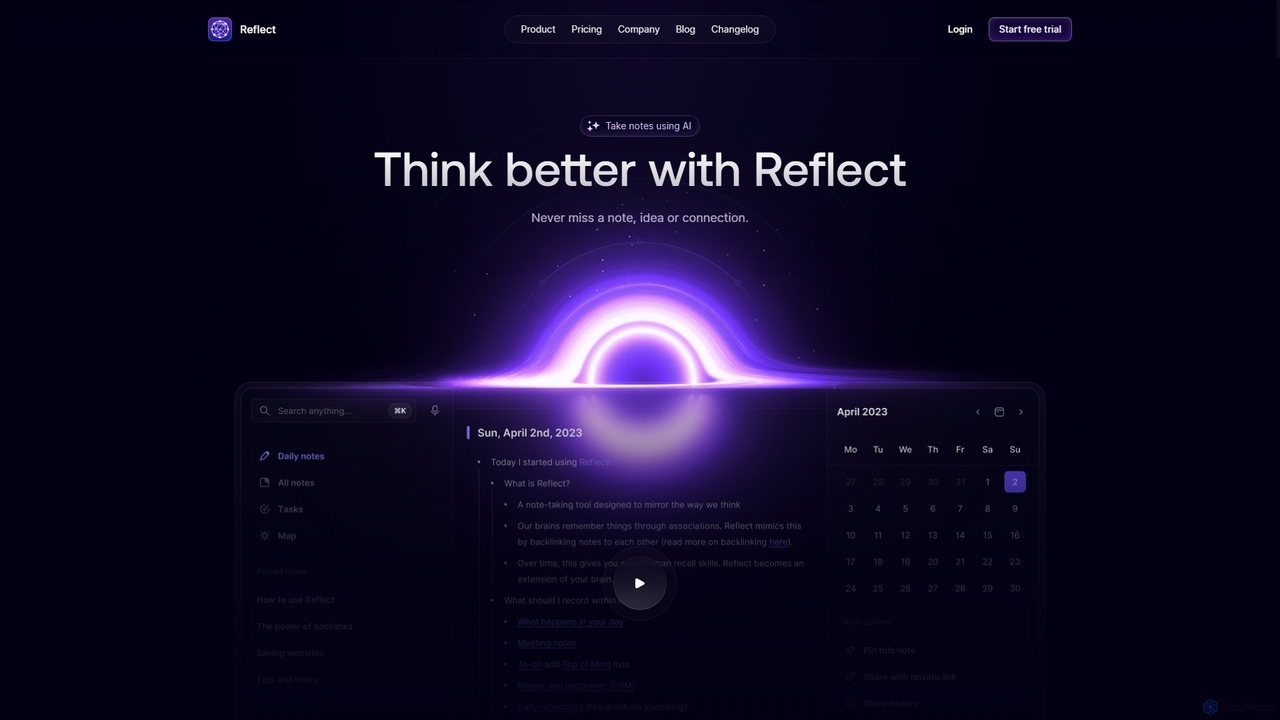
Reflect is an AI-powered, networked note-taking app designed to help you think better. It acts as a 'second …

139.3K

About Personal Wiki

Personal Wiki tools are a type of knowledge management software designed for individuals to build a dynamic, interconnected knowledge base. They utilize principles like bi-directional linking and graph visualization to mirror the brain's associative thinking process. This allows users to capture, connect, and retrieve information in a non-linear way, fostering deeper insights and creativity. Unlike simple note-taking apps, they focus on building a network of ideas rather than a collection of isolated documents, creating a true 'second brain'.

Core Features

  • Bi-Directional Linking: Automatically creates two-way links between notes, forming a web of connected thoughts.
  • Graph View: Visually represents the network of notes and their connections, revealing patterns and relationships.
  • Markdown Support: Enables fast and efficient writing and formatting using a plain-text syntax.
  • Local-First Data Storage: Prioritizes storing your data on your own device, ensuring privacy and ownership.
  • Extensibility via Plugins: Allows customization and addition of new functionalities through a community-driven ecosystem.

Use Cases

Personal Wikis are ideal for researchers, writers, students, and lifelong learners who manage complex information. They are used for academic research, book writing, personal project management, and building a 'second brain' to organize personal knowledge and creative ideas over the long term.

How to Choose

When selecting a Personal Wiki, consider the learning curve, data ownership model (local-first vs. cloud-based), mobile accessibility, and the richness of its plugin ecosystem. Also, evaluate the user interface's simplicity against the power of its features to find the right balance for your workflow.

Personal WikiUse Cases

1

Academic Research and Thesis Writing

A PhD student uses a Personal Wiki to manage their literature review and research notes. Each academic paper, concept, and experiment result is a separate note. They use bi-directional links to connect related theories, contradictory findings, and supporting evidence. The graph view helps them visualize the intellectual landscape of their field, identify research gaps, and structure the chapters of their thesis. This networked approach transforms a static collection of PDFs into a dynamic knowledge base for generating novel arguments.

2

Building a 'Second Brain' for Lifelong Learning

A professional builds a 'Second Brain' to capture and connect insights from books, articles, podcasts, and online courses. They use a daily notes feature to jot down fleeting thoughts and observations. Over time, they link these daily entries to broader concepts, creating a rich, personal encyclopedia. When faced with a new project or problem, they can search their wiki to retrieve relevant knowledge, discover unexpected connections between topics, and synthesize information more effectively than relying on memory alone.

3

Creative Writing and World-Building

A novelist uses a Personal Wiki to build and manage a complex fictional world. Each character, location, magical system, and historical event has its own note. They link a character's note to the places they've visited and the events they've participated in. This creates an interactive, easily navigable resource that helps maintain consistency across a long series. The graph view provides a bird's-eye view of the entire world's structure, helping the author spot new plot opportunities and ensure all narrative threads are connected.

4

Personal Project and Task Management

A freelance developer uses a Personal Wiki to organize all aspects of their projects. Each project has a main note that links to separate notes for client requirements, meeting minutes, code snippets, and bug reports. They use tags to mark the status of tasks (e.g., todo, in-progress, done) and can create query-based pages that automatically list all tasks for a specific project. The daily notes feature acts as a work log, providing a clear, chronological record of progress and decisions made each day.

5

Student Note-Taking and Exam Preparation

A university student uses a Personal Wiki to take lecture notes. Instead of linear documents, they create atomic notes for each key concept, formula, or historical figure. They then link these concepts together, both within a single course and across different subjects. For example, a concept from a physics class can be linked to its mathematical proof in a calculus class. When preparing for exams, the graph view allows them to see the entire knowledge map, helping them to synthesize information and understand the bigger picture rather than just memorizing isolated facts.

6

Managing a Personal Knowledge Base of Code Snippets

A software developer maintains a Personal Wiki as a repository for useful code snippets, command-line tricks, and configuration settings. Each entry is a note, tagged with the relevant programming language (e.g., Python, JavaScript) and technology (Docker, Git). When they encounter a recurring problem, they can quickly search their wiki for the solution they've documented before. They link snippets to notes explaining the underlying concepts, creating a practical learning resource that grows with their experience and saves significant time on troubleshooting and research.

Personal WikiFrequently Asked Questions