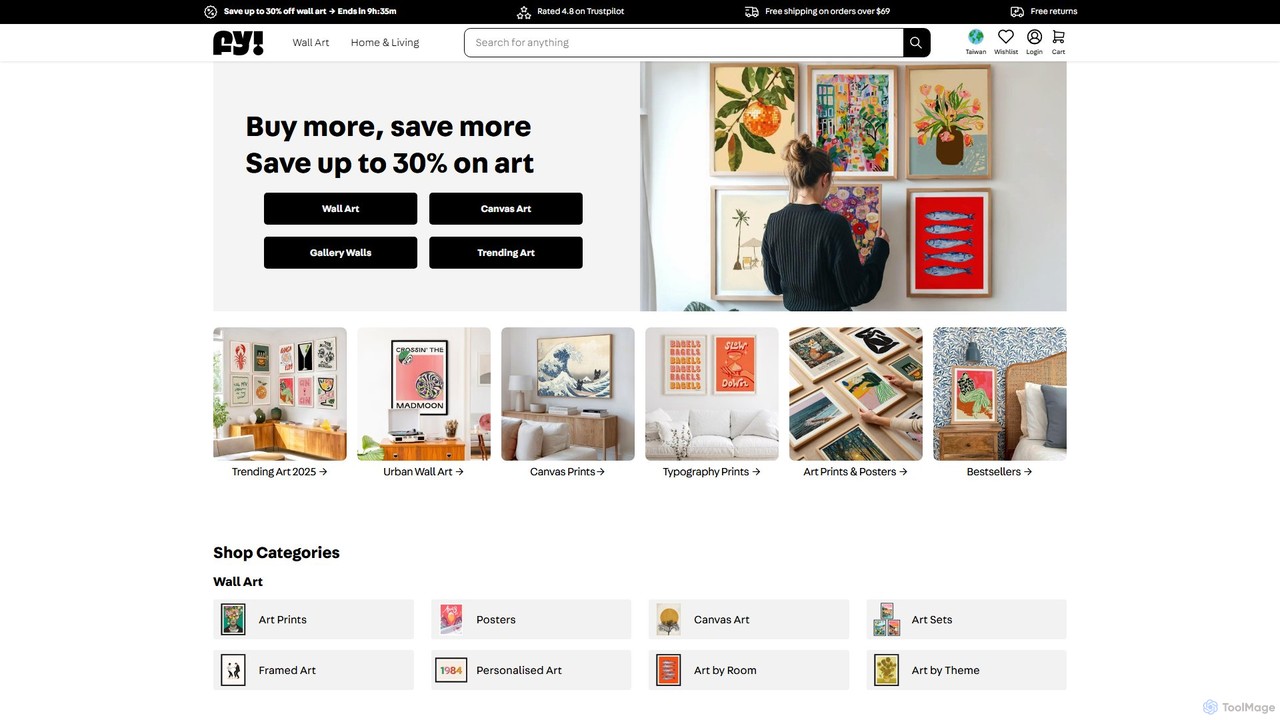
iamfy
iamfy (Fy!) is an AI-powered marketplace for wall art and home decor, connecting you with thousands of independent …
iamfy (Fy!) is an AI-powered marketplace for wall art and home decor, connecting you with thousands of independent artists. It uses smart technology to provide personalized recommendations, helping you discover unique prints, posters, and canvas art that perfectly match your style and space.
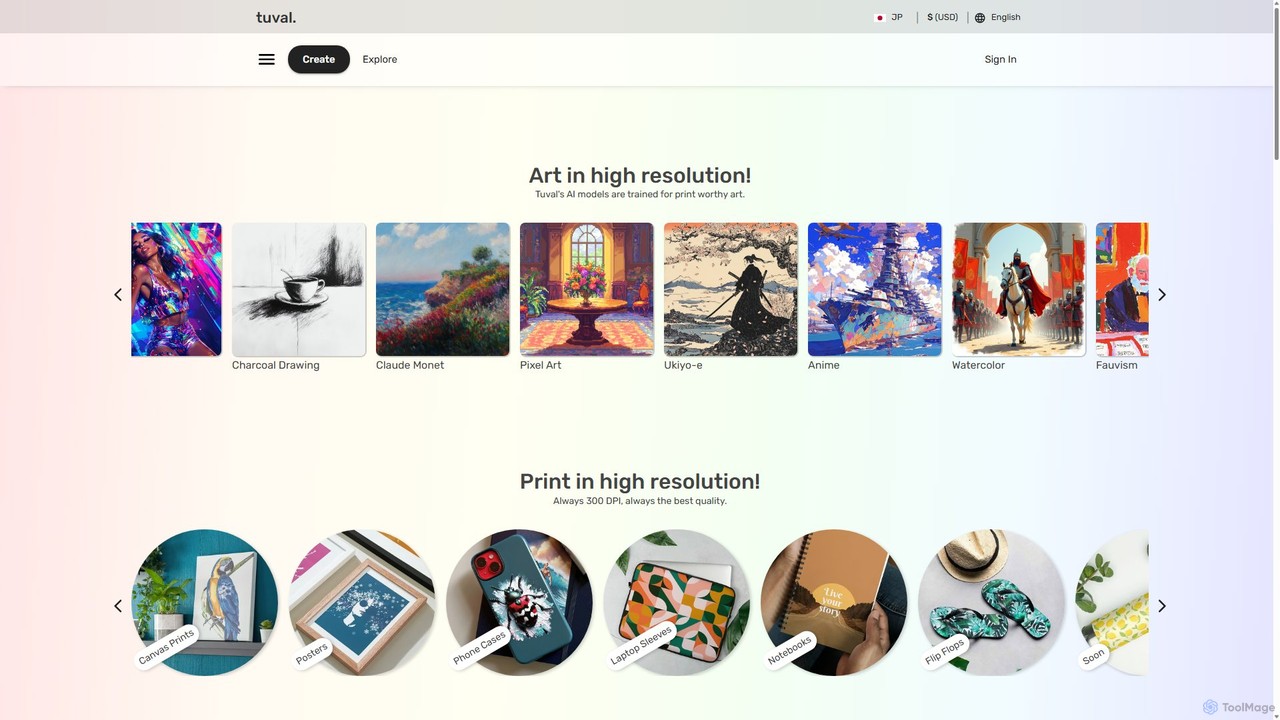
Tuval
Tuval is an AI-powered art generation platform that transforms your ideas into high-resolution, print-ready masterpieces. Specializing in a …
Tuval is an AI-powered art generation platform that transforms your ideas into high-resolution, print-ready masterpieces. Specializing in a wide range of artistic styles, from Monet to Anime, it allows you to create unique artwork and have it printed on custom products like canvases, posters, and phone cases. It's the perfect tool for creating personalized decor, unique gifts, and tangible art from digital concepts, ensuring every print is a stunning 300 DPI quality.
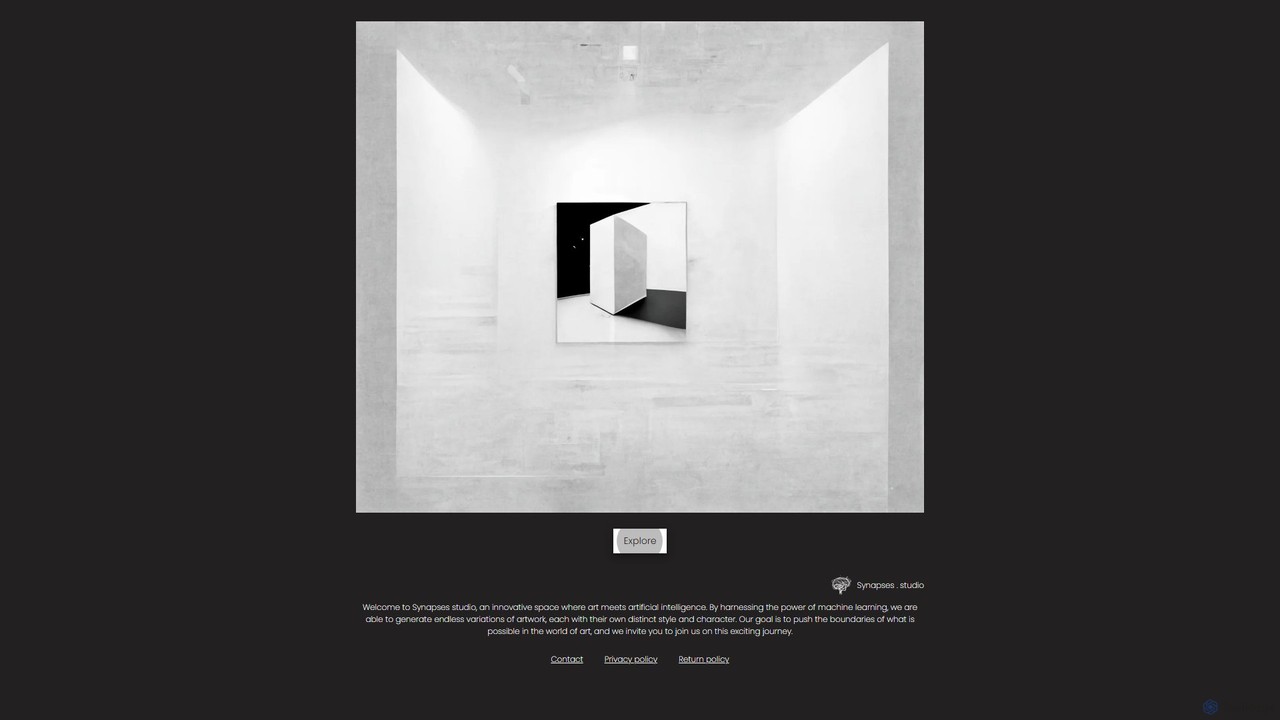
Synapses studio
Synapses studio is an innovative AI art service that creates unique, high-quality art pieces tailored to individual preferences. …
Synapses studio is an innovative AI art service that creates unique, high-quality art pieces tailored to individual preferences. By leveraging advanced machine learning, it generates endless variations of artwork with distinct styles, perfect for personalized home decor, unique gifts, and artistic exploration. Each piece is created to order, ensuring a one-of-a-kind creation.
About Home Decor
AI Home Decor tools are applications that use generative artificial intelligence to create and visualize interior design concepts. These tools analyze user inputs, such as photos of a room or textual descriptions of a desired style, to generate realistic mockups of furnished and decorated spaces. They empower users to experiment with different furniture layouts, color palettes, and decor styles virtually, saving time and costs associated with physical redesigns. This technology makes professional-level interior design accessible to homeowners, real estate agents, and designers for rapid ideation and planning.
Core Features
- Virtual Staging: Automatically furnishes empty rooms with realistic furniture and decor based on a selected style.
- Style Transfer: Applies a specific design aesthetic (e.g., Modern, Scandinavian, Industrial) to an existing room photo.
- Room Redesign: Generates multiple design variations for a furnished room, suggesting new furniture, colors, and layouts.
- AI Object Placement & Removal: Allows users to add new furniture items into a photo or remove existing ones seamlessly.
Use Cases
These tools are widely used by real estate professionals to virtually stage properties for online listings, increasing their appeal to potential buyers. Interior designers use them to quickly create and present multiple design concepts to clients. Homeowners and renters also leverage these tools to plan renovations, test paint colors, or visualize how new furniture will fit in their space before making a purchase.
How to Choose
When selecting an AI Home Decor tool, consider the quality and realism of the generated images. Evaluate the breadth of its style and furniture library to ensure it matches your aesthetic needs. Assess the user interface for ease of use—some tools are simple photo uploads, while others require more input. Finally, compare pricing models, such as pay-per-render versus subscription plans, to find one that aligns with your project frequency and budget.
Home DecorUse Cases
Virtual Staging for Real Estate Listings
A real estate agent needs to market an empty property effectively. Instead of incurring the high cost and logistical challenges of physical staging, they use an AI Home Decor tool. They upload photos of the vacant rooms, select a 'Modern Farmhouse' style, and the AI generates fully furnished, photorealistic images within minutes. These appealing images are then used in online listings, attracting a higher volume of potential buyers and helping them visualize the property as their future home, which can lead to faster sales at better prices.
Planning a Personal Room Renovation
A homeowner wants to update their living room but is unsure which style to choose. They take a photo of their current living room and upload it to an AI design tool. They then apply various style prompts like 'Minimalist', 'Bohemian', and 'Coastal'. The tool generates multiple redesigns for each style, showing different furniture, wall colors, and decor. This allows them to compare distinct aesthetics in the context of their own space, making a confident decision on the new design direction before spending any money on paint or furniture.
Rapid Concept Ideation for Interior Designers
An interior designer is starting a new project with a client who has a vague idea of what they want. To quickly align on a visual direction, the designer uses an AI tool. They input the client's preferences ('warm', 'cozy', 'natural light') and a photo of the space. The AI generates a dozen different visual concepts in minutes. The designer can then present this wide range of initial ideas to the client, facilitating a more productive conversation and rapidly narrowing down the preferred style, saving hours of manual mood board creation.
Testing Paint Colors and Wallpapers Virtually
A user is hesitant to commit to a bold paint color or a patterned wallpaper for their bedroom. They use an AI home decor app to visualize the change. By uploading a photo of the room, they can select various paint swatches from major brands or upload a wallpaper pattern. The tool accurately applies the selection to the walls in the photo, accounting for lighting and shadows. This provides a realistic preview, helping them avoid a costly mistake and choose a wall treatment they will be happy with long-term.
Optimizing Furniture Layout for Small Spaces
Someone is moving into a small studio apartment and wants to maximize the functionality of the space. They use an AI layout generator, inputting the room's dimensions and a list of their existing furniture (bed, desk, sofa). The AI produces several optimized layout options that consider traffic flow, natural light sources, and ergonomic placement. The user can then view these layouts in 2D or 3D, helping them decide the best arrangement before the physically demanding task of moving furniture begins.
Visualizing Furniture Purchases with Augmented Reality
A furniture retailer integrates an AI-powered Augmented Reality (AR) feature into their mobile app. A customer browsing for a new sofa can use this feature to see how it would look in their own living room. By pointing their phone's camera at the desired spot, the app overlays a true-to-scale 3D model of the sofa into the real-world environment. This immersive experience helps the customer check for size, style, and color fit, reducing purchase uncertainty and lowering the rate of product returns for the retailer.