ToolMage
Sign in

Best 3 Utilities AI tools for Lifestyle

Popular Utilities AI tools in Lifestyle include Menuraa, ClockAlarmOnline, and Casha, helping you work more efficiently.

Casha
Free

Casha

Casha is a beautifully designed, privacy-focused expense tracker for iOS. It helps you easily log daily expenses, organize spending by category, and visualize your financial habits through interactive calendars and detailed charts. Your data stays secure on your device, syncing only via your personal iCloud.

Personal Finance
Visits 5.5KFavorites 25Likes 25
Menuraa
Free

Menuraa

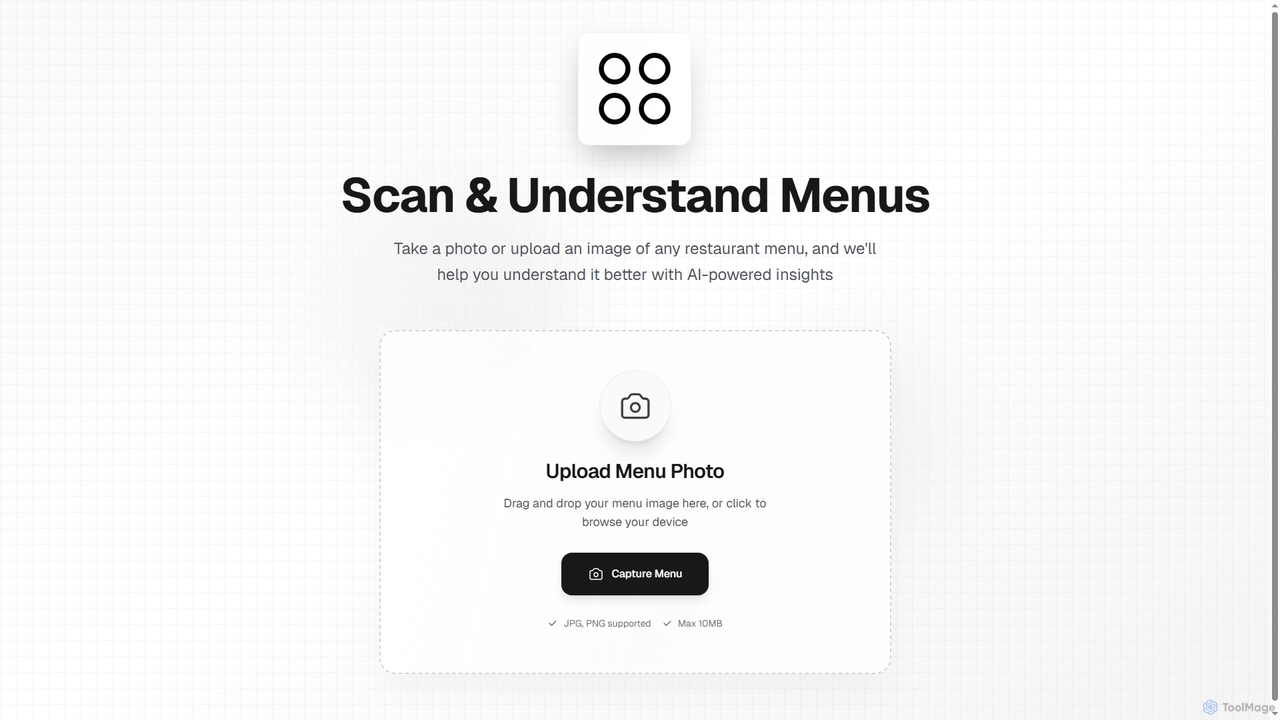
Menuraa is an AI-powered tool that helps you understand restaurant menus. Simply upload or capture a photo of any menu, and the AI provides insights to clarify dishes, making your dining choices easier.

Utilities
Visits 6.3KFavorites 130Likes 116
ClockAlarmOnline
Freemium

ClockAlarmOnline

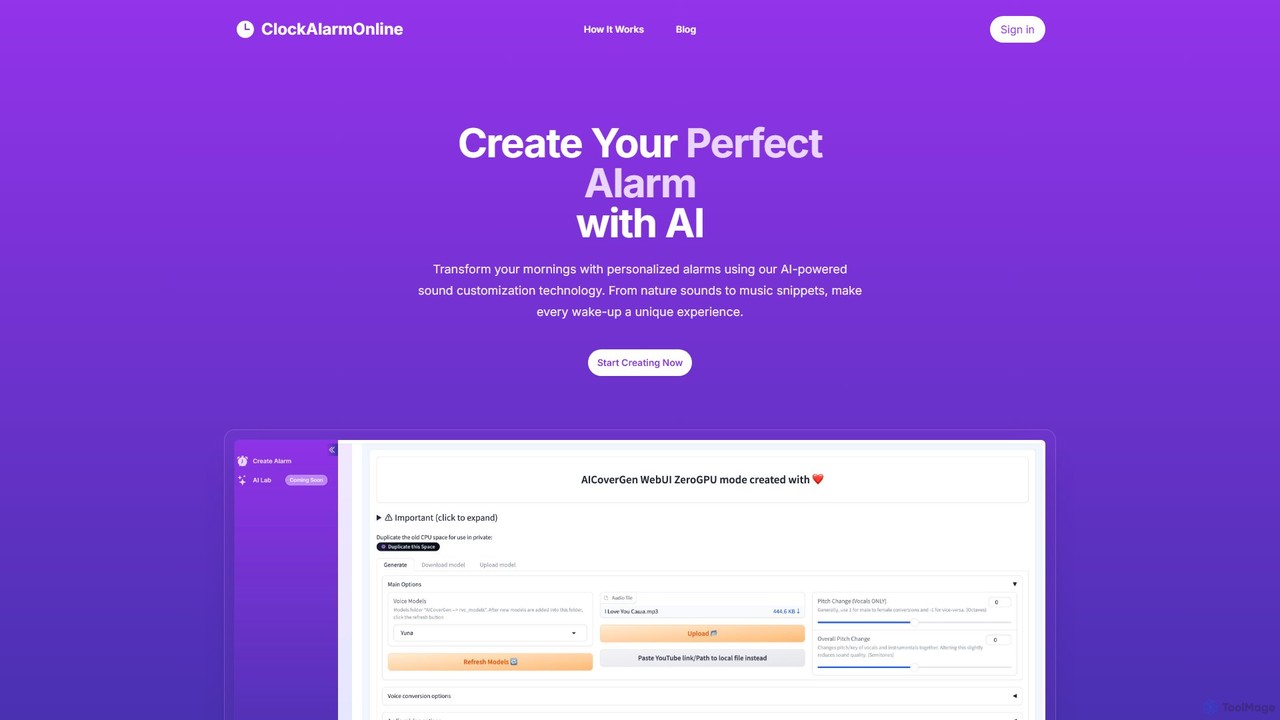
ClockAlarmOnline is an AI-powered tool that transforms your wake-up experience. Create unique, personalized alarms by uploading your favorite sounds or music snippets and customizing them with advanced AI technology. Move beyond generic tones and start your day with a sound that is uniquely yours.

Sound Generation
Visits 5.6KFavorites 123Likes 144

About Utilities

AI Utilities are AI-powered tools designed to automate and optimize specific, often routine, tasks, significantly enhancing daily productivity and simplifying various aspects of personal and professional life. These tools leverage advanced AI algorithms for intelligent task execution, data processing, and workflow streamlining. They provide smart assistance across diverse functions, from organizing information to managing schedules, freeing up valuable time for users to focus on more complex activities.

Core Features

  • Automated Task Execution: Performs repetitive actions like data entry, file sorting, or email filtering without manual intervention.
  • Intelligent Data Processing: Summarizes documents, extracts key information, or transforms data formats efficiently.
  • Smart Scheduling & Reminders: Optimizes time management by suggesting meeting slots, setting reminders, and managing calendars.
  • Content Enhancement: Assists with rephrasing text, generating short content snippets, or improving writing clarity.
  • File & Information Management: Automatically categorizes, tags, and organizes digital assets for easier retrieval.

Use Cases

AI Utilities are invaluable for individuals and small businesses seeking to maximize efficiency. They are widely adopted in personal productivity for managing daily tasks, in content creation for quick text adjustments, and in administrative roles for automating routine data handling. These tools seamlessly integrate into existing digital environments, offering intelligent support without requiring extensive technical expertise.

How to Choose

When selecting an AI Utility, consider its specific task alignment with your needs, ease of integration with your existing software, and the accuracy and reliability of its AI algorithms. Evaluate data privacy policies, scalability for future growth, and the overall cost-effectiveness, including subscription models and potential time savings. User interface and support are also crucial for a smooth experience.

Utilities use cases

1

Automated Email Triage & Summarization

For busy professionals, AI Utilities can automatically categorize incoming emails, highlight urgent messages, and provide concise summaries of long threads. This allows users to quickly grasp essential information and prioritize responses, significantly reducing time spent on email management and ensuring critical communications are never missed.

2

Smart Document & Meeting Note Summarization

Content creators, researchers, and students can utilize AI Utilities to instantly summarize lengthy articles, reports, or meeting transcripts. By extracting key points and action items, these tools enable rapid comprehension and efficient knowledge retention, saving hours of manual reading and note-taking.

3

Efficient Digital File Organization & Tagging

Individuals and small businesses with vast digital archives can employ AI Utilities to automatically sort, categorize, and tag files based on content, date, or project. This eliminates the tedious manual process of file management, making it effortless to locate specific documents, images, or videos when needed.

4

Personalized Schedule & Task Optimization

For anyone managing a complex schedule, AI Utilities can analyze calendars, prioritize tasks, and suggest optimal times for meetings or focused work sessions, considering factors like travel time and energy levels. This helps in creating a more balanced and productive day, reducing scheduling conflicts and burnout.

5

Quick Content Rephrasing & Tone Adjustment

Marketers and social media managers can use AI Utilities to quickly rephrase existing content for different platforms or adjust its tone to suit specific audiences. This accelerates content adaptation, ensuring messages are consistently engaging and appropriate across various communication channels without extensive manual editing.

6

Automated Data Extraction from Unstructured Text

Business analysts and researchers can deploy AI Utilities to automatically extract specific data points (e.g., names, dates, figures, sentiments) from large volumes of unstructured text like customer reviews, legal documents, or market reports. This transforms raw text into structured, actionable data, facilitating faster analysis and informed decision-making.

Utilities FAQ

What are AI Utilities?

AI Utilities are specialized AI-powered tools designed to automate and enhance routine tasks across various domains, from personal productivity to business operations. They leverage artificial intelligence to perform functions like data organization, content summarization, smart scheduling, and file management, aiming to boost efficiency and simplify complex processes.

How do AI Utilities differ from general productivity software?

While general productivity software provides frameworks for tasks (e.g., spreadsheets, word processors), AI Utilities go a step further by intelligently automating and optimizing specific actions within those frameworks. They use AI to learn, predict, and execute tasks autonomously, offering smart suggestions, processing data, or generating content, rather than just providing a platform for manual input.

What are the main benefits of using AI Utilities?

The primary benefits include significant time savings by automating repetitive tasks, increased accuracy in data handling and content processing, and enhanced overall productivity. They help users focus on high-value work by offloading mundane activities, reduce cognitive load, and provide intelligent insights or suggestions that improve decision-making and workflow efficiency.

How can I choose the best AI Utility for my needs?

To choose the best AI Utility, first identify the specific tasks you need to automate or optimize. Look for tools with features that directly address those needs, consider their integration capabilities with your existing software ecosystem, and evaluate their user-friendliness. Also, assess the tool's accuracy, data security measures, pricing model, and customer support to ensure it aligns with your budget and operational requirements.

Are AI Utilities secure for personal and business data?

The security of AI Utilities varies by provider. Reputable AI Utility providers prioritize data privacy and security, employing encryption, compliance with regulations (like GDPR), and robust access controls. It's crucial to review a tool's privacy policy, data handling practices, and security certifications before entrusting it with sensitive personal or business information. Always choose providers with a strong commitment to data protection.