
Marketing Best in category 1 results Contact Database AI Tool

Popular AI tools in the Contact Database field of Marketing include DeepSales, etc., helping you quickly improve efficiency.

DeepSales

DeepSales

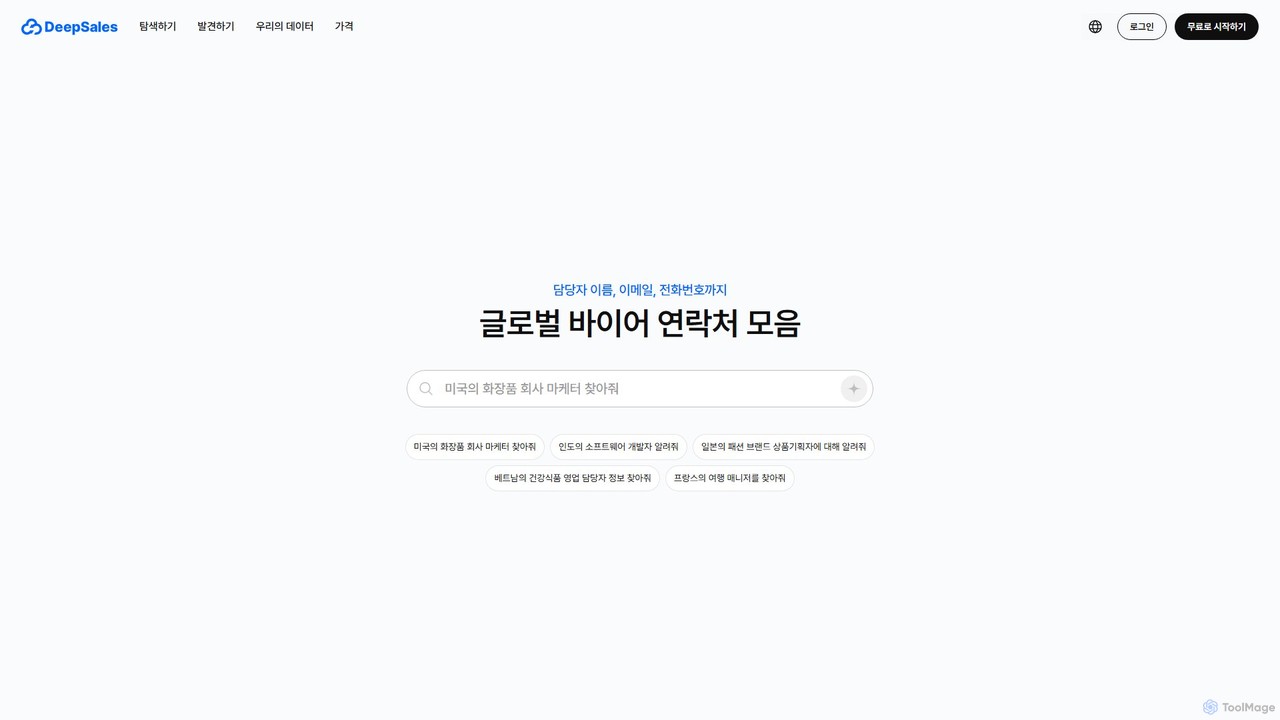
DeepSales is an AI-powered sales intelligence platform that provides access to a massive global B2B contact database. It …

5.5K

About Contact Database

Contact Database tools are specialized platforms that provide access to curated and verified professional contact information. These tools utilize AI and data aggregation techniques to build extensive databases of business contacts, enabling users to find and connect with relevant individuals. They serve as a foundational element within the marketing and sales technology stack, focusing specifically on data acquisition and enrichment to fuel outreach campaigns. This allows teams to build highly targeted prospect lists with accuracy and efficiency.

Core Features

  • Advanced Filtering & Segmentation: Search for contacts using dozens of criteria like job title, industry, company size, location, and technology used.
  • Data Enrichment: Automatically append missing data points such as email addresses, phone numbers, and social profiles to existing contact lists.
  • Real-time Verification: Validate email addresses and phone numbers on-demand to reduce bounce rates and ensure data accuracy.
  • CRM & System Integration: Seamlessly export or sync contact data with popular CRM, sales engagement, and marketing automation platforms.
  • Prospecting & Lead Discovery: Actively identify new potential customers who match your Ideal Customer Profile (ICP).

Use Cases

These tools are primarily used by B2B sales development representatives (SDRs), marketing teams, and recruiters. Sales teams use them to build targeted outreach lists, while marketers leverage them for creating audiences for Account-Based Marketing (ABM) campaigns. Recruiters also utilize these databases to source potential candidates for specific roles.

How to Choose

When selecting a Contact Database tool, prioritize data accuracy and update frequency. Evaluate its coverage across your target industries and geographic regions. Ensure it integrates smoothly with your existing CRM and sales tools. Finally, verify its compliance with data privacy regulations like GDPR and CCPA, and check that its pricing model (e.g., credit-based or per-seat) aligns with your team's usage patterns.

Contact DatabaseUse Cases

1

Build Targeted Sales Prospect Lists

A Sales Development Representative (SDR) at a SaaS company needs to find marketing directors at technology firms in North America with 200-1000 employees. Using a Contact Database tool, they apply filters for job title, industry, location, and company size. The platform instantly generates a list of hundreds of qualified contacts, complete with verified email addresses and direct-dial phone numbers. The SDR can then export this list directly into their sales engagement platform to launch a personalized outreach sequence, significantly increasing their pipeline generation efficiency.

2

Enrich Inbound Leads for Better Scoring

A marketing operations manager receives a list of 500 leads from a webinar registration form, but the list only contains names and email addresses. To qualify and score these leads effectively, they upload the list to a Contact Database tool. The tool automatically matches the emails and appends crucial data like job title, company name, industry, and employee count. With this enriched data, the marketing automation system can accurately score each lead and route the high-priority ones to the sales team immediately, shortening the sales cycle.

3

Source Candidates for Hard-to-Fill Roles

A corporate recruiter is tasked with finding senior software engineers with experience in a niche programming language. Searching on traditional job boards yields few results. The recruiter turns to a Contact Database, filtering by job title, specific technical skills, and current employer (targeting competitors). This provides a list of passive candidates who are not actively looking for a job but are highly qualified. The recruiter can then use the verified contact information to initiate personalized and confidential outreach, significantly expanding their talent pool beyond active job seekers.

4

Identify Key Stakeholders for ABM Campaigns

An Account-Based Marketing (ABM) manager is targeting a list of 50 enterprise accounts. To ensure the campaign's success, they need to reach multiple decision-makers within each company, not just a single contact. Using a Contact Database, they search for each target company and identify key roles like CIO, VP of Operations, and Director of IT. The tool provides an organizational chart view or a list of all relevant stakeholders. This allows the marketing team to create highly personalized messaging for each persona and run a coordinated, multi-channel campaign that engages the entire buying committee.

5

Conduct Market Research and Competitor Analysis

A product marketing manager wants to understand the market landscape for a new software product. They use a Contact Database with technographic data to identify companies that are currently using a competitor's product. By filtering for specific technologies, they can build a list of competitor's customers. This list can be used for targeted surveys, interviews, or to analyze the characteristics (e.g., size, industry) of companies that prefer a competing solution, providing invaluable insights for product positioning and go-to-market strategy.

6

Clean and Update Existing CRM Data

Over time, CRM data becomes outdated as people change jobs and companies evolve. A data administrator periodically exports a segment of their company's CRM contacts and runs it through a Contact Database tool's enrichment feature. The tool flags invalid emails, updates job titles and company information for contacts who have moved, and appends any missing data. The administrator then re-imports the clean, updated data back into the CRM. This data hygiene process improves marketing campaign deliverability, sales team efficiency, and overall data reliability.

Contact DatabaseFrequently Asked Questions