ToolMage
Sign in

Best 2 Logo Generation AI tools for Marketing

Popular Logo Generation AI tools in Marketing include Imgkits and VectorArt.ai, helping you work more efficiently.

VectorArt.ai
Freemium

VectorArt.ai

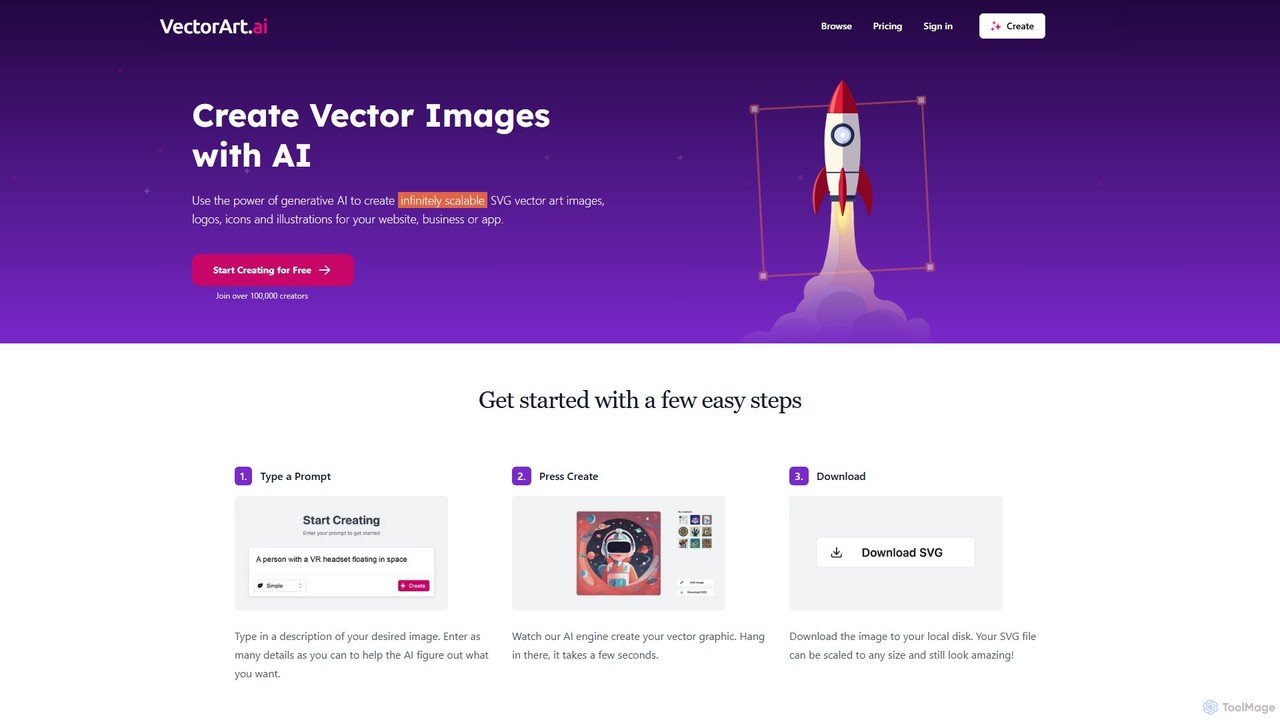
VectorArt.ai is an AI-powered platform that generates high-quality, infinitely scalable SVG vector images, logos, icons, and illustrations from simple text prompts. It's designed for creators, marketers, and developers to produce professional graphics quickly and easily, without needing advanced design skills.

Illustration
Visits 79.4KFavorites 111Likes 127
Imgkits
Freemium

Imgkits

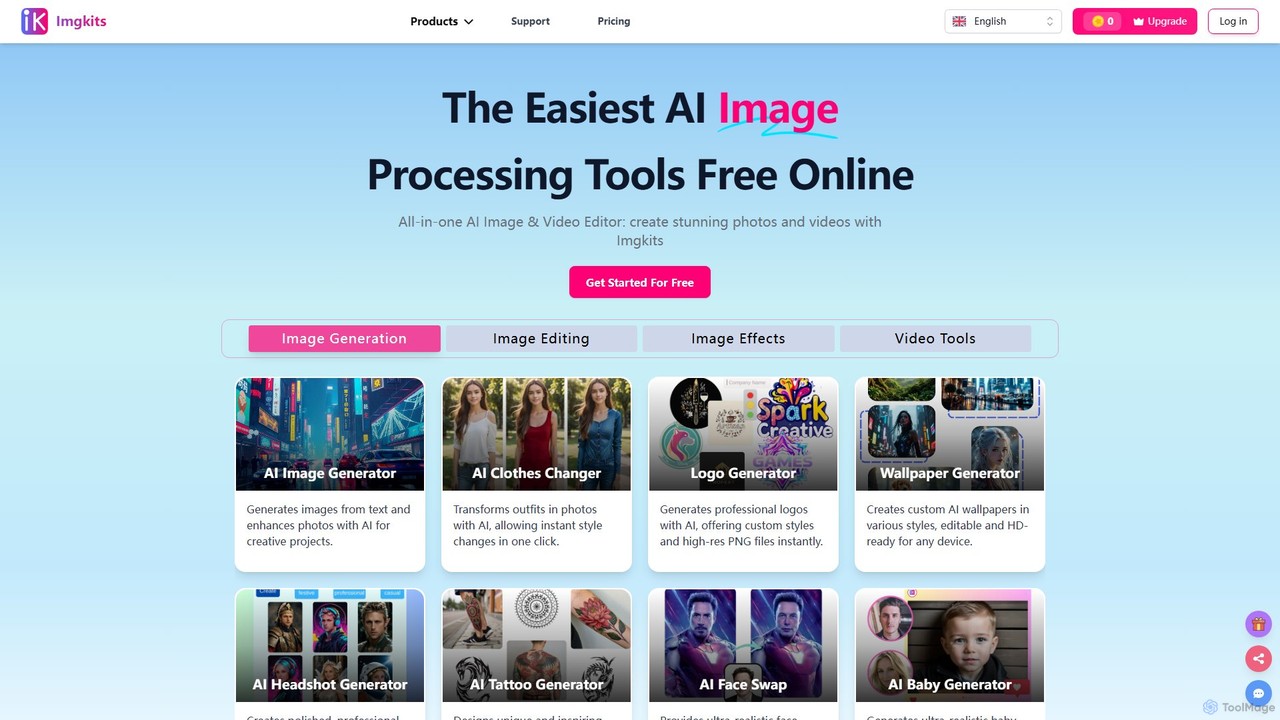
Imgkits is a comprehensive, AI-powered online platform for image and video editing. It offers a wide array of tools, including AI image generation, background removal, photo restoration, object removal, and video creation from text or images. Designed for ease of use, it allows users to create stunning visuals for professional or personal projects without requiring any technical expertise.

Generative Art
Visits 331.8KFavorites 116Likes 123

About Logo Generation

Logo Generation tools are AI-powered platforms that automatically create unique visual identities from user inputs. These tools leverage generative models to interpret text descriptions, style preferences, and industry keywords, producing a wide array of logo concepts in seconds. Their primary value lies in providing rapid, affordable, and accessible branding solutions for startups, small businesses, and individual projects. This technology streamlines the initial design process, enabling users without graphic design skills to visualize and develop a professional brand mark.

Core Features

  • Text-to-Logo Conversion: Generates visual concepts directly from a company name, slogan, and descriptive keywords.
  • Style Customization: Allows users to select styles (e.g., minimalist, modern, classic), color palettes, and font types to guide the AI's output.
  • Industry-Relevant Iconography: Suggests and creates symbols and icons that are contextually appropriate for a specific business sector.
  • Vector & High-Resolution Outputs: Provides professional-grade, scalable vector files (SVG) and high-resolution raster formats (PNG, JPG) for web and print.
  • Instant Variations & Iterations: Creates dozens of unique logo variations simultaneously, allowing for quick comparison and refinement.

Use Cases

These tools are ideal for entrepreneurs and startups needing a foundational brand identity on a tight budget and timeline. Marketing agencies also use them for rapid prototyping of logo concepts for clients. Additionally, freelancers, content creators, and side-hustlers utilize them to establish a professional personal brand for their websites and social media profiles.

How to Choose

When selecting a Logo Generation tool, consider the level of customization and creative control it offers. Evaluate the quality and variety of output formats, ensuring it provides scalable vector files for professional use. It's also crucial to review the terms regarding commercial usage rights and ownership of the final design. Finally, consider whether the tool integrates with a broader brand kit generator for a more comprehensive branding solution.

Logo Generation use cases

1

Rapid Brand Identity for Startups

A new tech startup needs a professional logo to launch its website and social media presence within a week. Instead of a lengthy and costly design process, the founders use an AI Logo Generation tool. They input their company name 'Innovatech', keywords like 'AI, data, future, minimal', and select a blue and grey color scheme. The AI generates over 50 logo options in minutes. They select a clean, abstract mark, customize the font, and download the high-resolution vector files, establishing their brand identity quickly and affordably.

2

Personal Branding for Freelancers

A freelance writer wants to create a personal brand to attract high-value clients. They need a sophisticated logo for their portfolio website, invoices, and LinkedIn profile. Using an AI generator, they input their initials 'JW' and the descriptor 'Content Strategist'. They opt for a modern, text-based logo style with a serif font. The tool provides numerous monogram variations. The writer selects one, adjusts the spacing, and downloads it. This allows them to project a professional and cohesive brand image across all platforms without hiring a designer.

3

Logo Design for E-commerce Stores

An entrepreneur is launching a Shopify store selling organic skincare products. They need a logo that conveys a natural and trustworthy feel. They use an AI Logo Generation tool, inputting the store name 'VerdeBloom' and keywords like 'organic, leaf, clean, gentle'. The AI suggests logos with leaf motifs and a soft green color palette. The owner chooses a design, slightly modifies the layout, and immediately applies it to their storefront, product labels, and Instagram page, creating a consistent brand look from day one.

4

Concept Prototyping for Marketing Agencies

A marketing agency is pitching to a new client in the real estate industry. To showcase their creative direction, they need to present multiple logo concepts quickly. The design team uses an AI generator to produce a wide range of initial ideas. They input prompts like 'Modern real estate logo with a key icon' and 'Luxury property group monogram'. This allows them to generate 10-15 distinct concepts in under an hour, which they can then refine and present to the client, significantly speeding up the initial creative phase and demonstrating their agility.

5

Branding for Side Projects and Hobbies

A software developer has a side project: a mobile app for tracking personal finance. To give the app a more polished look on the app store, they need a logo. With no design budget, they turn to an AI logo tool. They enter the app's name, 'CoinFlow', and select keywords like 'finance, chart, simple, tech'. The tool generates several options featuring abstract charts and coin symbols. They pick one, choose a vibrant green color, and export the required icon sizes for iOS and Android, giving their hobby project a professional facade.

6

Creating Logos for Events and Conferences

An organization is hosting an annual tech conference, 'Future Forward 2024'. They need a distinct logo for this year's event for use on banners, websites, and merchandise. The event coordinator uses an AI logo generator to quickly create options. They input the event name and themes like 'innovation, network, circuits'. The AI produces several dynamic logos. They select one with an abstract circuit board pattern, customize it with the event's color scheme, and have a ready-to-use logo in under 30 minutes, saving time and resources for other event preparations.

Logo Generation FAQ

What are AI Logo Generation tools?

AI Logo Generation tools are software applications that use artificial intelligence, specifically generative models, to automatically create logos. Users provide inputs such as a company name, industry, color preferences, and style keywords (e.g., 'modern', 'minimalist'). The AI then generates a multitude of unique logo designs based on these parameters. These tools are designed to be a fast, cost-effective alternative to traditional design methods, making professional-looking branding accessible to users without design experience.

How to choose the right AI Logo Generator?

Choosing the right AI Logo Generator involves evaluating several key factors. First, assess the quality and uniqueness of the designs it produces. Second, consider the level of customization available; a good tool allows you to fine-tune colors, fonts, and layouts. Third, check the output file formats, ensuring it provides scalable vector files (like SVG or EPS) for professional use. Finally, carefully review the licensing and commercial rights. Ensure you have full ownership and the right to use the logo for all your business needs, including trademarking if necessary.

AI Logo Generator vs. a human graphic designer: what's the difference?

The main differences are speed, cost, and creative process. An AI Logo Generator provides dozens of options instantly at a low cost, making it ideal for initial ideas, tight budgets, or simple branding needs. A human graphic designer offers a strategic, collaborative process. They delve deep into your brand's strategy, target audience, and competitive landscape to create a truly unique and thoughtful design. While AI is a tool for rapid generation, a designer provides expertise, creative direction, and a bespoke solution that AI cannot replicate.

Can I legally use and trademark a logo created by an AI?

This is a complex and evolving area of law. Most AI logo generators grant you full commercial rights to use the logo you create. However, trademarking can be challenging. Copyright and trademark laws in many countries, including the U.S., often require human authorship for a work to be protected. Because the AI plays a significant role in the creation, the logo might not be eligible for trademark protection. It is crucial to read the terms of service of the specific tool you use and consult with a legal professional for advice on trademarking an AI-generated design.

Who are AI Logo Generation tools best suited for?

AI Logo Generation tools are best suited for individuals and organizations that need a professional-looking logo quickly and affordably. This includes:

  • Startups and Small Businesses: For establishing an initial brand identity without a large design budget.
  • Freelancers and Solopreneurs: To create a personal brand for websites, social media, and business cards.
  • Marketers and Agencies: For rapid prototyping of concepts to present to clients.
  • Non-designers: Individuals who need a logo for a side project, blog, or event but lack graphic design skills.
They serve as an excellent starting point for branding or for projects where a custom design process is not feasible.