ToolMage
Sign in

Best 3 Messaging Automation AI tools for Marketing

Popular Messaging Automation AI tools in Marketing include Respond.io, Zoko, and Dispara, helping you work more efficiently.

Zoko
Paid

Zoko

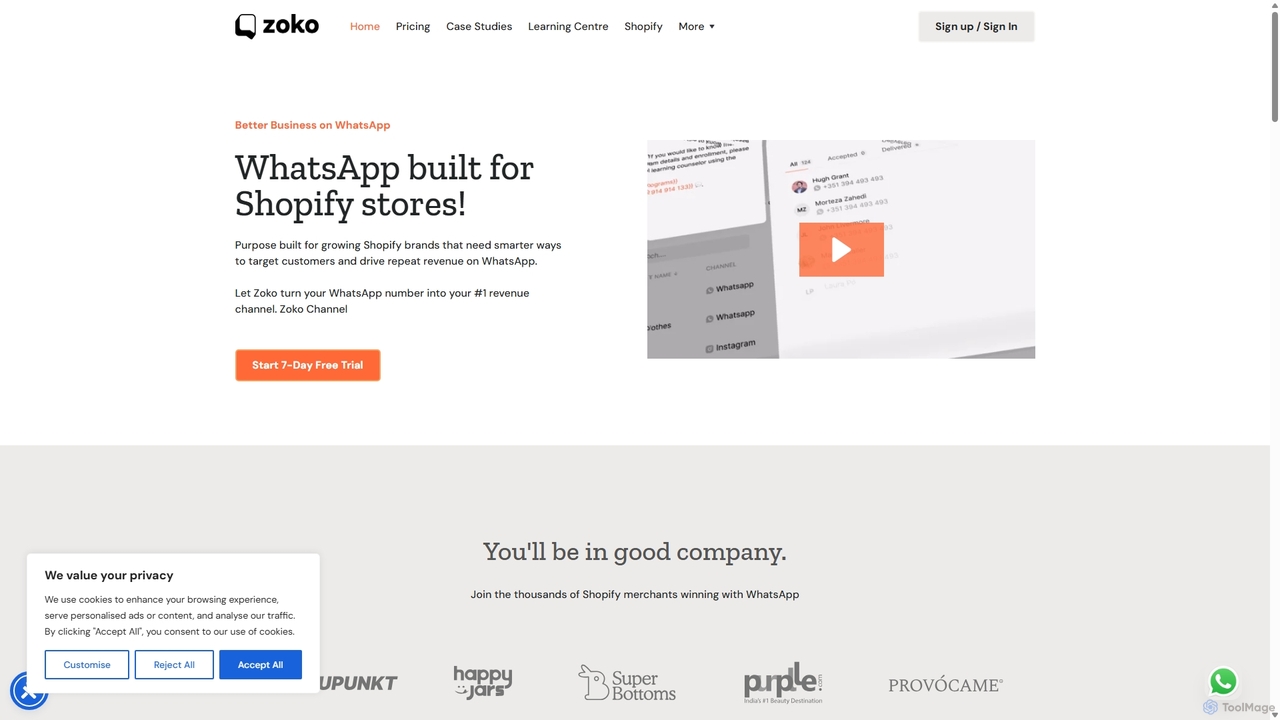
Zoko is a WhatsApp Business Platform that empowers businesses to manage sales, marketing, and customer support through a unified WhatsApp inbox. It leverages the official WhatsApp API to provide features like shared team inboxes, automated e-commerce workflows, broadcast messaging, and detailed analytics, helping companies enhance customer engagement and drive growth.

Live Chat
Visits 402.2KFavorites 150Likes 134
Dispara
Freemium

Dispara

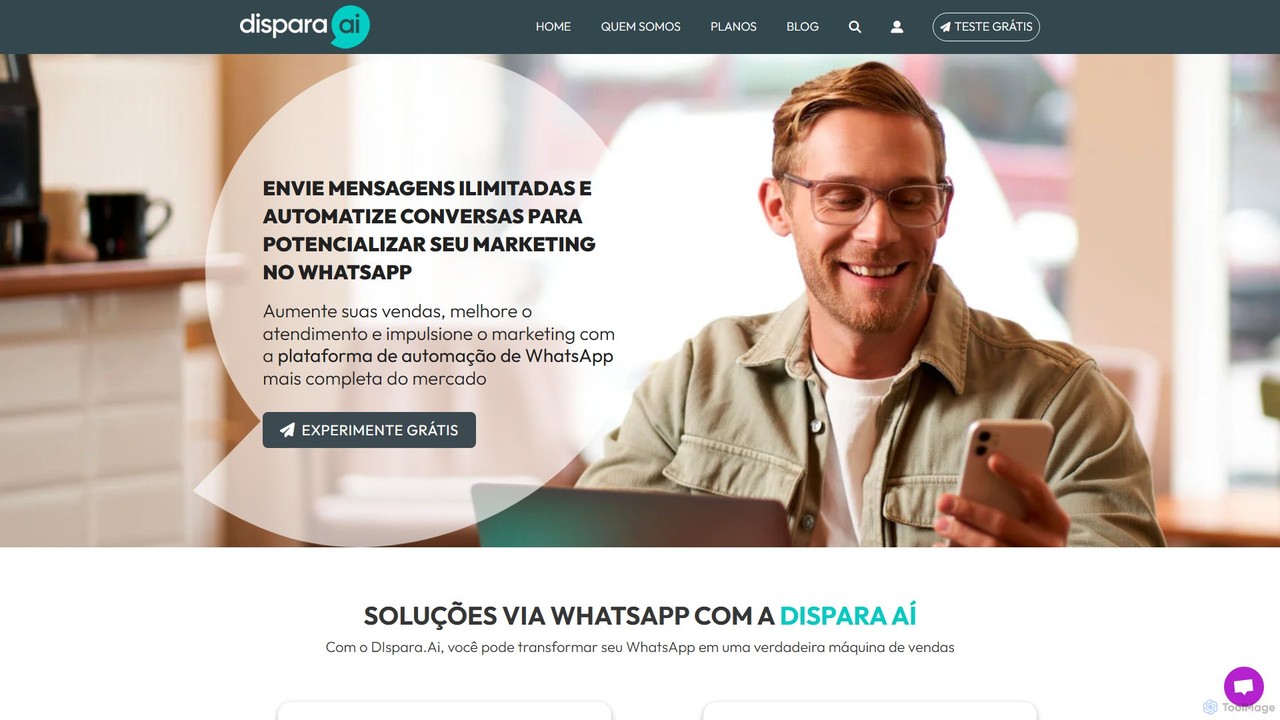
Dispara is a comprehensive WhatsApp automation platform designed to boost sales, marketing, and customer support. It enables unlimited bulk messaging, intelligent chatbots, sales funnel automation, and seamless integration with external systems like ChatGPT, RD Station, and more.

Chatbots
Visits 27.6KFavorites 137Likes 126
Respond.io
Freemium

Respond.io

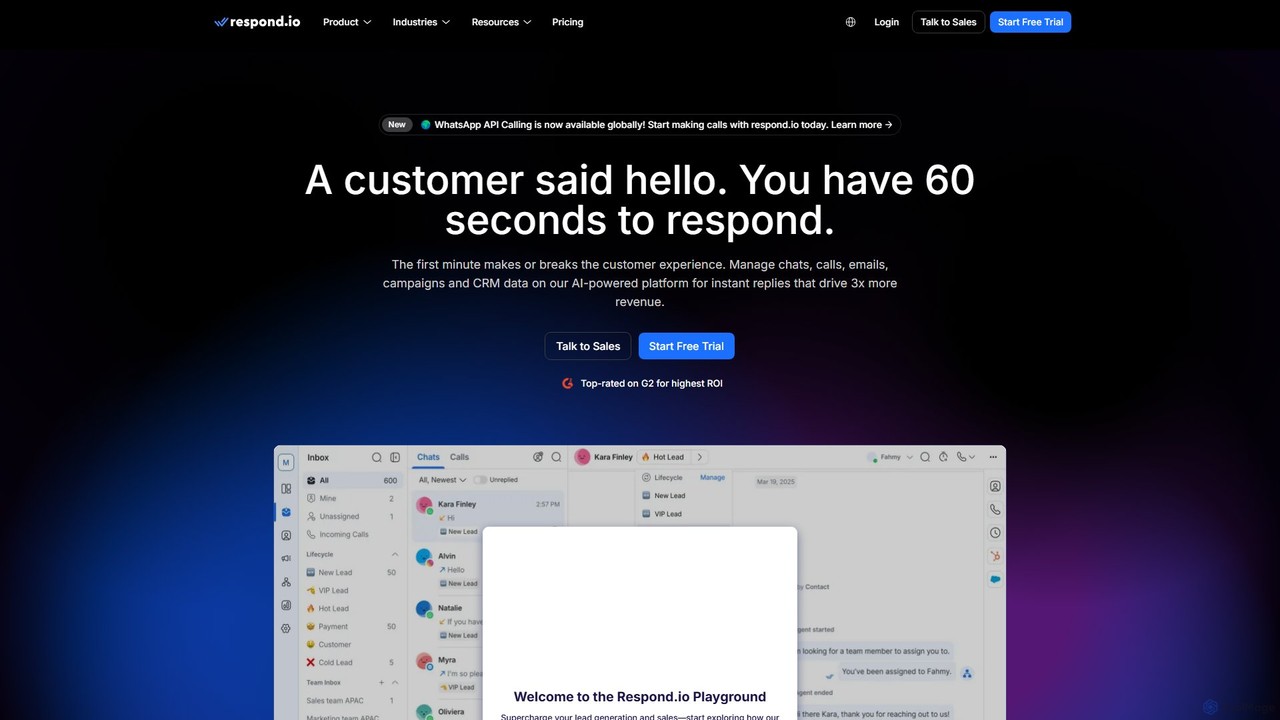
Respond.io is an AI-powered customer conversation management platform that unifies all communication channels like WhatsApp, email, and social media into a single inbox. It helps businesses supercharge lead generation, accelerate sales, and enhance customer support through powerful automation, AI assistance, and seamless CRM integrations. Designed for scalability, it enables teams to manage conversations efficiently, automate workflows, and drive revenue growth by turning every interaction into an opportunity.

Omnichannel
Visits 1.9MFavorites 140Likes 137

About Messaging Automation

Messaging Automation tools are AI-powered platforms designed to automatically manage conversations and send communications across multiple channels. They utilize triggers, pre-defined workflows, and Natural Language Processing (NLP) to deliver personalized messages at scale. This enables businesses to engage customers 24/7, nurture leads, and provide instant support without constant manual intervention. These tools often integrate with CRM and e-commerce systems, covering channels like email, SMS, social media DMs, and website chatbots.

Core Features

  • Omnichannel Inbox: Manage conversations from email, SMS, WhatsApp, and social media in a single, unified dashboard.
  • Visual Workflow Builder: Design automated message sequences using a drag-and-drop interface based on user actions or time delays.
  • AI Chatbot Deployment: Implement intelligent chatbots to answer common questions, qualify leads, and escalate complex issues to human agents.
  • Audience Segmentation: Group users based on behavior, demographics, or purchase history to send highly targeted and relevant messages.
  • Performance Analytics: Track key metrics like open rates, click-through rates, response times, and conversions to measure campaign effectiveness.

Use Cases

Messaging Automation is widely used by e-commerce managers for abandoned cart recovery, customer support teams for triaging inquiries, and SaaS companies for user onboarding. Digital marketing agencies and sales teams also leverage these tools for lead nurturing campaigns and automated follow-ups, ensuring timely and consistent communication throughout the customer journey.

How to Choose

When selecting a Messaging Automation tool, first evaluate its channel coverage to ensure it supports your customers' preferred platforms (e.g., WhatsApp, Instagram). Assess its integration capabilities with your existing CRM or e-commerce software. Consider the complexity of its workflow builder—whether you need simple rule-based triggers or advanced AI-driven logic. Finally, review its analytics features to ensure you can effectively measure ROI.

Messaging Automation use cases

1

E-commerce Abandoned Cart Recovery

An e-commerce manager sets up an automated workflow for customers who add items to their cart but don't complete the purchase. The system automatically sends a sequence of messages: an email reminder after one hour, an SMS with a 10% discount code after 24 hours, and a final follow-up email after three days. This multi-channel approach recaptures lost sales, significantly boosting conversion rates without requiring manual effort from the marketing team.

2

Automated Customer Support Triage

A customer support lead implements an AI chatbot on the company's website and social media pages. The bot instantly engages with visitors, answers frequently asked questions using a knowledge base, and gathers initial information like name, email, and issue type. If the query is complex, the bot automatically creates a support ticket and routes it to the appropriate department (e.g., Sales, Tech Support), including the full chat transcript. This reduces agent workload and provides faster initial response times for customers.

3

SaaS User Onboarding Sequence

A product marketer for a SaaS company designs an automated 14-day onboarding sequence. When a new user signs up, they receive a welcome email with login details. Over the next two weeks, the system sends a series of targeted emails and in-app messages. Each message highlights a key feature, provides a link to a tutorial video, and encourages the user to complete a specific action. This guided experience helps users discover the product's value faster, leading to higher activation rates and lower churn.

4

Automated Appointment Reminders

A clinic administrator uses a messaging automation tool to reduce patient no-shows. The system integrates with their scheduling software. 48 hours before an appointment, it automatically sends an email reminder. 24 hours before, it sends an SMS asking the patient to confirm by replying 'YES' or 'NO'. If the patient replies 'NO' or doesn't respond, the system can automatically notify the front desk to follow up, freeing up the appointment slot. This simple automation significantly decreases missed appointments and administrative workload.

5

Social Media DM Automation for Creators

A social media manager for a popular content creator sets up automated replies for Instagram DMs. They create keyword triggers for common questions. For instance, if a message contains 'link' or 'shop', the bot automatically replies with the creator's Linktree URL. If it contains 'collab' or 'business inquiry', it replies with the manager's business email. This filters the inbox, ensures fans get quick answers, and allows the manager to focus on high-priority conversations and partnership opportunities.

6

Real Estate Lead Nurturing

A real estate agency uses messaging automation to instantly engage with new leads from their website. When a user fills out a 'contact us' form, the system immediately sends them an SMS thanking them and an email with a brochure of relevant properties. Over the next few days, it automatically follows up with emails showcasing testimonials and market insights. If a lead clicks on a specific property link multiple times, the system alerts an agent to make a personal phone call. This ensures no lead goes cold and prioritizes agent time for the most engaged prospects.

Messaging Automation FAQ

What is Messaging Automation?

Messaging Automation is the use of software to automatically send, receive, and manage communications with customers across multiple channels like email, SMS, social media, and web chat. These tools operate based on pre-set rules, triggers (like a user action), or AI-driven conversations. The primary goal is to deliver timely, personalized, and relevant messages at scale, improving efficiency and customer engagement without constant human intervention.

How to choose the right Messaging Automation tool?

When selecting a tool, consider these key factors:

  • Channel Support: Ensure it covers the channels your audience uses most, such as WhatsApp, Instagram DMs, SMS, or email.
  • Integration Capabilities: Check if it connects seamlessly with your existing CRM, e-commerce platform (e.g., Shopify), and other marketing tools.
  • Ease of Use: Evaluate its workflow builder. Is it an intuitive drag-and-drop interface, or does it require technical skills?
  • AI and Personalization: Determine if you need simple rule-based automation or more advanced AI-powered chatbots that understand natural language and can use customer data for deep personalization.
  • Analytics: The tool should provide clear reports on campaign performance, engagement rates, and ROI.
What's the difference between Messaging Automation and Email Marketing tools?

Email Marketing is a subset of Messaging Automation. While traditional email marketing tools focus solely on sending email campaigns (like newsletters and promotions), Messaging Automation platforms take an omnichannel approach. They integrate email with other channels like SMS, website chatbots, and social media DMs (e.g., Facebook Messenger, WhatsApp). Messaging Automation is often more interactive and conversational, designed for two-way communication, whereas many email marketing campaigns are one-way broadcasts.

What are the main benefits of using Messaging Automation?

The primary benefits include:

  • Increased Efficiency: Automates repetitive communication tasks, freeing up human agents to focus on more complex issues.
  • 24/7 Availability: Provides instant responses to customer inquiries at any time of day, improving customer satisfaction.
  • Improved Lead Nurturing: Delivers consistent and personalized follow-ups to guide prospects through the sales funnel effectively.
  • Enhanced Personalization: Uses customer data to tailor messages, making communication more relevant and impactful.
  • Higher Conversion Rates: Engages customers at critical moments, such as during cart abandonment or when they show interest in a product, leading to more sales.
Who should use Messaging Automation tools?

Messaging Automation tools are valuable for a wide range of users and businesses. Key groups include e-commerce stores looking to recover abandoned carts and provide support, SaaS companies aiming to onboard and retain users, and marketing agencies managing campaigns for multiple clients. Additionally, sales teams use them for lead nurturing and follow-ups, while customer support departments leverage them to manage high volumes of inquiries and provide instant answers to common questions.