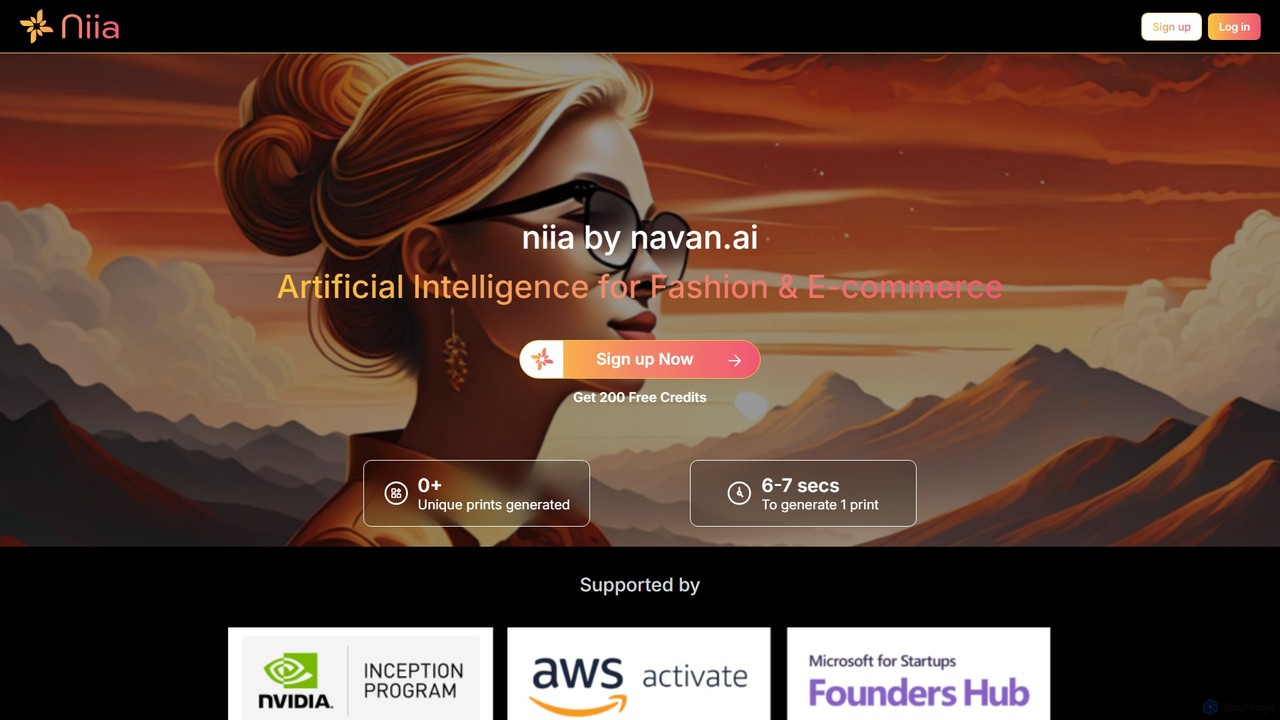
niia
niia is an AI-powered platform for the fashion and e-commerce industry, enabling users to generate unique apparel prints, …
niia is an AI-powered platform for the fashion and e-commerce industry, enabling users to generate unique apparel prints, create realistic 3D mockups, and automate product cataloging. It streamlines the entire process from design conception to online sales.
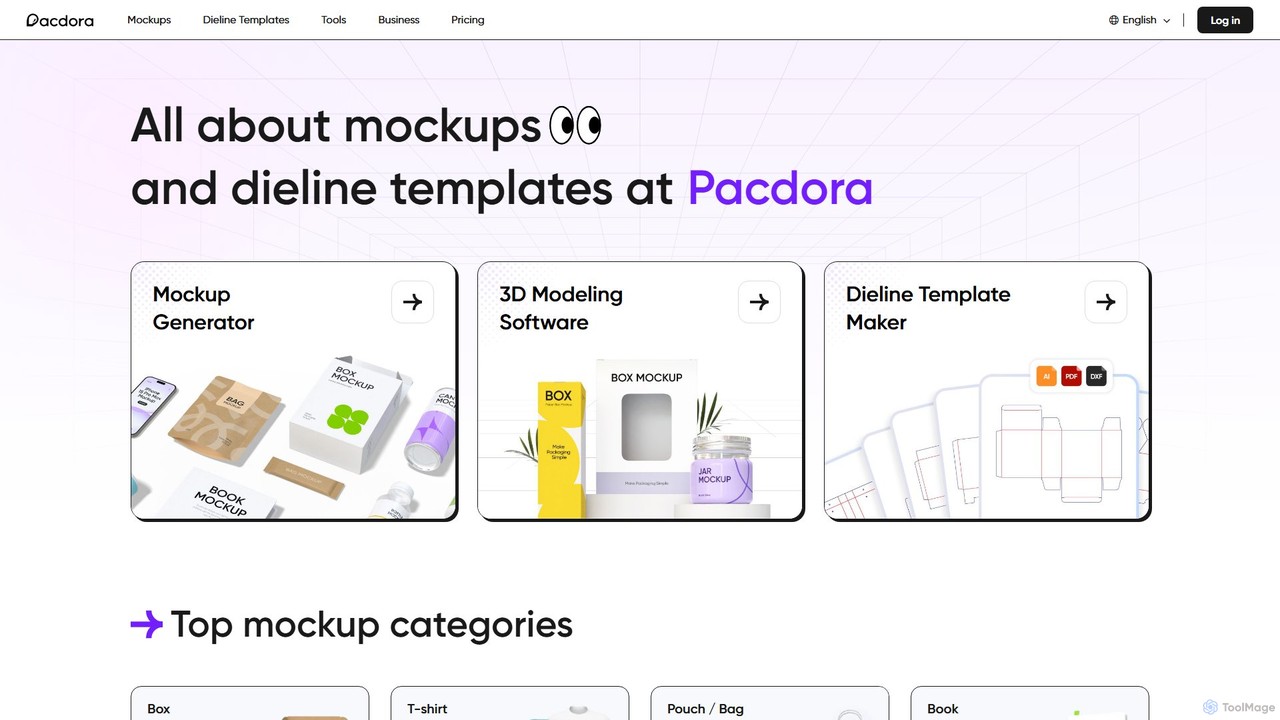
Pacdora
Pacdora is an all-in-one online design platform specializing in 3D mockups, dieline templates, and product visualization. It features …
Pacdora is an all-in-one online design platform specializing in 3D mockups, dieline templates, and product visualization. It features a user-friendly mockup generator, a professional dieline maker, intuitive 3D modeling software, and an AI background generator. Ideal for designers, marketers, and e-commerce businesses, Pacdora simplifies the creation of photorealistic product presentations without requiring complex software or technical skills.
About Product Mockups
Product Mockups are AI-powered tools that generate realistic visual representations of products. These tools leverage advanced AI algorithms to place product images or designs into diverse, lifelike scenes and contexts. They enable designers, marketers, and businesses to visualize products without physical prototypes, significantly accelerating design validation and marketing content creation. This technology offers unparalleled speed and flexibility in showcasing products across various environments and demographics.
Core Features
- AI-Powered Generation: Automatically creates high-fidelity mockups from basic product inputs, saving design time.
- Contextual Scene Integration: Seamlessly places products into a wide array of realistic environments, from lifestyle settings to digital devices.
- Material & Texture Simulation: Renders products with accurate material properties, enhancing visual realism and perceived quality.
- Customization & Branding: Allows for easy adjustment of lighting, shadows, angles, and the addition of logos or text.
- Batch Processing & Variations: Generates multiple mockup versions or processes several products simultaneously, boosting efficiency.
Applicable Scenarios
These tools are invaluable for enhancing e-commerce product listings with engaging visuals, creating diverse content for social media marketing campaigns, and presenting new packaging or branding concepts to clients in a professional manner. They also support internal product concept validation and design iteration.
How to Choose
When selecting an AI product mockup tool, consider the realism and quality of the output, the variety and flexibility of available templates, and the depth of customization options. Evaluate its ease of use, integration capabilities with existing workflows, and the pricing model to ensure it aligns with your budget and technical requirements.
Product MockupsUse Cases
Enhance E-commerce Product Pages
E-commerce managers and online sellers can utilize AI product mockup tools to create visually appealing product images for their online stores. By placing a new skincare product on a realistic bathroom shelf, a t-shirt on diverse models, or a tech gadget in a lifestyle setting, they can generate context-rich visuals. This helps increase conversion rates and customer engagement without the need for expensive and time-consuming physical photoshoots, offering a wide variety of scenes quickly.
Generate Social Media Marketing Content
Social media marketers frequently need fresh, engaging visuals. AI mockup tools allow them to quickly create diverse content for daily posts and ads. For instance, they can generate mockups of a new beverage can in different hands, a book cover on various e-readers, or an app interface on multiple device screens for A/B testing. This ensures a constant stream of relevant visuals tailored for different platforms and audiences, significantly reducing design and production time.
Present Brand Identity and Packaging Designs
Graphic designers and branding agencies can leverage AI product mockup tools to present new logo or packaging designs to clients with high fidelity. By uploading a new logo and applying it to mockups of business cards, stationery, shopping bags, or product packaging (e.g., coffee cups, cosmetic bottles) in realistic environments, they create professional presentations. This helps clients visualize the final product more clearly and make informed decisions, streamlining the approval process and reducing revision cycles.
Showcase App and Website UI/UX
UI/UX designers and software developers can effectively demonstrate app interfaces or website layouts in real-world device contexts. By placing screenshots of a new mobile app onto various smartphone and tablet mockups, or a website design onto laptop and desktop screens, they can showcase user interaction and responsiveness. This creates compelling visual demonstrations of digital products, enhancing portfolio presentations, marketing materials, and stakeholder reviews, making the user experience more tangible.
Visualize Print Advertising Campaigns
Advertising agencies and marketing managers can use AI product mockup tools to visualize how a product or ad creative will look in large-scale print media. By generating mockups of a new ad campaign on bus stops, billboards, magazine pages, or posters in urban settings, they gain realistic previews. This helps evaluate the design's impact, color accuracy, and readability before costly production, ensuring campaigns are optimized for their intended physical environments and audience perception.
Validate Product Concepts and Designs Internally
Product managers and R&D teams can quickly visualize new product concepts for internal feedback and stakeholder alignment. By creating mockups of early-stage product designs (e.g., a new smart home device, a unique bottle shape) in various home or office settings, they can present ideas without physical prototyping. This facilitates faster iteration cycles, clearer communication of design intent, and early identification of potential issues, leading to more efficient product development and decision-making processes.