ToolMage
Sign in

Best 2 Video Generation AI tools for Multimedia Creation

Popular Video Generation AI tools in Multimedia Creation include AI Doc Suite and Wawoo AI, helping you work more efficiently.

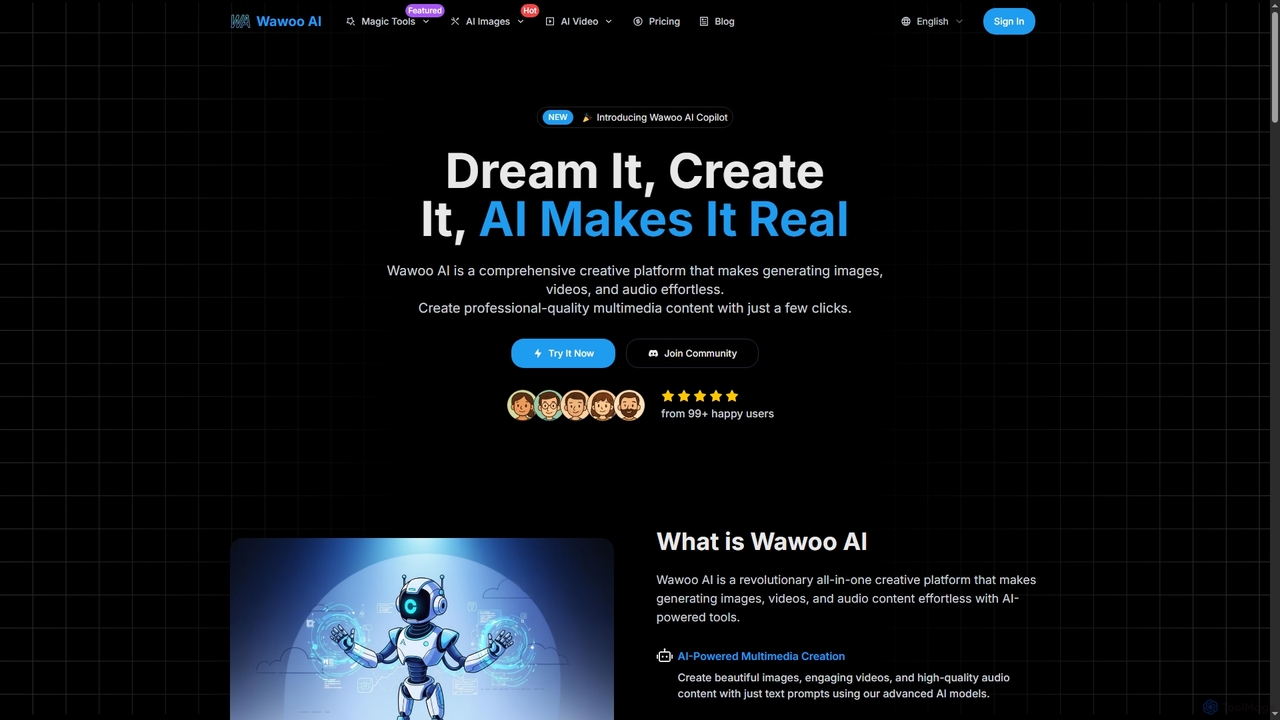
Wawoo AI
Freemium

Wawoo AI

Wawoo AI is an all-in-one creative platform leveraging advanced AI to effortlessly generate professional-quality images, videos, and audio from simple text prompts. It empowers creators of all skill levels to produce stunning multimedia content rapidly, offering features like AI Copilot, multiple AI models, and commercial usage rights.

Digital Art
Visits 6.5KFavorites 120Likes 111
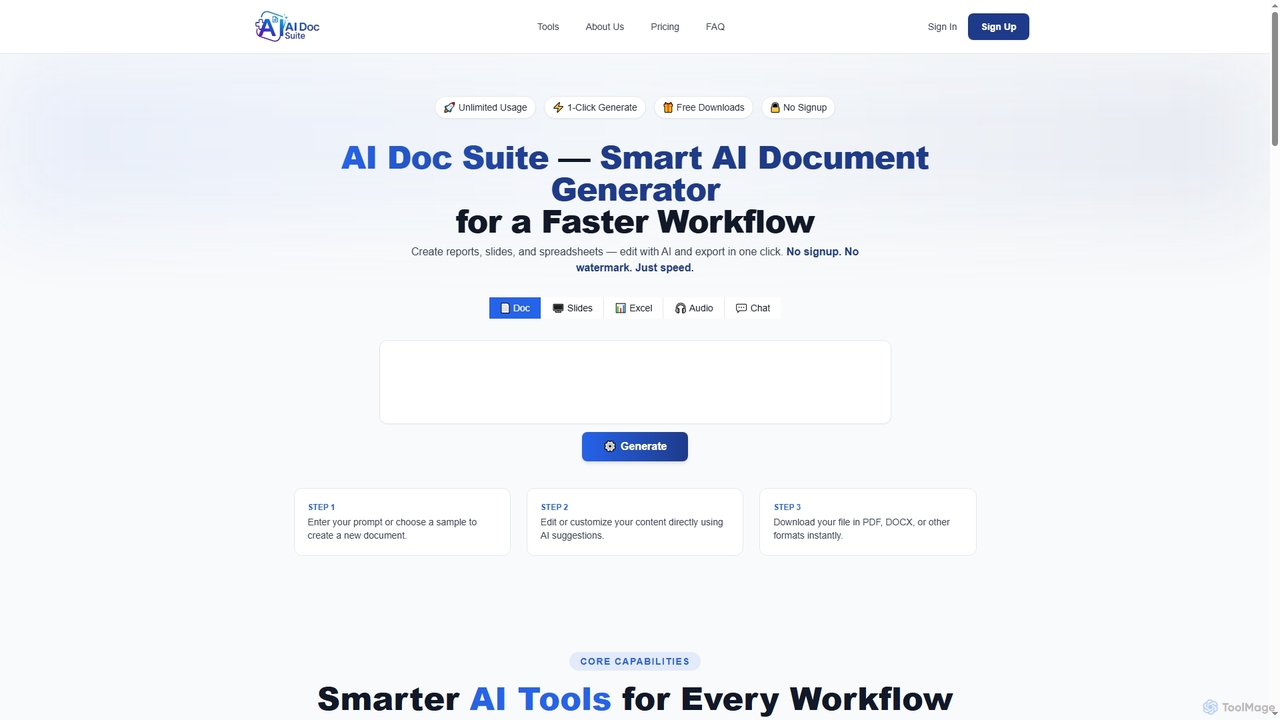
AI Doc Suite
Freemium

AI Doc Suite

AI Doc Suite is an advanced, browser-based AI workspace for creating, editing, and converting professional documents, slides, spreadsheets, audio, images, and videos. It streamlines content generation with intelligent automation and customizable templates, offering a comprehensive solution for various creative and business needs.

Document Sharing
Visits 13.8KFavorites 105Likes 111

About Video Generation

Video Generation tools are AI-powered platforms that automatically create videos from various inputs like text, images, or audio. Leveraging advanced generative AI and deep learning, these tools transform simple prompts into dynamic visual narratives, significantly democratizing video production. They enable users to rapidly produce high-quality video content for diverse purposes, from marketing to education, without extensive technical skills or equipment.

Core Features

  • Text-to-Video Conversion: Transforms written scripts or prompts into complete video clips with scenes, characters, and voiceovers.
  • Image-to-Video Animation: Animates static images or sequences of images, adding motion, transitions, and effects to create dynamic videos.
  • Audio-to-Video Synchronization: Generates lip-synced avatars or visualizers from audio inputs, ideal for podcasts or virtual presenters.
  • Customizable Templates & Styles: Offers a range of pre-designed templates and artistic styles to quickly create professional-looking videos.
  • Automated Editing & Post-production: Handles tasks like scene cutting, music integration, and subtitle generation automatically.

Use Cases

These tools are widely adopted by content creators, marketers, educators, and small businesses. They are particularly useful for generating social media ads, explainer videos, personalized marketing campaigns, and e-learning modules.

How to Choose

When selecting a video generation tool, consider its input flexibility (text, image, audio), output quality and resolution, customization options for style and branding, and the availability of specific features like voice synthesis or avatar creation. Evaluate the pricing model based on your usage volume and the ease of integration with your existing content workflows.

Video Generation use cases

1

Creating Social Media Video Ads

Marketers can input ad copy and product images to generate multiple short, engaging video ads for platforms like Instagram or TikTok, testing different variations quickly. This allows for rapid A/B testing and optimization of campaigns, significantly reducing production time and costs while increasing engagement rates by up to 30%.

2

Producing Explainer Videos for Products/Services

Startups and businesses can transform product descriptions and feature lists into animated explainer videos, simplifying complex concepts for potential customers. By automating the animation and voiceover process, companies can launch new products with compelling visual explanations in a fraction of the time, leading to a 20% increase in product understanding and inquiries.

3

Generating Personalized Marketing Campaigns

E-commerce brands can use customer data (e.g., name, recent purchases) to dynamically generate unique video messages for individual customers, enhancing engagement and conversion rates. This hyper-personalization can lead to a 5x higher click-through rate compared to generic video content, fostering stronger customer relationships and driving sales.

4

Developing E-learning Content & Tutorials

Educators and trainers can convert lesson plans or text-based tutorials into engaging video lectures with virtual presenters and animated visuals, improving learning retention. This allows for the rapid creation of accessible and interactive educational materials, potentially reducing content development time by 70% and enhancing student engagement.

5

Rapid Prototyping for Film & Animation

Filmmakers and animators can quickly visualize script ideas or storyboards by generating rough video drafts, accelerating the pre-production phase. This allows for rapid iteration on visual concepts, character movements, and scene compositions, saving weeks of manual animation work and enabling more creative exploration before full production begins.

6

Automating News & Content Summaries

Media outlets can automatically convert news articles or blog posts into short video summaries with AI-generated voiceovers and relevant visuals, expanding content reach. This enables publishers to quickly adapt long-form content for video-first platforms, increasing audience engagement by 40% and reaching new demographics who prefer video consumption.

Video Generation FAQ

What are AI Video Generation tools?

AI Video Generation tools are software applications that use artificial intelligence, primarily generative AI and deep learning, to create video content automatically. They can transform various inputs like text, images, or audio into complete videos, often including scenes, characters, voiceovers, and music. These tools significantly reduce the time and resources traditionally required for video production.

How do AI Video Generation tools work?

AI Video Generation tools typically work by taking user inputs (e.g., text prompts, scripts, images, audio files) and processing them through complex AI models. These models analyze the input, generate corresponding visual elements, animate them, synthesize speech, and combine all components into a coherent video. Some tools use pre-trained models, while others allow for fine-tuning based on specific styles or data.

What is the difference between AI Video Generation and traditional video editing?

AI Video Generation focuses on creating new video content from scratch using AI algorithms, often with minimal manual input. Traditional video editing, conversely, involves manipulating and assembling existing video footage, images, and audio. While AI generation automates much of the creative process, traditional editing offers precise control over every detail. Many modern workflows combine both for optimal results.

Who can benefit from using Video Generation tools?

A wide range of users can benefit, including content creators, digital marketers, small business owners, educators, and corporate communicators. Anyone needing to produce video content quickly, at scale, or without extensive video production skills will find these tools invaluable for tasks like social media marketing, e-learning, product explainers, and personalized outreach.

What should I look for when choosing an AI Video Generation tool?

Key factors include the types of inputs supported (text, image, audio), the quality and realism of the generated video output, the range of customization options (styles, avatars, voice types), and the ease of use. Also consider pricing, integration capabilities with other platforms, and the availability of features like multi-language support or advanced animation controls.