AITable.ai
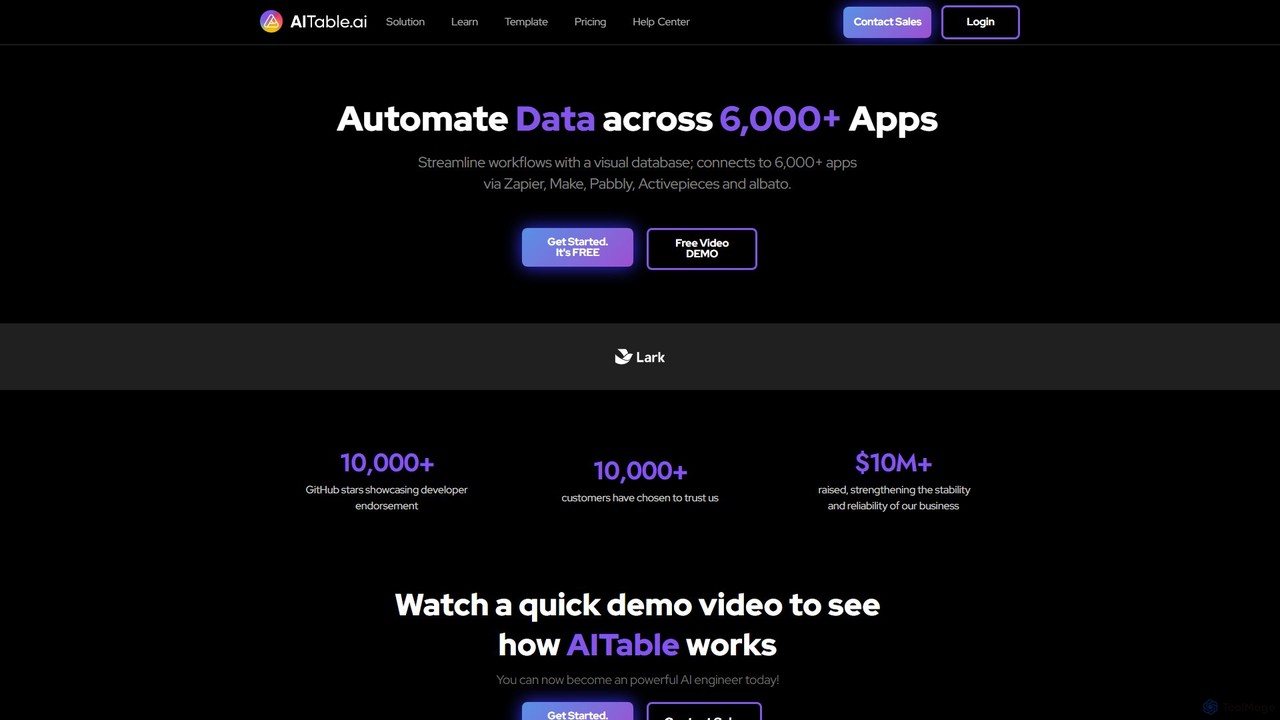
AITable.ai is a visual, AI-powered database and workflow automation platform. It combines a spreadsheet-like interface with robust database …
AITable.ai is a visual, AI-powered database and workflow automation platform. It combines a spreadsheet-like interface with robust database capabilities, allowing users to organize any data, automate repetitive tasks, and build custom AI agents. It integrates with over 6,000 apps via platforms like Zapier and Make, making it a powerful no-code solution for CRM, project management, and business operations.
TestSprite
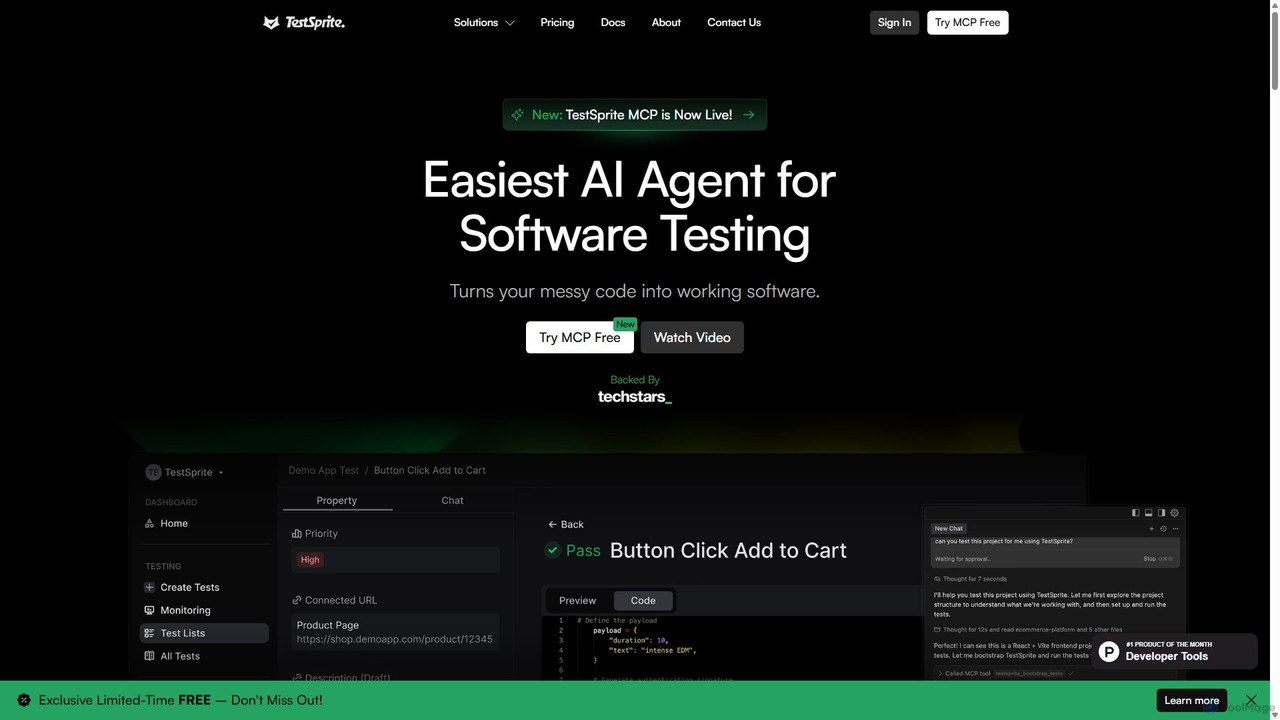
TestSprite is an AI-powered test automation platform designed to streamline UI and visual regression testing. It helps development …
TestSprite is an AI-powered test automation platform designed to streamline UI and visual regression testing. It helps development and QA teams accelerate their testing cycles, improve accuracy, and reduce maintenance overhead with intelligent, self-healing tests and a codeless interface.
doubleo
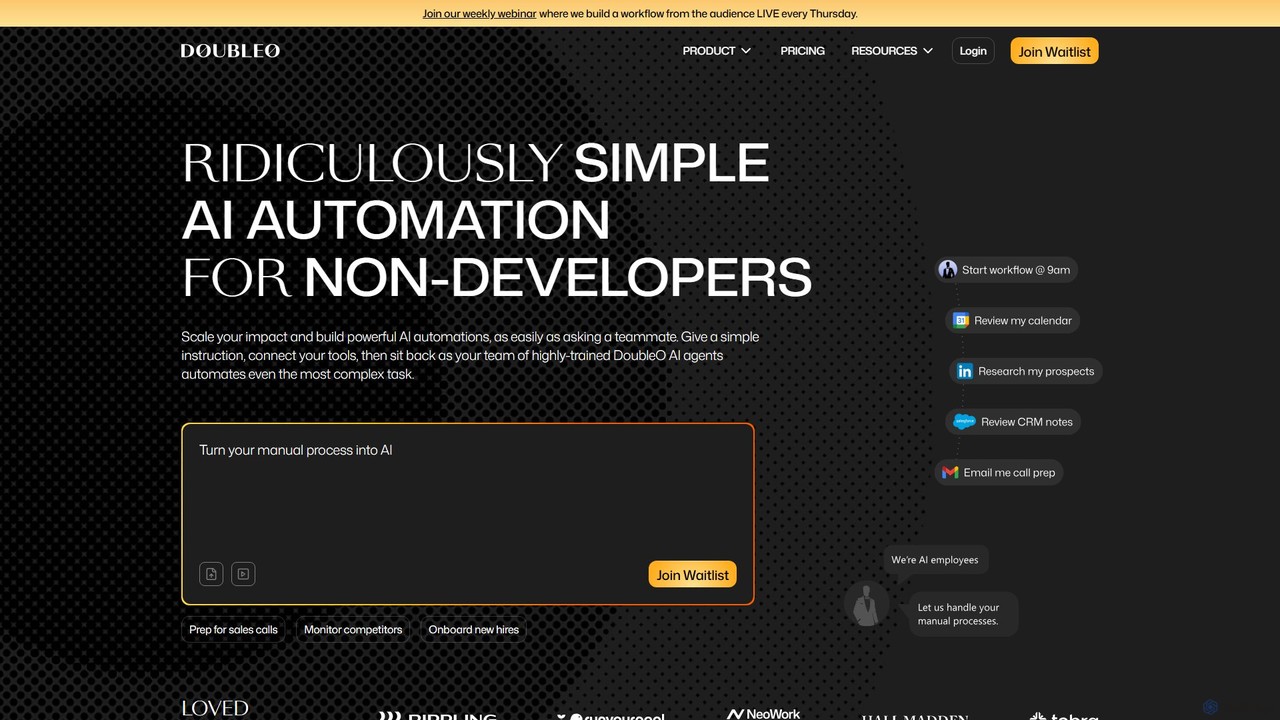
doubleo is an AI automation platform designed for non-developers. It allows users to build powerful, multi-step automations by …
doubleo is an AI automation platform designed for non-developers. It allows users to build powerful, multi-step automations by giving simple natural language instructions. The platform assembles a team of specialized AI agents to execute complex tasks across various tools, streamlining workflows in sales, marketing, operations, and product development without any coding required.
Docket
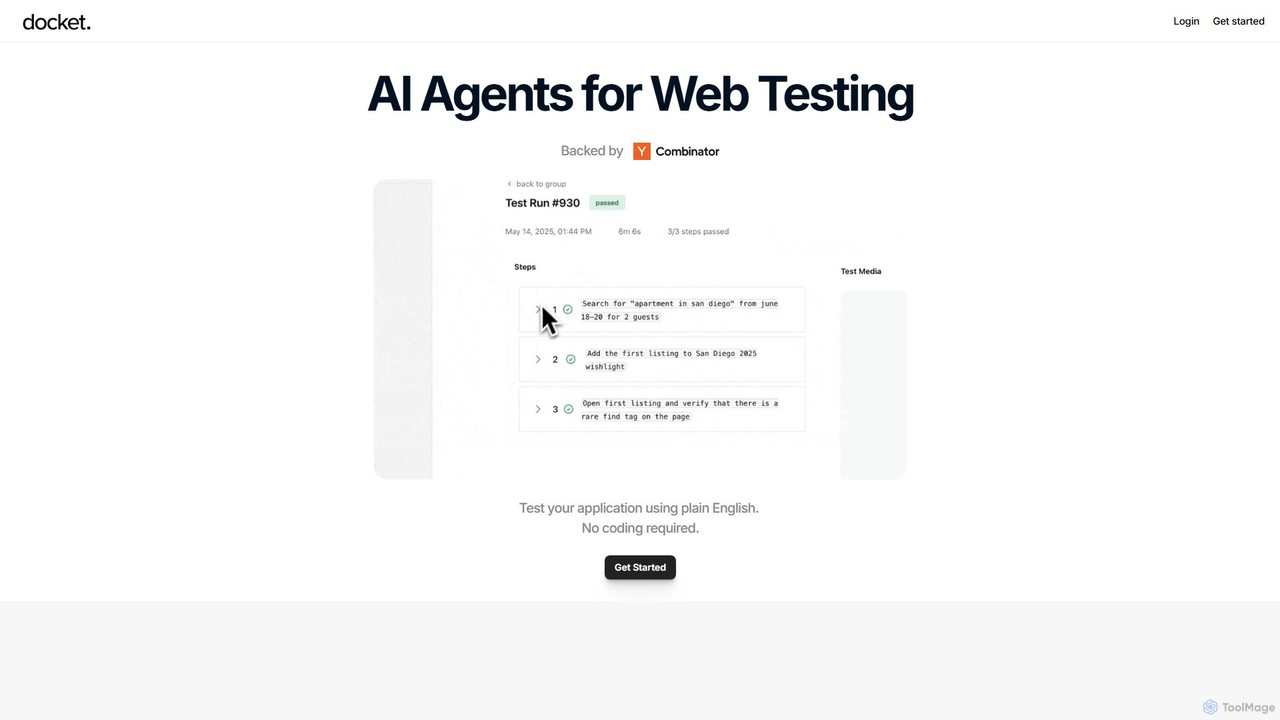
Docket is an AI-powered testing platform that uses intelligent agents to automate web application testing. It allows teams …
Docket is an AI-powered testing platform that uses intelligent agents to automate web application testing. It allows teams to create, maintain, and run tests using natural language, eliminating the need for complex code and brittle selectors. It visually interacts with applications, just like a human user.
About Automation
AI Automation tools are a class of no-code and low-code platforms designed to connect different applications and automate complex workflows. These tools use Application Programming Interfaces (APIs) and AI models to create sequences of actions that run automatically based on specific triggers. They empower users to build sophisticated process automations without writing any code, handling everything from simple data transfers to intricate, multi-step operational sequences. This approach significantly reduces manual effort and minimizes the potential for human error in repetitive business processes.
Core Features
- Visual Workflow Builder: An intuitive drag-and-drop interface for designing, visualizing, and managing automation sequences (workflows).
- Extensive App Integration: A large library of pre-built connectors that allow seamless integration with thousands of popular SaaS applications and services.
- AI-Powered Actions: The ability to incorporate AI models for tasks like text analysis, data extraction, decision-making, and content generation within a workflow.
- Conditional Logic and Branching: Tools to create dynamic workflows with multiple paths (branches) that execute based on specific conditions and data inputs.
- Real-time Monitoring and Logging: Dashboards and logs for tracking workflow execution, identifying errors, and debugging automation performance.
Use Cases
AI Automation tools are widely used across various departments. Marketing teams use them to automate lead nurturing campaigns and social media management. Sales operations rely on them to sync data between CRMs and other tools, route leads, and automate follow-ups. HR departments automate employee onboarding and offboarding processes, while finance teams use them for invoice processing and report generation.
How to Choose
When selecting an AI Automation tool, first evaluate its integration library to ensure it supports the applications critical to your business. Consider the complexity of workflows you need to build; some tools excel at simple linear tasks, while others support complex branching logic. Assess the platform's AI capabilities and whether they align with your needs, such as data parsing or sentiment analysis. Finally, analyze the pricing model, which is often based on the number of tasks or operations executed per month, to ensure it aligns with your usage volume.
AutomationUse Cases
Automated Customer Support Ticket Triage
A customer support manager for an e-commerce company uses an AI automation tool to manage incoming support emails. The workflow is triggered whenever a new email arrives in the support inbox. An AI model analyzes the email's content to determine its category (e.g., 'Billing Inquiry', 'Return Request', 'Technical Issue') and sentiment (e.g., 'Urgent', 'Neutral'). Based on this analysis, the workflow automatically adds a corresponding tag in the helpdesk software (like Zendesk), assigns it to the appropriate support agent or department, and sends an automated reply to the customer confirming receipt. This process reduces manual sorting time by over 90% and ensures urgent issues are prioritized immediately.
Intelligent Sales Lead Routing and Enrichment
A sales operations manager implements an automation workflow for new leads from their website's contact form. When a form is submitted, the tool captures the lead's email address. It then uses an enrichment service (like Clearbit) to find additional information, such as company size and industry. Next, AI-powered conditional logic routes the lead to the correct salesperson based on territory and industry specialization. Finally, the workflow creates a new deal in the CRM (like Salesforce), assigns it to the salesperson, and sends a notification to a dedicated Slack channel. This ensures leads are actioned within minutes, not hours, and are assigned to the team member best equipped to handle them.
Automated Social Media Content Curation and Scheduling
A content marketer sets up an automation to streamline their social media presence. The workflow monitors several industry news RSS feeds. When a new article is published, the tool's AI component generates a concise summary and suggests three relevant hashtags. The marketer then receives a notification in Slack with the proposed post for approval. Once approved with a single click, the automation schedules the post to be published across LinkedIn, Twitter, and Facebook at optimal times. This system transforms hours of daily manual work into a few minutes of review, ensuring a consistent and relevant flow of content to their audience.
Automated Invoice Processing and Data Entry
An accounts payable clerk for a small business uses an automation tool to process vendor invoices. The workflow starts when a new invoice PDF is received in a specific email inbox. The tool uses AI-powered Optical Character Recognition (OCR) to extract key information like invoice number, date, vendor name, and total amount. It then validates this data against existing purchase orders in their accounting software (like QuickBooks). If everything matches, it creates a bill payment record and archives the PDF in a designated cloud storage folder. If there's a discrepancy, it flags the invoice and notifies the clerk for manual review. This automates a tedious data entry task, reducing errors and payment delays.
Streamlining HR Employee Onboarding
An HR manager uses an automation platform to create a consistent onboarding experience for new hires. When a candidate is marked as 'Hired' in the applicant tracking system (ATS), a workflow is triggered. It automatically: 1) Creates user accounts in Google Workspace, Slack, and Asana. 2) Enrolls the new hire in the company's payroll system. 3) Sends a welcome email with first-day information and required paperwork. 4) Schedules a series of orientation meetings on their calendar. 5) Assigns a 'Day 1 Onboarding' task list to the new hire and their manager in Asana. This ensures no steps are missed and allows the HR team to focus on the human aspect of onboarding rather than administrative tasks.
Syncing Customer Data Across Multiple Platforms
A marketing operations specialist needs to ensure customer data is consistent across their CRM (Salesforce), email marketing platform (Mailchimp), and customer support tool (Intercom). They build an automation that triggers whenever a contact's details are updated in Salesforce. The workflow then automatically finds the corresponding user in Mailchimp and Intercom and updates their information, such as name, email, or subscription status. If a user unsubscribes in Mailchimp, the automation updates a custom field in Salesforce to reflect this, preventing accidental marketing emails. This creates a single source of truth for customer data and ensures compliance with communication preferences.